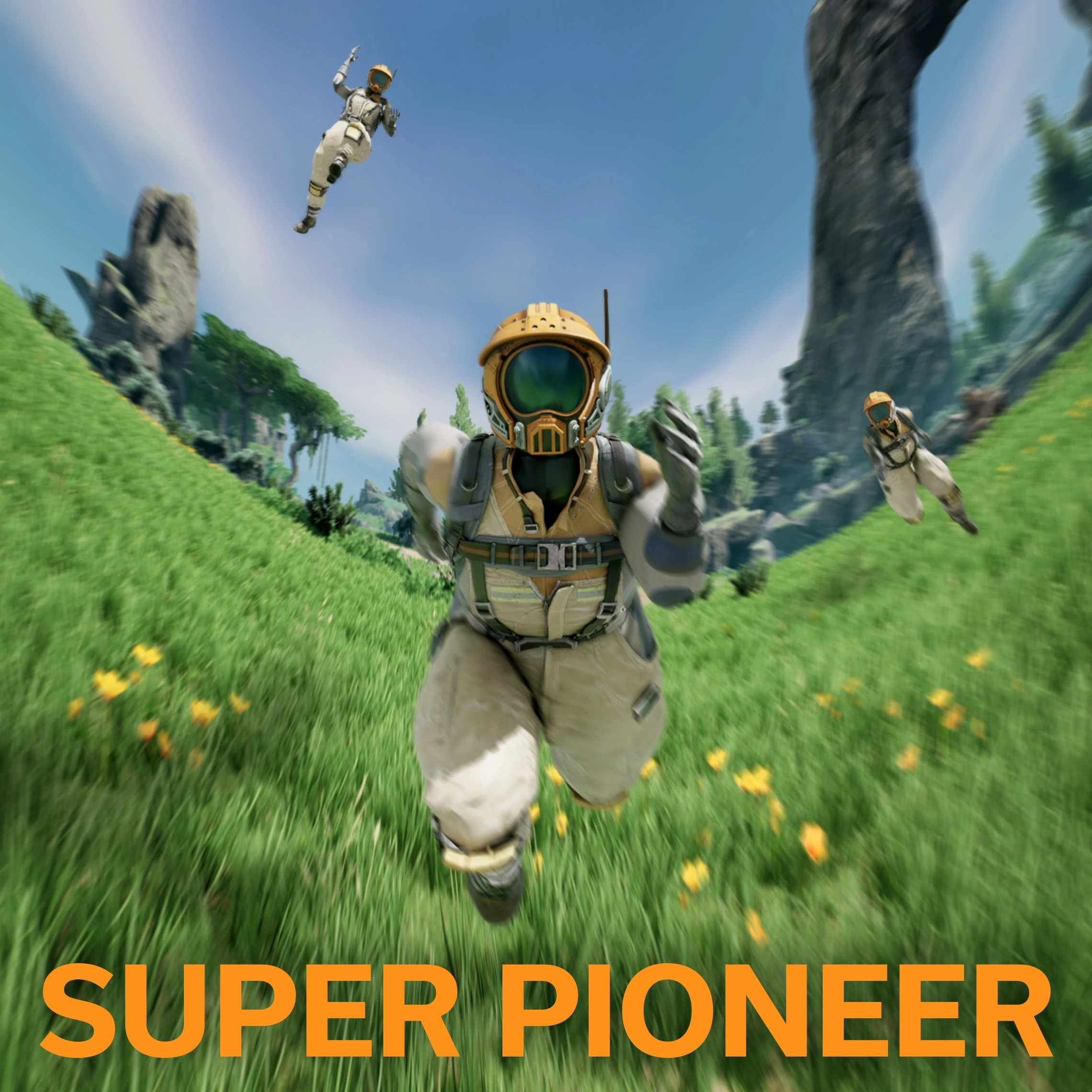
Super Pioneer
A super-powered player movement mod. Sprint at the speed of sound and jump over mountains!
Description
A super-powered player movement mod. Sprint at the speed of sound and jump over mountains!
---
Features
🏃♀️ Super Sprint
Hold down the Super Sprint key (Caps Lock by default) to sprint _REAL_ fast.
🦘 Super Jump
Hold down the jump button to charge your jump, then release it to jump super high!
👞 Ground Slam
While in the air and looking downwards, press the crouch button to rocket yourself towards where you're aiming!
🔧 Customization
Features can be heavily customized (or disabled) from the in-game menu: Pause Menu → Mod Configs → SuperPioneer<img src="https://github.com/chriscavalluzzi/SuperPioneer/raw/main/Media/config.png" style="width:465px;height:360px;" >
🌐 Multiplayer & Dedicated Servers
Multiplayer and dedicated servers are supported. Movement and animations look pretty good, and each player can have their own individual settings.
---
Installation
1. If you haven't already, download and install [Satisfactory Mod Manager](https://github.com/satisfactorymodding/SatisfactoryModManager/releases/latest).2. In the mod manager, search for Super Pioneer and install it. You can also go to the mod's page on [Satisfactory Mod Repository (SMR)](https://ficsit.app/mod/SuperPioneer) and go to Versions → Install.
3. If you're going to be playing in multiplayer sessions, make sure everyone has the mod installed (both host and clients, including dedicated servers).
---
Known Issues
- By default, Super Sprint is initially bound to the Caps Lock key. Some systems (due to hardware or software conflicts) are unable to send Spacebar inputs while Caps Lock is being held, which prevents the ability to jump while Super Sprinting. As a workaround, you can change the Super Sprint keybinding at: Options → Keybindings → Super Sprint---
Reporting
Please report any problems by opening an issue on [the project's GitHub](https://github.com/chriscavalluzzi/SuperPioneer)!Versions
How to Install Super Pioneer on Your Server
Order Satisfactory Server
Order a Satisfactory server with at least 4 GB RAM (6 GB recommended). For multiplayer: per 4 players.
Install Mod
Open the mod manager in the dashboard and search for "Super Pioneer". Installation dependencies are installed automatically.
Restart Server
Restart the server so the mod is loaded. Players need to have the mod installed locally as well.
Frequently Asked Questions
Super Pioneer not working after update – what to do?
After a Satisfactory update, mods need to be updated. Check ficsit.app whether Super Pioneer has been updated for the new game version. With Mado Hosting: open the mod manager and click "Update All". If the mod hasn't been updated yet, temporarily remove it so the server starts.
Super Pioneer causing crashes in multiplayer – solution
Most common cause: all players must have exactly the same mod version installed. Check server logs for "ModMismatch" or "Version Conflict". Ensure all players use Super Pioneer v2.1.7 and the same SML. With Mado Hosting, Satisfactory servers run with 6 GB RAM for stable multiplayer performance.
Is Super Pioneer compatible with other Satisfactory mods?
Super Pioneer uses the Satisfactory Mod Loader (SML). Generally, SML-based mods are cross-compatible, but mods modifying the same game systems can cause conflicts. Test new mod combinations on a backup save. The Mado dashboard automatically detects known conflicts and warns you.
Rent Super Pioneer Server
Play Super Pioneer on your own Satisfactory server with mod support.
Mod Information
- Author
- chriscavalluzzi
- Latest Version
- v2.1.7
- Created
- March 6, 2023
- Last Updated
- October 7, 2026
- Source Code
- GitHub →