Underground Belts
Before installing, check that this mod release supports your dedicated server and game version. A ficsit.app listing alone does not establish compatibility.
Installation and verification
- Read the original description, check SML version and dependencies and back up your save.
- Stop the server and choose the mod in your dashboard’s Satisfactory mods section. Verify source and version.
- Install required client mods in compatible versions. Start the server and inspect logs, connection and mod-dependent content.
Removal and updates may affect saves. Keep a backup of the working combination. Memory needs cannot reliably be inferred from one mod’s name.
Published releases
- 3.0.33 · Game version >=502094 · SML check project
Published targets: LinuxServer, Windows, WindowsServer
- 3.0.32 · Game version >=502094 · SML check project
Published targets: LinuxServer, Windows, WindowsServer
- 3.0.31 · Game version >=502094 · SML check project
Published targets: LinuxServer, Windows, WindowsServer
- 3.0.30 · Game version >=502094 · SML check project
Published targets: LinuxServer, Windows, WindowsServer
- 3.0.29 · Game version >=502094 · SML check project
Published targets: LinuxServer, Windows, WindowsServer
Original mod author description

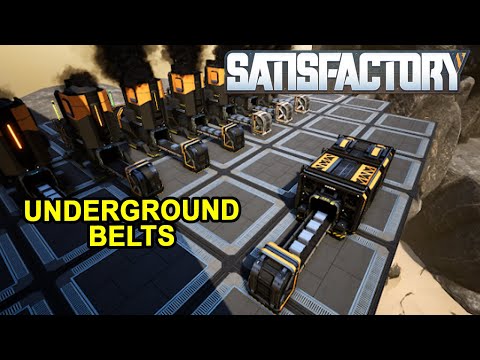
Underground Belts
Efficiently manage your item flow and declutter your factory floor with flexible underground logistics.
PS: The 3 old versions of the Underground Belt are still available to build.



How to Use (New Networks)
Place Input → Place Output (or vice versa). The link is created automatically.
1. Place all desired Outputs first.
2. Place the single Input last.
1. Place all desired Inputs first.
2. Place the single Output last.
Advanced Management
Adding to Existing Networks: Build an Input/Output, interact to make it Active, then interact again to select your group.


Honest note: Underground logistics can be a lifesaver for clean factory builds. Enjoy the extra space!
♥ I'm having a lot of fun making these mods! I hope you're enjoying them more than they make you angry! :)
AQUILA INDUSTRIAL // EXTERNAL MODDING DIVISION