
BetterF3
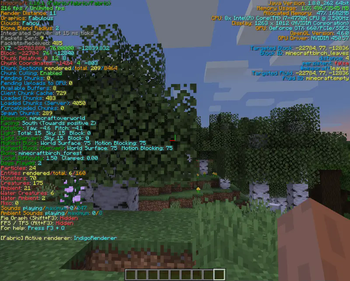
BetterF3 is a mod that replaces Minecraft's original debug HUD with a highly customizable, more human-readable HUD.
Screenshots
About this Mod
BetterF3

BetterF3 is a mod that replaces Minecraft's original debug HUD with a highly customizable, more human-readable HUD. You can customize colors, position, add spacings, and more.
Dependencies
Fabric
- Optionally: ModMenu to access the options menu
- Included: Cloth Config to use F3 + M
Forge
- Highly Recommended: Cloth Config to use F3 + M
Features
Each line is part of a Module, you can:
- Change the colors of each module
- Change the position of each module
- Add and delete modules, as well as add spacings between them
- Disable individual lines of a module, or disable the whole module
- Add a shadow to the text rendered (Activated by default)
- Change the color of the background behind all lines
- Animations for opening/closing (with configurable speeds)
Translations
This mod has been translated into multiple languages. Add or update your own language on Crowdin
Development Builds
The latest builds can be found here.
Configuration
Downloading Cloth Config allows you to press F3 + M in game to edit the F3 menu.
Screenshots and Videos
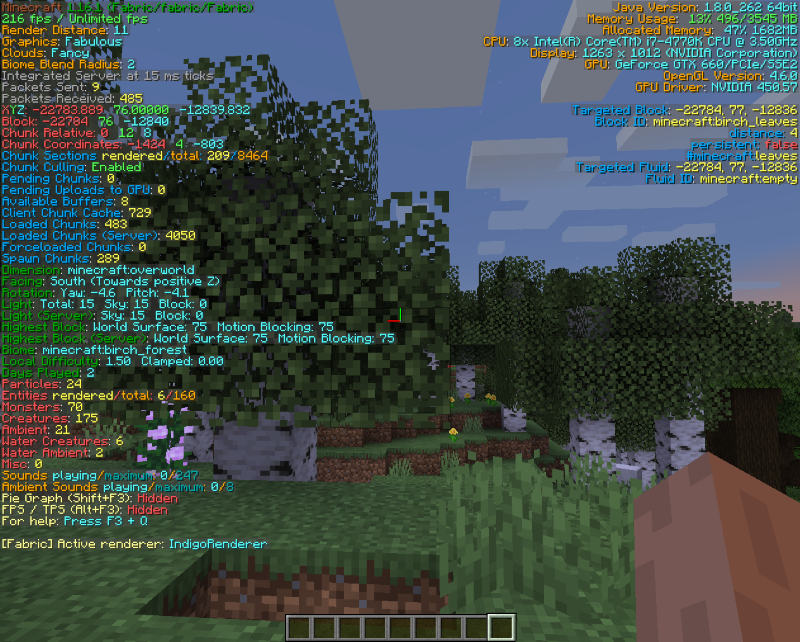
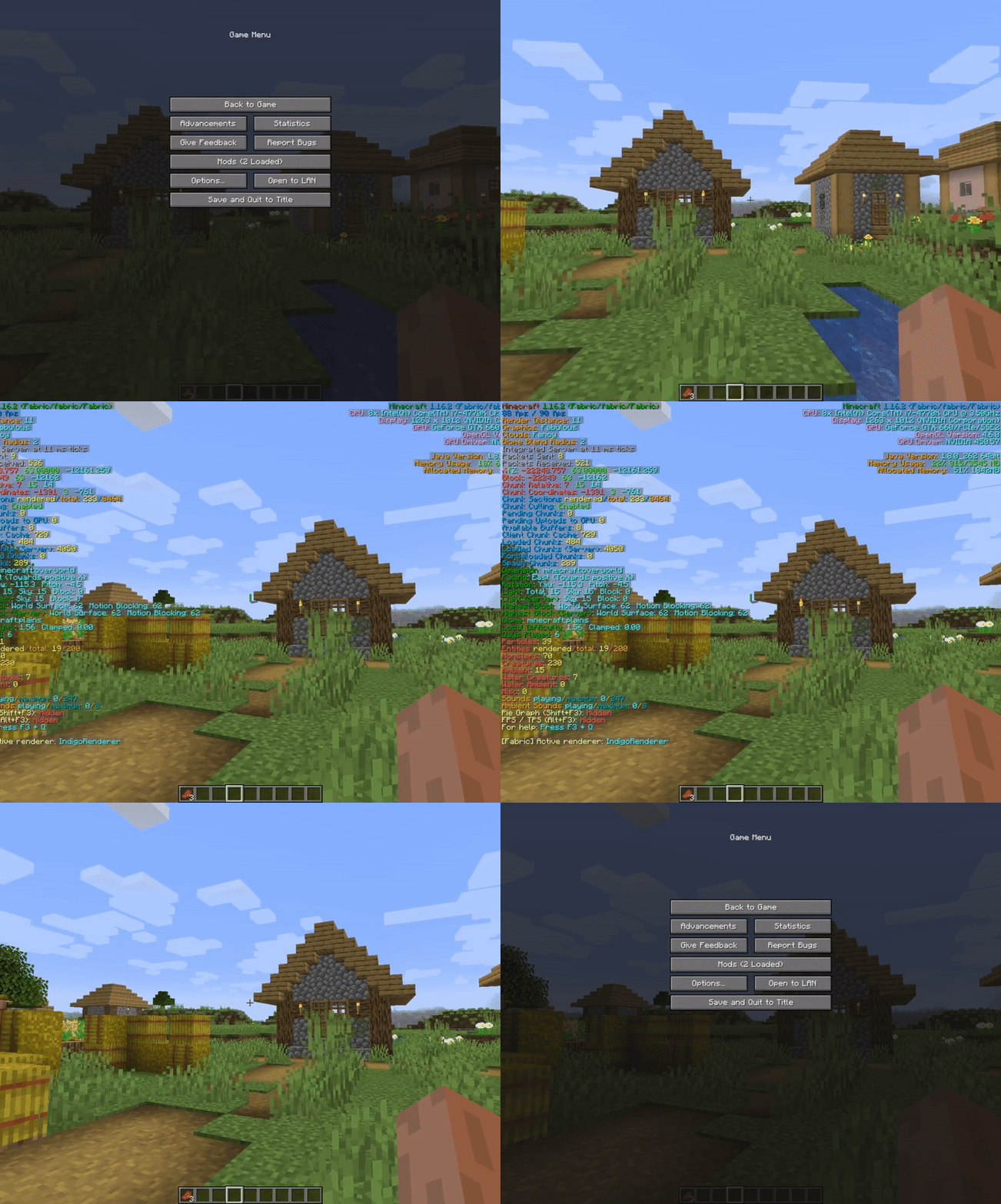
Video by AntVenom
Video by Boodlyneck
Thanks to @Nirewen for the icon.
Post any issues on the GitHub Issues tab
Available Versions
How to Install BetterF3 on Your Client
Install the Mod Loader Locally
Install fabric for your local Minecraft version.
Download the Matching File
Choose the BetterF3 file for fabric and Minecraft 26.3.
Install Mod
Place the .jar file in your local .minecraft/mods folder and restart Minecraft. No server-side installation is required.
Compatibility
Mod Loaders
Minecraft Versions
26.3, 26.2, 26.1.2 (+43 more)
Server-side
✗ UnsupportedRecommended RAM
4 GB(min. 3 GB)Frequently Asked Questions
Does BetterF3 need to be installed on the Minecraft server?
No. Modrinth marks BetterF3 as unsupported on the server side. Install it only in your local Minecraft mods folder. Your server can remain unchanged unless the mod page lists an additional dependency.
Which version and loader does BetterF3 require?
Use a file for fabric, forge, neoforge, quilt and your exact Minecraft version. Supported versions include 26.3, 26.2, 26.1.2. Files for different loaders are not interchangeable.
BetterF3 is not working – what should I check?
First check the Minecraft version, loader version and required dependencies. Put the .jar file in your local .minecraft/mods folder and remove older duplicates. Because this mod is client-side, adding server RAM will not fix it.
Similar Mods

![[ETF] Entity Texture Features](https://cdn.modrinth.com/data/BVzZfTc1/af683d206d50b05258d865b0d6e4aa2f2cee12f2_96.webp)
![[EMF] Entity Model Features](https://cdn.modrinth.com/data/4I1XuqiY/6e5bbd0d06b1741bfdab6c0cfab6de8fdaf0064c_96.webp)



Minecraft Server for Your Group
BetterF3 stays on your client. Host a compatible world for your group.