
Create: Blocks & Bogies
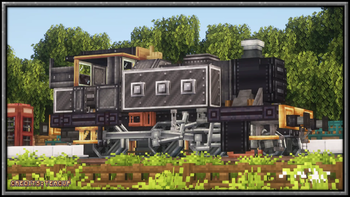
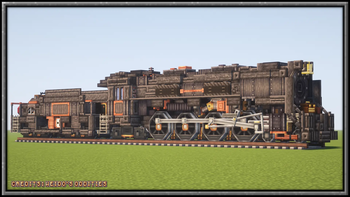
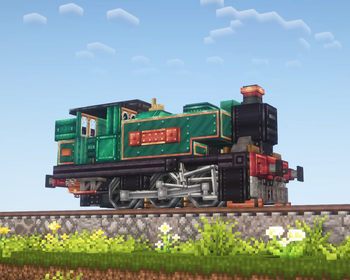
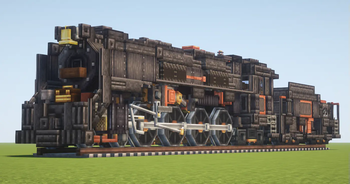
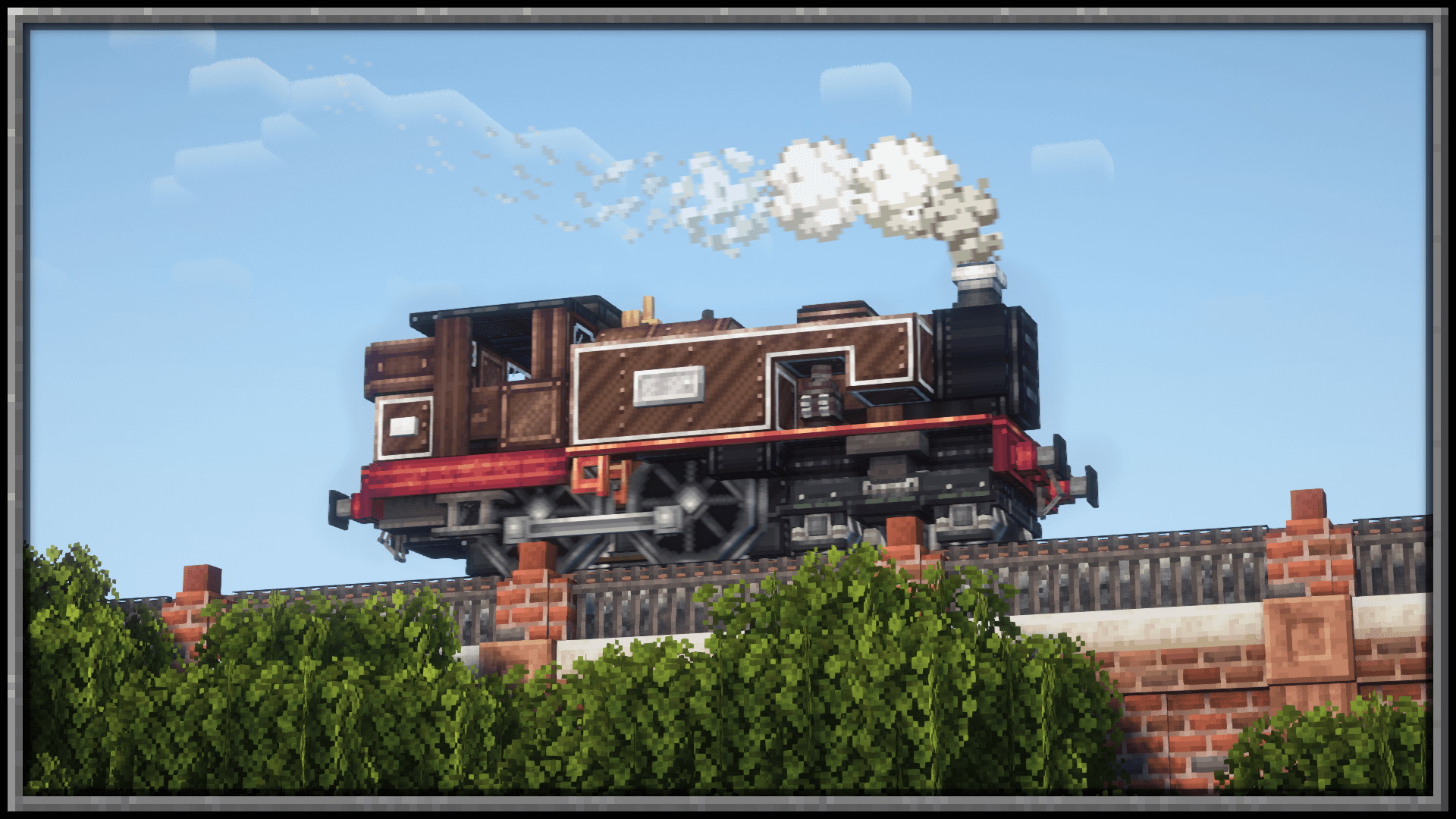
Adds larger train bogies with (and without) valve gear, and more
Screenshots

Über diese Mod

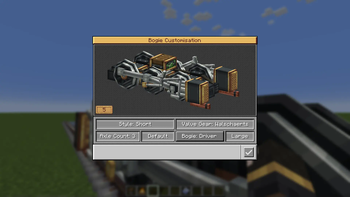
A Create addon that adds an abundance of different bogie styles to choose from, adding a selection UI to allow for fine tuning to the users style preference.
Interactive Bogie Customisation UI
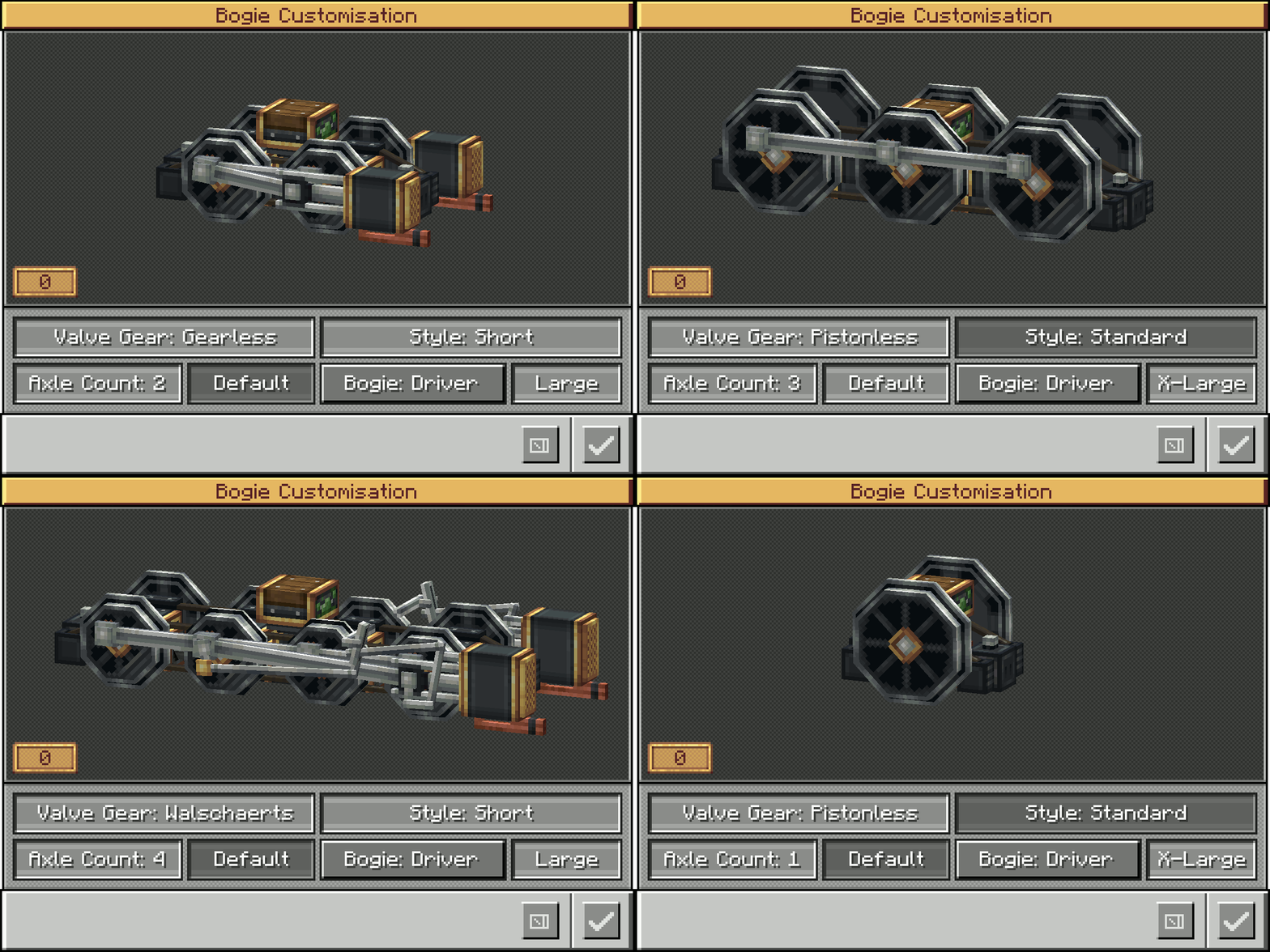
Bogie Configuration Options Include:
- Walschaerts, Gearless, Pistonless, Rodless, Scotch Yoke Drivers
- Single axle up to 5 (Extra Large drivers) or 6 (Large drivers)
- Standard Small Truck Bogies (1 axle up to 5)
- Trailing Small (1 axle up to 4)
- With more to come...
Frequently Asked Questions:
"Do I need Steam n Rails as well?"
No, this mod doesn't require SNR to function, though you will still need Create 6.0+"Will there be a 0.5.1 port?"
No - Too much was changed internally, trying to port this mod to 0.5.1 would give us brain aneurisms :)”Will you add narrow/broad gauge bogies?”
No - narrow and broad gauge are Steam n Rails territory, and as such will not be added to BnB"How do I open the bogie menu?"
Hold Crouch and right click the bogie block with an empty hand

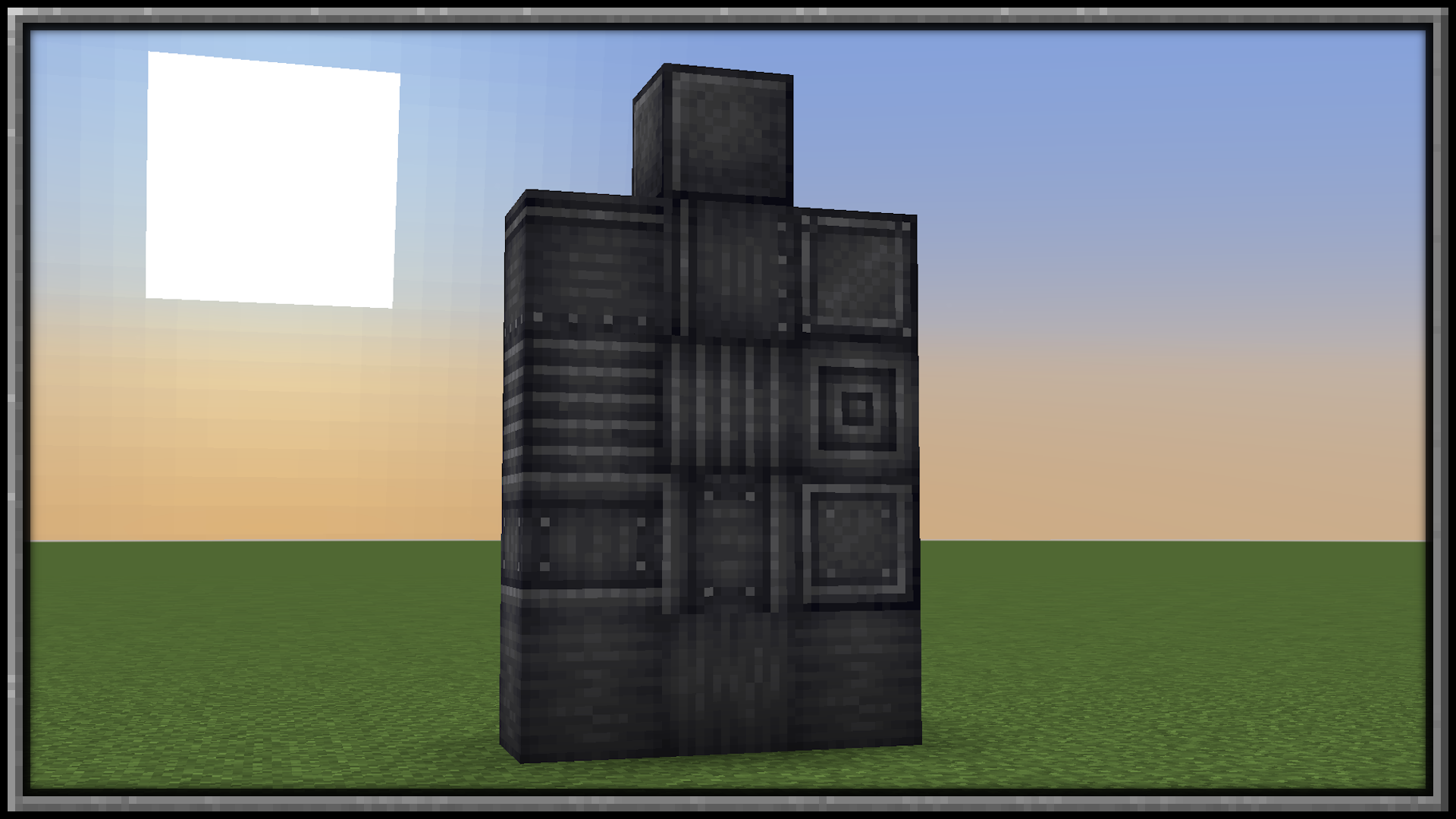
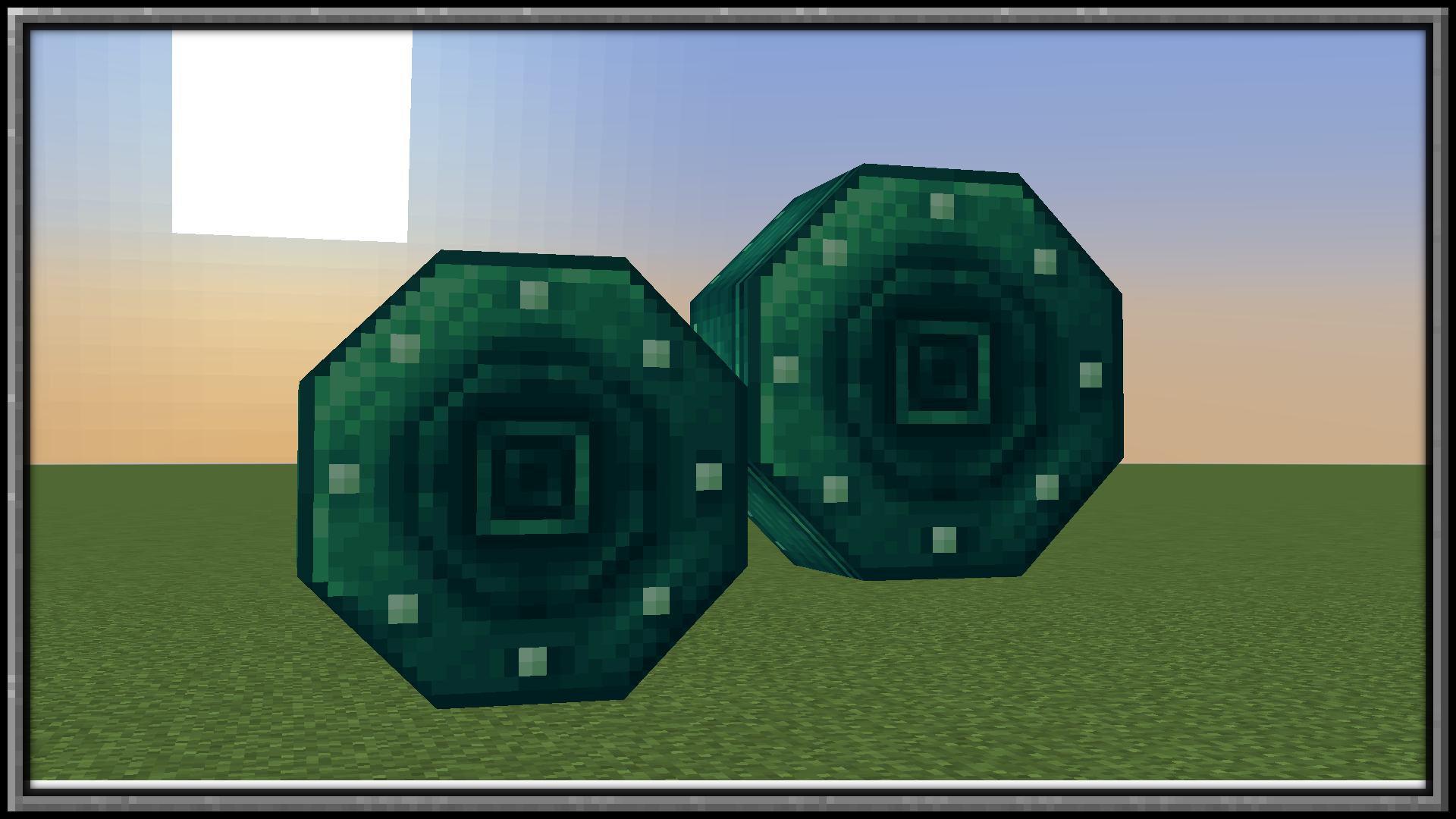
Want some building materials?
Check out Pretty In Pink!
Verfügbare Versionen
Create: Blocks & Bogies auf dem Server installieren
Server bestellen
Bestelle einen Minecraft Java Server mit mindestens 4 GB RAM (6 GB empfohlen).
forge Loader setzen
Wähle im Panel unter "Egg" den forge-Loader und die passende Minecraft-Version (1.21.1).
Mod installieren
Öffne den Mod-Browser im Dashboard und suche nach "Create: Blocks & Bogies". Klicke "Installieren" – fertig! Alternativ: Lade die .jar via SFTP in den /mods Ordner.
Kompatibilität
Mod-Loader
Minecraft-Versionen
1.21.1, 1.20.1
Server-seitig
✓ ErforderlichEmpfohlener RAM
6 GB(min. 4 GB)Häufige Fragen
Create: Blocks & Bogies Server crasht beim Start – was tun?
Häufigste Ursache: falsche forge-Version oder zu wenig RAM. Prüfe im Server-Log (latest.log), ob ein "OutOfMemoryError" oder "Mixin"-Fehler auftritt. Bei Mado Hosting: Stelle sicher, dass mindestens 4 GB RAM zugewiesen sind und der Loader zur Mod-Version passt (1.21.1). Über das Panel kannst du den Loader mit einem Klick wechseln.
Ist Create: Blocks & Bogies mit forge und neoforge kompatibel?
Create: Blocks & Bogies unterstützt offiziell forge, neoforge für Minecraft 1.21.1, 1.20.1. Im Mado Dashboard werden inkompatible Loader-Kombinationen automatisch erkannt.
Server laggt mit Create: Blocks & Bogies – wie optimiere ich die Performance?
Empfohlener RAM: 6 GB (+1 GB pro 5 Spieler). Prüfe mit /spark profiler, ob Create: Blocks & Bogies den meisten Tick-Time verbraucht. Häufige Fixes: Server-View-Distance auf 8-10 reduzieren, bei Forge "performant" oder "starlight" als Zusatz-Mod installieren. Bei Mado Hosting läuft dein Server auf NVMe-SSDs mit dedizierten CPU-Kernen für minimale Latenz.
Ähnliche Mods

![[ETF] Entity Texture Features](https://cdn.modrinth.com/data/BVzZfTc1/af683d206d50b05258d865b0d6e4aa2f2cee12f2_96.webp)
![[EMF] Entity Model Features](https://cdn.modrinth.com/data/4I1XuqiY/6e5bbd0d06b1741bfdab6c0cfab6de8fdaf0064c_96.webp)



Modded Server mieten
Installiere Create: Blocks & Bogies mit nur einem Klick auf deinem Server.
Details
- Lizenz
- GNU Lesser General Public License v3.0 only
- Server-seitig
- Erforderlich