
Create: Blocks & Bogies
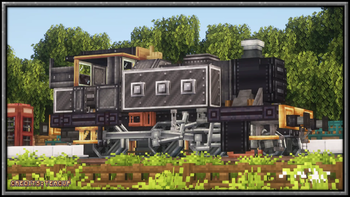
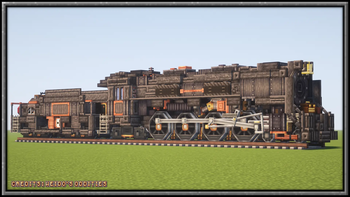
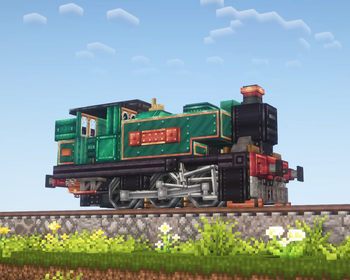
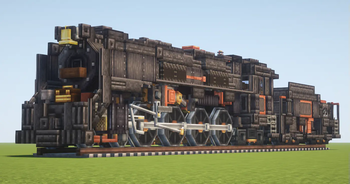
Adds larger train bogies with (and without) valve gear, and more
Screenshots

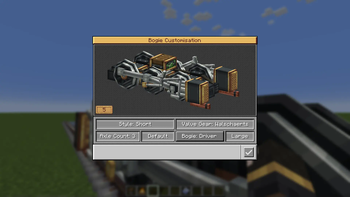
About this Mod

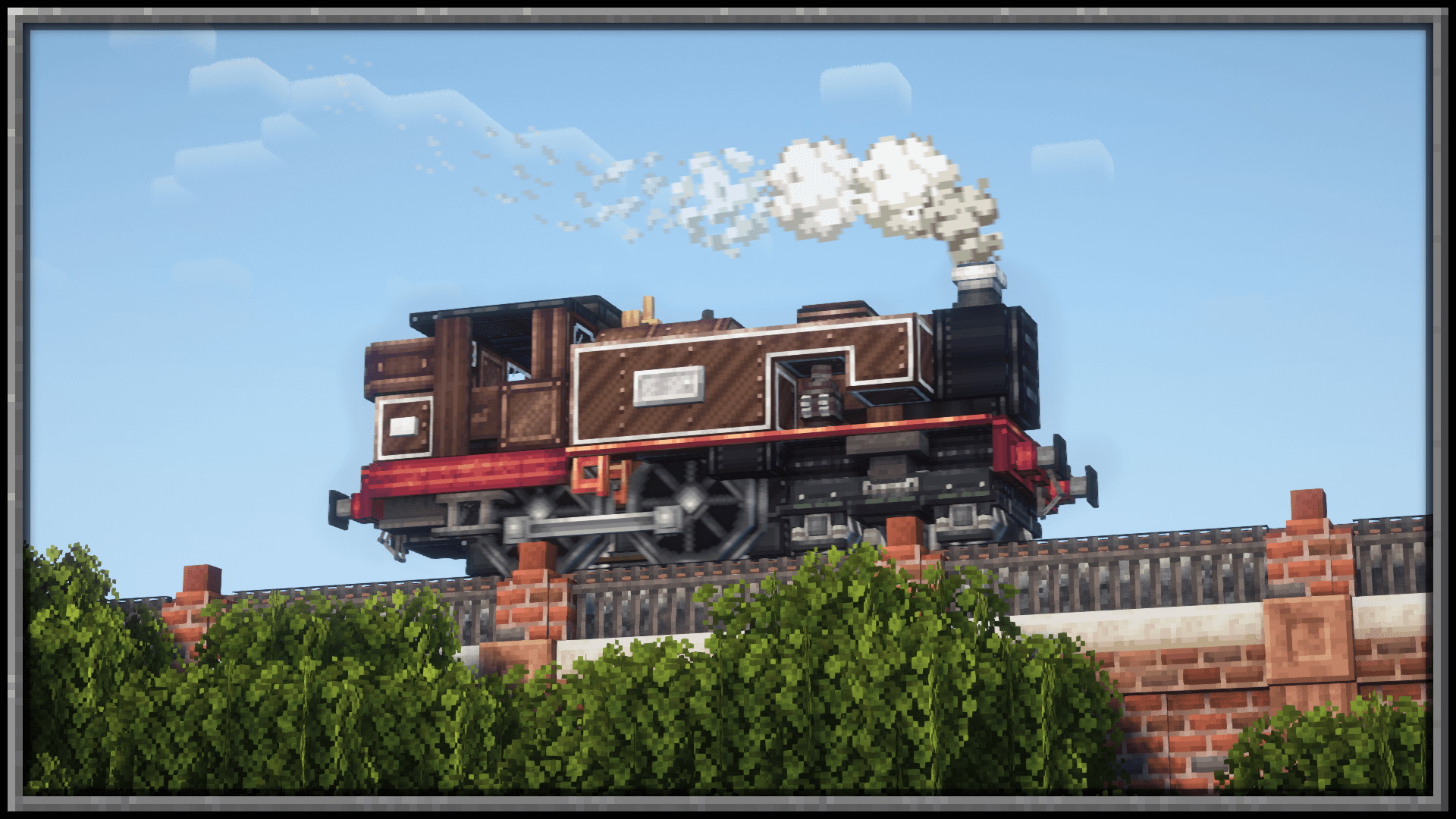
A Create addon that adds an abundance of different bogie styles to choose from, adding a selection UI to allow for fine tuning to the users style preference.
Interactive Bogie Customisation UI
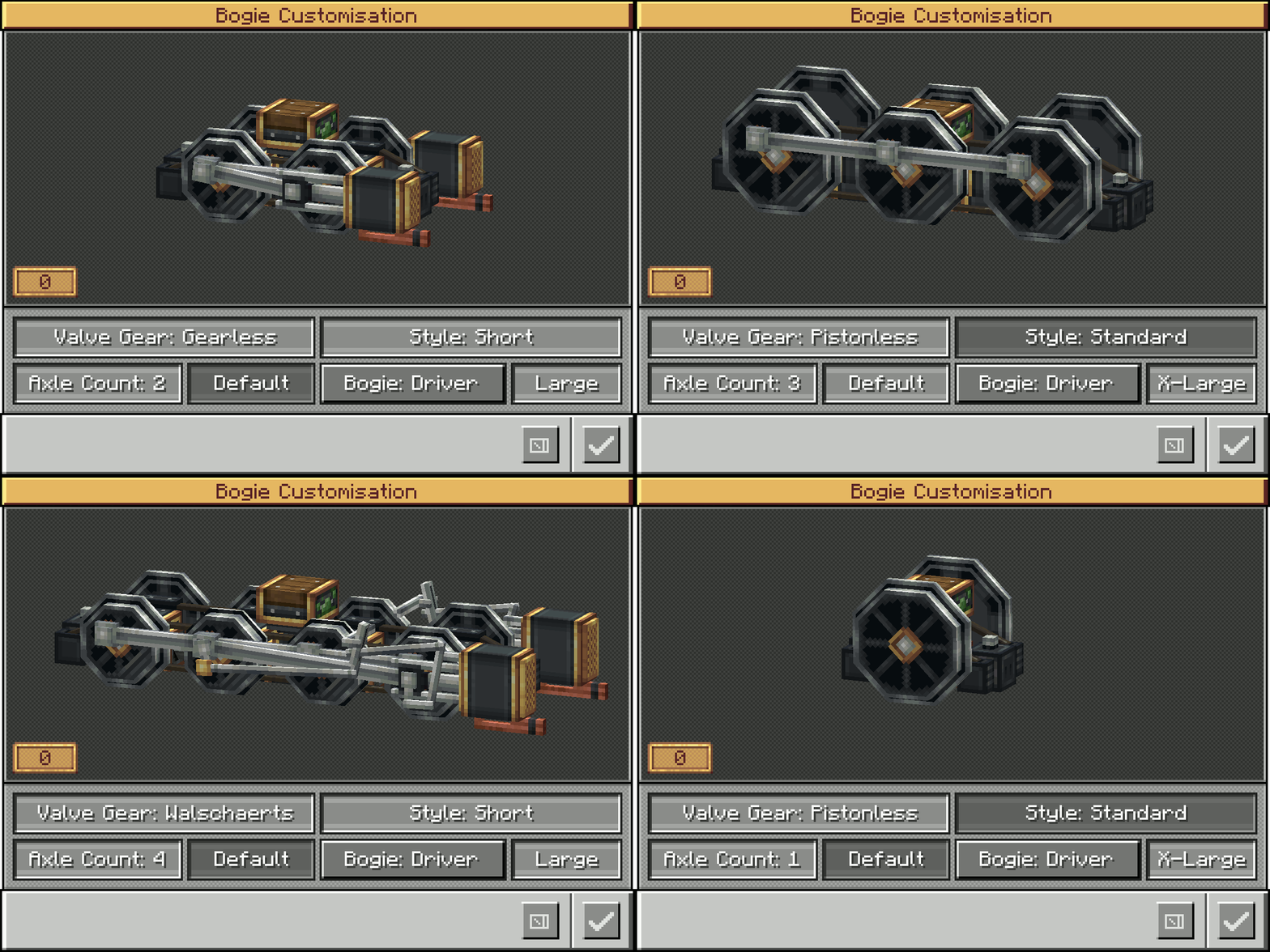
Bogie Configuration Options Include:
- Walschaerts, Gearless, Pistonless, Rodless, Scotch Yoke Drivers
- Single axle up to 5 (Extra Large drivers) or 6 (Large drivers)
- Standard Small Truck Bogies (1 axle up to 5)
- Trailing Small (1 axle up to 4)
- With more to come...
Frequently Asked Questions:
"Do I need Steam n Rails as well?"
No, this mod doesn't require SNR to function, though you will still need Create 6.0+"Will there be a 0.5.1 port?"
No - Too much was changed internally, trying to port this mod to 0.5.1 would give us brain aneurisms :)”Will you add narrow/broad gauge bogies?”
No - narrow and broad gauge are Steam n Rails territory, and as such will not be added to BnB"How do I open the bogie menu?"
Hold Crouch and right click the bogie block with an empty hand

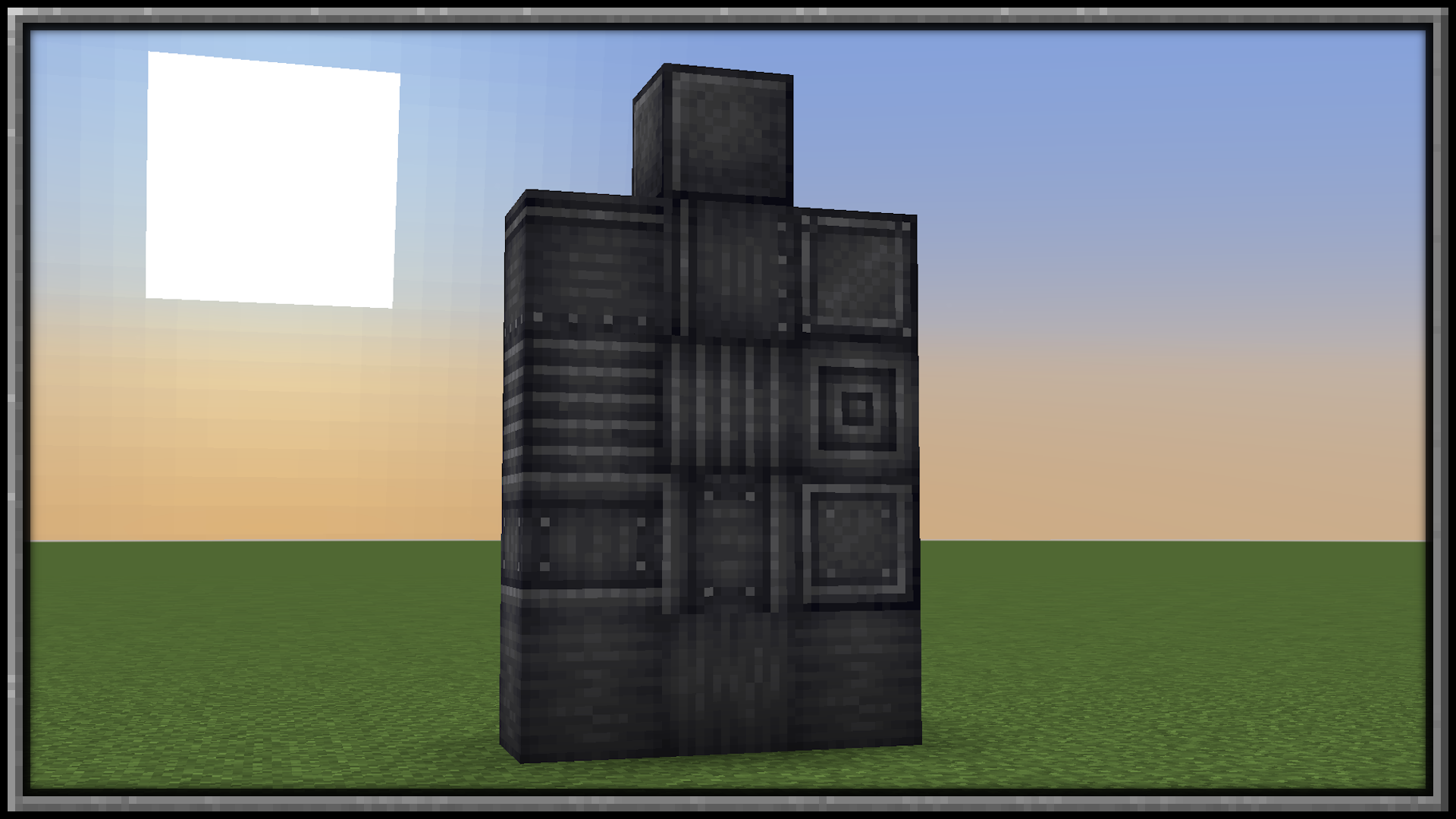
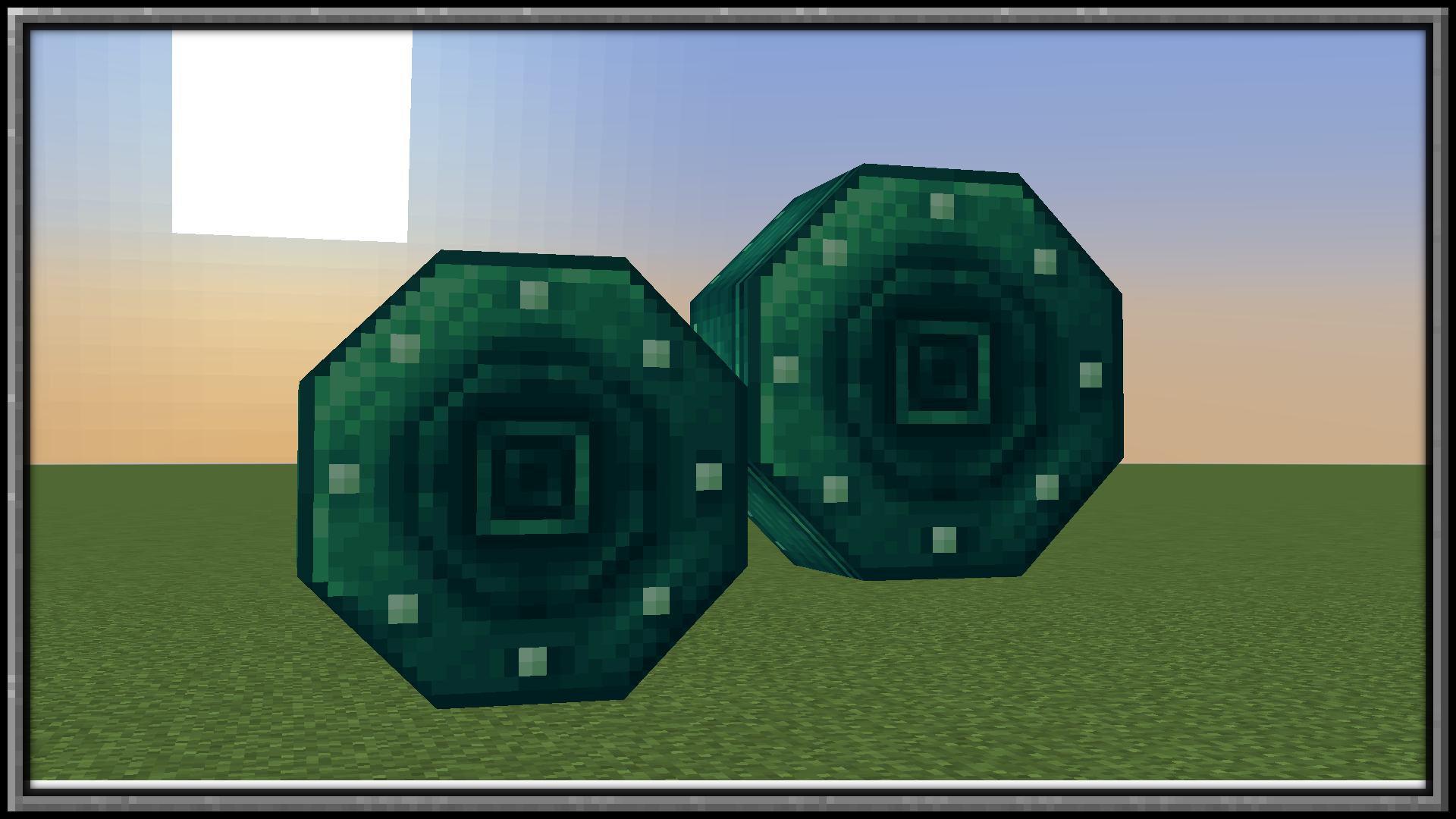
Want some building materials?
Check out Pretty In Pink!
Available Versions
How to Install Create: Blocks & Bogies on Your Server
Order Server
Order a Minecraft Java server with at least 4 GB RAM (6 GB recommended).
Set forge Loader
In the panel under "Egg", select the forge loader and matching Minecraft version (1.21.1).
Install Mod
Open the mod browser in the dashboard and search for "Create: Blocks & Bogies". Click "Install" – done! Alternatively, upload the .jar via SFTP to the /mods folder.
Compatibility
Mod Loaders
Minecraft Versions
1.21.1, 1.20.1
Server-side
✓ RequiredRecommended RAM
6 GB(min. 4 GB)Frequently Asked Questions
Create: Blocks & Bogies server crashes on startup – what to do?
Most common cause: wrong forge version or insufficient RAM. Check the server log (latest.log) for "OutOfMemoryError" or "Mixin" errors. With Mado Hosting: ensure at least 4 GB RAM is allocated and the loader matches the mod version (1.21.1). You can switch loaders with one click in the panel.
Is Create: Blocks & Bogies compatible with forge and neoforge?
Create: Blocks & Bogies officially supports forge, neoforge for Minecraft 1.21.1, 1.20.1. The Mado dashboard automatically detects incompatible loader combinations.
Server lagging with Create: Blocks & Bogies – how to optimize performance?
Recommended RAM: 6 GB (per 5 players). Use /spark profiler to check if Create: Blocks & Bogies consumes the most tick time. Common fixes: reduce server view-distance to 8-10, install "performant" or "starlight" as supplementary mods on Forge. With Mado Hosting, your server runs on NVMe SSDs with dedicated CPU cores for minimal latency.
Similar Mods

![[ETF] Entity Texture Features](https://cdn.modrinth.com/data/BVzZfTc1/af683d206d50b05258d865b0d6e4aa2f2cee12f2_96.webp)
![[EMF] Entity Model Features](https://cdn.modrinth.com/data/4I1XuqiY/6e5bbd0d06b1741bfdab6c0cfab6de8fdaf0064c_96.webp)



Rent Modded Server
Install Create: Blocks & Bogies with just one click on your server.