Modrinth · Fabric, Forge, NeoForge
Burnt + Additions auf deinem Minecraft Server
Burnt + Additions läuft auf Minecraft Servern mit Fabric oder Forge oder NeoForge. Bestell deinen Server, stell den Loader im Panel ein und installiere die Mod mit einem Klick im Mod-Browser.
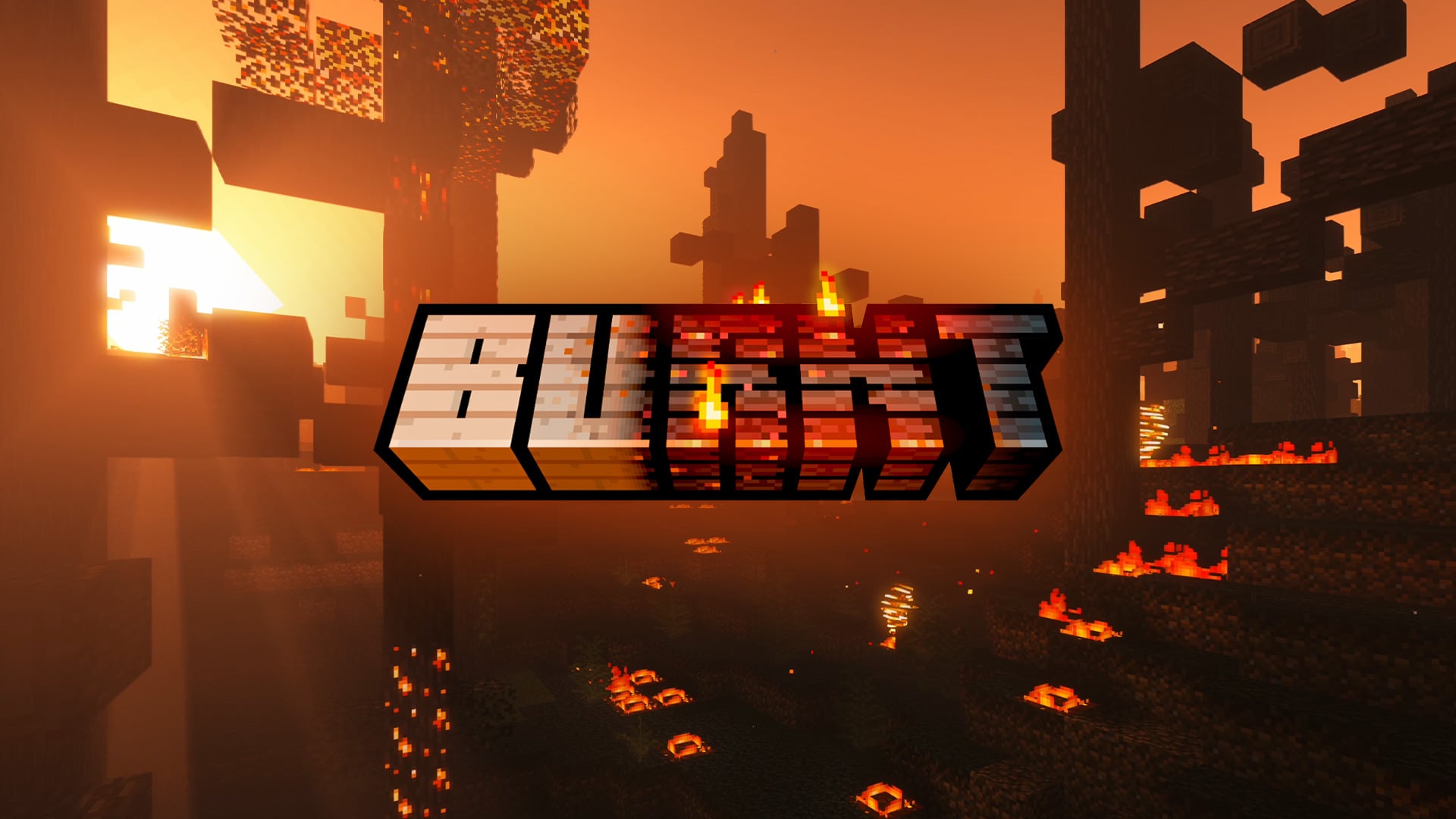
A Vanilla fire enhancing mod, if you light it, it will burn. Build your world and burn it down!
- Downloads
- 251.5K
- Autor
- pxlbnk
- Loader
- Fabric, Forge, NeoForge
- Minecraft
- 1.20.1 – 1.21.1
- Aktualisiert
- –
Screenshots
So sieht Burnt + Additions aus


Bilder: Burnt + Additions auf Modrinth, vom Projektteam veröffentlicht.
Einrichtung
Burnt + Additions auf dem Server installieren
Server und Spieler brauchen denselben Loader und dieselbe Minecraft-Version. Sichere die Welt, bevor du Mods hinzufügst oder aktualisierst.
- 01
Konfigurieren
4 GB RAM sind vorausgewählt. Laufzeit und Add-ons wählst du selbst, bezahlt wird per Kreditkarte oder PayPal.
- 02
Loader einstellen
Stell im Panel die Serversoftware auf Fabric oder Forge oder NeoForge und wähl die passende Minecraft-Version, zum Beispiel 1.21.1.
- 03
Mod installieren
Such im Mod-Browser nach „Burnt + Additions“ und installiere die Version für deinen Loader. Alternativ lädst du die .jar per SFTP in den Ordner mods. Erforderliche Abhängigkeiten stehen auf der Projektseite.
- 04
Verbinden
Alle Spieler installieren Burnt + Additions in derselben Version lokal und verbinden sich über die Serveradresse aus dem Panel.
- Auf dem Server
- Erforderlich
- Auf dem Client
- Erforderlich
- Loader
- Fabric, Forge, NeoForge
- Minecraft
- 1.21.1, 1.20.1
- Lizenz
- LicenseRef-All-Rights-Reserved
Das Panel
Mods installieren, Fehler finden.
Echte Screenshots aus dem Mado Panel. Beides ist bei jedem Minecraft Server enthalten.
Mod-Browser
Modrinth und CurseForge direkt im Panel.
Der Browser filtert nach deiner Minecraft-Version. Mods installierst du mit einem Klick, ohne .jar-Dateien hochzuladen.

KI-Crash-Analyse
Wenn ein Mod crasht, liest die Analyse das Log.
Mods scheitern oft an einer falschen Loader-Version, Java-Version oder fehlenden Abhängigkeit. Die Analyse nennt eine wahrscheinliche Ursache und einen Lösungsvorschlag.

Versionen
Veröffentlichte Versionen
Nimm die Datei, die zu Loader und Minecraft-Version deines Servers passt. Server und Spieler brauchen dieselbe Version.
Burnt + Additions · ModrinthOriginalbeschreibung des Projektautors
Burnt 1.10 is finally here!
Join the Discord: https://discord.gg/NUqTwsfTzn
Fire
We've watched it, played with it, and shouted angrily at it in Minecraft since the early early days. But it's not great, behaves badly, takes things from us and doesn't give back... so what if it could be something better?
This is BURNT. A Vanilla fire enhancing mod, if you light it, it will burn... Not disappear... BURN. In return, wooden structures and trees remain, burnt and twisted, and with resources you can use.
Finally a good use for the flint and steel. Light a log, a wooden structure, a village, even grass, and up it goes. Fire spreads realistically and the view is a pyromaniac's dream.
Burnt Mechanic:
- Use flint and steel on and wooden/leaves/grass block to trigger the burn
- The block will smoulder, then burn and spread to adjacent blocks
- When the block has gone out the burnt block variant remains
- Randomly, broken versions of the block can replace the block - break these for Charcoal
- Ash will spawn from solid burning blocks if you have the Supplementaries mod installed
- Craft or find the Flint Bow to fire burning arrows, (requires arrows) and trigger the burn
- Fire the Flint Bow at a Creeper to ignite it from a distance
- Craft or find Fire Barrels - Ignite with flint and steel, burning arrows, or redstone.
- Craft even more powerful Blaze Barrels.
- After a short delay, the barrel will explode with blast damage and trigger the burn to surrounding blocks
- Craft or find the Fire Extinguisher to put out fires.
- Rain will also extinguish fire
- You can also get burnt wood by placing wood in a smoker
- Burning builds will now experience random collapse events
- Fire barrel explosions cause blocks to break and fall
- Use the config file to adjust your settings.
- The config file will be generated the first time you load the mod, and can be found in the configs folder. When changing settings you will need to reload your world for them to take effect.
Dependencies:
- Requires Geckolib and Cloth Config
Compatible with:
- Most Biome mods - Biomes a plenty, Oh the Biomes we've gone, Regions Unexplored etc
- Tree Chop
- Pollution of the Realms
- Supplimentaries
I am working on compats for:
- Quark
- Spore
- Alex's Caves
- Decorative Blocks
- Create
Tips:
- Rain in the world will stop the spread of fire, water will extinguish any block on fire.
- Gamerule DoFireTick=False will stop all fire spread.
- Smokers will create burnt wood types with any wood.
- Back up any worlds you don't want to be destroyed by fire!
- Works server-side, however... largely untested.
- Works best with shaders, obvs. Lots of glowy things.
- Play with the config all you like, just be aware - dialing things up to 10 will likely lead to crashes!
- If you use wool for your redstone builds you can turn wool burning off in the config
- Have fun, it's a toy!
- I take no responsibility for your burnt base, sorry, not sorry.
Yes it's MCreator... hate away!
I've done lots of testing, but no doubt there will be more bugs! Please report all bugs here on my discord: https://discord.gg/NUqTwsfTzn
Burnt + Additions Server crasht beim Start – was tun?
Häufige Ursachen: Loader- oder Minecraft-Version passen nicht zur Mod-Datei, eine Abhängigkeit fehlt oder der RAM reicht nicht. Such im Log (latest.log) nach „OutOfMemoryError“, „Mixin“ oder fehlenden Mods. Bei Mado wertet die KI-Crash-Analyse das Log aus und schlägt eine Ursache vor. Loader und Version änderst du im Panel.
Mit welchem Loader läuft Burnt + Additions?
Laut Modrinth unterstützt Burnt + Additions Fabric, Forge, NeoForge für Minecraft 1.21.1, 1.20.1. Forge- und Fabric-Dateien sind nicht untereinander austauschbar: Wähl einen Loader für Server und Clients.
Wie viel RAM braucht ein Server mit Burnt + Additions?
Als Orientierung 3–4 GB für einen Server mit dieser Mod. Das ist eine Schätzung, keine gemessene Mindestanforderung. Weitere Mods, viele Spieler und große Sichtweiten brauchen mehr. Ob eine Mod die Tick-Zeit belastet, siehst du mit dem spark-Profiler.
Ähnliche Mods
Beliebte Mods aus derselben Kategorie
 Nur Client

Iris Shaders
von coderbot
A modern shader pack loader for Minecraft intended to be compatible with existing OptiFine shader packs
 Nur Client

[ETF] Entity Texture Features
von Traben
Emissive, Random & Custom texture support for entities in resourcepacks just like Optifine but for Fabric
 Nur Client

[EMF] Entity Model Features
von Traben
EMF is an, OptiFine format, Custom Entity Model replacement mod available for Fabric and Forge.
 Nur Client

Not Enough Animations
von tr7zw
Bringing first-person animations to the third-person
Bereit für deinen Server mit Burnt + Additions?
4 GB RAM ab 8,00 € im Monat. 35 % auf den 1. Monat mit MADO35.