ContainerSearcher
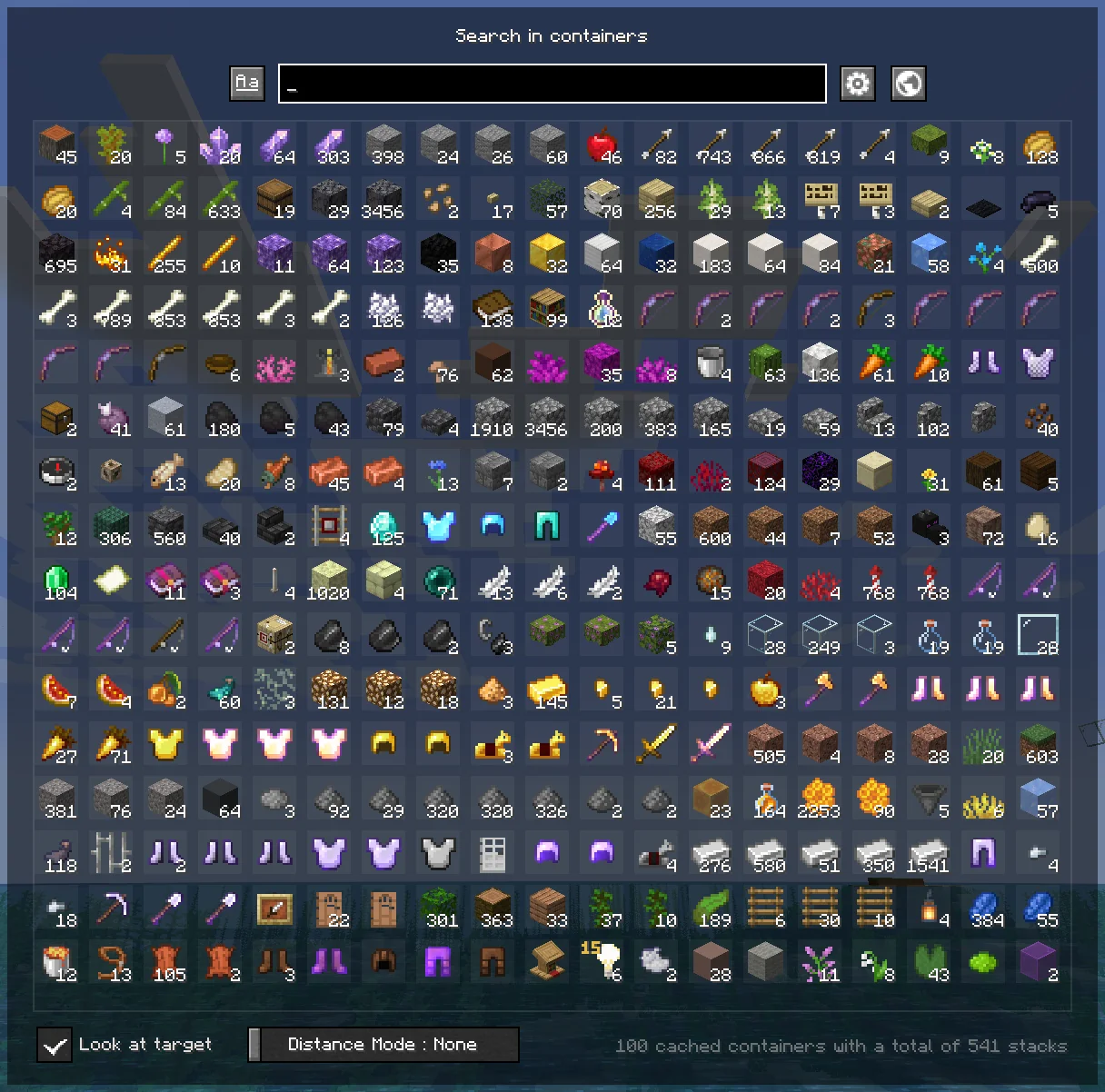
Caches opened containers and allows you to search through them via an in-game menu.
Screenshots
Über diese Mod
ContainerSearcher
Caches opened containers and allows you to search through them via an in-game menu.
When you open a chest, its contents are saved to a file.
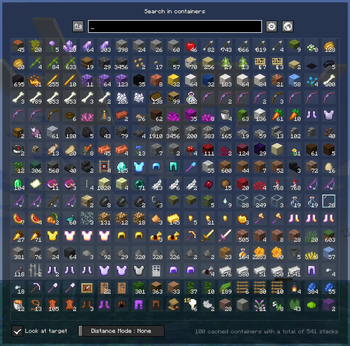
Using a keybind (NUMPAD 5 by default, can be changed in your keybindings) you can open a menu that shows the contents of all chests opened while you had this mod, allowing you to search for items with different sorting modes.
Clicking on an item will highlight the container it's in, draw a particle trail, and make you look in the direction of that container; if you're close enough, the container will open directly.
Once inside the container, the items you clicked on will be highlighted.
You can also configure a keybind to search for a hovered item in your inventory in nearby containers, as the Extra Utilities mod does.
👉🏻 Requires Fabric API and Cloth Config.
Mod menu is recommended to configure the mod.
FREQUENTLY ASKED QUESTIONS
How do I change the mod's keybindings?
You can find them in your normal Minecraft keybindings, look for the Container Searcher section, usually under the Miscellaneous section.
You will find two configurable keybindings, one to open the search menu as mentioned above, and another to search for the hovered stack in nearby containers.
ISSUES
⚠ DO NOT ASK (OR CREATE ISSUES) FOR UPDATES, UPDATES WILL COME WHENEVER I HAVE TIME ⚠
You would like to report an issue about this mod? refer to the Issue Tracker and please be concise, unique, and constructive.
You like what I do? Consider supporting me on my Patreon so I can continue to make and update Minecraft mods like this!
Verfügbare Versionen
ContainerSearcher auf deinem Client installieren
Mod-Loader lokal installieren
Installiere fabric für deine lokale Minecraft-Version.
Passende Datei herunterladen
Wähle die ContainerSearcher-Datei für fabric und Minecraft 1.21.11.
Mod installieren
Lege die .jar-Datei in deinem lokalen .minecraft/mods-Ordner ab und starte Minecraft neu. Eine Installation auf dem Server ist nicht nötig.
Kompatibilität
Mod-Loader
Minecraft-Versionen
1.21.11, 1.21.10, 1.21.8 (+15 weitere)
Server-seitig
✗ Nicht unterstütztEmpfohlener RAM
4 GB(min. 3 GB)Häufige Fragen
Muss ContainerSearcher auf dem Minecraft Server installiert werden?
Nein. Modrinth kennzeichnet ContainerSearcher serverseitig als nicht unterstützt. Installiere die Mod nur im lokalen Minecraft-Mods-Ordner. Dein Server kann unverändert bleiben, sofern die Mod-Seite keine zusätzliche Abhängigkeit nennt.
Welche Version und welchen Loader braucht ContainerSearcher?
Nutze eine Datei für fabric und exakt deine Minecraft-Version. Unterstützte Versionen sind unter anderem 1.21.11, 1.21.10, 1.21.8. Loader-Dateien sind nicht untereinander austauschbar.
ContainerSearcher funktioniert nicht – was kann ich prüfen?
Prüfe zuerst Minecraft-Version, Loader-Version und erforderliche Abhängigkeiten. Lege die .jar-Datei im lokalen .minecraft/mods-Ordner ab und entferne ältere Duplikate. Da die Mod clientseitig ist, löst mehr Server-RAM dieses Problem nicht.
Ähnliche Mods






Minecraft Server für deine Gruppe
ContainerSearcher bleibt auf deinem Client. Hoste dazu eine kompatible Welt für deine Mitspieler.