
Dye Depot
Enhances your Minecraft experience with 16 vibrant new dyes and various other tweaks
Screenshots
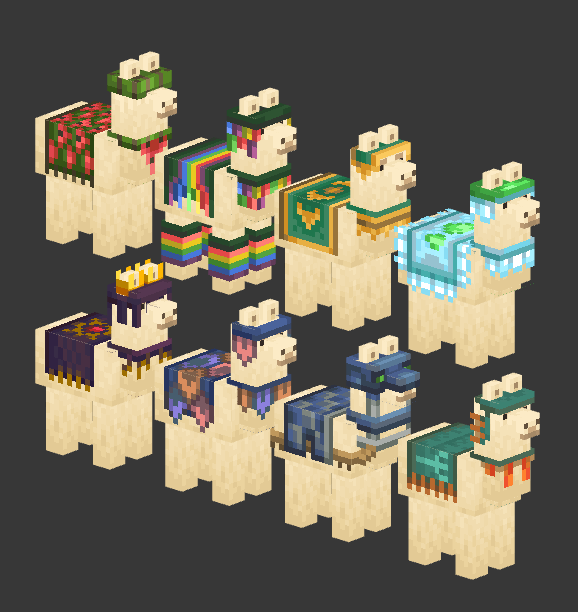
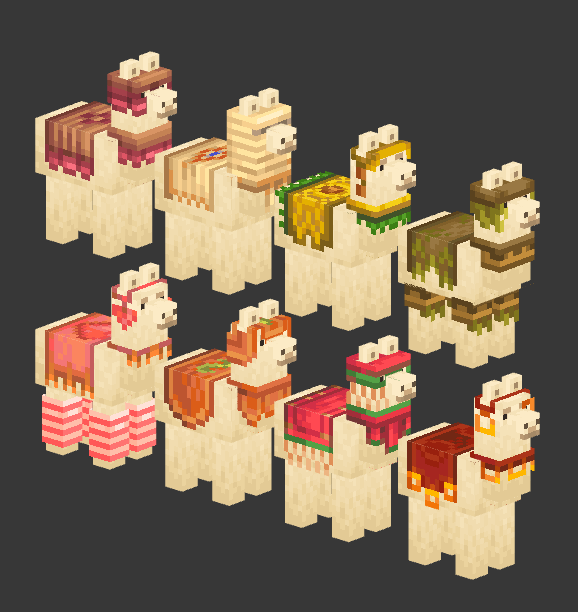
Über diese Mod

About Dye Depot
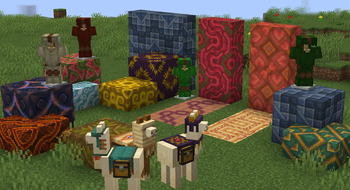
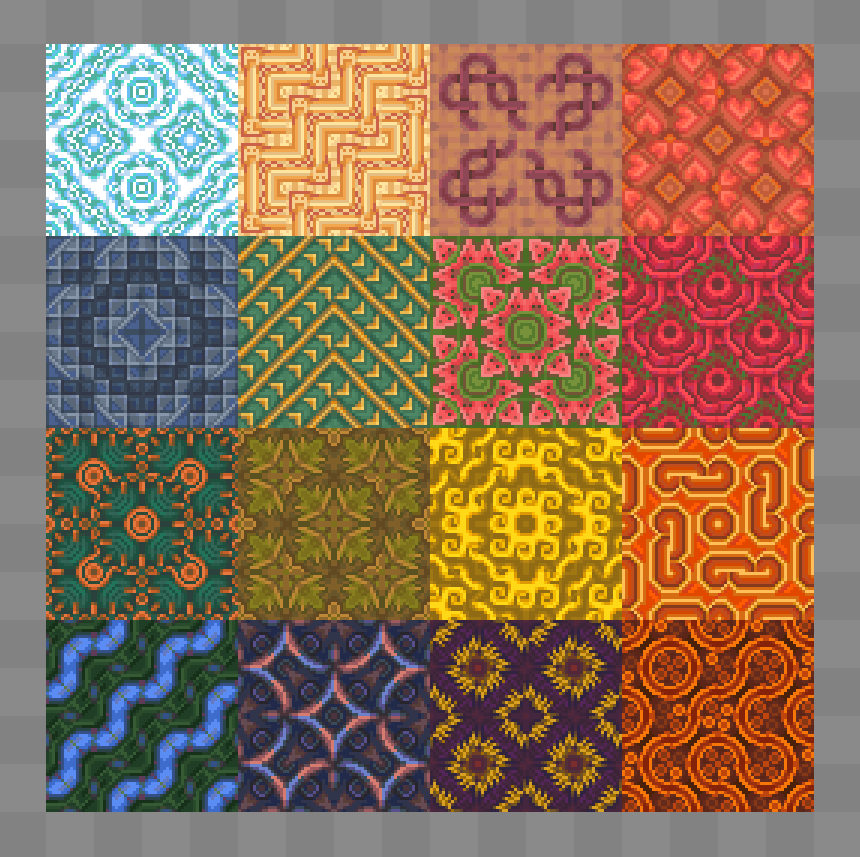
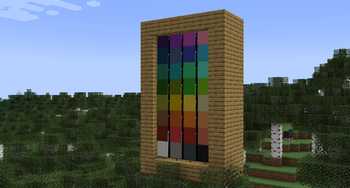
Dye Depot introduces 16 new dyes to the game, expanding the color palette and offering more customization options. This influences fish colorations, banner making, sheep dying, animal collar tinting and much more!
It also refines the basic vanilla dye crafting system, making it more intuitive and user-friendly.
And lastly it brings to the game a built-in optional resource pack that further enhances dyes, changing Light Blue to Sky, Light Gray to Ash and upgrading the vanilla dye item textures.
Mod-loader and Version
This mod is being developed for Fabric and Forge. No backports are planned.
Compat
Dyes are a heavily hardcoded part of minecraft, this mod will definitely encounter some issues if played with other mods, such as missing textures or missing blocks. Compatibility will very slowly be supported, but in the mean time you could check out unofficial compat.
Dye Crafting guide
Note: you don't need to follow this guide, you can just rely on the recipe book or JEI if you want
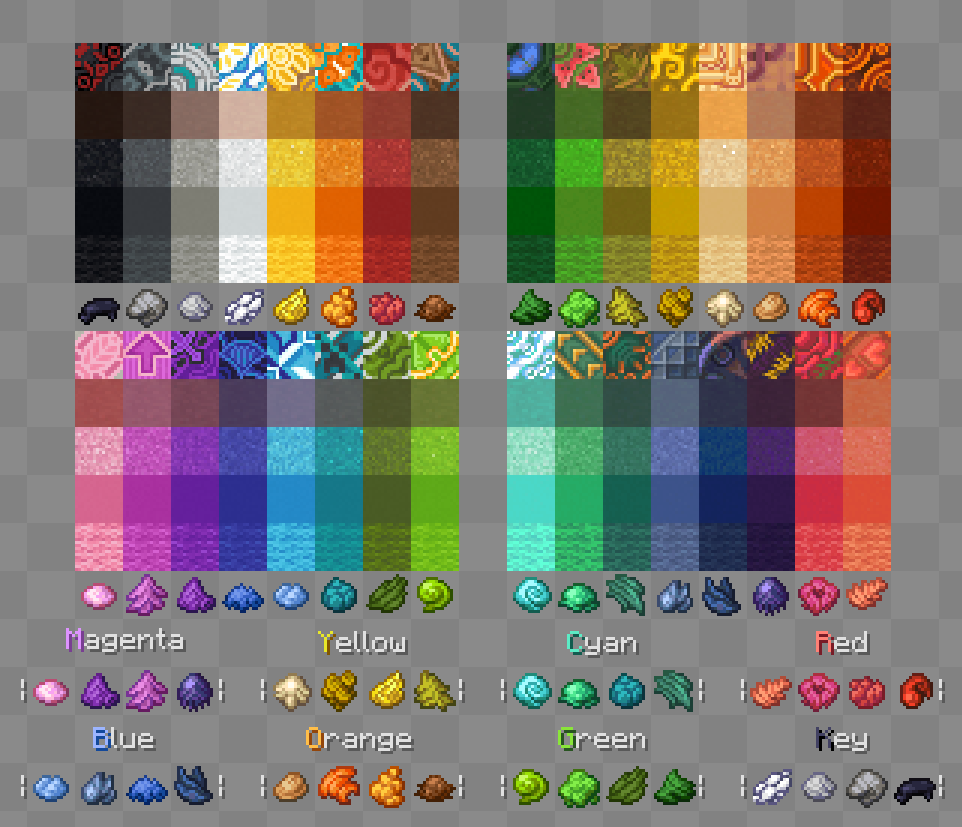
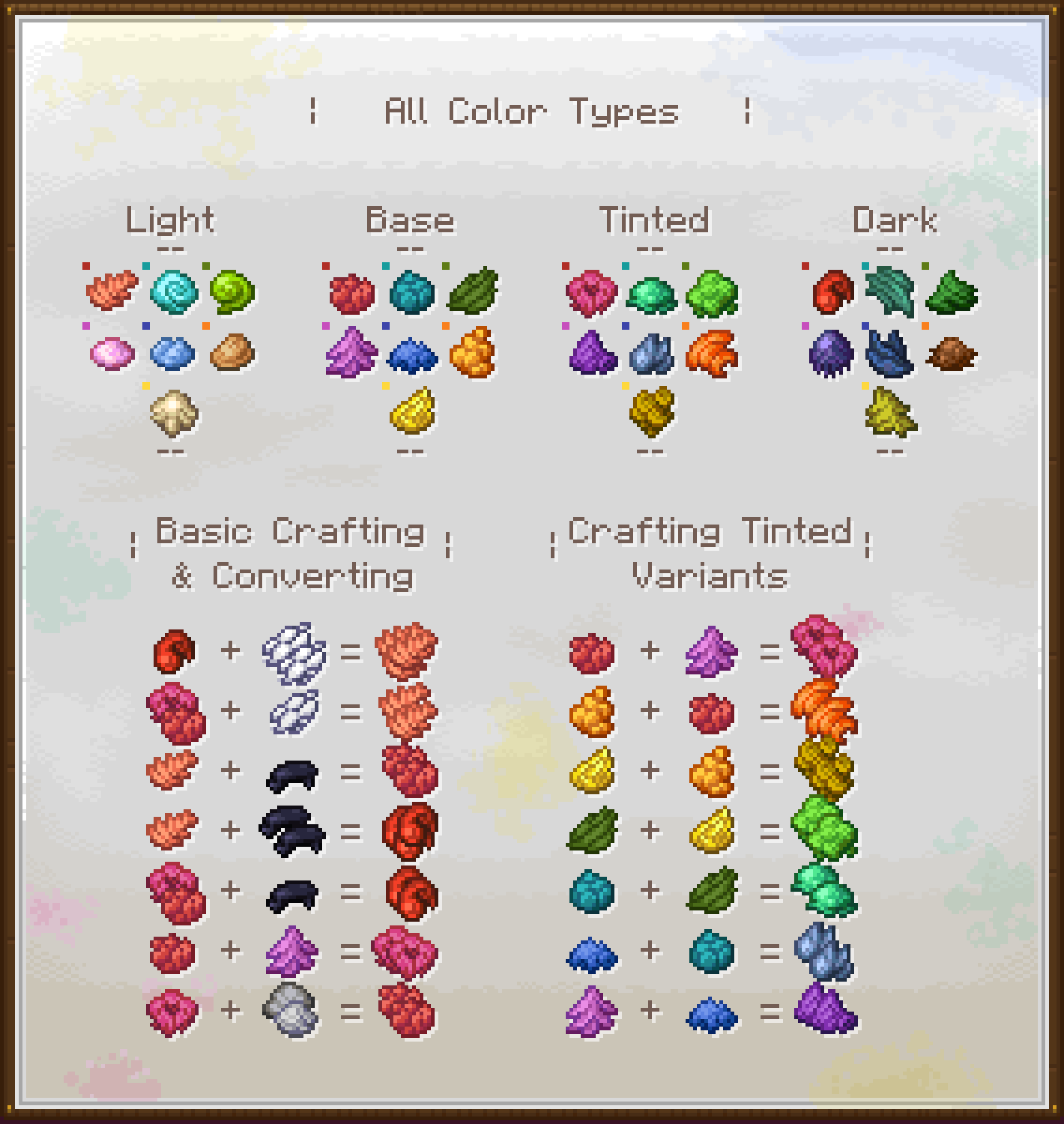
This chart is aimed to be a quick breakdown of how the crafting system works:
- The Color Types at the top are useful to understand what kind of dye you are working with and which colors you can turn it in. Each different Color set has these 4 variants, except the Grayscale one, that lacks a Tinted variant so
Ash/Light GrayandGrayare treated like lighter and darker colors, not equivalents. - The Basic Crafting & Converting part can be applied to all the hues and is a useful guide to understand how to turn a Light color into a Dark one, a Tinted into a Base one, etc.
- The Crafting Tinted Variants section instead is just that, an explanation on how to obtain each Tinted dye, since they all have different crafting recipes.
Verfügbare Versionen
Dye Depot auf dem Server installieren
Server bestellen
Bestelle einen Minecraft Java Server mit mindestens 3 GB RAM (4 GB empfohlen).
fabric Loader setzen
Wähle im Panel unter "Egg" den fabric-Loader und die passende Minecraft-Version (1.21.1).
Mod installieren
Öffne den Mod-Browser im Dashboard und suche nach "Dye Depot". Klicke "Installieren" – fertig! Alternativ: Lade die .jar via SFTP in den /mods Ordner.
Kompatibilität
Mod-Loader
Minecraft-Versionen
1.21.1, 1.20.1
Server-seitig
✓ ErforderlichEmpfohlener RAM
4 GB(min. 3 GB)Häufige Fragen
Dye Depot Server crasht beim Start – was tun?
Häufigste Ursache: falsche fabric-Version oder zu wenig RAM. Prüfe im Server-Log (latest.log), ob ein "OutOfMemoryError" oder "Mixin"-Fehler auftritt. Bei Mado Hosting: Stelle sicher, dass mindestens 3 GB RAM zugewiesen sind und der Loader zur Mod-Version passt (1.21.1). Über das Panel kannst du den Loader mit einem Klick wechseln.
Ist Dye Depot mit fabric und forge und neoforge kompatibel?
Dye Depot unterstützt offiziell fabric, forge, neoforge für Minecraft 1.21.1, 1.20.1. Achtung: Forge- und Fabric-Mods sind NICHT untereinander kompatibel – wähle einen Loader und bleibe dabei. Im Mado Dashboard werden inkompatible Loader-Kombinationen automatisch erkannt.
Server laggt mit Dye Depot – wie optimiere ich die Performance?
Empfohlener RAM: 4 GB (+1 GB pro 8 Spieler). Prüfe mit /spark profiler, ob Dye Depot den meisten Tick-Time verbraucht. Häufige Fixes: Server-View-Distance auf 8-10 reduzieren, bei Forge "performant" oder "starlight" als Zusatz-Mod installieren. Bei Mado Hosting läuft dein Server auf NVMe-SSDs mit dedizierten CPU-Kernen für minimale Latenz.
Ähnliche Mods

![[ETF] Entity Texture Features](https://cdn.modrinth.com/data/BVzZfTc1/af683d206d50b05258d865b0d6e4aa2f2cee12f2_96.webp)
![[EMF] Entity Model Features](https://cdn.modrinth.com/data/4I1XuqiY/6e5bbd0d06b1741bfdab6c0cfab6de8fdaf0064c_96.webp)



Modded Server mieten
Installiere Dye Depot mit nur einem Klick auf deinem Server.