
Dye Depot
Enhances your Minecraft experience with 16 vibrant new dyes and various other tweaks
Screenshots
About this Mod

About Dye Depot
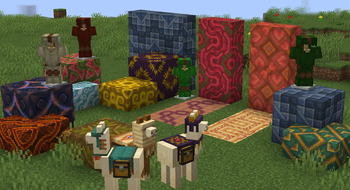
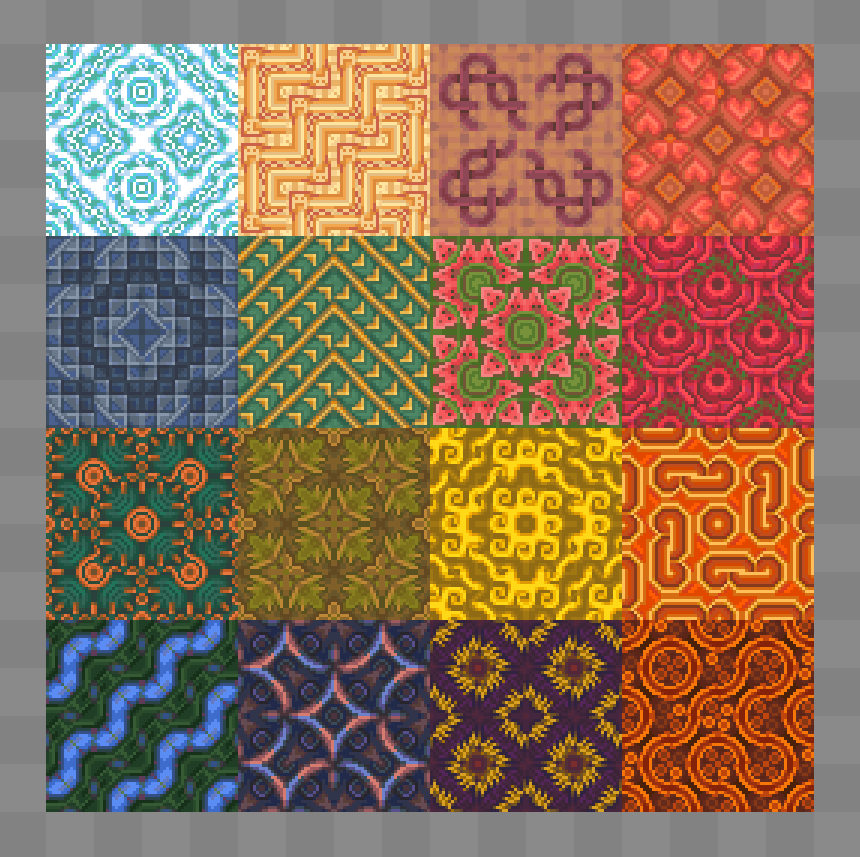
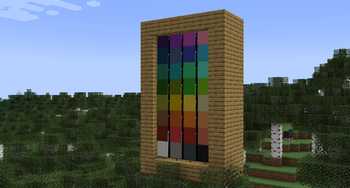
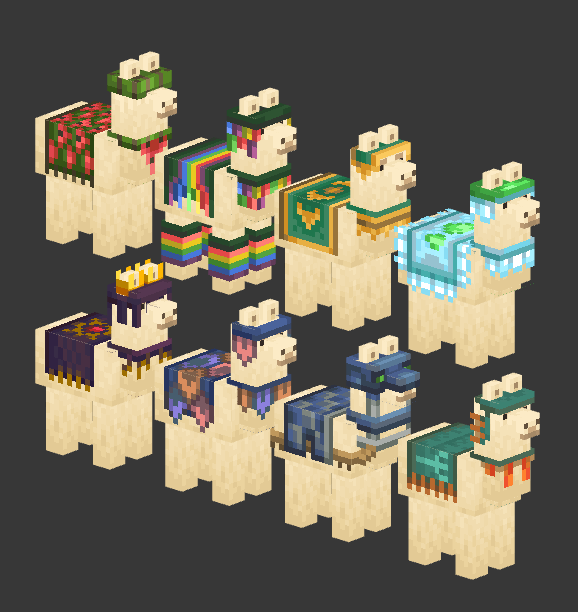
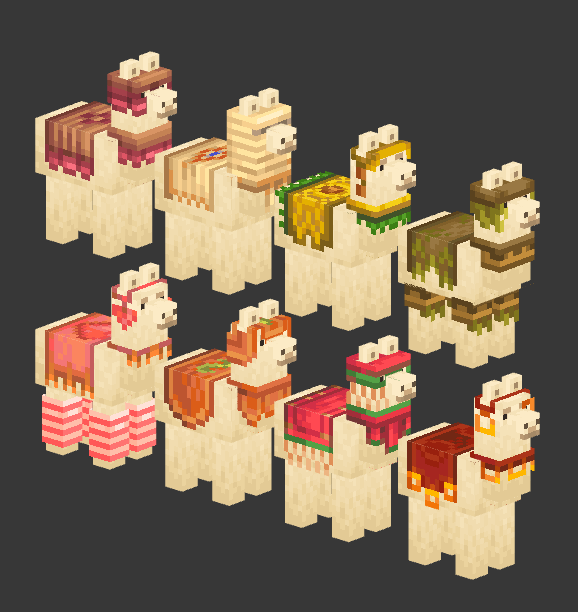
Dye Depot introduces 16 new dyes to the game, expanding the color palette and offering more customization options. This influences fish colorations, banner making, sheep dying, animal collar tinting and much more!
It also refines the basic vanilla dye crafting system, making it more intuitive and user-friendly.
And lastly it brings to the game a built-in optional resource pack that further enhances dyes, changing Light Blue to Sky, Light Gray to Ash and upgrading the vanilla dye item textures.
Mod-loader and Version
This mod is being developed for Fabric and Forge. No backports are planned.
Compat
Dyes are a heavily hardcoded part of minecraft, this mod will definitely encounter some issues if played with other mods, such as missing textures or missing blocks. Compatibility will very slowly be supported, but in the mean time you could check out unofficial compat.
Dye Crafting guide
Note: you don't need to follow this guide, you can just rely on the recipe book or JEI if you want
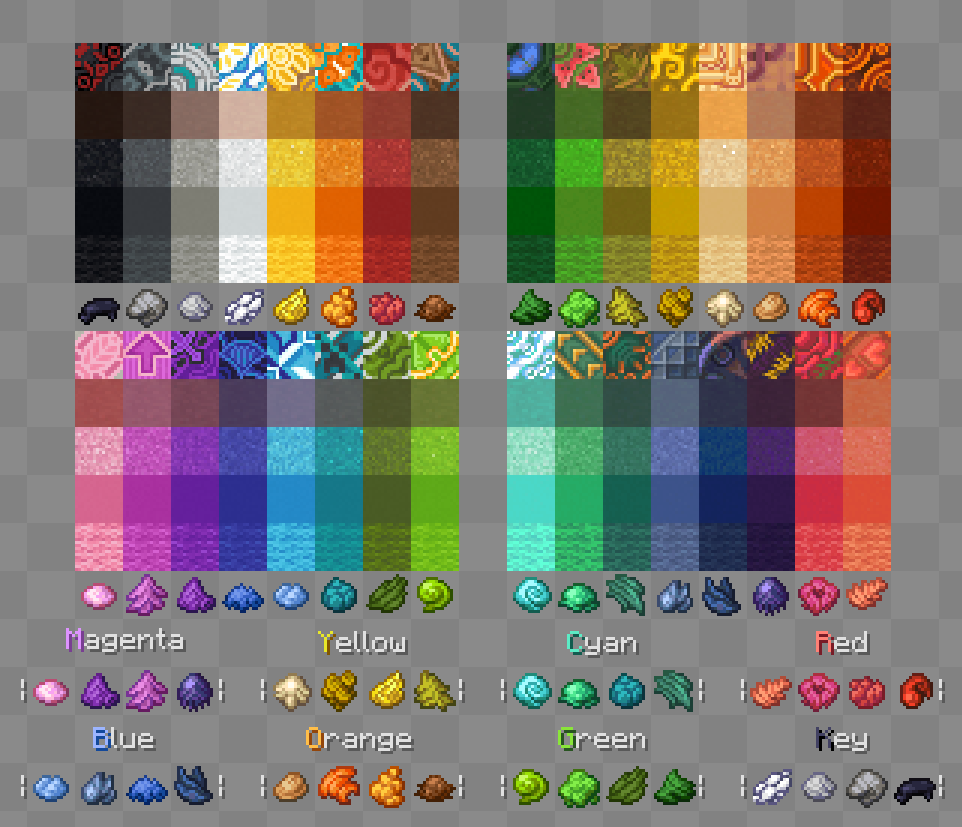
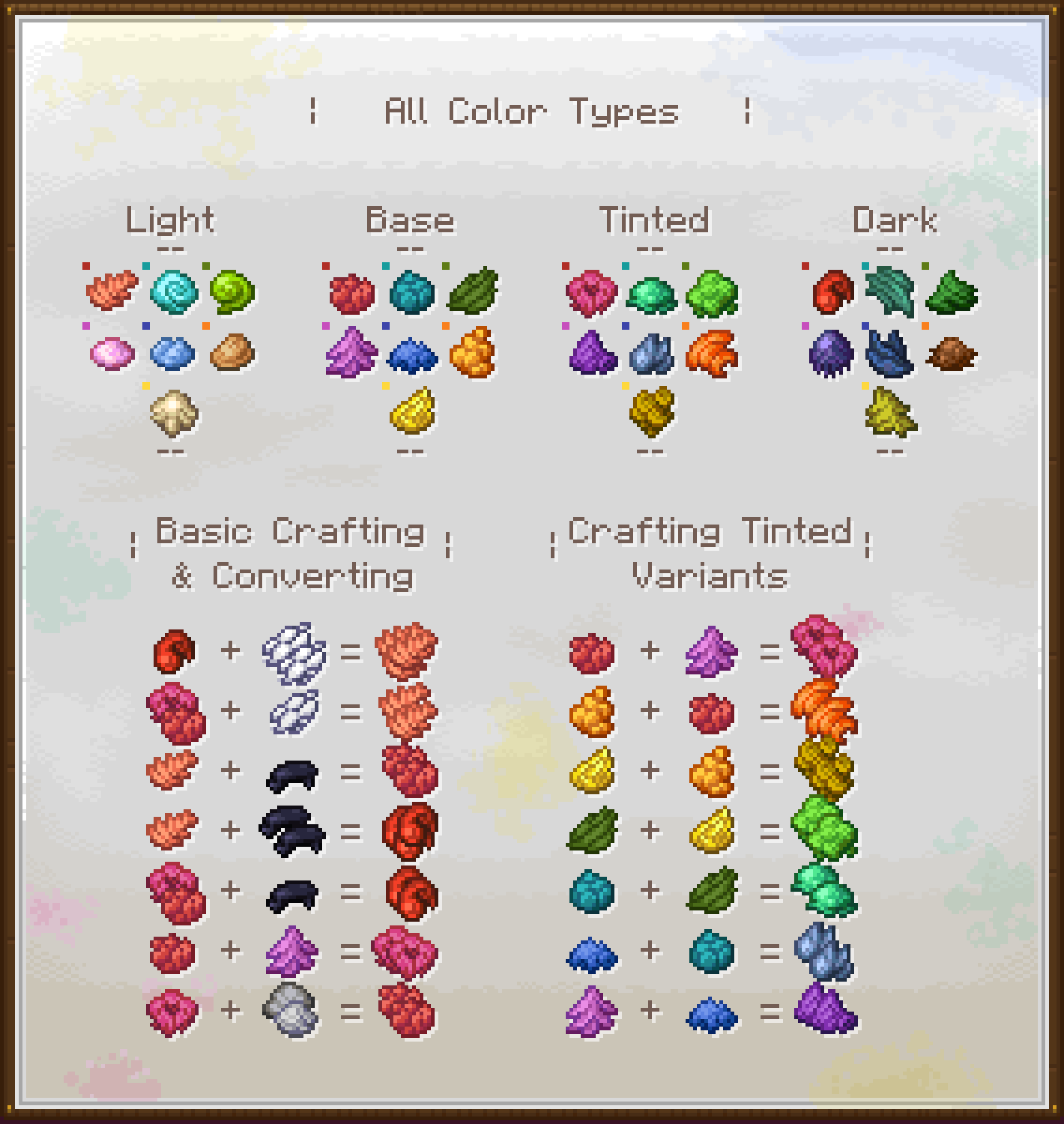
This chart is aimed to be a quick breakdown of how the crafting system works:
- The Color Types at the top are useful to understand what kind of dye you are working with and which colors you can turn it in. Each different Color set has these 4 variants, except the Grayscale one, that lacks a Tinted variant so
Ash/Light GrayandGrayare treated like lighter and darker colors, not equivalents. - The Basic Crafting & Converting part can be applied to all the hues and is a useful guide to understand how to turn a Light color into a Dark one, a Tinted into a Base one, etc.
- The Crafting Tinted Variants section instead is just that, an explanation on how to obtain each Tinted dye, since they all have different crafting recipes.
Available Versions
How to Install Dye Depot on Your Server
Order Server
Order a Minecraft Java server with at least 3 GB RAM (4 GB recommended).
Set fabric Loader
In the panel under "Egg", select the fabric loader and matching Minecraft version (1.21.1).
Install Mod
Open the mod browser in the dashboard and search for "Dye Depot". Click "Install" – done! Alternatively, upload the .jar via SFTP to the /mods folder.
Compatibility
Mod Loaders
Minecraft Versions
1.21.1, 1.20.1
Server-side
✓ RequiredRecommended RAM
4 GB(min. 3 GB)Frequently Asked Questions
Dye Depot server crashes on startup – what to do?
Most common cause: wrong fabric version or insufficient RAM. Check the server log (latest.log) for "OutOfMemoryError" or "Mixin" errors. With Mado Hosting: ensure at least 3 GB RAM is allocated and the loader matches the mod version (1.21.1). You can switch loaders with one click in the panel.
Is Dye Depot compatible with fabric and forge and neoforge?
Dye Depot officially supports fabric, forge, neoforge for Minecraft 1.21.1, 1.20.1. Note: Forge and Fabric mods are NOT cross-compatible – pick one loader and stick with it. The Mado dashboard automatically detects incompatible loader combinations.
Server lagging with Dye Depot – how to optimize performance?
Recommended RAM: 4 GB (per 8 players). Use /spark profiler to check if Dye Depot consumes the most tick time. Common fixes: reduce server view-distance to 8-10, install "performant" or "starlight" as supplementary mods on Forge. With Mado Hosting, your server runs on NVMe SSDs with dedicated CPU cores for minimal latency.
Similar Mods

![[ETF] Entity Texture Features](https://cdn.modrinth.com/data/BVzZfTc1/af683d206d50b05258d865b0d6e4aa2f2cee12f2_96.webp)
![[EMF] Entity Model Features](https://cdn.modrinth.com/data/4I1XuqiY/6e5bbd0d06b1741bfdab6c0cfab6de8fdaf0064c_96.webp)



Rent Modded Server
Install Dye Depot with just one click on your server.