
Modrinth · Fabric, Forge, NeoForge, Quilt
Elytra Trims auf deinem Minecraft Server
Elytra Trims läuft auf Minecraft Servern mit Fabric oder Forge oder NeoForge oder Quilt. Bestell deinen Server, stell den Loader im Panel ein und installiere die Mod mit einem Klick im Mod-Browser.
Customizable elytra mod with trims, banner patterns and more!
- Downloads
- 5.5M
- Autor
- KikuGie
- Loader
- Fabric, Forge, NeoForge, Quilt
- Minecraft
- 1.19.4 – 26.3
- Aktualisiert
- –
Screenshots
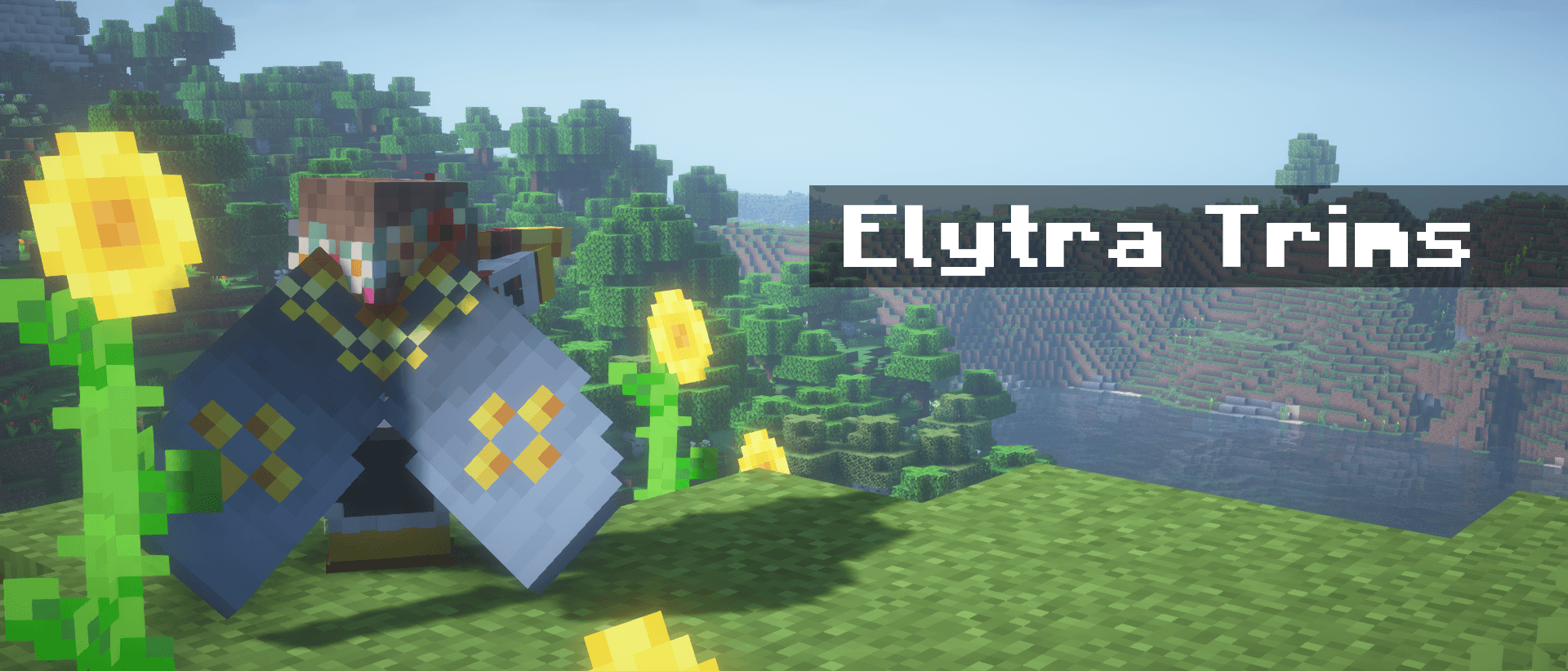
So sieht Elytra Trims aus


Bilder: Elytra Trims auf Modrinth, vom Projektteam veröffentlicht.
Einrichtung
Elytra Trims auf dem Server installieren
Server und Spieler brauchen denselben Loader und dieselbe Minecraft-Version. Sichere die Welt, bevor du Mods hinzufügst oder aktualisierst.
- 01
Konfigurieren
4 GB RAM sind vorausgewählt. Laufzeit und Add-ons wählst du selbst, bezahlt wird per Kreditkarte oder PayPal.
- 02
Loader einstellen
Stell im Panel die Serversoftware auf Fabric oder Forge oder NeoForge oder Quilt und wähl die passende Minecraft-Version, zum Beispiel 26.4-snapshot-8.
- 03
Mod installieren
Such im Mod-Browser nach „Elytra Trims“ und installiere die Version für deinen Loader. Alternativ lädst du die .jar per SFTP in den Ordner mods. Erforderliche Abhängigkeiten stehen auf der Projektseite.
- 04
Verbinden
Elytra Trims ist auf dem Client optional. Spieler verbinden sich über die Serveradresse aus dem Panel.
- Auf dem Server
- Optional
- Auf dem Client
- Optional
- Loader
- Fabric, Forge, NeoForge, Quilt
- Minecraft
- 26.4-snapshot-8, 26.4-snapshot-10, 26.3-snapshot-9 +44 weitere
- Lizenz
- GNU Lesser General Public License v3.0 or later
Das Panel
Mods installieren, Fehler finden.
Echte Screenshots aus dem Mado Panel. Beides ist bei jedem Minecraft Server enthalten.
Mod-Browser
Modrinth und CurseForge direkt im Panel.
Der Browser filtert nach deiner Minecraft-Version. Mods installierst du mit einem Klick, ohne .jar-Dateien hochzuladen.

KI-Crash-Analyse
Wenn ein Mod crasht, liest die Analyse das Log.
Mods scheitern oft an einer falschen Loader-Version, Java-Version oder fehlenden Abhängigkeit. Die Analyse nennt eine wahrscheinliche Ursache und einen Lösungsvorschlag.

Versionen
Veröffentlichte Versionen
Nimm die Datei, die zu Loader und Minecraft-Version deines Servers passt. Server und Spieler brauchen dieselbe Version.
Elytra Trims · Modrinth- Elytra Trims Fabric 4.9.6 for 26.321. November 2026Minecraft 26.3 · Fabric
- Elytra Trims Neoforge 4.9.6 for 26.321. November 2026Minecraft 26.3 · NeoForge
- Elytra Trims Fabric 4.9.6 for 26.221. November 2026Minecraft 26.2 · Fabric
- Elytra Trims Neoforge 4.9.6 for 26.221. November 2026Minecraft 26.2 · NeoForge
- Elytra Trims Fabric 4.9.6 for 26.121. November 2026Minecraft 26.1, 26.1.1, 26.1.2 · Fabric
Originalbeschreibung des Projektautors
Elytra Trims
With this mod, you can add armor trims, dye your elytra in any color, and put banner patterns on them.


Installation
[!IMPORTANT]
Mod functionality and compatibility may be different across Minecraft updates!
Dependencies
Elytra Trims requires Fabric Language Kotlin
or Kotlin Lang Forge (alternatively Kotlin for Forge)
on the respective mod loader.
On 1.20 and 1.21 you may also need YACL and ModMenu (Fabric only).
Prerequisites
In multiplayer, Elytra Trims must be installed on the server, however this doesn't prevent players without the mod from joining.
| Elytra Trims = ET | Player doesn't have ET | Player has ET |
|---|---|---|
| Server doesn't have ET | Vanilla experience. | Player can join, but can't apply trims, patterns, etc. to elytras. |
| Server has ET | Player can join, but doesn't see trims, patterns, etc. | Player can craft and see decorated elytras. |
Features
Trims
Trims can be applied to elytras similar to the armor. By default, the mod provides textures for a all vanilla trims, and some custom ones!
Note: on 1.20 and 1.21 you may need to install Elytra Trims Extensions for trim compat.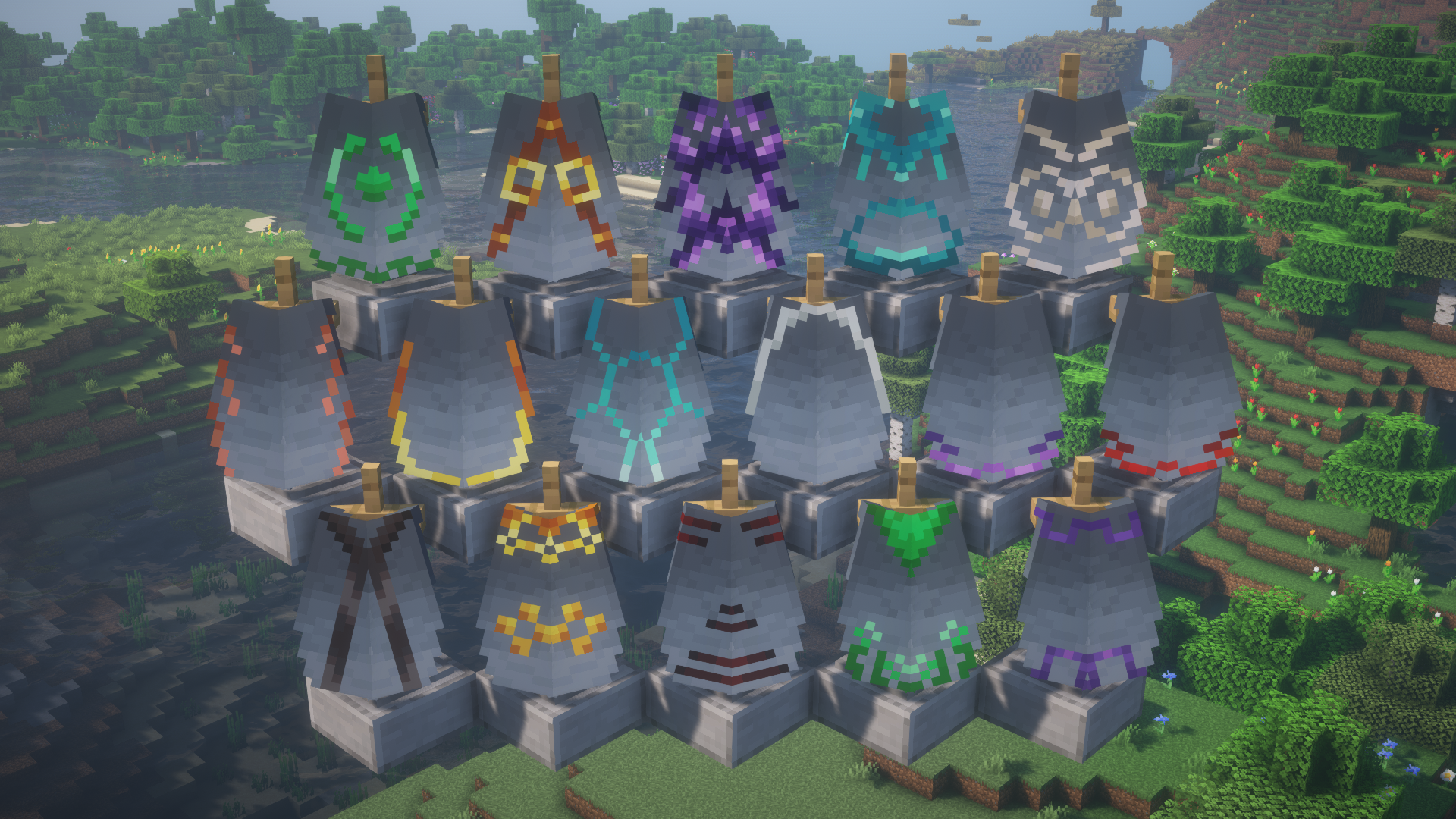
Additionally, you can replace the trim pattern in the recipe with a trial key to get access to even more elytras.
Note: this feature is currently only available on 1.21.10 and newer.
Banner patterns
Banners can be applied to elytras to show the patterns.
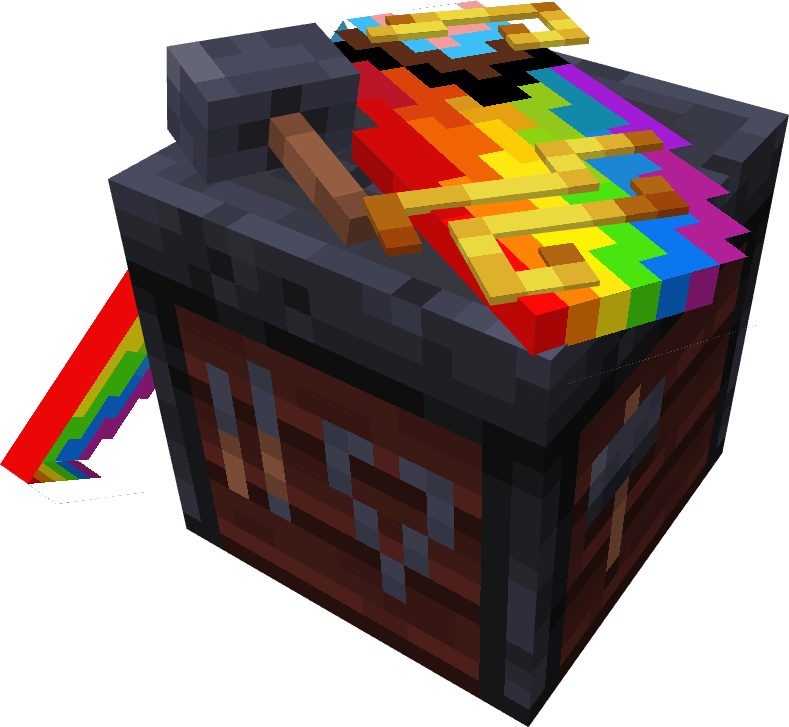
In the smithing table, combining elytra with a banner and either paper or leather will transfer
banner or shield patterns respectively.
Note: the patterns are applied without the base - you need to dye the elytra to add it.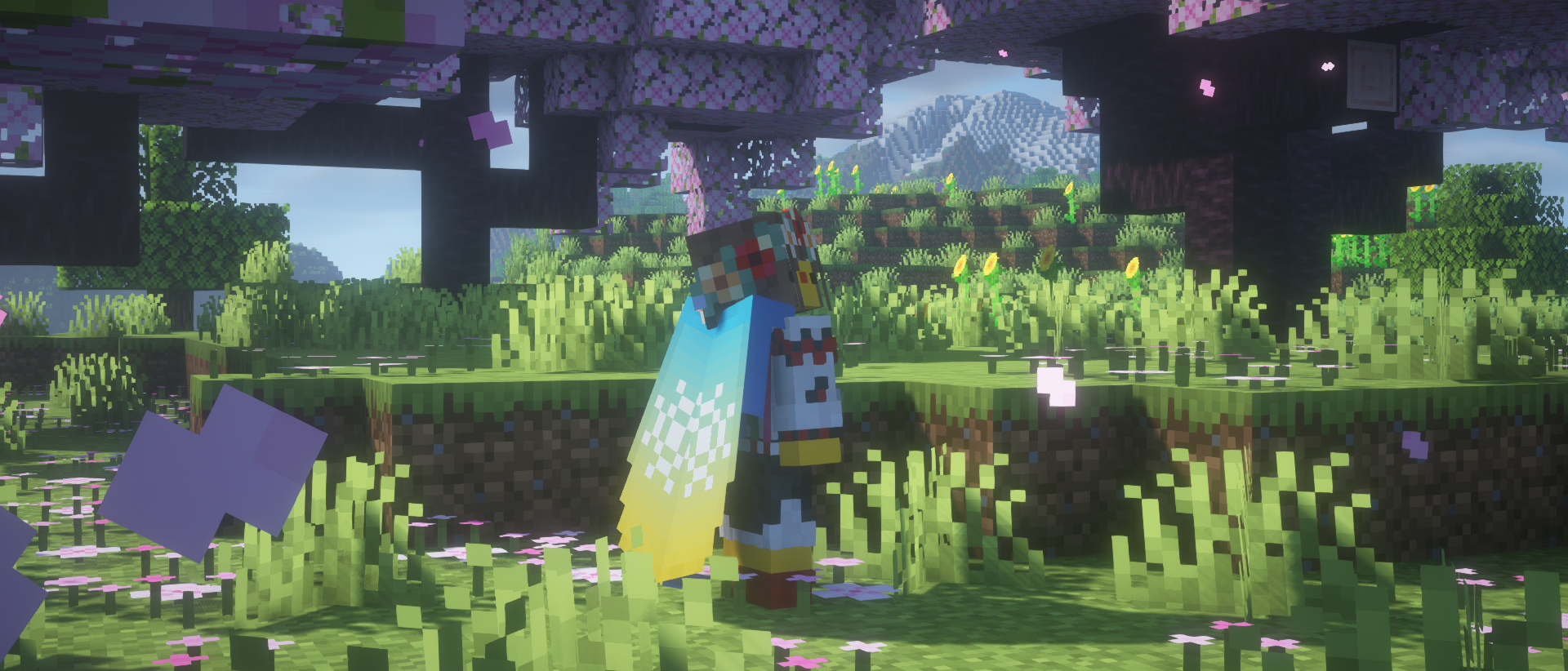
Dyeing
If you fancy something simplistic, dye your elytra however you want in a crafting table.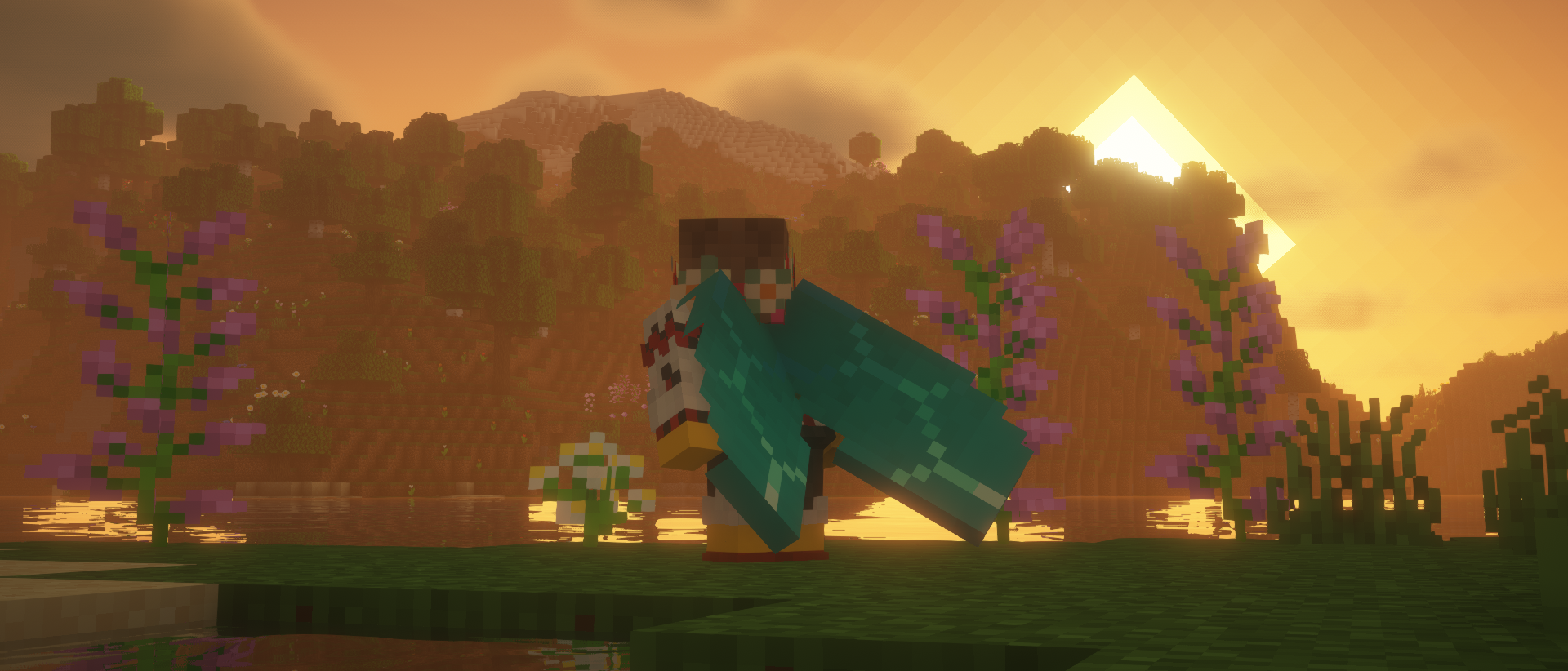
Glowing
Combine an elytra with a glow ink sac in the crafting table to make it glow!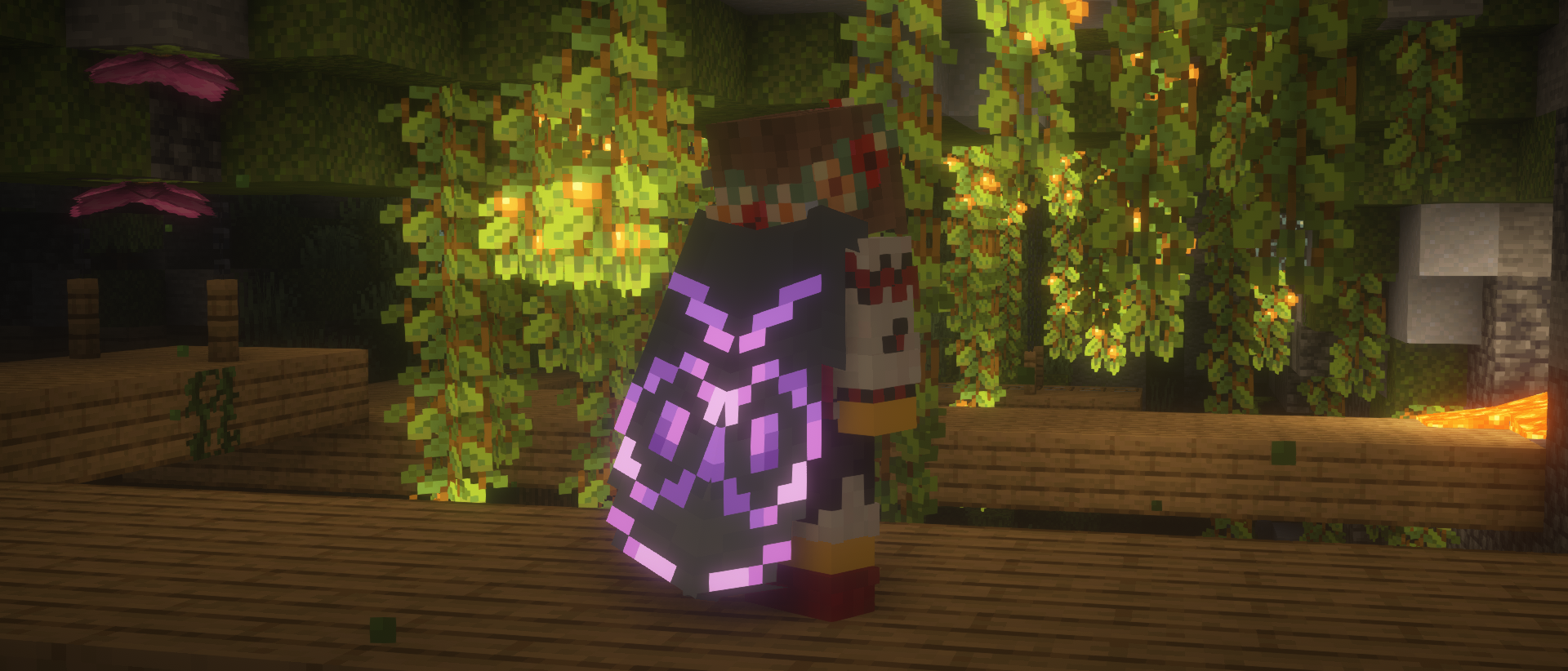
Cosmic effect
An expensive endeavor, but if you're willing to part with a nether star, you can apply a unique effect to your elytra.
Easter eggs
Elytra Trims has a couple secret recipes and interactions, which are best discovered by accident, so keep your eyes out!
Recipes
You can find the full information about Elytra Trims recipes on the wiki.
FAQ
Are there any conflicts with other mods?
- Customizable Elytra: overrides elytra renderer entirely.
- Kube JS: breaks elytra decoration recipes.
- Lunar/Feather Client: breaks elytra rendering.
I can't put trims/banners/dyes on the elytra!
Please check the following criteria:
- Elytra Trims is installed on the server with the correct mod loader.
- There aren't any conflicting mods installed.
- Recipes may differ across the updates, check the mod changelog page.
If nothing helps, please make an issue report.
I can't see the trims!
Please check the following criteria:
- You have Elytra Trims installed on the client with the correct mod loader.
- There aren't any conflicting mods installed.
If it's a trim provided by a mod or a datapack, it will need custom textures for the elytra.
Please make a trim request,
but be patient, as it takes creative work to make good trim designs.
If it's a non-vanilla elytra, it may need explicit support from Elytra Trims.
In this or other cases, please make an issue report.
Elytra Trims Server crasht beim Start – was tun?
Häufige Ursachen: Loader- oder Minecraft-Version passen nicht zur Mod-Datei, eine Abhängigkeit fehlt oder der RAM reicht nicht. Such im Log (latest.log) nach „OutOfMemoryError“, „Mixin“ oder fehlenden Mods. Bei Mado wertet die KI-Crash-Analyse das Log aus und schlägt eine Ursache vor. Loader und Version änderst du im Panel.
Mit welchem Loader läuft Elytra Trims?
Laut Modrinth unterstützt Elytra Trims Fabric, Forge, NeoForge, Quilt für Minecraft 26.4-snapshot-8, 26.4-snapshot-10, 26.3-snapshot-9. Forge- und Fabric-Dateien sind nicht untereinander austauschbar: Wähl einen Loader für Server und Clients.
Wie viel RAM braucht ein Server mit Elytra Trims?
Als Orientierung 3–4 GB für einen Server mit dieser Mod. Das ist eine Schätzung, keine gemessene Mindestanforderung. Weitere Mods, viele Spieler und große Sichtweiten brauchen mehr. Ob eine Mod die Tick-Zeit belastet, siehst du mit dem spark-Profiler.
Ähnliche Mods
Beliebte Mods aus derselben Kategorie
 Nur Client

Iris Shaders
von coderbot
A modern shader pack loader for Minecraft intended to be compatible with existing OptiFine shader packs
 Nur Client

[ETF] Entity Texture Features
von Traben
Emissive, Random & Custom texture support for entities in resourcepacks just like Optifine but for Fabric
 Nur Client

[EMF] Entity Model Features
von Traben
EMF is an, OptiFine format, Custom Entity Model replacement mod available for Fabric and Forge.
 Nur Client

Not Enough Animations
von tr7zw
Bringing first-person animations to the third-person
Bereit für deinen Server mit Elytra Trims?
4 GB RAM ab 8,00 € im Monat. 35 % auf den 1. Monat mit MADO35.