
EnderPack
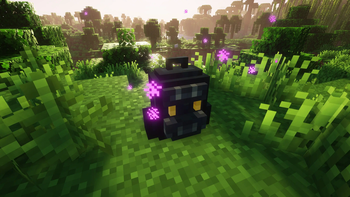
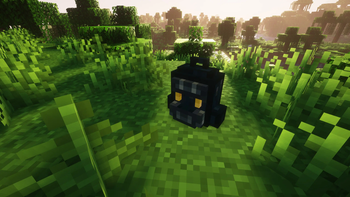
An incredible ender backpack!
Screenshots
Über diese Mod
!
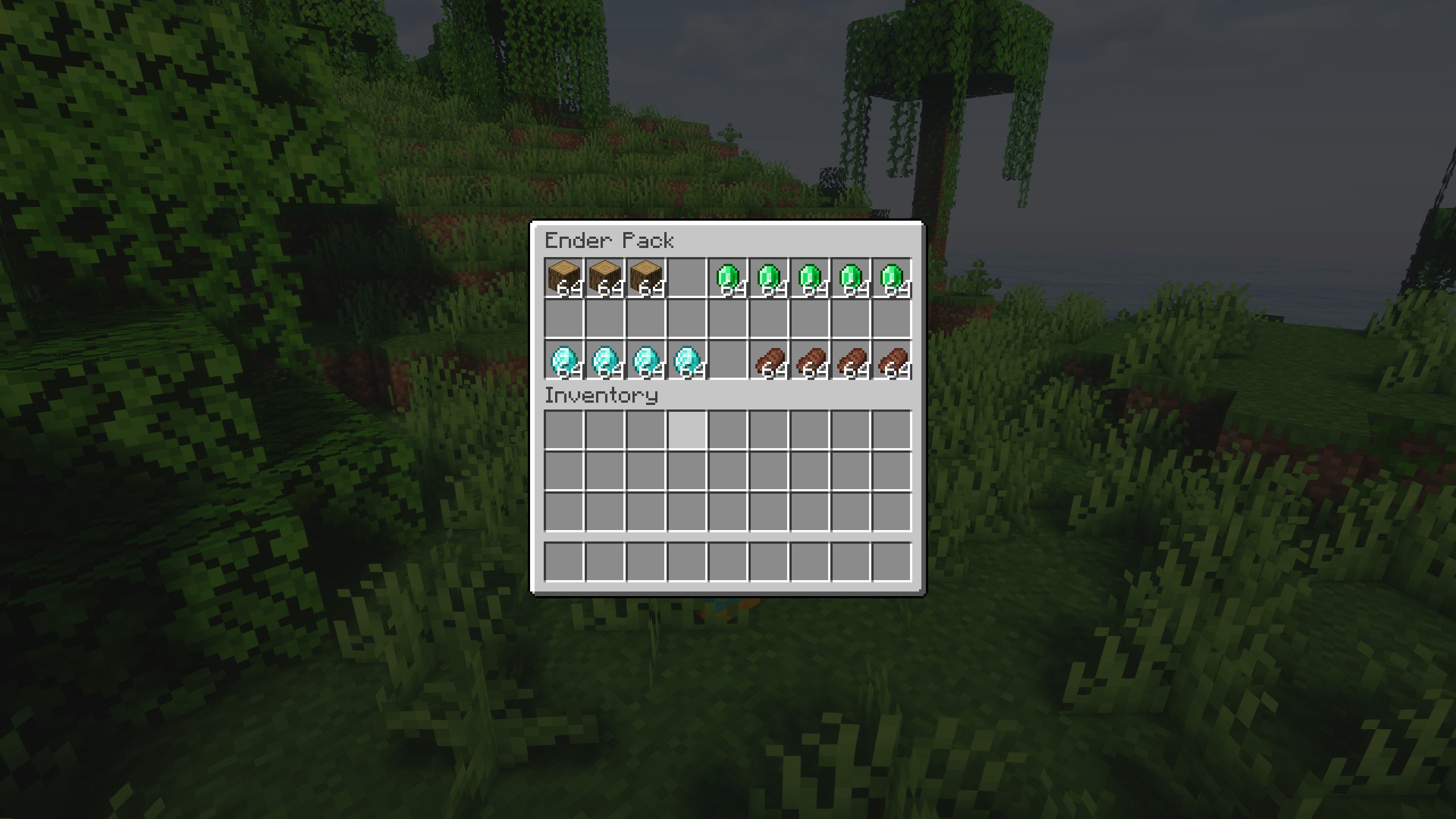
Do you think that having to put up and take down the ender chest is boring and unnecessary?
Don't worry, this mod offers another solution, an ender backpack!
You can use it in the same way as the ender chest, but in the form of a backpack, making it much more portable.
Do you need a server to play with your friends?
For exceptional server hosting services, look no further than ****. Of course, you can install all the mods or modpacks you want, and their support team is always available to help you.
!
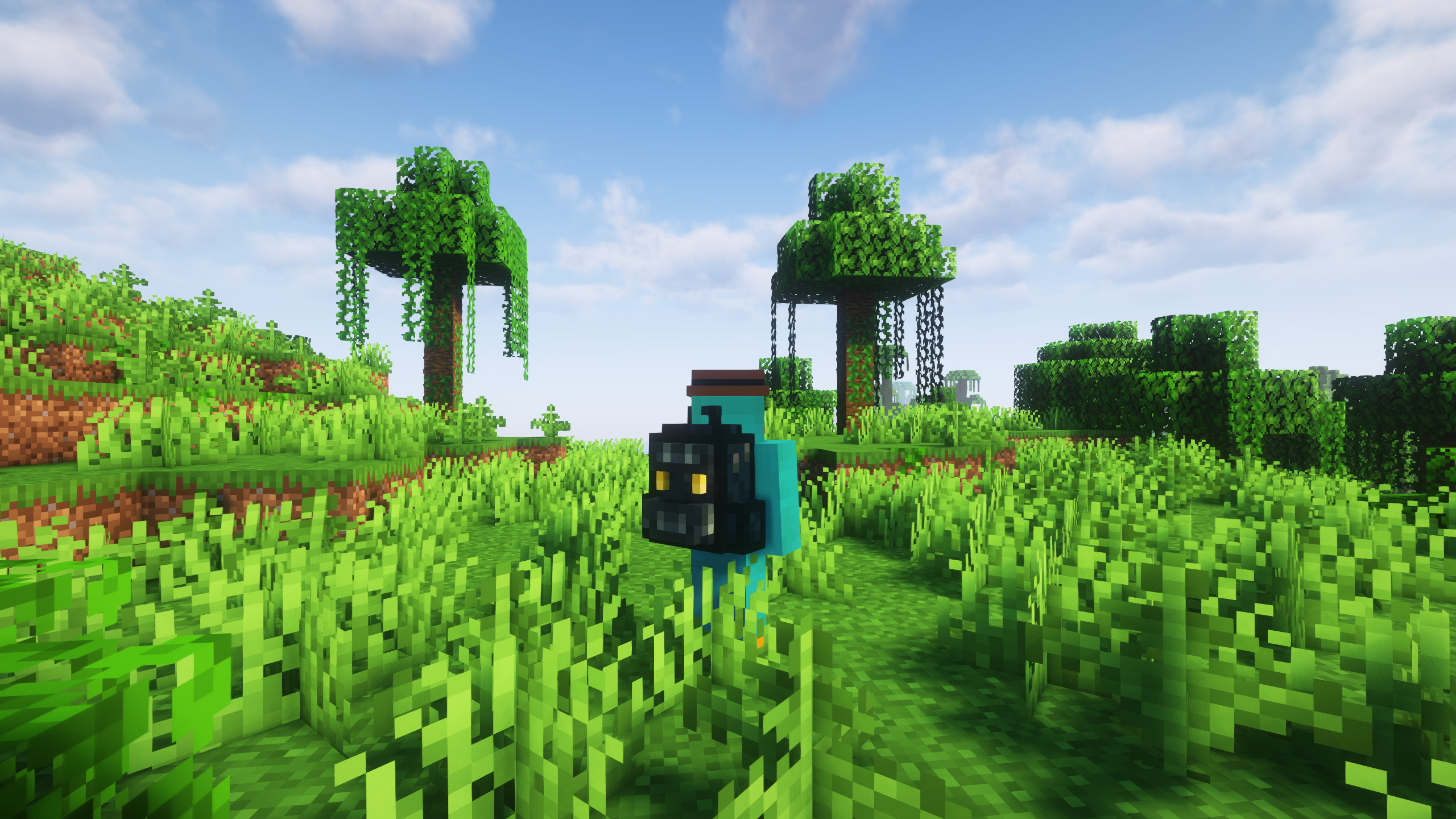
In short, this new mod adds a single item, the ender backpack, which can be used as if it were an enderchest, but in this case, portable and easy to carry.
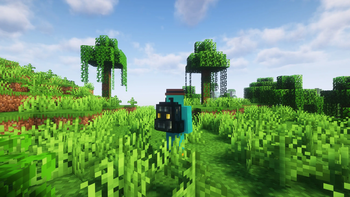
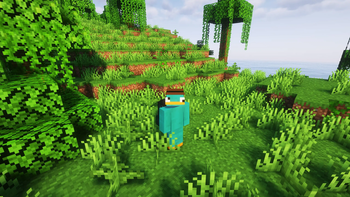
The backpack has an innovative design, and can be placed on the ground or on the player's own back, which makes it a fantastic addiction. What are you waiting for to use it in your adventures?
Thanks to Matt_Hopes for designing the look of the backpack!
!
Does it work on servers?
Sure! Remember that the best way to play with mods and friends is with BisectHosting, and by .
Can this mod be used in modpacks?
Of course! As long as it is published only on Modrinth or CurseForge. Uploading it to any other platform would be violating our rights and is not allowed at all.
However, we are really grateful if you consider adding it to your Modrinth or CurseForge modpack. If you need any small changes or have any questions, contact us!
!
](https://discord.gg/X8VY5WMbe4)
.
Verfügbare Versionen
EnderPack auf dem Server installieren
Server bestellen
Bestelle einen Minecraft Java Server mit mindestens 3 GB RAM (4 GB empfohlen).
fabric Loader setzen
Wähle im Panel unter "Egg" den fabric-Loader und die passende Minecraft-Version (26.1.2).
Mod installieren
Öffne den Mod-Browser im Dashboard und suche nach "EnderPack". Klicke "Installieren" – fertig! Alternativ: Lade die .jar via SFTP in den /mods Ordner.
Kompatibilität
Mod-Loader
Minecraft-Versionen
26.1.2, 26.1.1, 26.1 (+7 weitere)
Server-seitig
✓ ErforderlichEmpfohlener RAM
4 GB(min. 3 GB)Häufige Fragen
EnderPack Server crasht beim Start – was tun?
Häufigste Ursache: falsche fabric-Version oder zu wenig RAM. Prüfe im Server-Log (latest.log), ob ein "OutOfMemoryError" oder "Mixin"-Fehler auftritt. Bei Mado Hosting: Stelle sicher, dass mindestens 3 GB RAM zugewiesen sind und der Loader zur Mod-Version passt (26.1.2). Über das Panel kannst du den Loader mit einem Klick wechseln.
Ist EnderPack mit fabric und forge und neoforge kompatibel?
EnderPack unterstützt offiziell fabric, forge, neoforge für Minecraft 26.1.2, 26.1.1, 26.1. Achtung: Forge- und Fabric-Mods sind NICHT untereinander kompatibel – wähle einen Loader und bleibe dabei. Im Mado Dashboard werden inkompatible Loader-Kombinationen automatisch erkannt.
Server laggt mit EnderPack – wie optimiere ich die Performance?
Empfohlener RAM: 4 GB (+1 GB pro 8 Spieler). Prüfe mit /spark profiler, ob EnderPack den meisten Tick-Time verbraucht. Häufige Fixes: Server-View-Distance auf 8-10 reduzieren, bei Forge "performant" oder "starlight" als Zusatz-Mod installieren. Bei Mado Hosting läuft dein Server auf NVMe-SSDs mit dedizierten CPU-Kernen für minimale Latenz.
Ähnliche Mods


Modded Server mieten
Installiere EnderPack mit nur einem Klick auf deinem Server.