
Flashback Extras
Extra tools and quality-of-life improvements for the Flashback replay editor.
Screenshots
Über diese Mod
Flashback Extras
Flashback Extras extends the Flashback replay editor with additional features and fixes.
All features can be toggled on or off.
Features
Export Presets
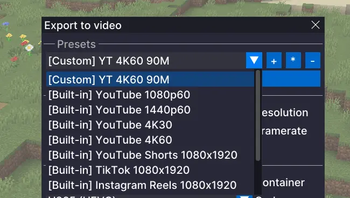
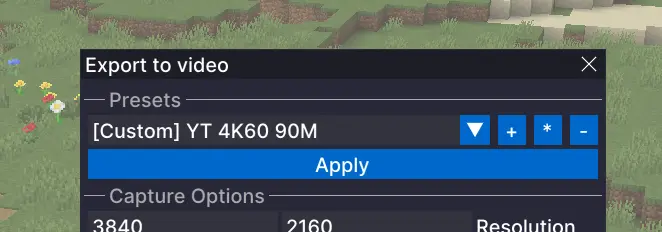
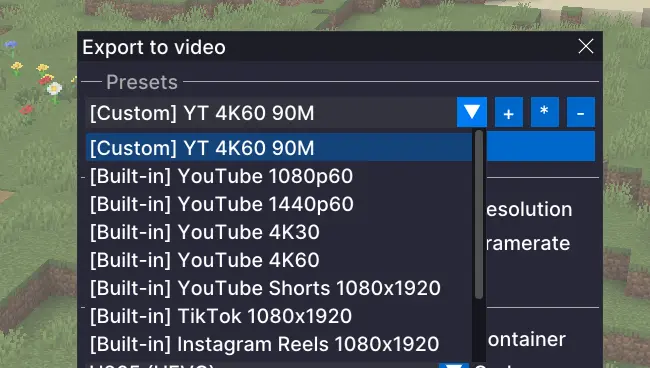
Adds built-in presets for common output targets, such as YouTube 1440p, and lets you create your own presets so you can save the settings you use again and again instead of rebuilding them every time. This is especially useful if you are exporting the same replay in multiple formats.
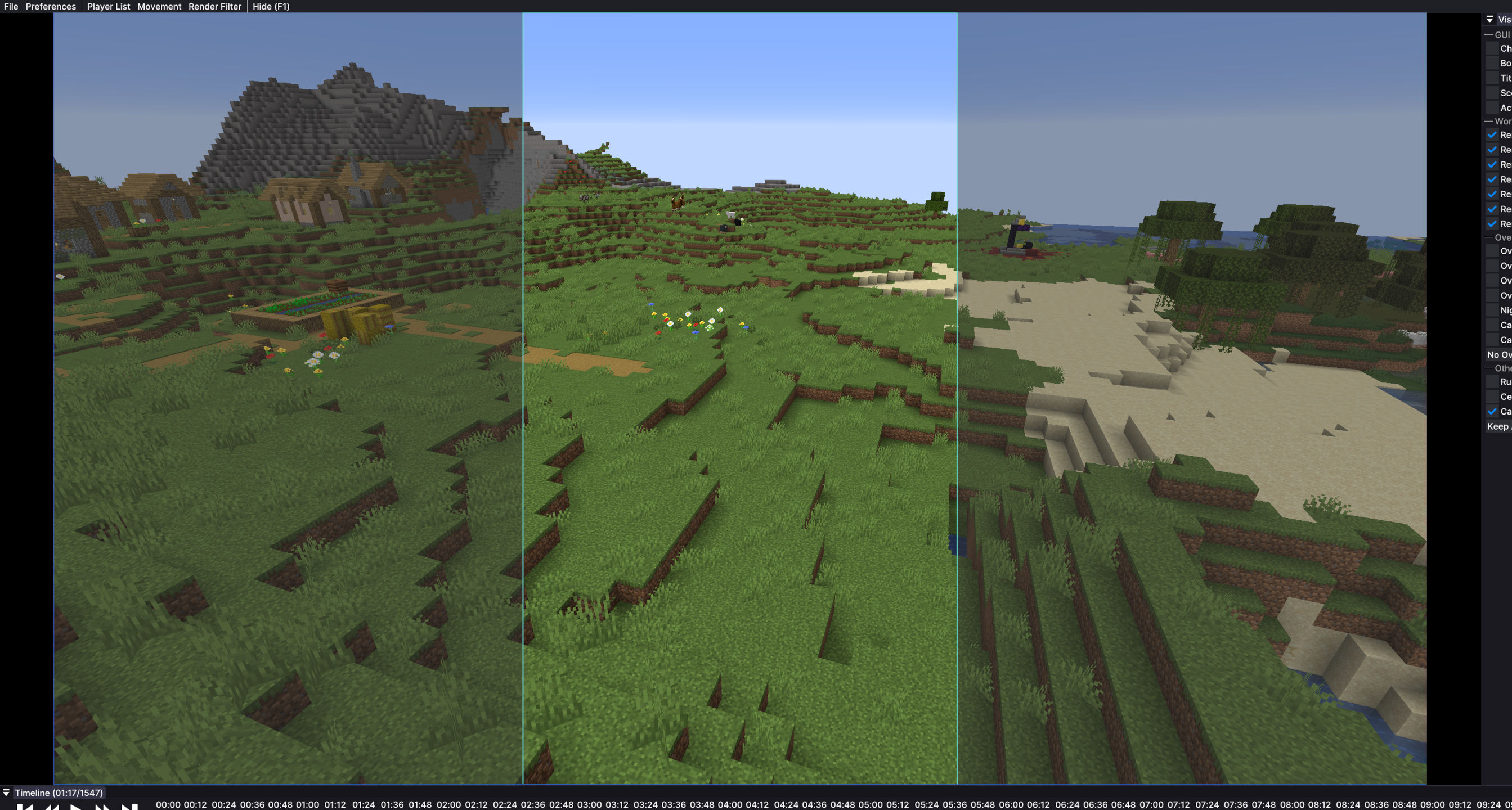
Export Preview Overlay
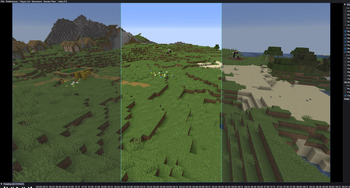
When you are exporting for formats like TikTok or YouTube Shorts, it is not always clear how the final video will look inside a vertical frame. This adds an overlay that shows that shape on screen, so you can line things up more easily before exporting.
Timeline Horizontal Scroll
Enables horizontal scrolling of the Flashback timeline with a mouse side wheel, horizontal wheel, or trackpad.
Fixes
Faster First Export
Opening the export menu can freeze Flashback for a couple of seconds. This mod prepares export tools in the background shortly after you open a replay, so the export window opens without long waiting times.Audio Track Sync for Timelapses
Timelapses and other speed changes in Flashback can make audio sound wrong and break the waveform display. This mod fixes that, so audio plays normally and the visual audio track scales correctly with timeline speed.
Configure
- You can open the Flashback Extras menu with
Right Alt + Pby default. - The shortcut can be changed in Minecraft Controls.
- You can also open the menu through the Mod Menu mod.
Requirements
- Fabric
- Flashback
Verfügbare Versionen
Flashback Extras auf deinem Client installieren
Mod-Loader lokal installieren
Installiere fabric für deine lokale Minecraft-Version.
Passende Datei herunterladen
Wähle die Flashback Extras-Datei für fabric und Minecraft 26.3.
Mod installieren
Lege die .jar-Datei in deinem lokalen .minecraft/mods-Ordner ab und starte Minecraft neu. Eine Installation auf dem Server ist nicht nötig.
Kompatibilität
Mod-Loader
Minecraft-Versionen
26.3, 26.2, 26.1.2 (+8 weitere)
Server-seitig
✗ Nicht unterstütztEmpfohlener RAM
4 GB(min. 3 GB)Häufige Fragen
Muss Flashback Extras auf dem Minecraft Server installiert werden?
Nein. Modrinth kennzeichnet Flashback Extras serverseitig als nicht unterstützt. Installiere die Mod nur im lokalen Minecraft-Mods-Ordner. Dein Server kann unverändert bleiben, sofern die Mod-Seite keine zusätzliche Abhängigkeit nennt.
Welche Version und welchen Loader braucht Flashback Extras?
Nutze eine Datei für fabric und exakt deine Minecraft-Version. Unterstützte Versionen sind unter anderem 26.3, 26.2, 26.1.2. Loader-Dateien sind nicht untereinander austauschbar.
Flashback Extras funktioniert nicht – was kann ich prüfen?
Prüfe zuerst Minecraft-Version, Loader-Version und erforderliche Abhängigkeiten. Lege die .jar-Datei im lokalen .minecraft/mods-Ordner ab und entferne ältere Duplikate. Da die Mod clientseitig ist, löst mehr Server-RAM dieses Problem nicht.
Ähnliche Mods






Minecraft Server für deine Gruppe
Flashback Extras bleibt auf deinem Client. Hoste dazu eine kompatible Welt für deine Mitspieler.