
Flashback Extras
Extra tools and quality-of-life improvements for the Flashback replay editor.
Screenshots
About this Mod
Flashback Extras
Flashback Extras extends the Flashback replay editor with additional features and fixes.
All features can be toggled on or off.
Features
Export Presets
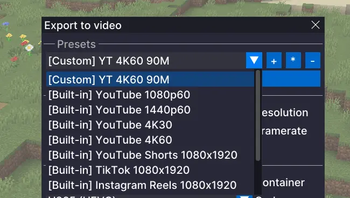
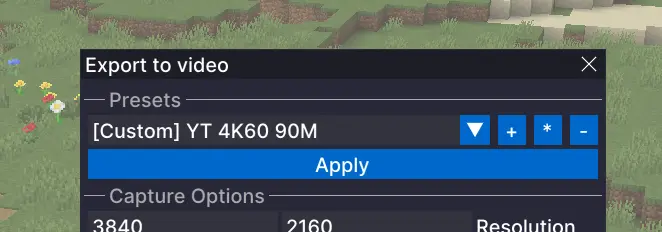
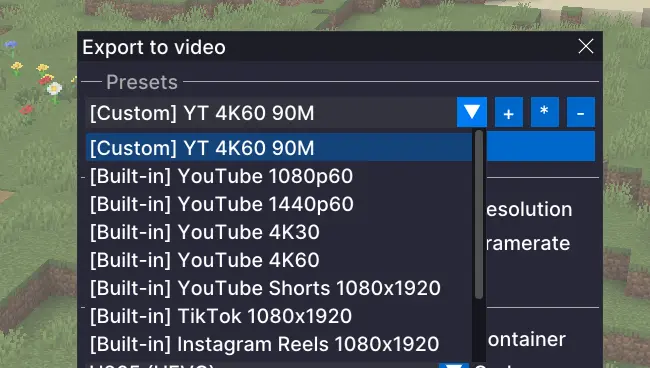
Adds built-in presets for common output targets, such as YouTube 1440p, and lets you create your own presets so you can save the settings you use again and again instead of rebuilding them every time. This is especially useful if you are exporting the same replay in multiple formats.
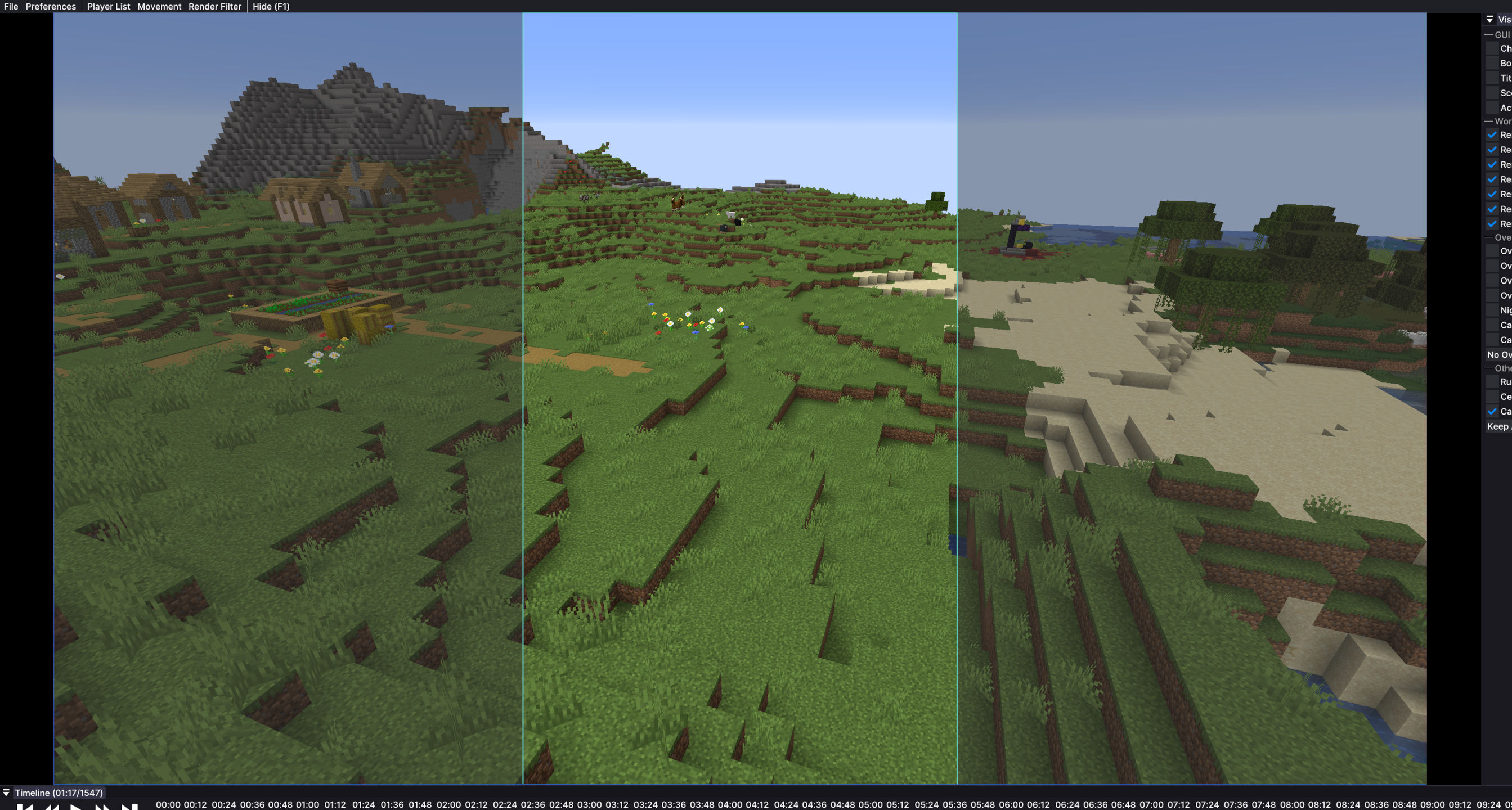
Export Preview Overlay
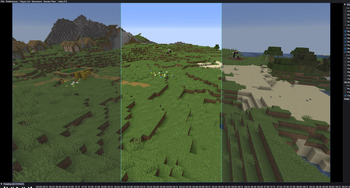
When you are exporting for formats like TikTok or YouTube Shorts, it is not always clear how the final video will look inside a vertical frame. This adds an overlay that shows that shape on screen, so you can line things up more easily before exporting.
Timeline Horizontal Scroll
Enables horizontal scrolling of the Flashback timeline with a mouse side wheel, horizontal wheel, or trackpad.
Fixes
Faster First Export
Opening the export menu can freeze Flashback for a couple of seconds. This mod prepares export tools in the background shortly after you open a replay, so the export window opens without long waiting times.Audio Track Sync for Timelapses
Timelapses and other speed changes in Flashback can make audio sound wrong and break the waveform display. This mod fixes that, so audio plays normally and the visual audio track scales correctly with timeline speed.
Configure
- You can open the Flashback Extras menu with
Right Alt + Pby default. - The shortcut can be changed in Minecraft Controls.
- You can also open the menu through the Mod Menu mod.
Requirements
- Fabric
- Flashback
Available Versions
How to Install Flashback Extras on Your Client
Install the Mod Loader Locally
Install fabric for your local Minecraft version.
Download the Matching File
Choose the Flashback Extras file for fabric and Minecraft 26.3.
Install Mod
Place the .jar file in your local .minecraft/mods folder and restart Minecraft. No server-side installation is required.
Compatibility
Mod Loaders
Minecraft Versions
26.3, 26.2, 26.1.2 (+8 more)
Server-side
✗ UnsupportedRecommended RAM
4 GB(min. 3 GB)Frequently Asked Questions
Does Flashback Extras need to be installed on the Minecraft server?
No. Modrinth marks Flashback Extras as unsupported on the server side. Install it only in your local Minecraft mods folder. Your server can remain unchanged unless the mod page lists an additional dependency.
Which version and loader does Flashback Extras require?
Use a file for fabric and your exact Minecraft version. Supported versions include 26.3, 26.2, 26.1.2. Files for different loaders are not interchangeable.
Flashback Extras is not working – what should I check?
First check the Minecraft version, loader version and required dependencies. Put the .jar file in your local .minecraft/mods folder and remove older duplicates. Because this mod is client-side, adding server RAM will not fix it.
Similar Mods






Minecraft Server for Your Group
Flashback Extras stays on your client. Host a compatible world for your group.