
Immersive Paintings
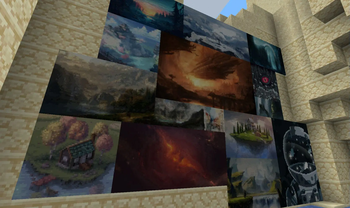
Drag and drop, pixelate and hang up beautiful art. On servers too.
Screenshots
Über diese Mod





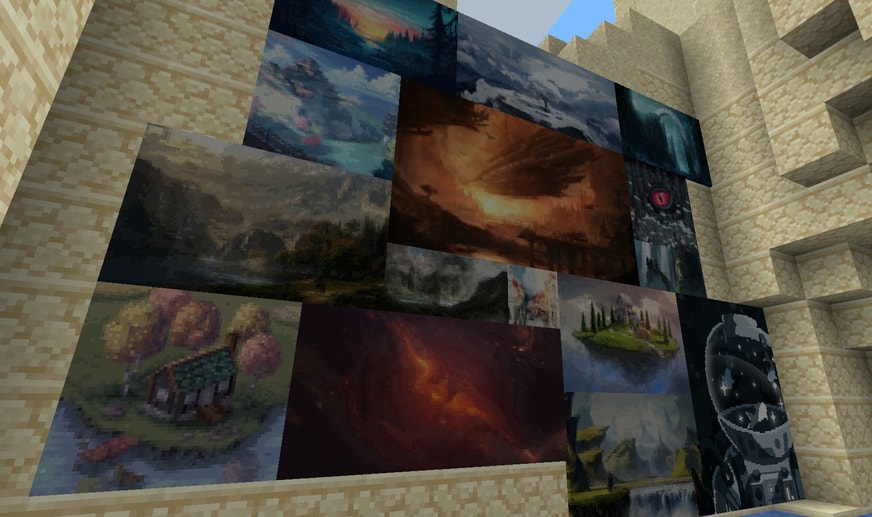
Tired of the overly pixelated, limited amount of paintings without a proper selection GUI? Immersive Paintings allows users to create their own, Minecraft-stylized paintings via drag and drop, screenshots, or by providing a URL. No resource pack required, Multiplayer friendly and easy to use.
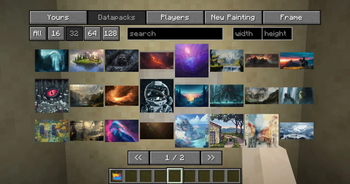
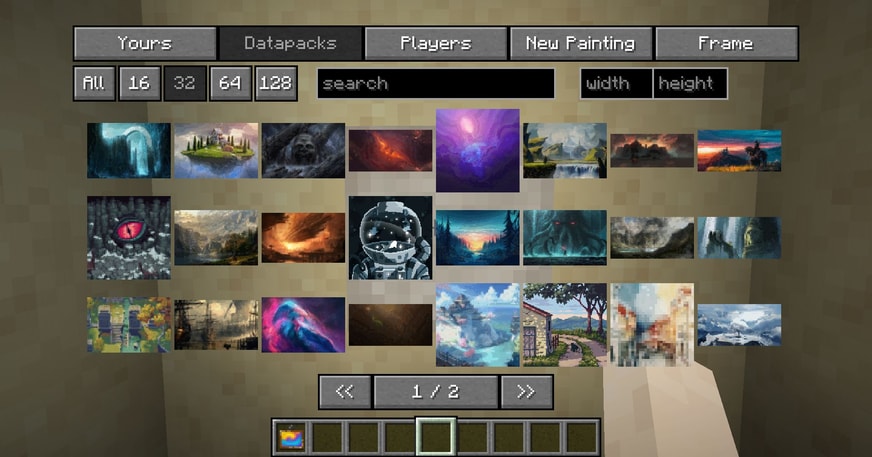
The mod offers a simple yet powerful GUI to select your paintings, those from fellow players or those provided via optional datapacks. Default datapack available for a quick start!
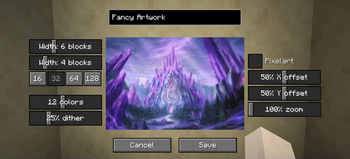
The creation menu allows you to quickly pixelate your images and apply post-effects and dithering to make them look like they fit into Minecraft, without much fiddling around.

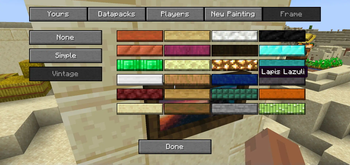
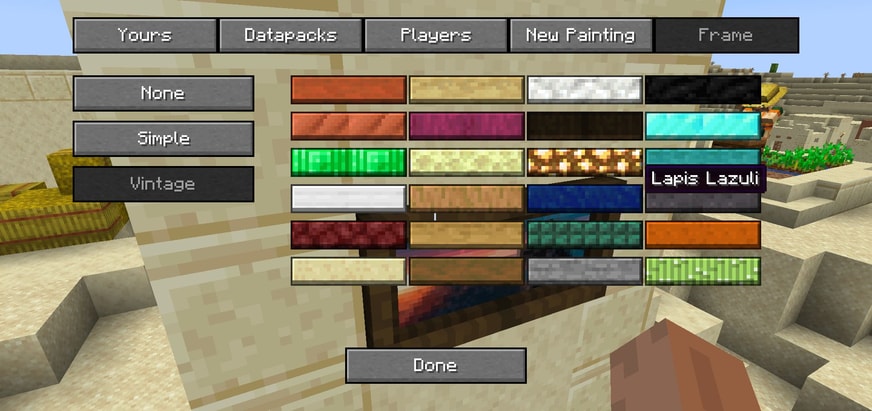
But what's a fancy painting without a fancy frame? Select from different styles and a lot of materials to put your artwork into a better focus.
Using smart level of details, caching and lazy streaming of data the performance impact is not noticeable.

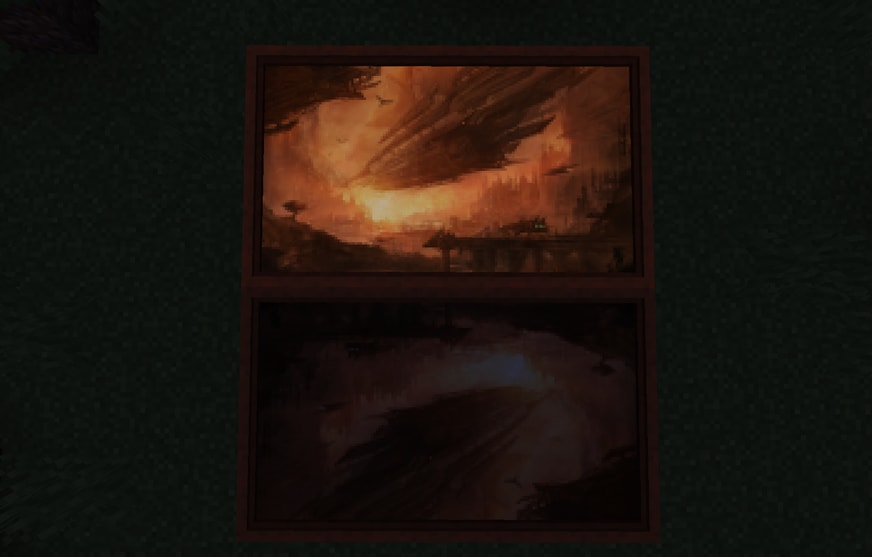
Available with glowing paint as well!
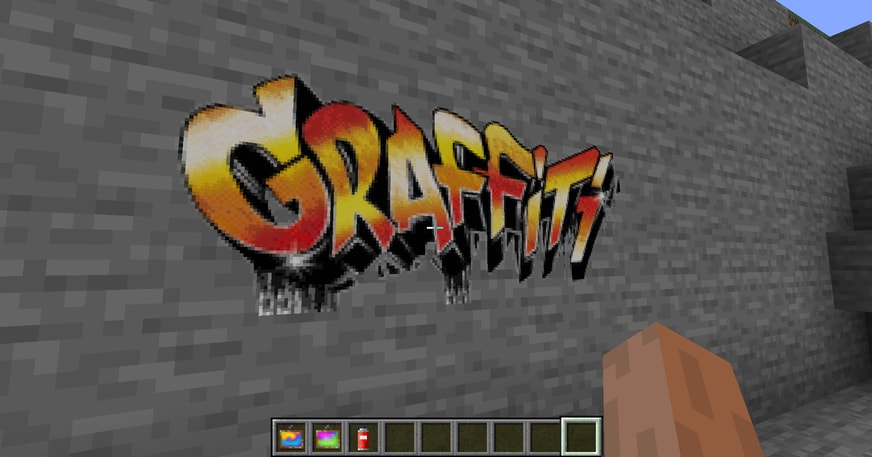
Your image has transparency? No problem, use a graffiti and spray it on every wall!
And here is the crafting recipe.
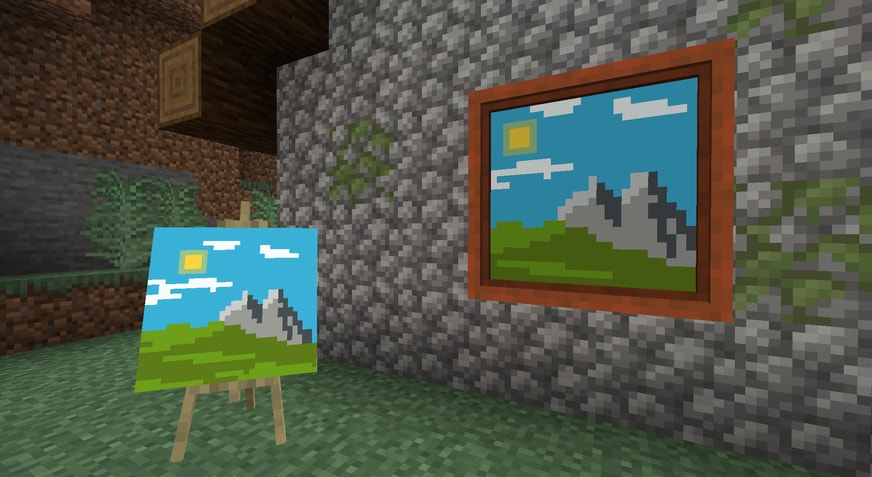
Joy of Painting compatible! Just slap a canvas on a painting to showcase!
For Server Admins
Immersive Paintings has to transfer and store images, on a server they may get quite a lot. If your server suffers from low bandwidth, or storage space, take a look at the config file. It allows a few limitations for users and bandwidth throttling to adjust to your need.
Datapacks
Optionally, share packs of paintings using datapacks.
Translations
You would like to have the mod in your language? Help translate the mod on Crowdin
Immersive Collection





Addons


Verfügbare Versionen
Immersive Paintings auf dem Server installieren
Server bestellen
Bestelle einen Minecraft Java Server mit mindestens 3 GB RAM (4 GB empfohlen).
fabric Loader setzen
Wähle im Panel unter "Egg" den fabric-Loader und die passende Minecraft-Version (26.2).
Mod installieren
Öffne den Mod-Browser im Dashboard und suche nach "Immersive Paintings". Klicke "Installieren" – fertig! Alternativ: Lade die .jar via SFTP in den /mods Ordner.
Kompatibilität
Mod-Loader
Minecraft-Versionen
26.2, 26.1.2, 1.21.11 (+8 weitere)
Server-seitig
✓ ErforderlichEmpfohlener RAM
4 GB(min. 3 GB)Häufige Fragen
Immersive Paintings Server crasht beim Start – was tun?
Häufigste Ursache: falsche fabric-Version oder zu wenig RAM. Prüfe im Server-Log (latest.log), ob ein "OutOfMemoryError" oder "Mixin"-Fehler auftritt. Bei Mado Hosting: Stelle sicher, dass mindestens 3 GB RAM zugewiesen sind und der Loader zur Mod-Version passt (26.2). Über das Panel kannst du den Loader mit einem Klick wechseln.
Ist Immersive Paintings mit fabric und forge und neoforge kompatibel?
Immersive Paintings unterstützt offiziell fabric, forge, neoforge für Minecraft 26.2, 26.1.2, 1.21.11. Achtung: Forge- und Fabric-Mods sind NICHT untereinander kompatibel – wähle einen Loader und bleibe dabei. Im Mado Dashboard werden inkompatible Loader-Kombinationen automatisch erkannt.
Server laggt mit Immersive Paintings – wie optimiere ich die Performance?
Empfohlener RAM: 4 GB (+1 GB pro 8 Spieler). Prüfe mit /spark profiler, ob Immersive Paintings den meisten Tick-Time verbraucht. Häufige Fixes: Server-View-Distance auf 8-10 reduzieren, bei Forge "performant" oder "starlight" als Zusatz-Mod installieren. Bei Mado Hosting läuft dein Server auf NVMe-SSDs mit dedizierten CPU-Kernen für minimale Latenz.
Ähnliche Mods

![[ETF] Entity Texture Features](https://cdn.modrinth.com/data/BVzZfTc1/af683d206d50b05258d865b0d6e4aa2f2cee12f2_96.webp)
![[EMF] Entity Model Features](https://cdn.modrinth.com/data/4I1XuqiY/6e5bbd0d06b1741bfdab6c0cfab6de8fdaf0064c_96.webp)



Modded Server mieten
Installiere Immersive Paintings mit nur einem Klick auf deinem Server.