
Immersive Paintings
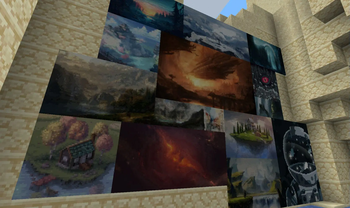
Drag and drop, pixelate and hang up beautiful art. On servers too.
Screenshots
About this Mod





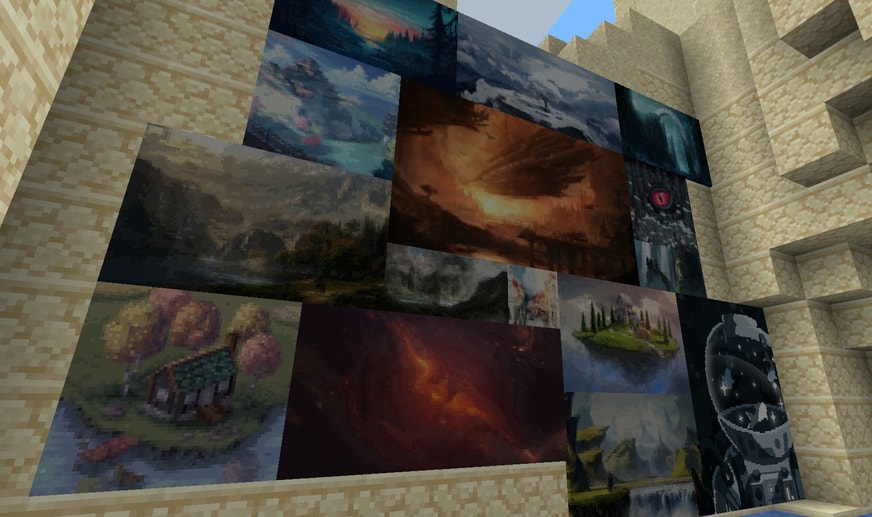
Tired of the overly pixelated, limited amount of paintings without a proper selection GUI? Immersive Paintings allows users to create their own, Minecraft-stylized paintings via drag and drop, screenshots, or by providing a URL. No resource pack required, Multiplayer friendly and easy to use.
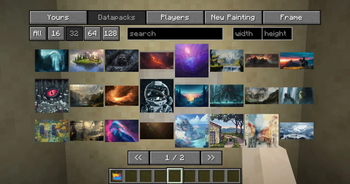
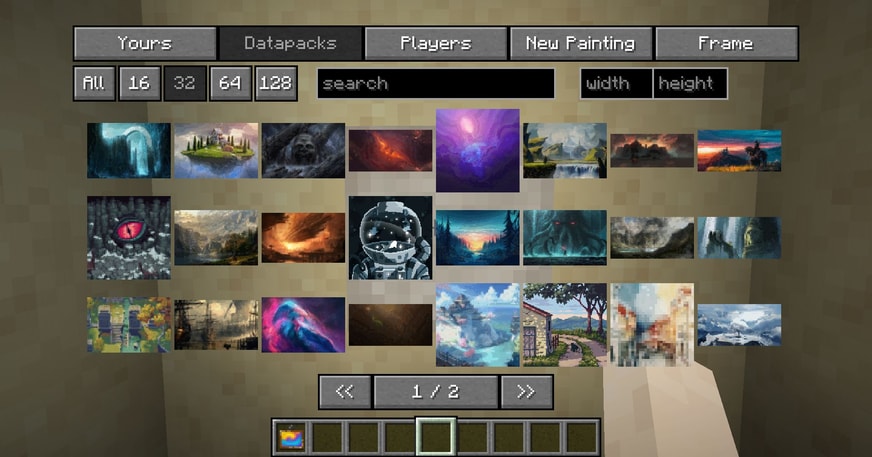
The mod offers a simple yet powerful GUI to select your paintings, those from fellow players or those provided via optional datapacks. Default datapack available for a quick start!
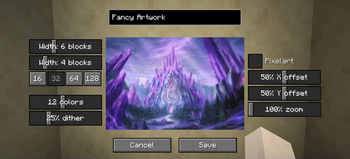
The creation menu allows you to quickly pixelate your images and apply post-effects and dithering to make them look like they fit into Minecraft, without much fiddling around.

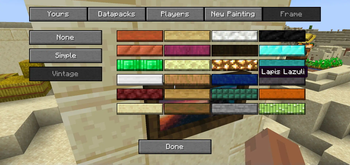
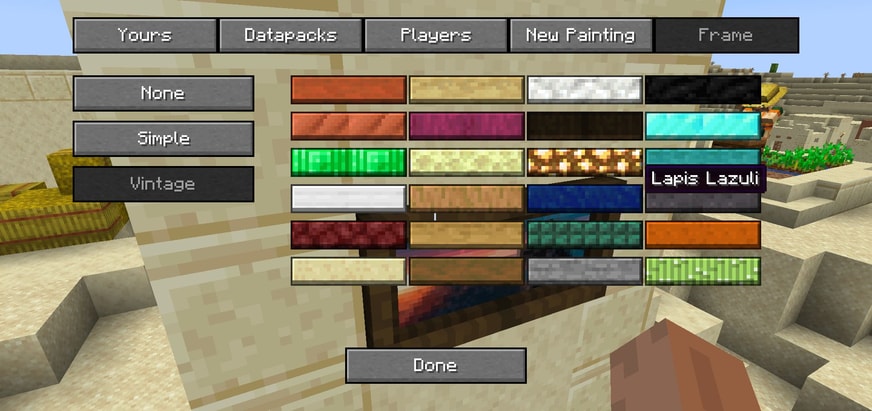
But what's a fancy painting without a fancy frame? Select from different styles and a lot of materials to put your artwork into a better focus.
Using smart level of details, caching and lazy streaming of data the performance impact is not noticeable.

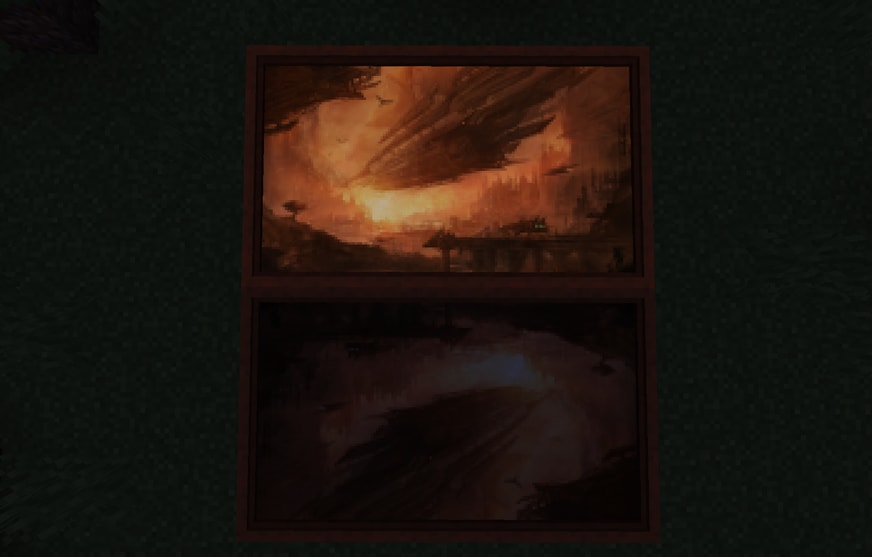
Available with glowing paint as well!
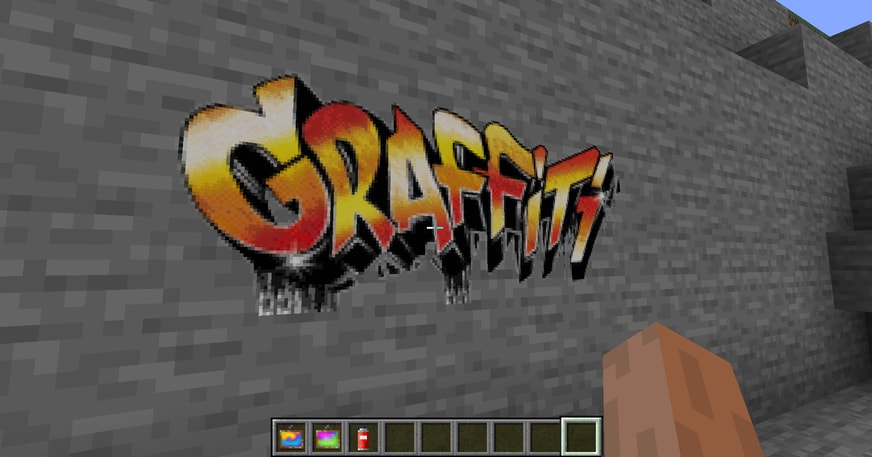
Your image has transparency? No problem, use a graffiti and spray it on every wall!
And here is the crafting recipe.
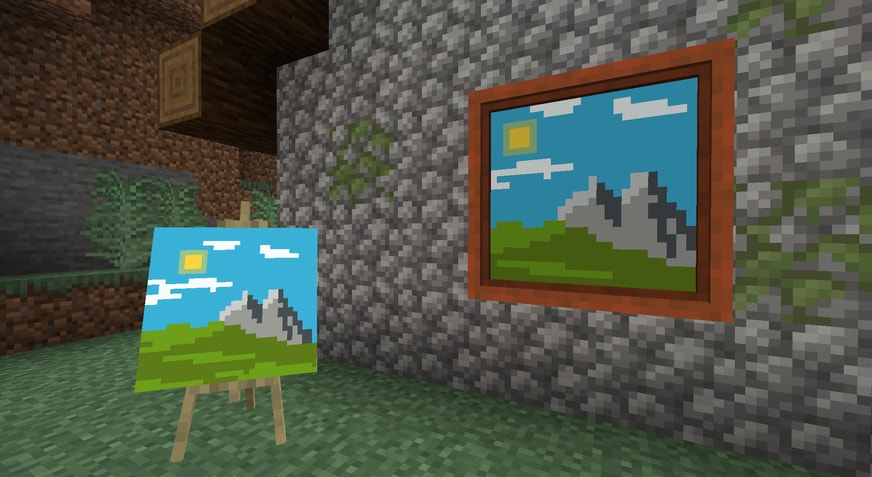
Joy of Painting compatible! Just slap a canvas on a painting to showcase!
For Server Admins
Immersive Paintings has to transfer and store images, on a server they may get quite a lot. If your server suffers from low bandwidth, or storage space, take a look at the config file. It allows a few limitations for users and bandwidth throttling to adjust to your need.
Datapacks
Optionally, share packs of paintings using datapacks.
Translations
You would like to have the mod in your language? Help translate the mod on Crowdin
Immersive Collection






Addons


Available Versions
How to Install Immersive Paintings on Your Server
Order Server
Order a Minecraft Java server with at least 3 GB RAM (4 GB recommended).
Set fabric Loader
In the panel under "Egg", select the fabric loader and matching Minecraft version (26.2).
Install Mod
Open the mod browser in the dashboard and search for "Immersive Paintings". Click "Install" – done! Alternatively, upload the .jar via SFTP to the /mods folder.
Compatibility
Mod Loaders
Minecraft Versions
26.2, 26.1.2, 1.21.11 (+8 more)
Server-side
✓ RequiredRecommended RAM
4 GB(min. 3 GB)Frequently Asked Questions
Immersive Paintings server crashes on startup – what to do?
Most common cause: wrong fabric version or insufficient RAM. Check the server log (latest.log) for "OutOfMemoryError" or "Mixin" errors. With Mado Hosting: ensure at least 3 GB RAM is allocated and the loader matches the mod version (26.2). You can switch loaders with one click in the panel.
Is Immersive Paintings compatible with fabric and forge and neoforge?
Immersive Paintings officially supports fabric, forge, neoforge for Minecraft 26.2, 26.1.2, 1.21.11. Note: Forge and Fabric mods are NOT cross-compatible – pick one loader and stick with it. The Mado dashboard automatically detects incompatible loader combinations.
Server lagging with Immersive Paintings – how to optimize performance?
Recommended RAM: 4 GB (per 8 players). Use /spark profiler to check if Immersive Paintings consumes the most tick time. Common fixes: reduce server view-distance to 8-10, install "performant" or "starlight" as supplementary mods on Forge. With Mado Hosting, your server runs on NVMe SSDs with dedicated CPU cores for minimal latency.
Similar Mods

![[ETF] Entity Texture Features](https://cdn.modrinth.com/data/BVzZfTc1/af683d206d50b05258d865b0d6e4aa2f2cee12f2_96.webp)
![[EMF] Entity Model Features](https://cdn.modrinth.com/data/4I1XuqiY/6e5bbd0d06b1741bfdab6c0cfab6de8fdaf0064c_96.webp)



Rent Modded Server
Install Immersive Paintings with just one click on your server.