Ipla (item placer 2)
Place any item on any block side, up to 4 on one side
Screenshots



Über diese Mod
IPLA
Place your favourite items exactly the way you want
Ipla is a decorative Minecraft mod that lets you place almost any item from your inventory directly into the world, with full control over its position, rotation, and orientation.
Forget item frames and their strict limits. With Ipla, items become true world objects.
Controls
- V to place item
- Shift + V to place item as 1/4 of a block side
- Alt + Mousewheel to rotate items
- IF CONTROLS NOT WORKING DOWNLOAD MOD THAT ALLOWS MULTIPLE KEYBINDS TO WORK AT THE SAME TIME
Features
- Place items freely on walls, floors, ceilings, or in mid-air
- Rotate and tilt items
- Fine-tune placement using simple controls
- Items stay fixed in place and persist after world reloads
- Hold right click with empty hand to eat food
Endless possibilities!
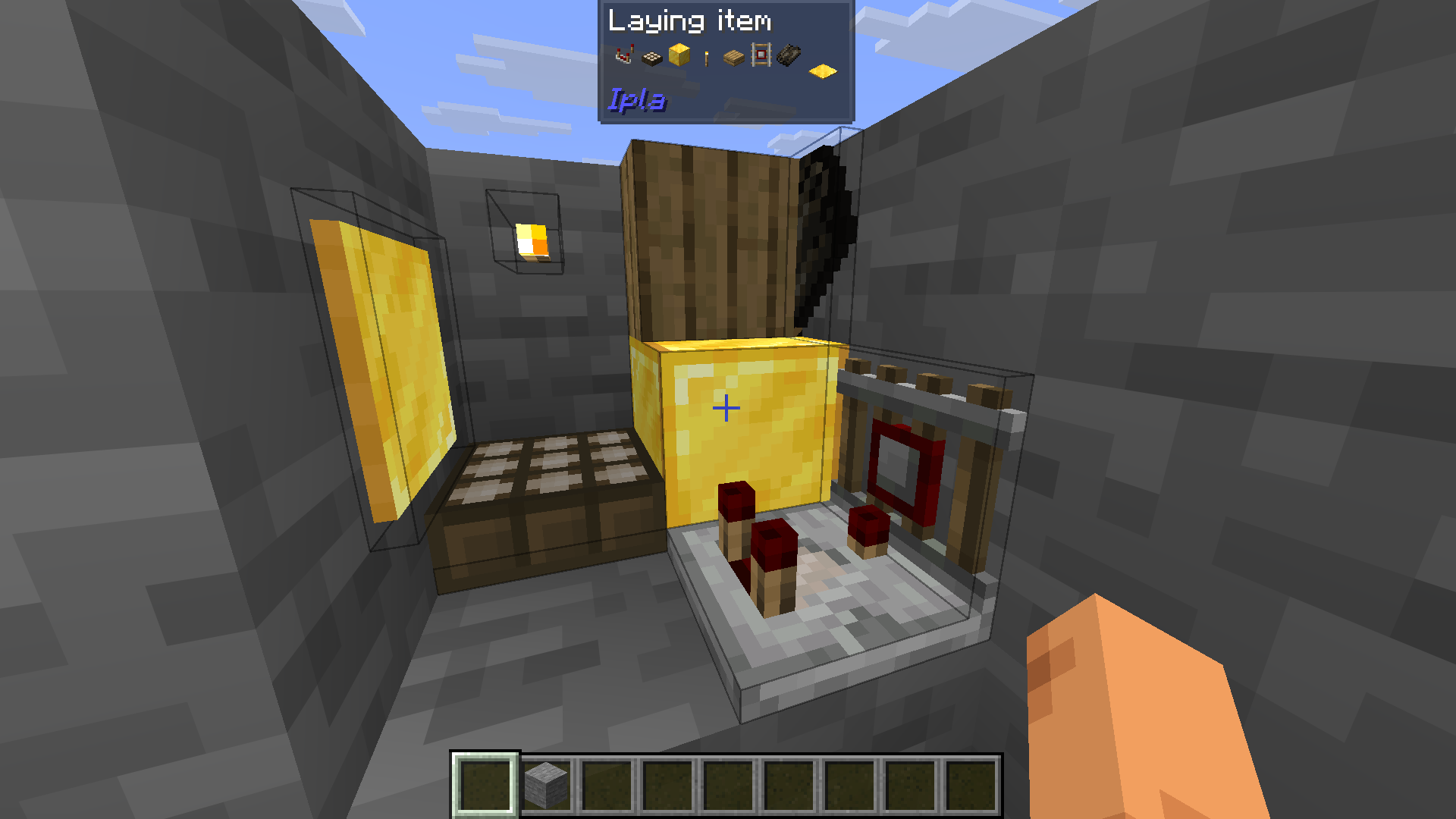
(You can also see that each item has an almost right hitbox)
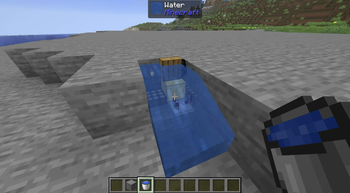
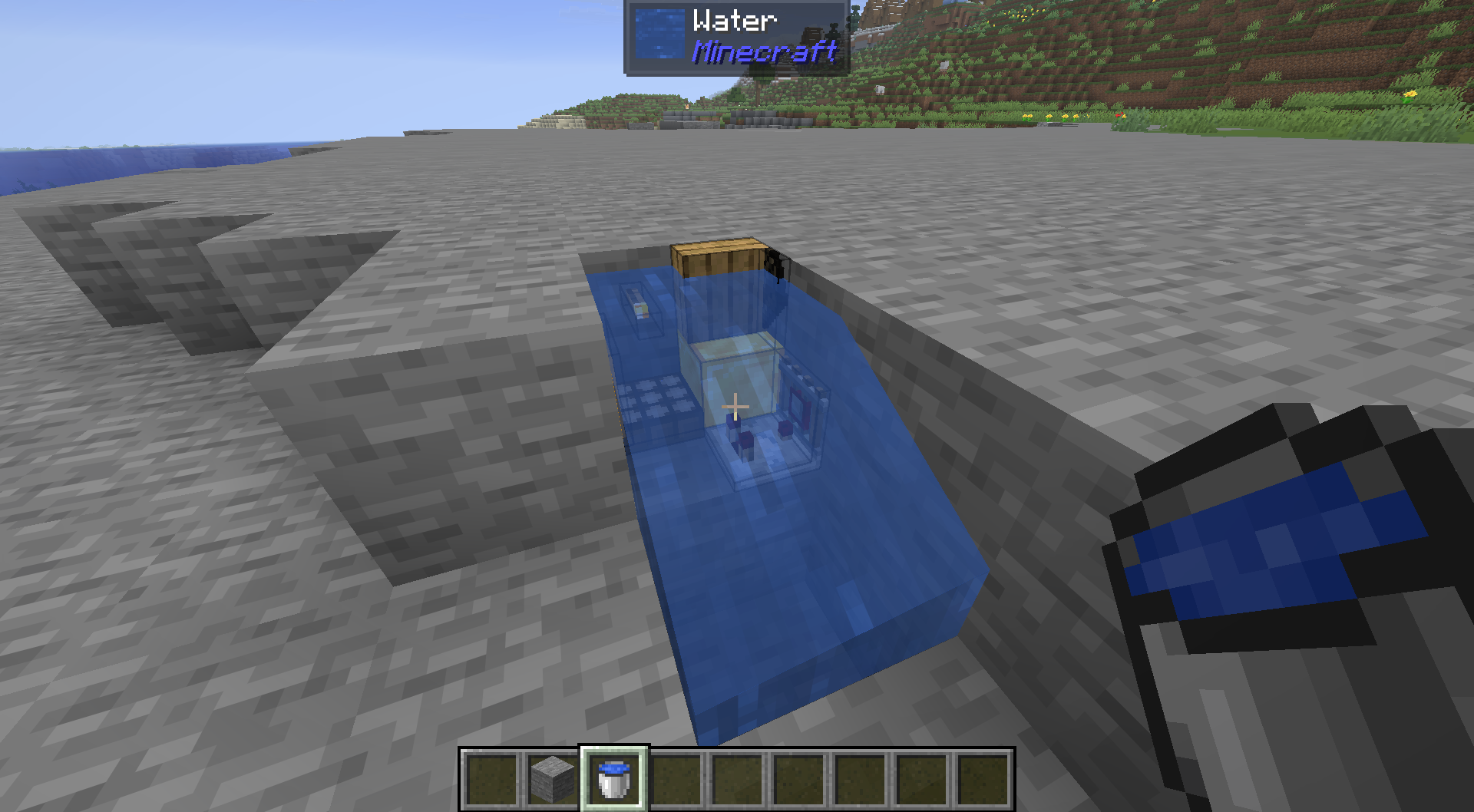
You can also fullfill your waterlogging desires.
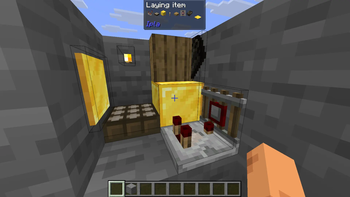
Items can emit light.

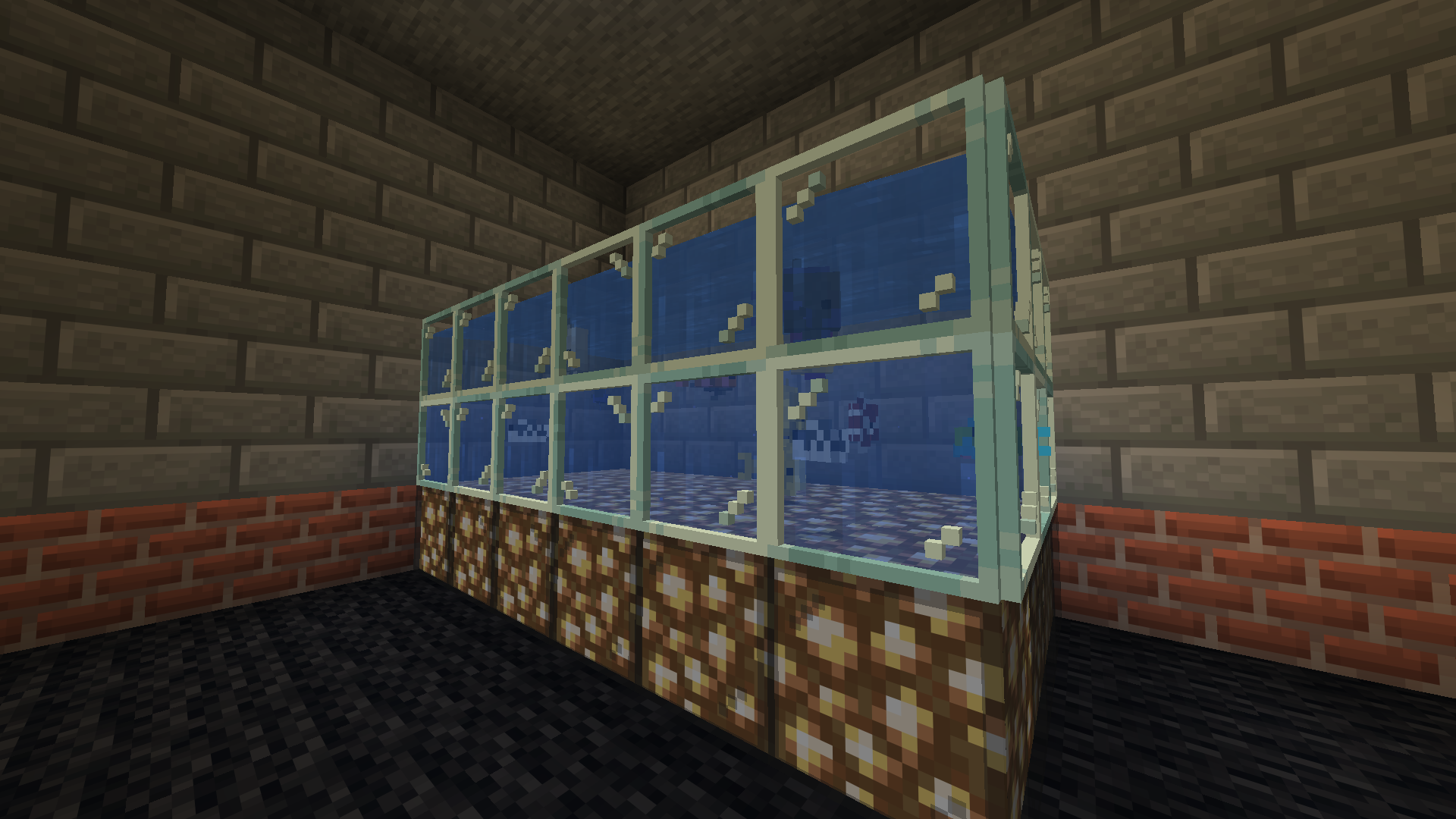
Now you can build a proper fishtank for your sea creatures!
Make a mess!
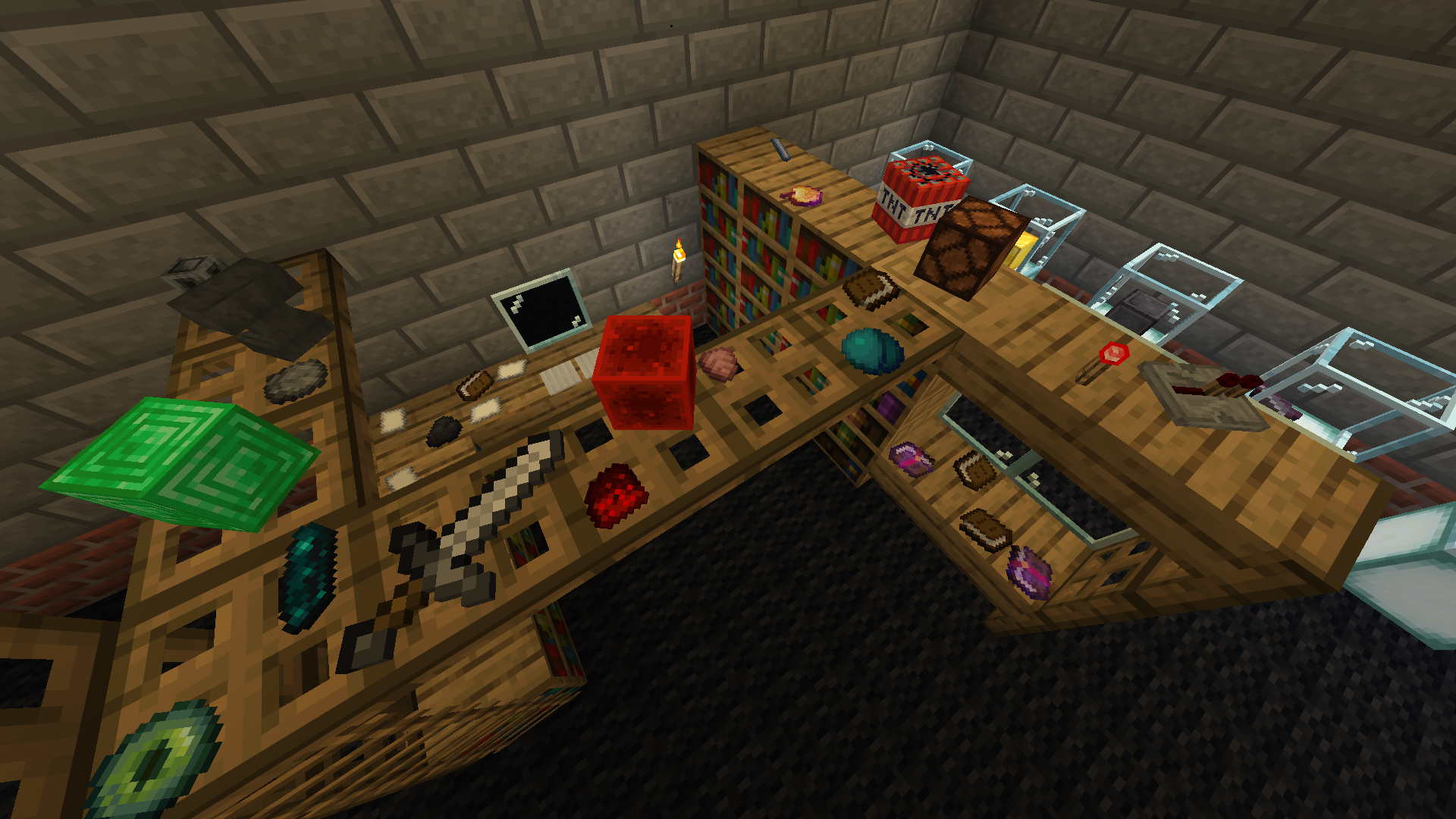
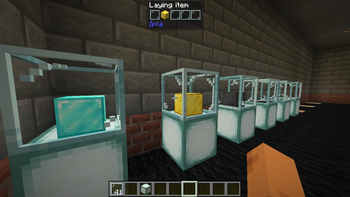
Display your items!
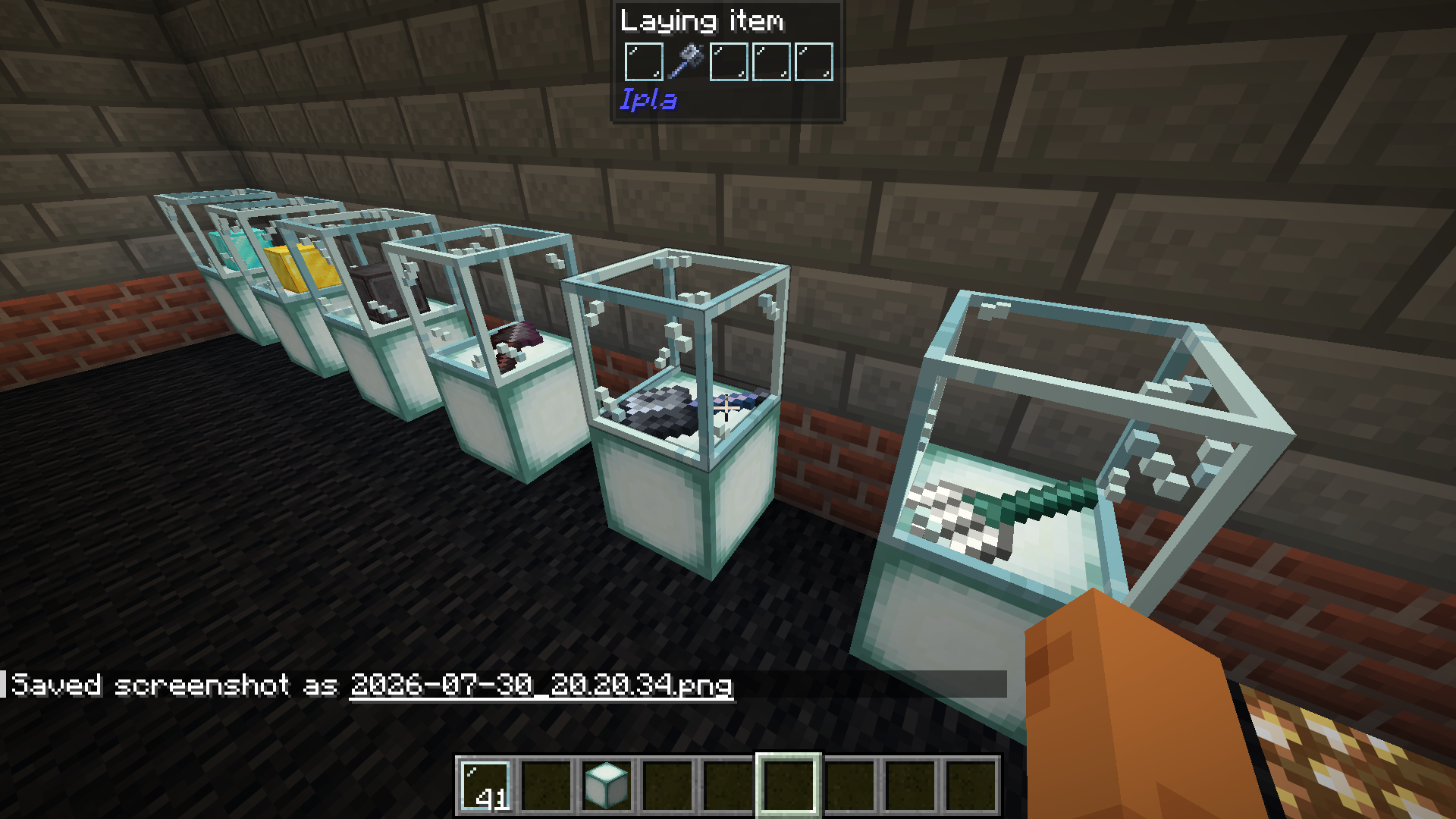
Dynamic items work.

Verfügbare Versionen
Ipla (item placer 2) auf dem Server installieren
Server bestellen
Bestelle einen Minecraft Java Server mit mindestens 3 GB RAM (4 GB empfohlen).
fabric Loader setzen
Wähle im Panel unter "Egg" den fabric-Loader und die passende Minecraft-Version (26.2).
Mod installieren
Öffne den Mod-Browser im Dashboard und suche nach "Ipla (item placer 2)". Klicke "Installieren" – fertig! Alternativ: Lade die .jar via SFTP in den /mods Ordner.
Kompatibilität
Mod-Loader
Minecraft-Versionen
26.2, 26.1.2, 26.1.1 (+17 weitere)
Server-seitig
✓ ErforderlichEmpfohlener RAM
4 GB(min. 3 GB)Häufige Fragen
Ipla (item placer 2) Server crasht beim Start – was tun?
Häufigste Ursache: falsche fabric-Version oder zu wenig RAM. Prüfe im Server-Log (latest.log), ob ein "OutOfMemoryError" oder "Mixin"-Fehler auftritt. Bei Mado Hosting: Stelle sicher, dass mindestens 3 GB RAM zugewiesen sind und der Loader zur Mod-Version passt (26.2). Über das Panel kannst du den Loader mit einem Klick wechseln.
Ist Ipla (item placer 2) mit fabric und forge und neoforge kompatibel?
Ipla (item placer 2) unterstützt offiziell fabric, forge, neoforge für Minecraft 26.2, 26.1.2, 26.1.1. Achtung: Forge- und Fabric-Mods sind NICHT untereinander kompatibel – wähle einen Loader und bleibe dabei. Im Mado Dashboard werden inkompatible Loader-Kombinationen automatisch erkannt.
Server laggt mit Ipla (item placer 2) – wie optimiere ich die Performance?
Empfohlener RAM: 4 GB (+1 GB pro 8 Spieler). Prüfe mit /spark profiler, ob Ipla (item placer 2) den meisten Tick-Time verbraucht. Häufige Fixes: Server-View-Distance auf 8-10 reduzieren, bei Forge "performant" oder "starlight" als Zusatz-Mod installieren. Bei Mado Hosting läuft dein Server auf NVMe-SSDs mit dedizierten CPU-Kernen für minimale Latenz.
Ähnliche Mods

![[ETF] Entity Texture Features](https://cdn.modrinth.com/data/BVzZfTc1/af683d206d50b05258d865b0d6e4aa2f2cee12f2_96.webp)
![[EMF] Entity Model Features](https://cdn.modrinth.com/data/4I1XuqiY/6e5bbd0d06b1741bfdab6c0cfab6de8fdaf0064c_96.webp)



Modded Server mieten
Installiere Ipla (item placer 2) mit nur einem Klick auf deinem Server.