
Ipla (item placer 2)
Place any item on any block side, up to 4 on one side
Screenshots


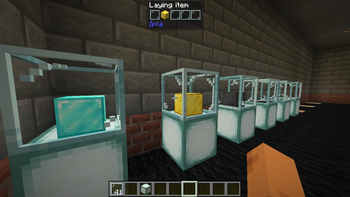
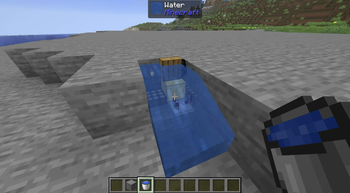
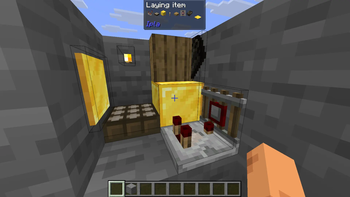

About this Mod
IPLA
Place your favourite items exactly the way you want
Ipla is a decorative Minecraft mod that lets you place almost any item from your inventory directly into the world, with full control over its position, rotation, and orientation.
Forget item frames and their strict limits. With Ipla, items become true world objects.
Controls
- V to place item
- Shift + V to place item as 1/4 of a block side
- Alt + Mousewheel to rotate items
- IF CONTROLS NOT WORKING DOWNLOAD MOD THAT ALLOWS MULTIPLE KEYBINDS TO WORK AT THE SAME TIME
Features
- Place items freely on walls, floors, ceilings, or in mid-air
- Rotate and tilt items
- Fine-tune placement using simple controls
- Items stay fixed in place and persist after world reloads
- Hold right click with empty hand to eat food
Endless possibilities!
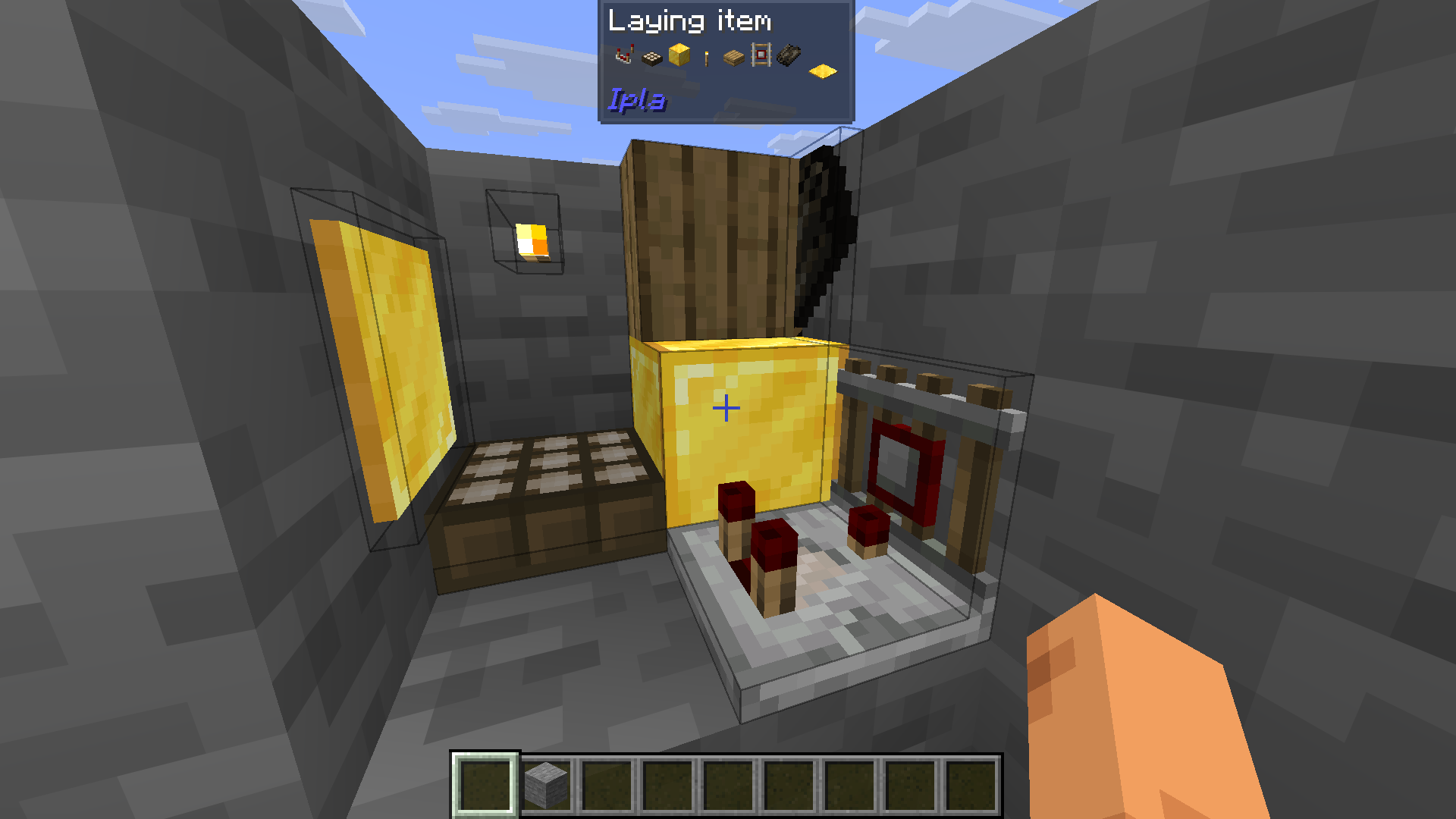
(You can also see that each item has an almost right hitbox)
You can also fullfill your waterlogging desires.
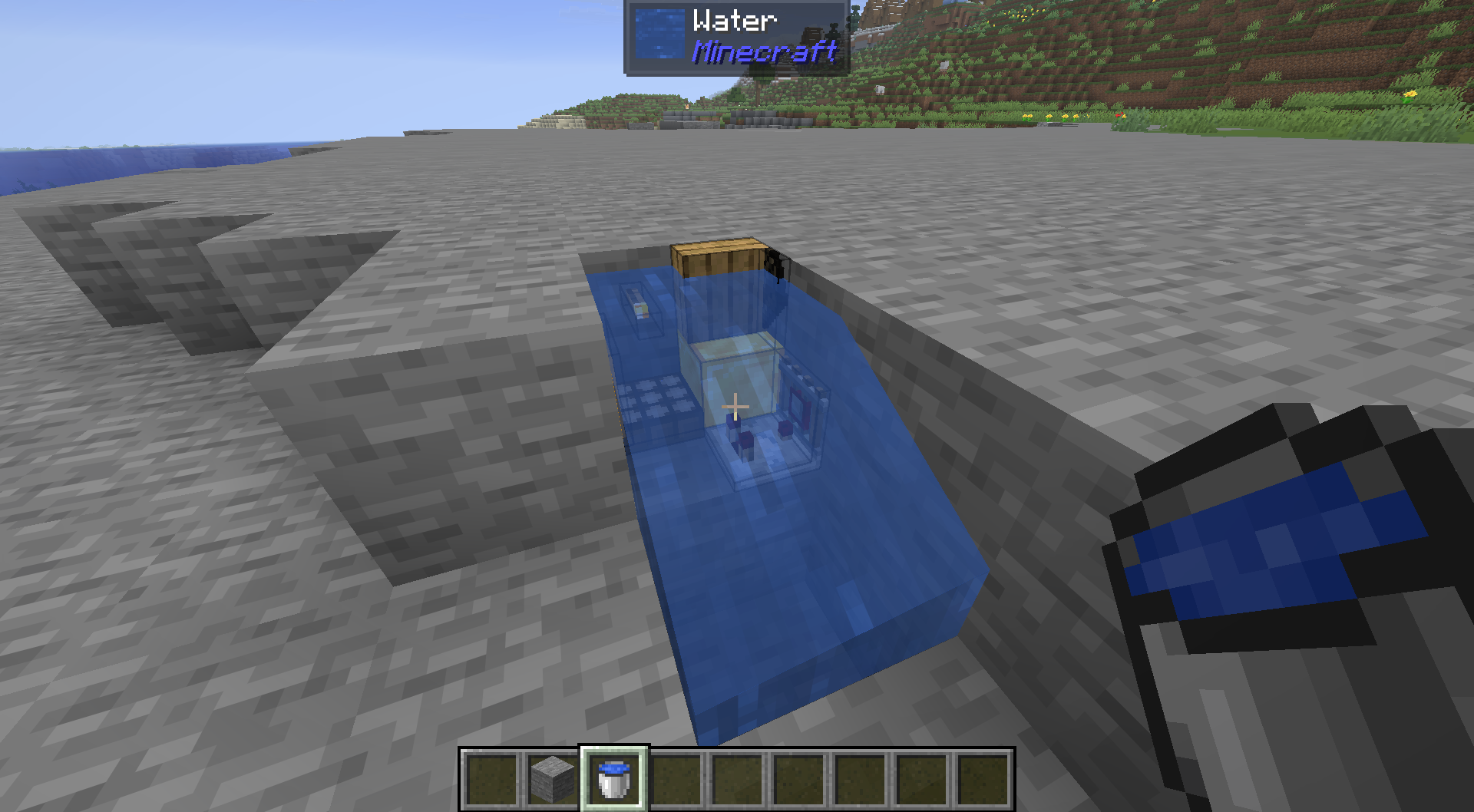
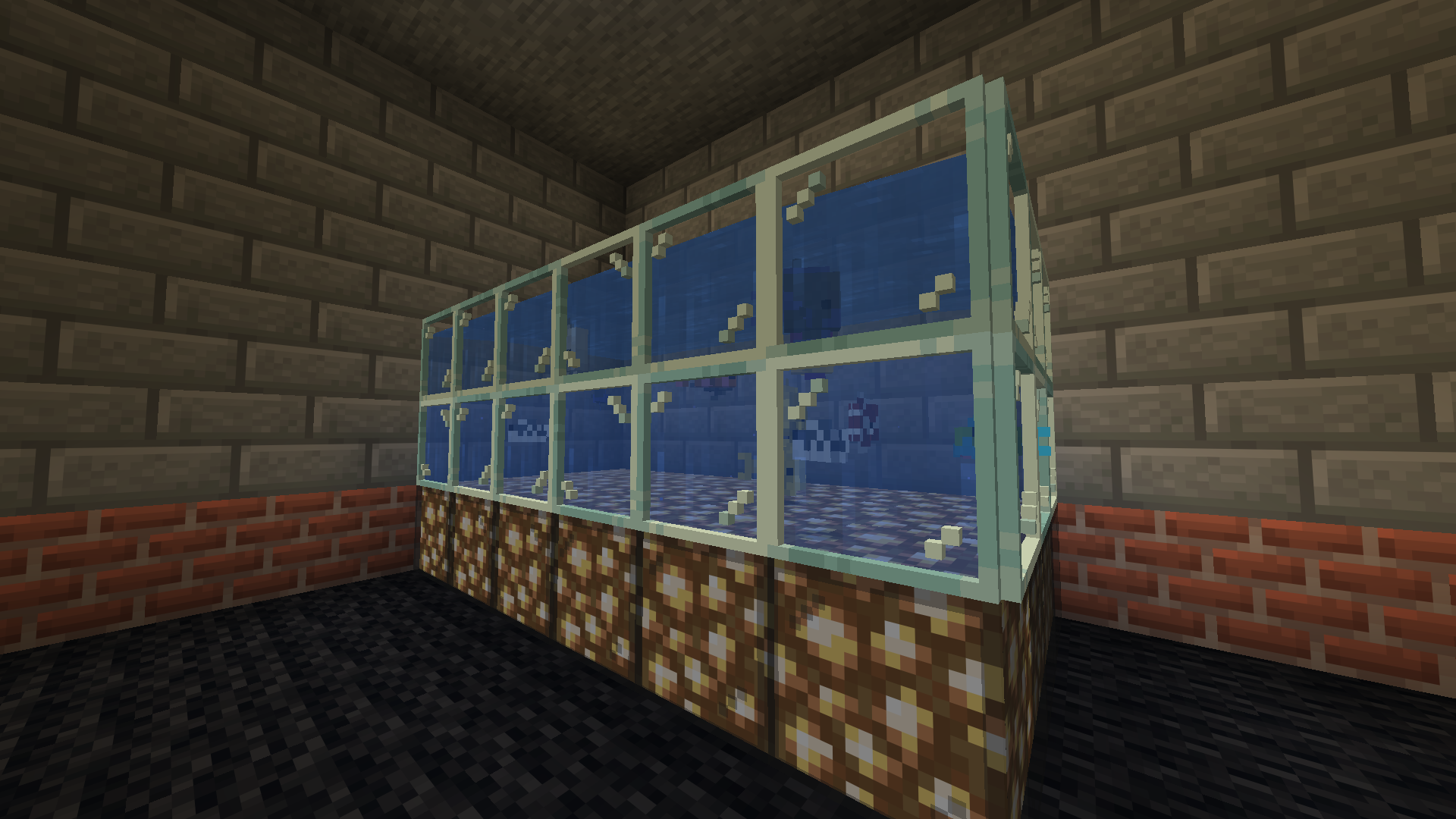
Items can emit light.

Now you can build a proper fishtank for your sea creatures!
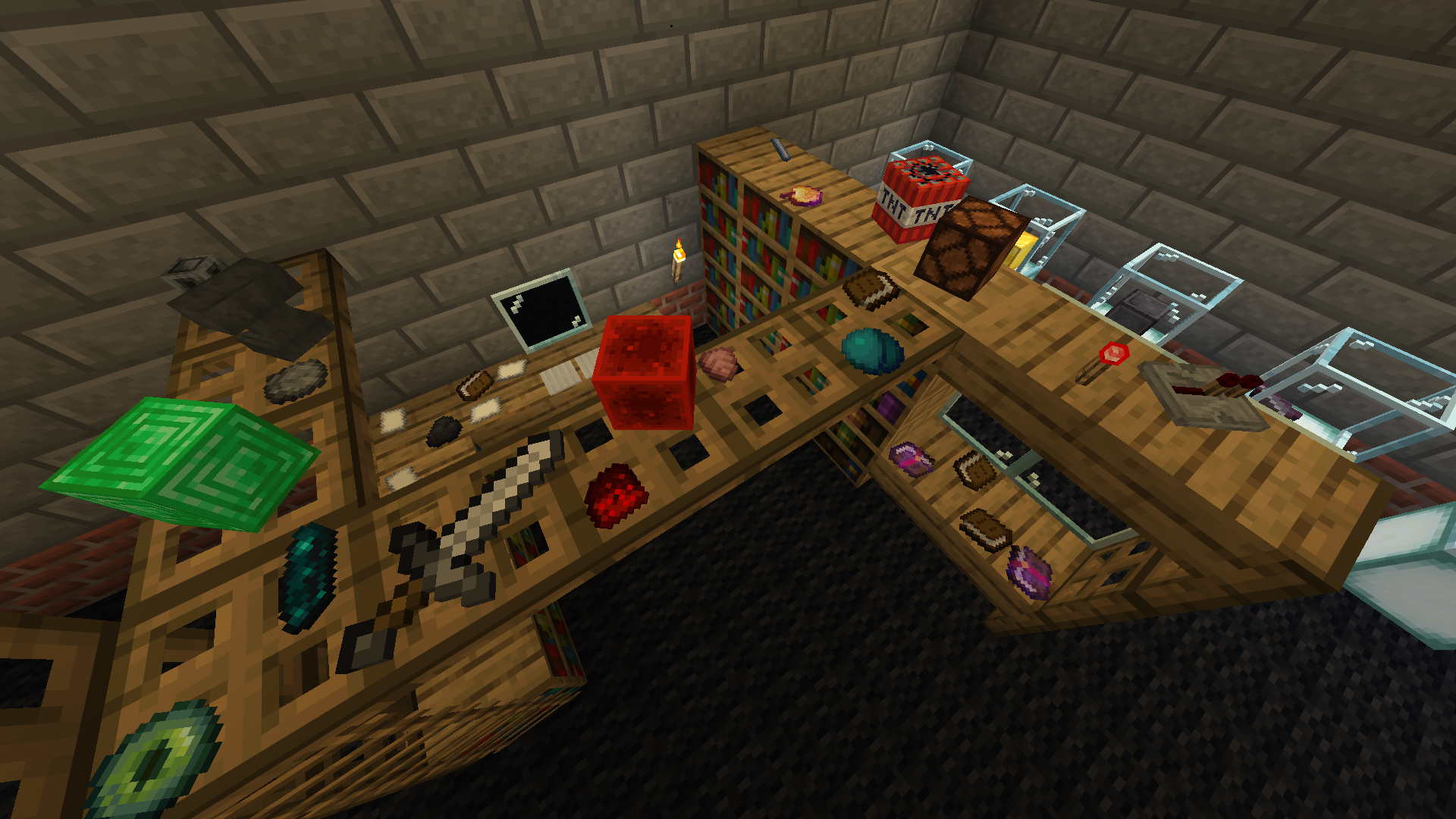
Make a mess!
Display your items!
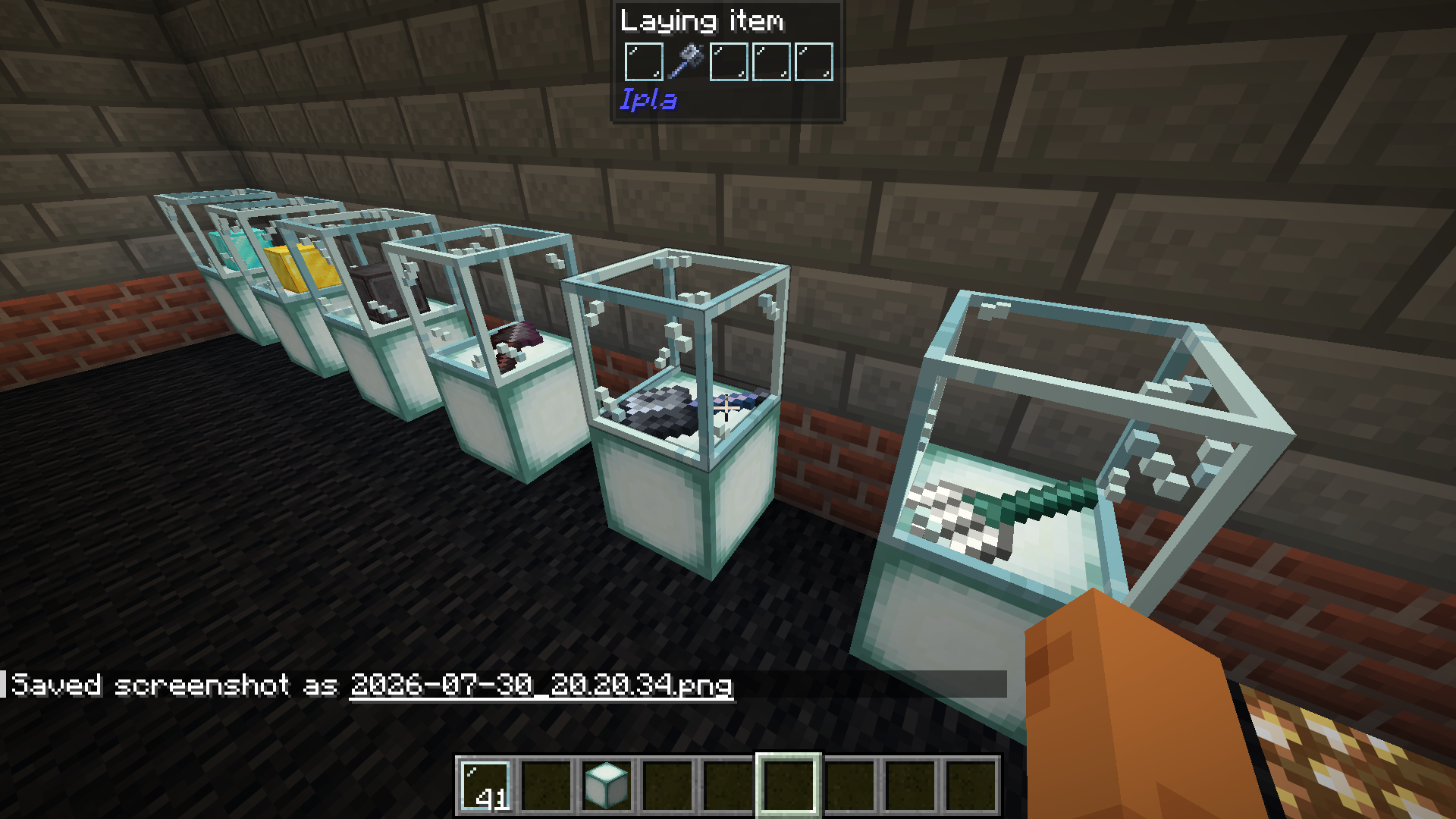
Dynamic items work.

Available Versions
How to Install Ipla (item placer 2) on Your Server
Order Server
Order a Minecraft Java server with at least 3 GB RAM (4 GB recommended).
Set fabric Loader
In the panel under "Egg", select the fabric loader and matching Minecraft version (26.2).
Install Mod
Open the mod browser in the dashboard and search for "Ipla (item placer 2)". Click "Install" – done! Alternatively, upload the .jar via SFTP to the /mods folder.
Compatibility
Mod Loaders
Minecraft Versions
26.2, 26.1.2, 26.1.1 (+17 more)
Server-side
✓ RequiredRecommended RAM
4 GB(min. 3 GB)Frequently Asked Questions
Ipla (item placer 2) server crashes on startup – what to do?
Most common cause: wrong fabric version or insufficient RAM. Check the server log (latest.log) for "OutOfMemoryError" or "Mixin" errors. With Mado Hosting: ensure at least 3 GB RAM is allocated and the loader matches the mod version (26.2). You can switch loaders with one click in the panel.
Is Ipla (item placer 2) compatible with fabric and forge and neoforge?
Ipla (item placer 2) officially supports fabric, forge, neoforge for Minecraft 26.2, 26.1.2, 26.1.1. Note: Forge and Fabric mods are NOT cross-compatible – pick one loader and stick with it. The Mado dashboard automatically detects incompatible loader combinations.
Server lagging with Ipla (item placer 2) – how to optimize performance?
Recommended RAM: 4 GB (per 8 players). Use /spark profiler to check if Ipla (item placer 2) consumes the most tick time. Common fixes: reduce server view-distance to 8-10, install "performant" or "starlight" as supplementary mods on Forge. With Mado Hosting, your server runs on NVMe SSDs with dedicated CPU cores for minimal latency.
Similar Mods

![[ETF] Entity Texture Features](https://cdn.modrinth.com/data/BVzZfTc1/af683d206d50b05258d865b0d6e4aa2f2cee12f2_96.webp)
![[EMF] Entity Model Features](https://cdn.modrinth.com/data/4I1XuqiY/6e5bbd0d06b1741bfdab6c0cfab6de8fdaf0064c_96.webp)



Rent Modded Server
Install Ipla (item placer 2) with just one click on your server.