
Storage Labels
Fancy Item Labels, perfect for your item storages
Screenshots
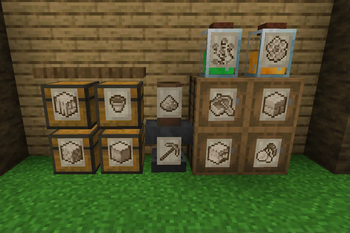
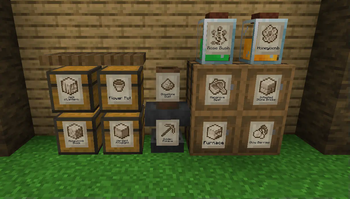
Über diese Mod
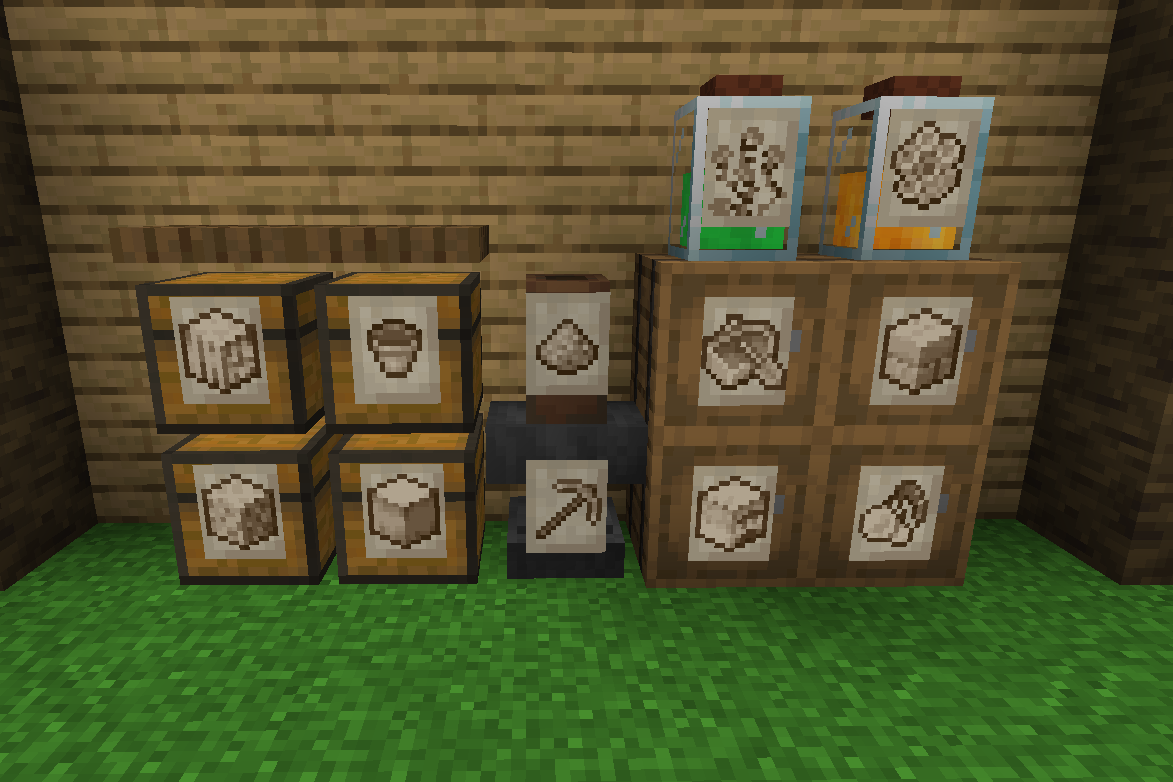




📖About 📖
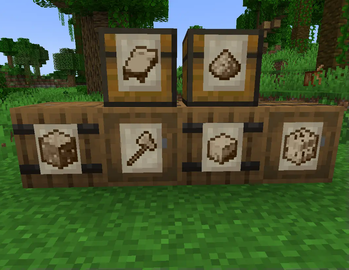
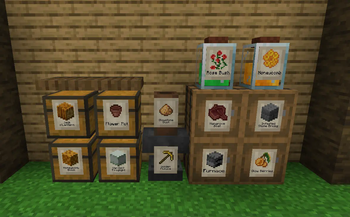
Storage Labels This is a simple mod that adds one item, the Label:
- Labels functions similar to Item Frames but can adapt to all surfaces and be physically connected to any solid block no matter the shape.
- By shift-clicking on a Label with an item you'll be able to change its image, showing that item you selected.
- Clicking on a Label will let the player interact with the block behind, making it perfect for your storage systems.
- Images shown by Labels are pixelated and colored to better fit Minecraft style. This works seamlessly for any item.
- Can accept Glow Ink Sacks to make then glow in the dark.
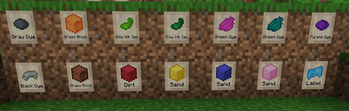
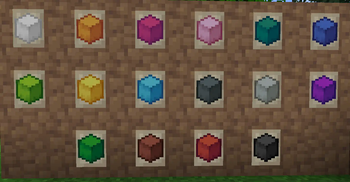
- Can be colored with any dye.
- Using a Feather on them will display the item name.
- Visuals can he heavily customized with the configs and texture packs.
❤️Support Me❤️
Modding is taking a lot of my time, so if you like what I do, and you would like to support me, you can do so here. If you do, you'll receive a custom Globe and or Statue just for you! This also applies if you purchase a server from Akliz using "supplementaries" code.

Need a server? Check out Akliz, they have top brand servers just for modded minecraft. They really have a cozy community with great support and the servers wonderfully
Use code "supplementaries" to get 20% off and also support me in the process!

🦉 Our Mods🦉








Verfügbare Versionen
Storage Labels auf dem Server installieren
Server bestellen
Bestelle einen Minecraft Java Server mit mindestens 3 GB RAM (4 GB empfohlen).
fabric Loader setzen
Wähle im Panel unter "Egg" den fabric-Loader und die passende Minecraft-Version (26.1.2).
Mod installieren
Öffne den Mod-Browser im Dashboard und suche nach "Storage Labels". Klicke "Installieren" – fertig! Alternativ: Lade die .jar via SFTP in den /mods Ordner.
Kompatibilität
Mod-Loader
Minecraft-Versionen
26.1.2, 1.21.1, 1.21 (+6 weitere)
Server-seitig
✓ ErforderlichEmpfohlener RAM
4 GB(min. 3 GB)Häufige Fragen
Storage Labels Server crasht beim Start – was tun?
Häufigste Ursache: falsche fabric-Version oder zu wenig RAM. Prüfe im Server-Log (latest.log), ob ein "OutOfMemoryError" oder "Mixin"-Fehler auftritt. Bei Mado Hosting: Stelle sicher, dass mindestens 3 GB RAM zugewiesen sind und der Loader zur Mod-Version passt (26.1.2). Über das Panel kannst du den Loader mit einem Klick wechseln.
Ist Storage Labels mit fabric und forge und neoforge kompatibel?
Storage Labels unterstützt offiziell fabric, forge, neoforge für Minecraft 26.1.2, 1.21.1, 1.21. Achtung: Forge- und Fabric-Mods sind NICHT untereinander kompatibel – wähle einen Loader und bleibe dabei. Im Mado Dashboard werden inkompatible Loader-Kombinationen automatisch erkannt.
Server laggt mit Storage Labels – wie optimiere ich die Performance?
Empfohlener RAM: 4 GB (+1 GB pro 8 Spieler). Prüfe mit /spark profiler, ob Storage Labels den meisten Tick-Time verbraucht. Häufige Fixes: Server-View-Distance auf 8-10 reduzieren, bei Forge "performant" oder "starlight" als Zusatz-Mod installieren. Bei Mado Hosting läuft dein Server auf NVMe-SSDs mit dedizierten CPU-Kernen für minimale Latenz.
Ähnliche Mods


Modded Server mieten
Installiere Storage Labels mit nur einem Klick auf deinem Server.