
Storage Labels
Fancy Item Labels, perfect for your item storages
Screenshots
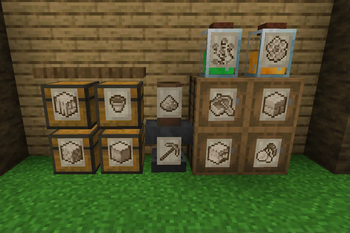
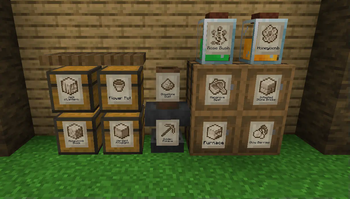
About this Mod




📖About 📖
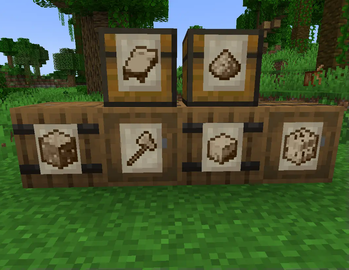
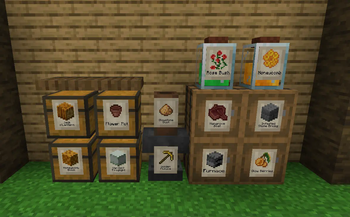
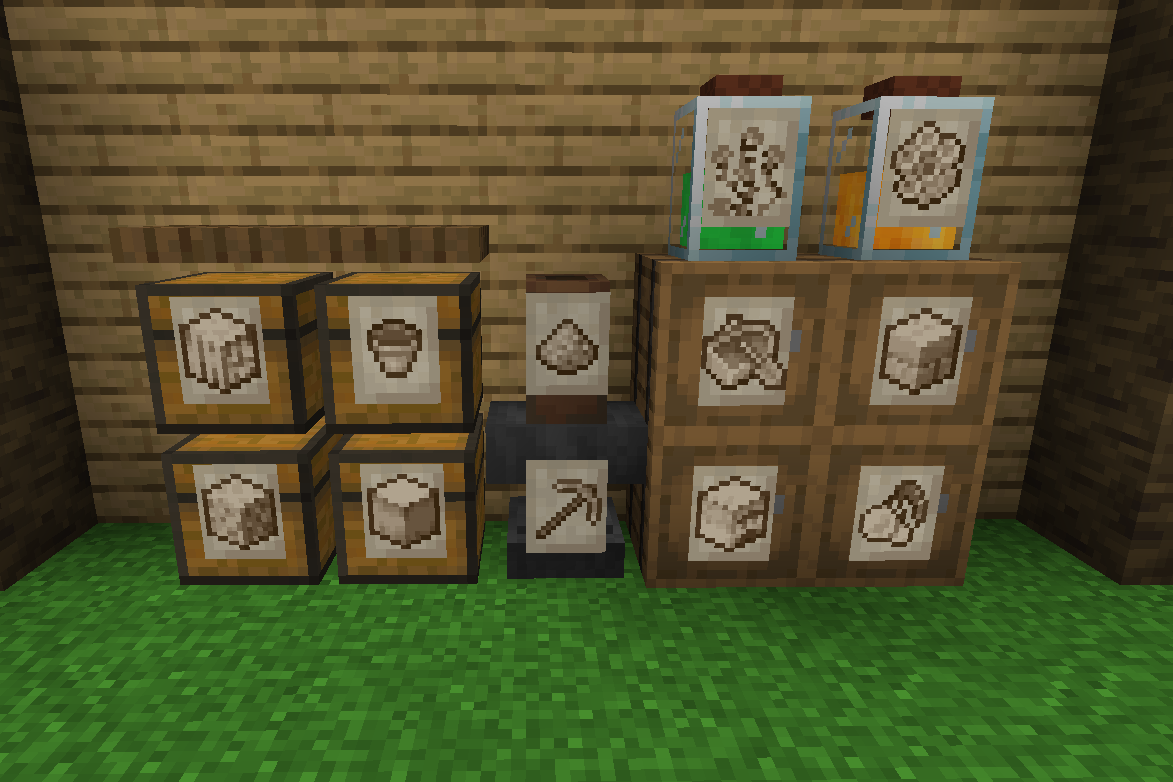
Storage Labels This is a simple mod that adds one item, the Label:
- Labels functions similar to Item Frames but can adapt to all surfaces and be physically connected to any solid block no matter the shape.
- By shift-clicking on a Label with an item you'll be able to change its image, showing that item you selected.
- Clicking on a Label will let the player interact with the block behind, making it perfect for your storage systems.
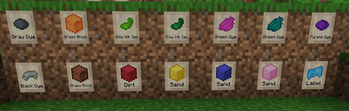
- Images shown by Labels are pixelated and colored to better fit Minecraft style. This works seamlessly for any item.
- Can accept Glow Ink Sacks to make then glow in the dark.
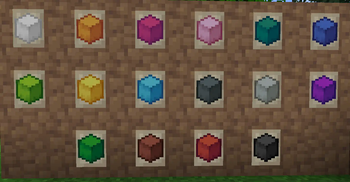
- Can be colored with any dye.
- Using a Feather on them will display the item name.
- Visuals can he heavily customized with the configs and texture packs.
❤️Support Me❤️
Modding is taking a lot of my time, so if you like what I do, and you would like to support me, you can do so here. If you do, you'll receive a custom Globe and or Statue just for you! This also applies if you purchase a server from Akliz using "supplementaries" code.

Need a server? Check out Akliz, they have top brand servers just for modded minecraft. They really have a cozy community with great support and the servers wonderfully
Use code "supplementaries" to get 20% off and also support me in the process!

🦉 Our Mods🦉









Available Versions
How to Install Storage Labels on Your Server
Order Server
Order a Minecraft Java server with at least 3 GB RAM (4 GB recommended).
Set fabric Loader
In the panel under "Egg", select the fabric loader and matching Minecraft version (26.1.2).
Install Mod
Open the mod browser in the dashboard and search for "Storage Labels". Click "Install" – done! Alternatively, upload the .jar via SFTP to the /mods folder.
Compatibility
Mod Loaders
Minecraft Versions
26.1.2, 1.21.1, 1.21 (+6 more)
Server-side
✓ RequiredRecommended RAM
4 GB(min. 3 GB)Frequently Asked Questions
Storage Labels server crashes on startup – what to do?
Most common cause: wrong fabric version or insufficient RAM. Check the server log (latest.log) for "OutOfMemoryError" or "Mixin" errors. With Mado Hosting: ensure at least 3 GB RAM is allocated and the loader matches the mod version (26.1.2). You can switch loaders with one click in the panel.
Is Storage Labels compatible with fabric and forge and neoforge?
Storage Labels officially supports fabric, forge, neoforge for Minecraft 26.1.2, 1.21.1, 1.21. Note: Forge and Fabric mods are NOT cross-compatible – pick one loader and stick with it. The Mado dashboard automatically detects incompatible loader combinations.
Server lagging with Storage Labels – how to optimize performance?
Recommended RAM: 4 GB (per 8 players). Use /spark profiler to check if Storage Labels consumes the most tick time. Common fixes: reduce server view-distance to 8-10, install "performant" or "starlight" as supplementary mods on Forge. With Mado Hosting, your server runs on NVMe SSDs with dedicated CPU cores for minimal latency.
Similar Mods


Rent Modded Server
Install Storage Labels with just one click on your server.