Cursors Extended
Configurable Minecraft-themed cursors
Screenshots
Über diese Mod
Cursors Extended


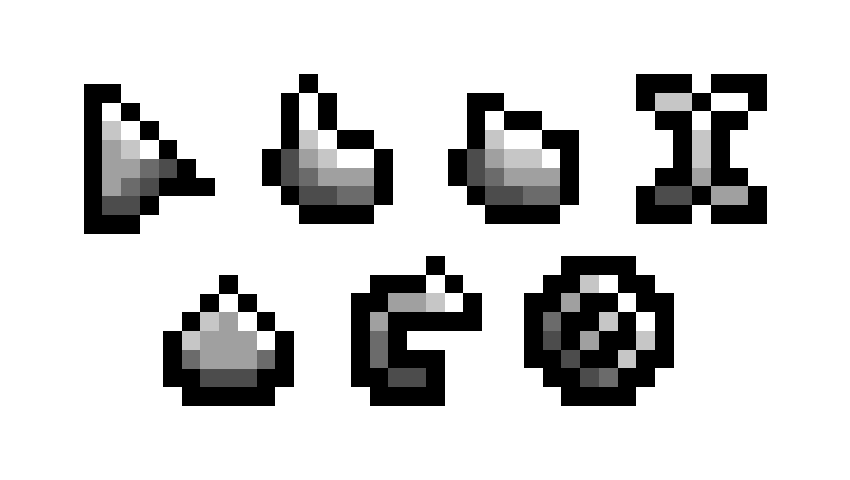
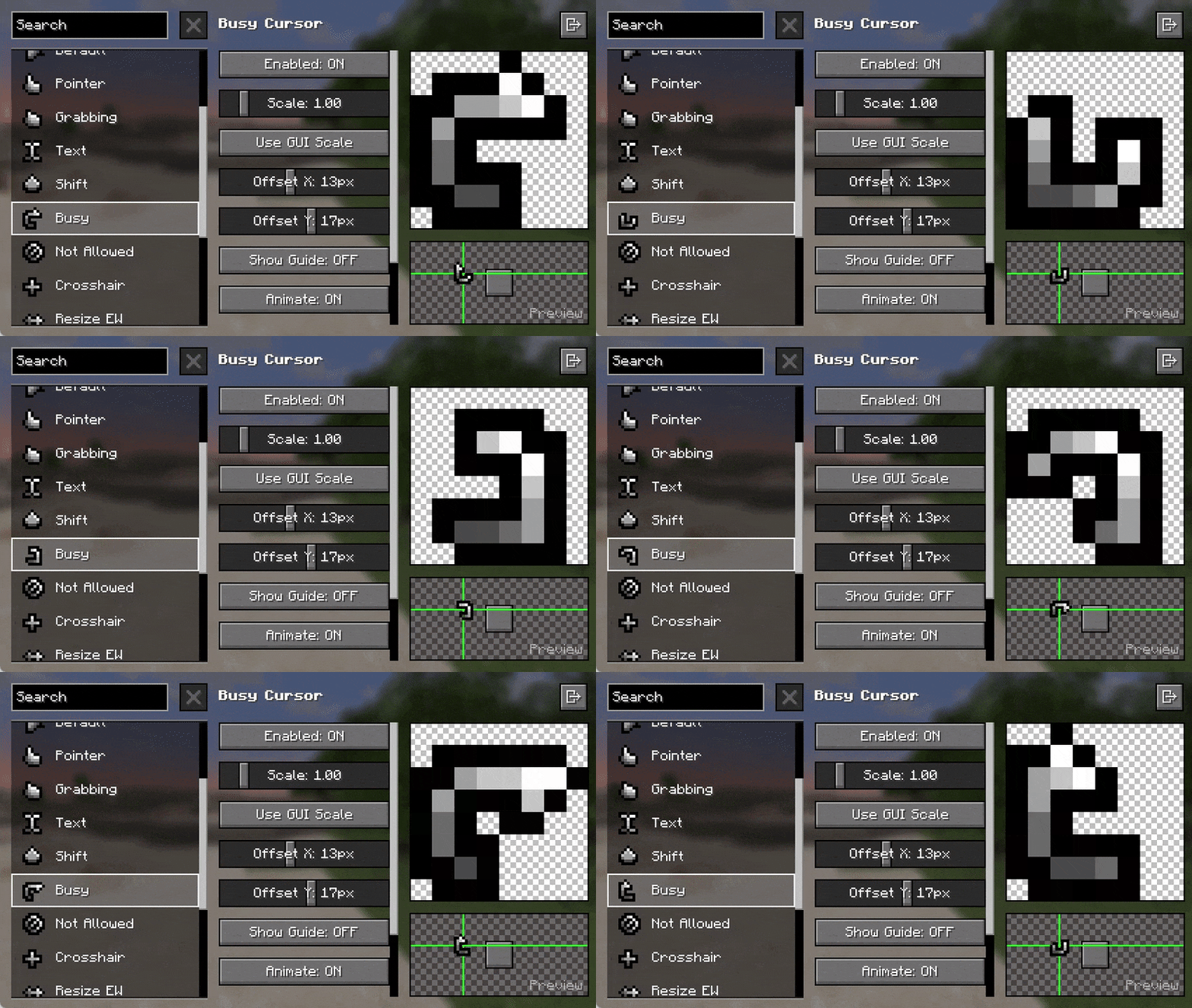
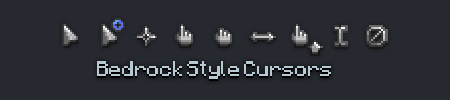
Replaces the boring old default system cursors with Minecraft-themed cursors.
Previously known as Minecraft Cursor before 1.21.9 introduced many breaking changes for the mod.
📌 Requirements
- When on Fabric: Fabric API
✨ Features
- Customize cursor textures using resource packs.
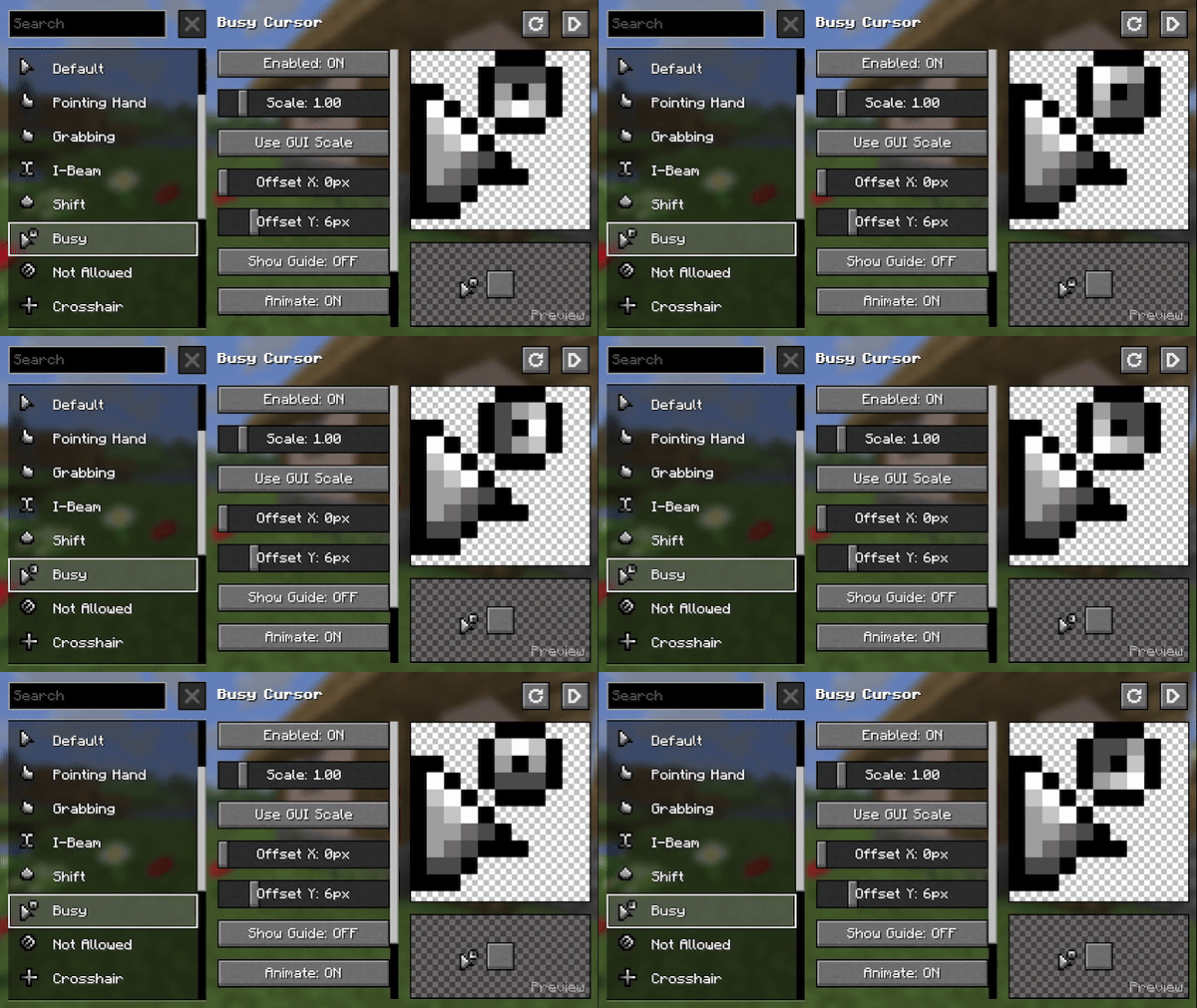
- Give life to your cursor with custom animations.
- Includes extra cursor shapes fit for other contexts.
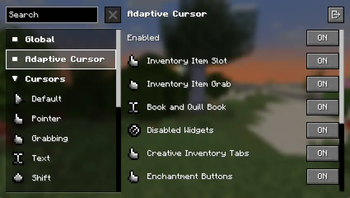
- Additional cursor logic to various GUI elements via Legacy Mode.
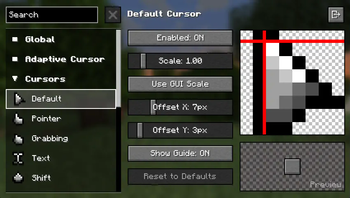
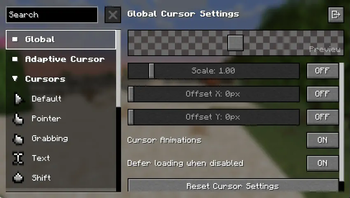
- Adjust various options to your liking. Navigate to the Mods screen or on Options › Controls › Mouse Settings › Cursor Settings.
🖌️ Create Resource Packs
Make your own resource pack, share it on supported platforms, and get it showcased here!
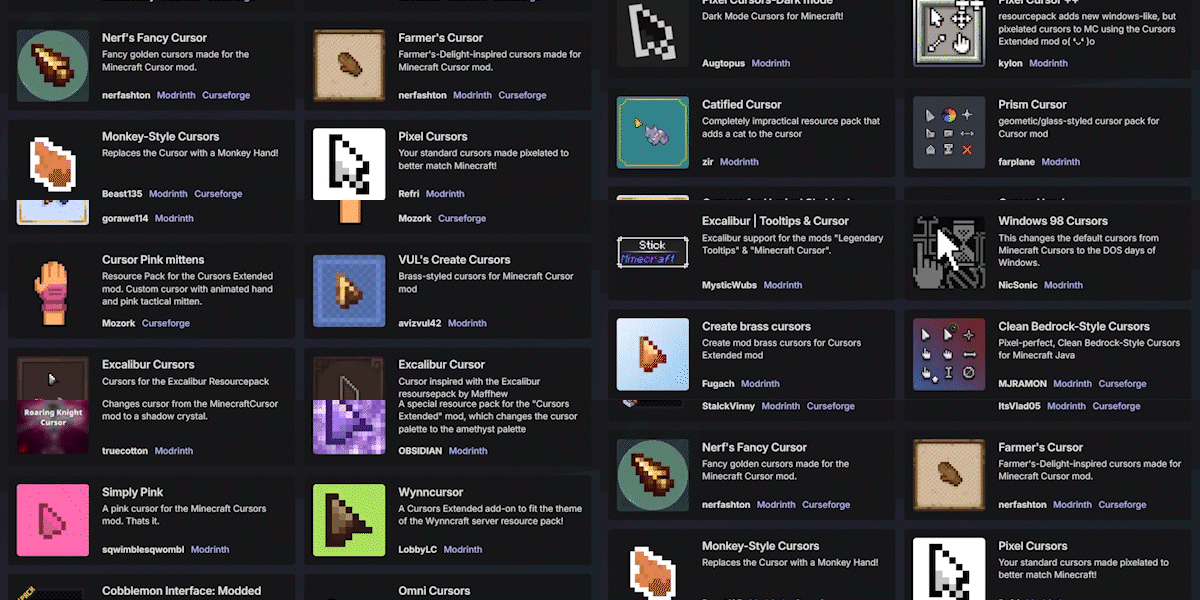
Already made a Resource Pack for v3 of Minecraft Cursor? Convert it with the V3 Converter.
Get started here: https://fishstiz.github.io/cursors_extended-wiki/resource-pack/getting-started
⚠️ Resource packs made before 1.21.9 (v3) are not compatible with versions including and after 1.21.9 (v4) and vice versa. Please use the converter above.
⚠️ Some resource packs may be marked as compatible even though its not, as some creators are not aware of this distinction.
Frequently asked questions (FAQ)
Custom Cursor for Windows/Linux/Others
There's no plans for custom cursors for your operating system mainly because the textures are incomplete.
Mod does not work
Likely an incompatibility with other mods. Open a new issue, include your version details and latest.log (or mod list at the very least).
Resource Pack does not work
The resource pack is probably made for a different version. Also, some creators incorrectly tag their resource pack as compatible. You can upgrade/downgrade resource packs from here: https://fishstiz.github.io/cursors_extended-wiki/tools. v3 is 1.21.8 and below, and v4 is 1.21.9 and above.
Why isn't auto-scale the default
Some mods like Axiom and Resourcify may change the GUI scale for their GUIs, and it will be jarring to have the cursor scale change when interacting with those mods.
My settings keep getting reset randomly
Cursor settings are reset every time resource pack settings change. It's intentional to avoid issues such as:
- switching to a resource pack with smaller textures and making the cursor barely visible when the user settings make the cursor smaller.
- switching to a resource pack with different hotspots and making the actual click spot nowhere near the texture suggests due to the user settings.
Verfügbare Versionen
Cursors Extended auf deinem Client installieren
Mod-Loader lokal installieren
Installiere fabric für deine lokale Minecraft-Version.
Passende Datei herunterladen
Wähle die Cursors Extended-Datei für fabric und Minecraft 26.3.
Mod installieren
Lege die .jar-Datei in deinem lokalen .minecraft/mods-Ordner ab und starte Minecraft neu. Eine Installation auf dem Server ist nicht nötig.
Kompatibilität
Mod-Loader
Minecraft-Versionen
26.3, 26.3-rc-3, 26.3-rc-2 (+36 weitere)
Server-seitig
✗ Nicht unterstütztEmpfohlener RAM
4 GB(min. 3 GB)Häufige Fragen
Muss Cursors Extended auf dem Minecraft Server installiert werden?
Nein. Modrinth kennzeichnet Cursors Extended serverseitig als nicht unterstützt. Installiere die Mod nur im lokalen Minecraft-Mods-Ordner. Dein Server kann unverändert bleiben, sofern die Mod-Seite keine zusätzliche Abhängigkeit nennt.
Welche Version und welchen Loader braucht Cursors Extended?
Nutze eine Datei für fabric, forge, neoforge, quilt und exakt deine Minecraft-Version. Unterstützte Versionen sind unter anderem 26.3, 26.3-rc-3, 26.3-rc-2. Loader-Dateien sind nicht untereinander austauschbar.
Cursors Extended funktioniert nicht – was kann ich prüfen?
Prüfe zuerst Minecraft-Version, Loader-Version und erforderliche Abhängigkeiten. Lege die .jar-Datei im lokalen .minecraft/mods-Ordner ab und entferne ältere Duplikate. Da die Mod clientseitig ist, löst mehr Server-RAM dieses Problem nicht.
Ähnliche Mods

![[ETF] Entity Texture Features](https://cdn.modrinth.com/data/BVzZfTc1/af683d206d50b05258d865b0d6e4aa2f2cee12f2_96.webp)
![[EMF] Entity Model Features](https://cdn.modrinth.com/data/4I1XuqiY/6e5bbd0d06b1741bfdab6c0cfab6de8fdaf0064c_96.webp)



Minecraft Server für deine Gruppe
Cursors Extended bleibt auf deinem Client. Hoste dazu eine kompatible Welt für deine Mitspieler.