Modrinth · Fabric, Forge, NeoForge, Quilt · Client mod
Cursors Extended
Cursors Extended is a client-side mod. Install it on your computer; the server does not need it.
Configurable Minecraft-themed cursors
- Downloads
- 1.3M
- Author
- fishstiz
- Loader
- Fabric, Forge, NeoForge, Quilt
- Minecraft
- 1.20.1 – 26.3
- Updated
- –
Screenshots
What Cursors Extended looks like
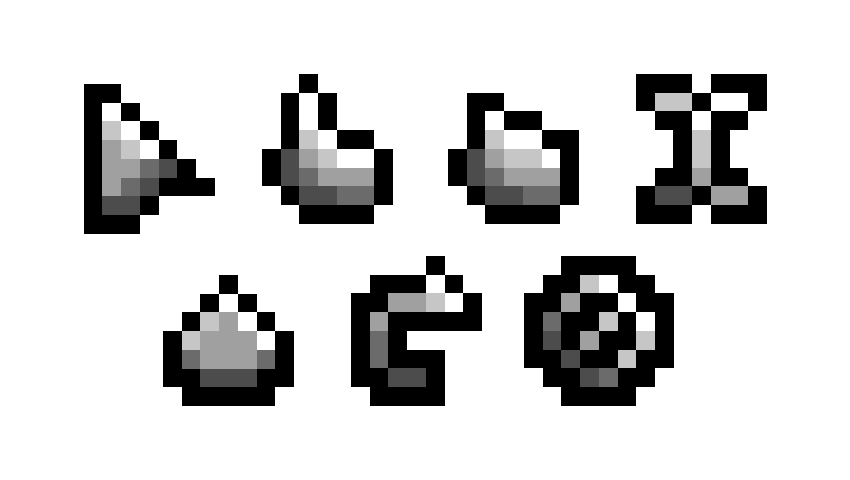
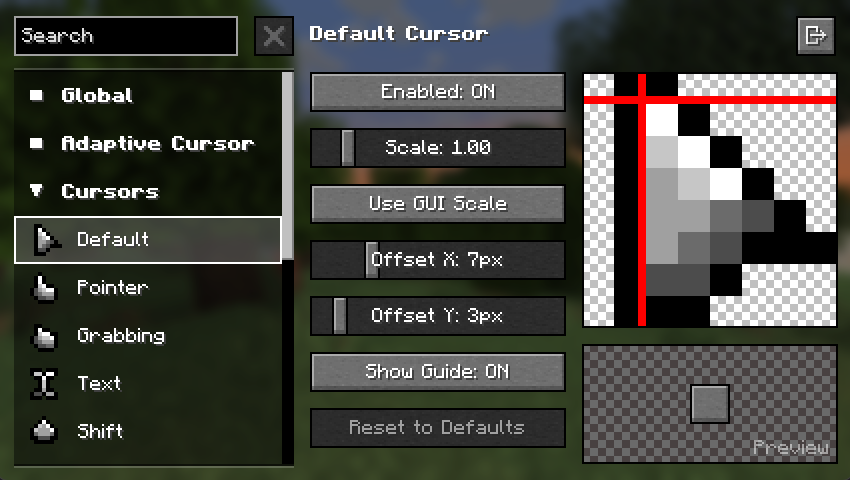
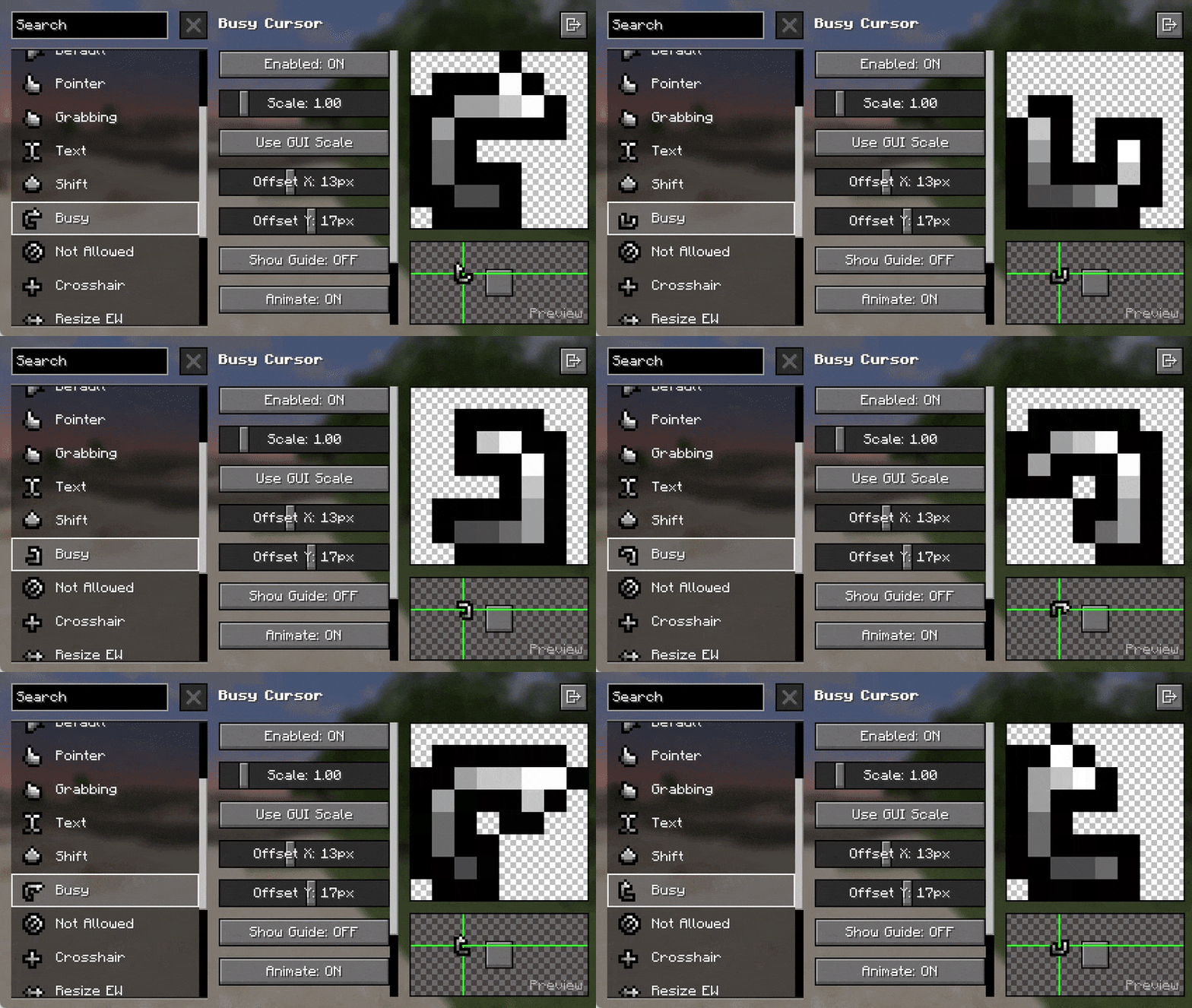
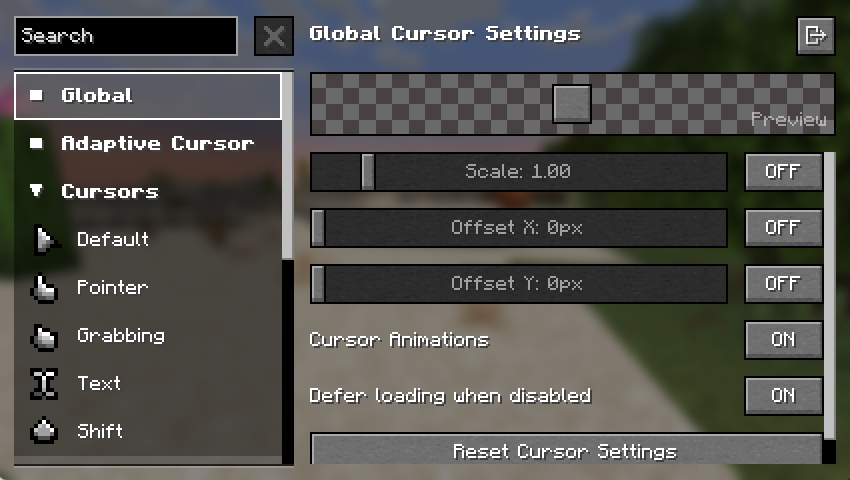
Images: Cursors Extended on Modrinth, published by the project team.
Setup
Install Cursors Extended on your client
Client-side mods only run on your computer. More server RAM does not change their performance.
- 01
Install the loader locally
Install Fabric or Forge or NeoForge or Quilt for your Minecraft version in your launcher.
- 02
Download the file
Download the Cursors Extended file for your loader and your exact Minecraft version, for example 26.3-snapshot-9.
- 03
Add it to the mods folder
Put the .jar file in your local .minecraft/mods folder and remove older duplicates.
- 04
Launch
Launch Minecraft with the loader profile. Nothing needs to change on the server.
- On the server
- Not needed
- On the client
- Required
- Loader
- Fabric, Forge, NeoForge, Quilt
- Minecraft
- 26.3-snapshot-9, 26.3-snapshot-8, 26.3-snapshot-7 +36 more
- License
- MIT License
Releases
Published releases
Pick the file that matches your server’s loader and Minecraft version. The server and players need the same release.
Cursors Extended · Modrinth- Minecraft Cursor for Fabric v3.6.2+1.21.4March 15, 2025Minecraft 1.21.4, 1.21.5 · Fabric
- Minecraft Cursor for NeoForge v3.6.2+1.21.4March 15, 2025Minecraft 1.21.4 · NeoForge
- Minecraft Cursor for Fabric v3.6.2+1.21.2March 15, 2025Minecraft 1.21.2, 1.21.3 · Fabric
- Minecraft Cursor for NeoForge v3.6.2+1.21.2March 15, 2025Minecraft 1.21.2, 1.21.3 · NeoForge
- Minecraft Cursor for Fabric v3.6.2+1.21.1March 15, 2025Minecraft 1.21.1 · Fabric
Original description by the project author
Cursors Extended


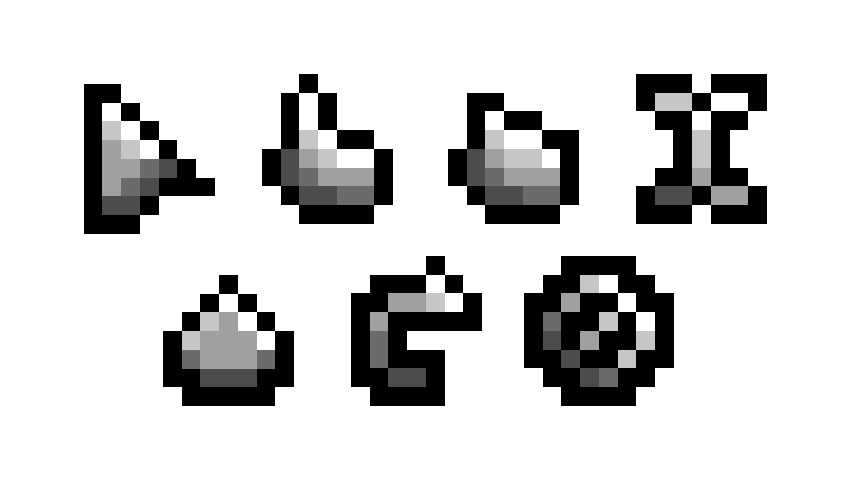
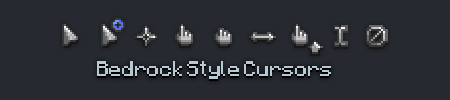
Replaces the boring old default system cursors with Minecraft-themed cursors.
Previously known as Minecraft Cursor before 1.21.9 introduced many breaking changes for the mod.
📌 Requirements
- When on Fabric: Fabric API
✨ Features
- Customize cursor textures using resource packs.
- Give life to your cursor with custom animations.
- Includes extra cursor shapes fit for other contexts.
- Additional cursor logic to various GUI elements via Legacy Mode.
- Adjust various options to your liking. Navigate to the Mods screen or on Options › Controls › Mouse Settings › Cursor Settings.
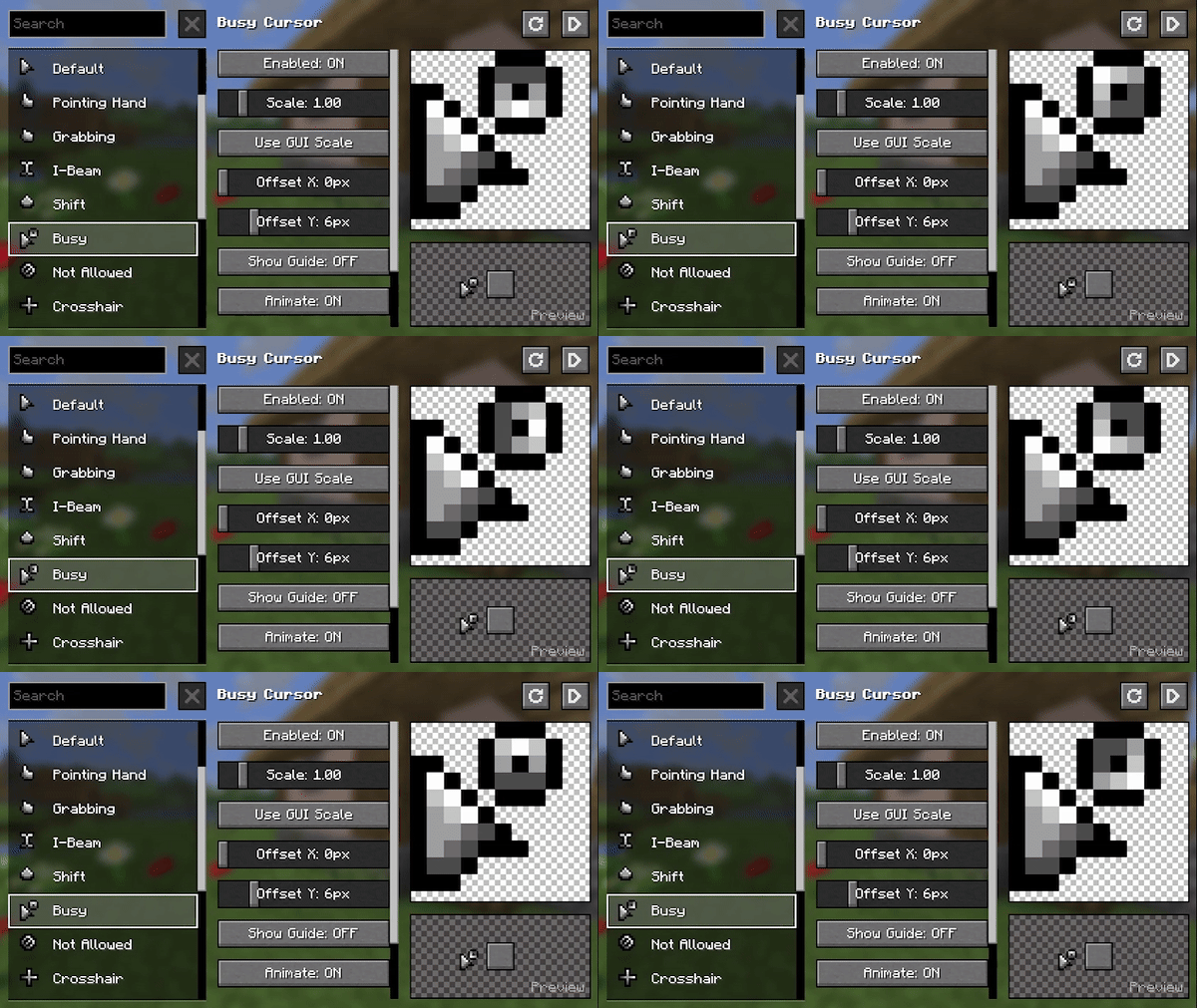
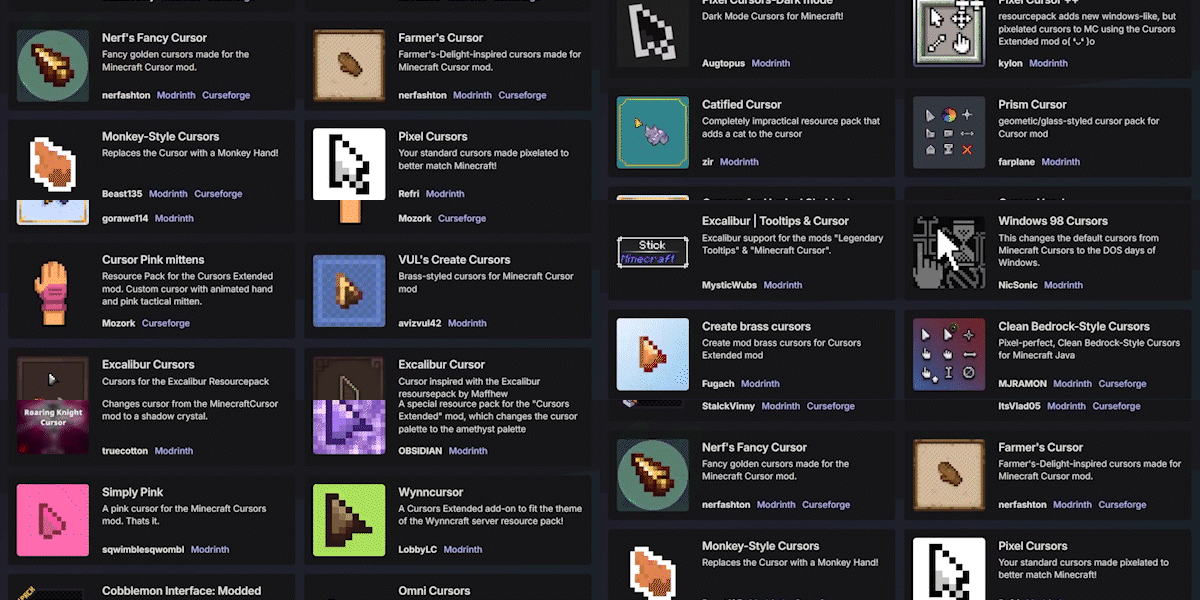
🖌️ Create Resource Packs
Make your own resource pack, share it on supported platforms, and get it showcased here!
Already made a Resource Pack for v3 of Minecraft Cursor? Convert it with the V3 Converter.
Get started here: https://fishstiz.github.io/cursors_extended-wiki/resource-pack/getting-started
⚠️ Resource packs made before 1.21.9 (v3) are not compatible with versions including and after 1.21.9 (v4) and vice versa. Please use the converter above.
⚠️ Some resource packs may be marked as compatible even though its not, as some creators are not aware of this distinction.
Frequently asked questions (FAQ)
Custom Cursor for Windows/Linux/Others
There's no plans for custom cursors for your operating system mainly because the textures are incomplete.
Mod does not work
Likely an incompatibility with other mods. Open a new issue, include your version details and latest.log (or mod list at the very least).
Resource Pack does not work
The resource pack is probably made for a different version. Also, some creators incorrectly tag their resource pack as compatible. You can upgrade/downgrade resource packs from here: https://fishstiz.github.io/cursors_extended-wiki/tools. v3 is 1.21.8 and below, and v4 is 1.21.9 and above.
Why isn't auto-scale the default
Some mods like Axiom and Resourcify may change the GUI scale for their GUIs, and it will be jarring to have the cursor scale change when interacting with those mods.
My settings keep getting reset randomly
Cursor settings are reset every time resource pack settings change. It's intentional to avoid issues such as:
- switching to a resource pack with smaller textures and making the cursor barely visible when the user settings make the cursor smaller.
- switching to a resource pack with different hotspots and making the actual click spot nowhere near the texture suggests due to the user settings.
Does Cursors Extended need to be installed on the Minecraft server?
No. Modrinth marks Cursors Extended as unsupported on the server side. Install it only in your local mods folder. Your server can stay unchanged unless the project page lists an additional dependency.
Which version and loader does Cursors Extended require?
Use a file for Fabric, Forge, NeoForge, Quilt and your exact Minecraft version. Supported versions include 26.3-snapshot-9, 26.3-snapshot-8, 26.3-snapshot-7. Files for different loaders are not interchangeable.
Cursors Extended is not working – what should I check?
First check the Minecraft version, loader version and required dependencies. Because the mod is client-side, more server RAM will not fix it.
Similar mods
Popular mods in the same category
 Client only

Iris Shaders
by coderbot
A modern shader pack loader for Minecraft intended to be compatible with existing OptiFine shader packs
 Client only

[ETF] Entity Texture Features
by Traben
Emissive, Random & Custom texture support for entities in resourcepacks just like Optifine but for Fabric
 Client only

[EMF] Entity Model Features
by Traben
EMF is an, OptiFine format, Custom Entity Model replacement mod available for Fabric and Forge.
 Client only

Not Enough Animations
by tr7zw
Bringing first-person animations to the third-person
Looking for mods for your own server?
The catalog lists mods that run on Minecraft servers.