
Modrinth · Fabric, Forge, NeoForge · Client-Mod
NoFireOverlay
NoFireOverlay ist eine clientseitige Mod. Du installierst sie auf deinem Rechner, auf dem Server ist sie nicht nötig.
A slim, customizable fire overlay that keeps the vanilla flames from blocking your screen — see clearly while on fire and still know you're burning. Adjust opacity, size and position.
- Downloads
- 38.5K
- Autor
- Nikrecs
- Loader
- Fabric, Forge, NeoForge
- Minecraft
- 1.19.2 – 26.3
- Aktualisiert
- –
Screenshots
So sieht NoFireOverlay aus
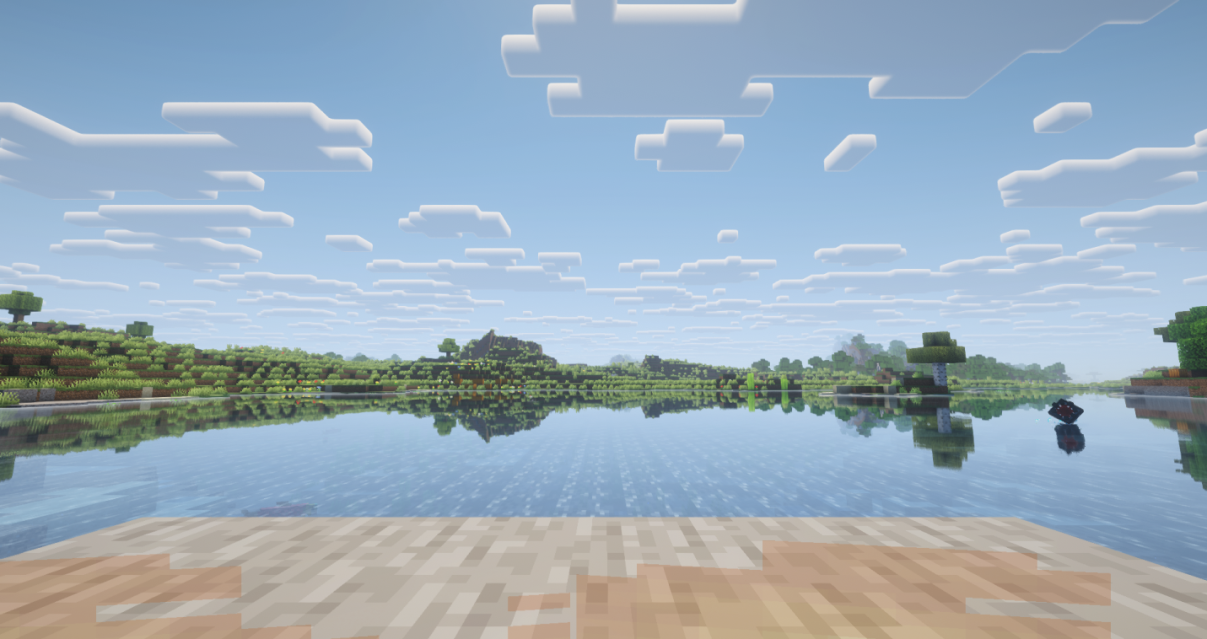
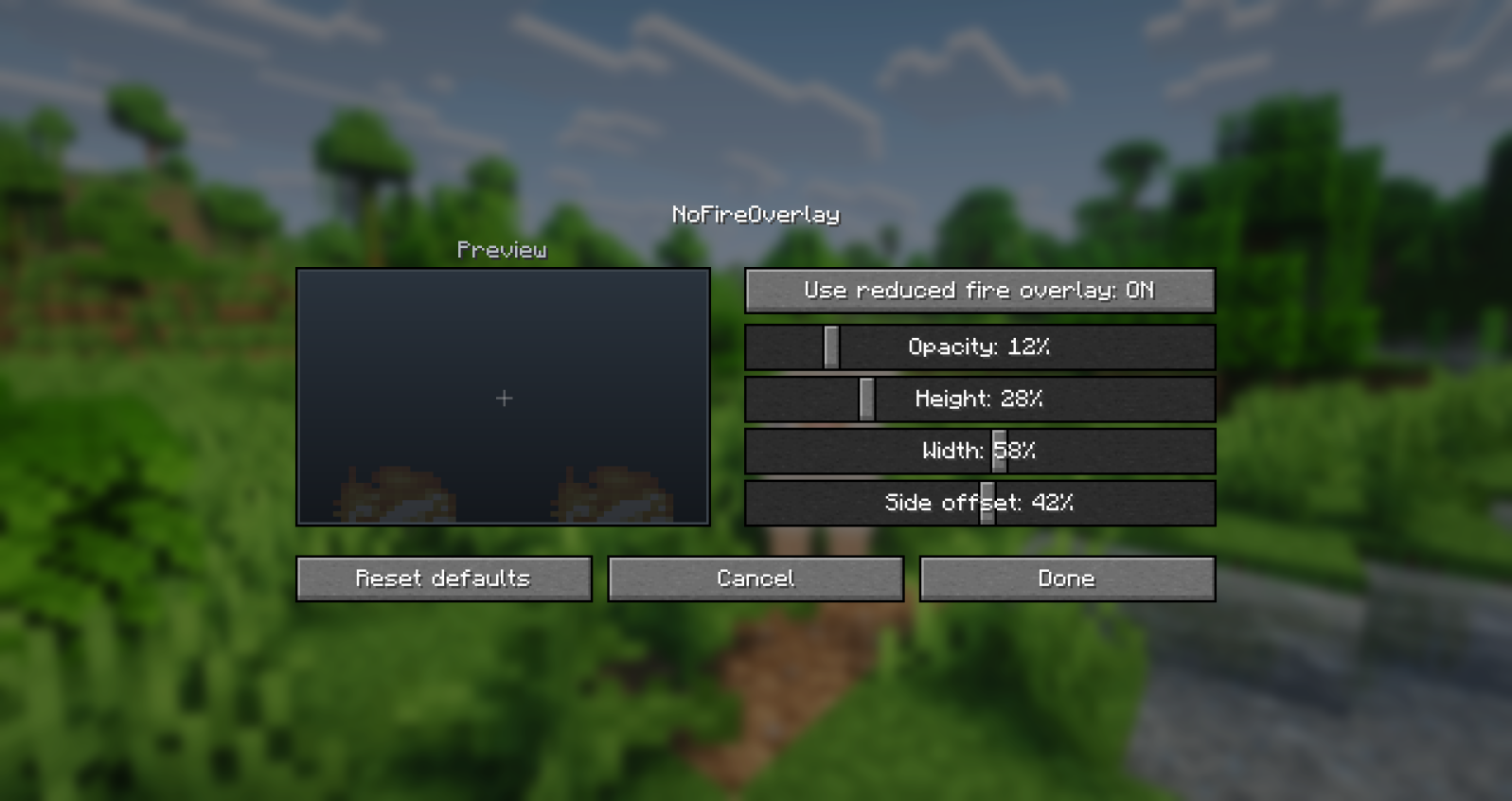
Bilder: NoFireOverlay auf Modrinth, vom Projektteam veröffentlicht.
Einrichtung
NoFireOverlay auf deinem Client installieren
Clientseitige Mods laufen nur auf deinem Rechner. Mehr Server-RAM ändert an ihrer Leistung nichts.
- 01
Loader lokal installieren
Installiere Fabric oder Forge oder NeoForge für deine Minecraft-Version in deinem Launcher.
- 02
Datei herunterladen
Lade die NoFireOverlay-Datei für deinen Loader und exakt deine Minecraft-Version herunter, zum Beispiel 26.3.
- 03
In den Mods-Ordner legen
Lege die .jar-Datei in den lokalen Ordner .minecraft/mods und entferne ältere Duplikate.
- 04
Starten
Starte Minecraft mit dem Loader-Profil. Auf dem Server musst du nichts ändern.
- Auf dem Server
- Nicht nötig
- Auf dem Client
- Erforderlich
- Loader
- Fabric, Forge, NeoForge
- Minecraft
- 26.3, 26.2, 26.1.2 +6 weitere
- Lizenz
- LicenseRef-All-Rights-Reserved
Versionen
Veröffentlichte Versionen
Nimm die Datei, die zu Loader und Minecraft-Version deines Servers passt. Server und Spieler brauchen dieselbe Version.
NoFireOverlay · Modrinth- NoFireOverlay 1.2.15. November 2026Minecraft 26.3 · NeoForge
- NoFireOverlay 1.2.15. November 2026Minecraft 26.2 · NeoForge
- NoFireOverlay 1.2.15. November 2026Minecraft 26.1.2 · NeoForge
- NoFireOverlay 1.2.15. November 2026Minecraft 1.21.11 · NeoForge
- NoFireOverlay 1.2.15. November 2026Minecraft 1.21.1 · NeoForge
Originalbeschreibung des Projektautors


Client-side utility mod that replaces Minecraft's default fire overlay with a cleaner and much less obstructive version. You still get a clear visual warning that you are burning, but it no longer covers large parts of the screen or gets in the way of combat, movement, or UI visibility.
Client-side only — no server installation required. Works in singleplayer and on any server.
Dependencies: Fabric needs Fabric API and Architectury API. NeoForge needs Architectury API. Forge needs no additional dependencies.
Free to use in any modpack — public or private, no permission needed.
What it does
- Compact Overlay — replaces the vanilla on-fire overlay with a compact low-profile warning.
- Clear Burning Warning — keeps the effect visible enough to clearly show that the player is burning.
- Less HUD Interference — greatly reduces interference with the HUD, hotbar, crosshair, and general visibility.
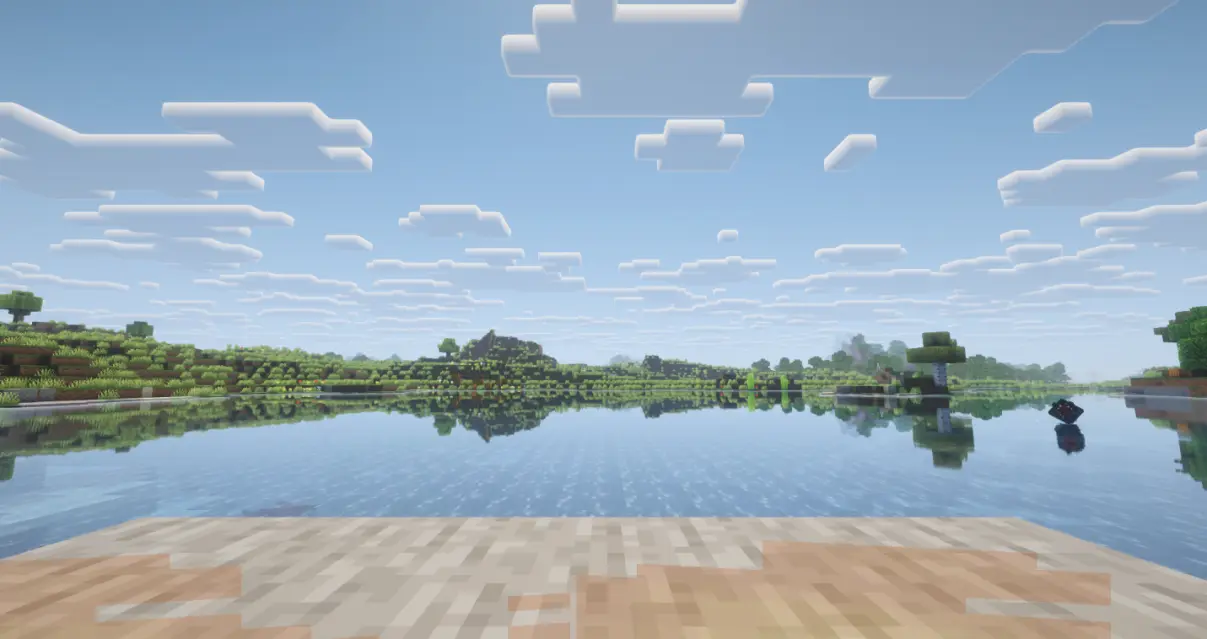
- In-Game Config — adjust the overlay directly from the in-game mod config screen.
Configuration
You can customize the overlay through the mod configuration screen in the mod list menu.
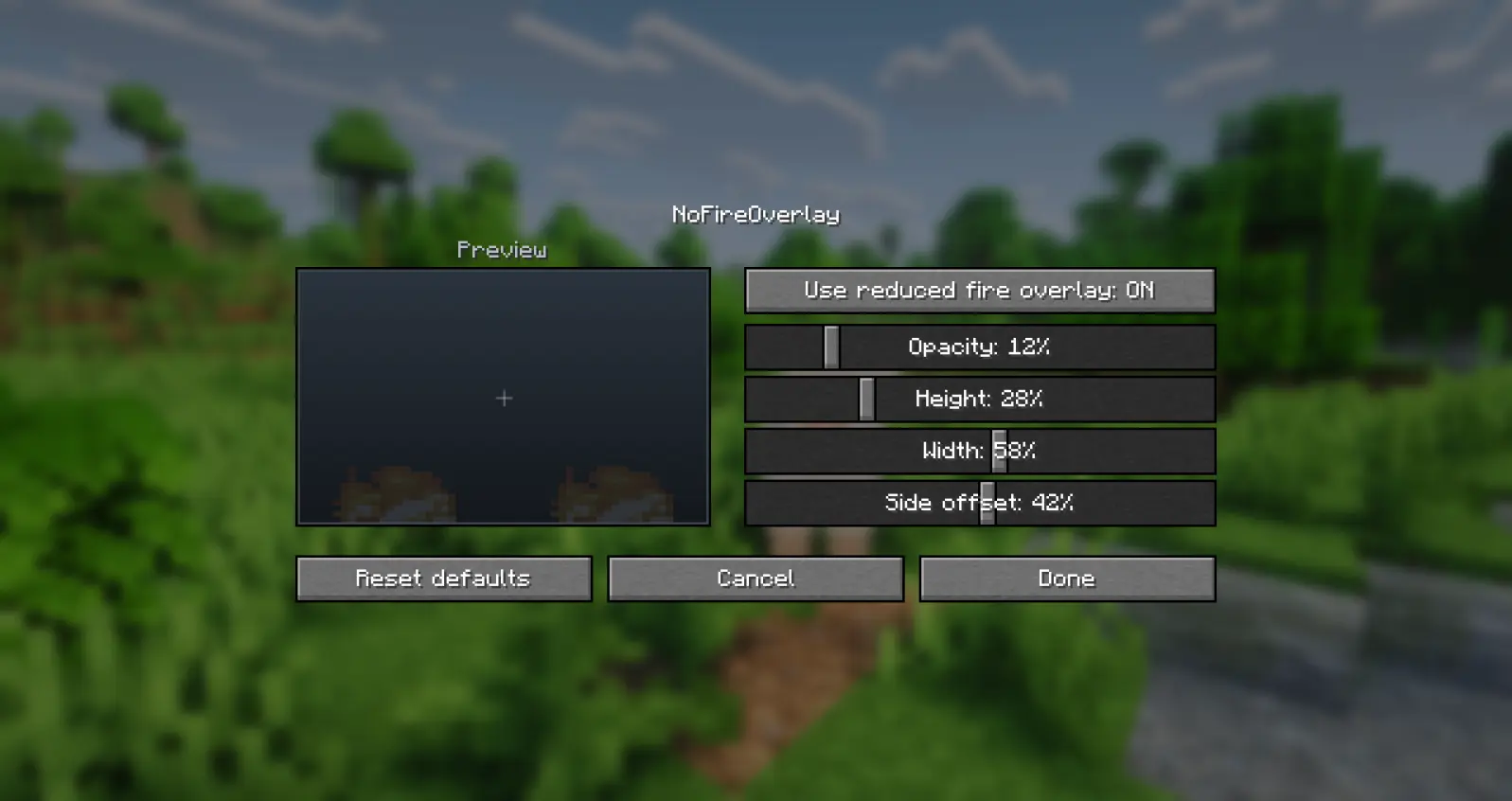
Details
- Client-side only.
- All settings are stored locally in
config/nofireoverlay.json. - A non-numeric value typed by hand into the config file falls back to its default.
- Fully translated into 10 languages: English, Russian, Simplified Chinese, Spanish, French, German, Japanese, Brazilian Portuguese, Korean, and Italian.
Feedback
Please report any bugs, errors, or feature suggestions on Discord: https://discord.gg/HTkn94BXmA
More mods by Nikrecs: Shield Hider · Better Trim Tooltips
My other mods that I recommend.
Muss NoFireOverlay auf dem Minecraft Server installiert werden?
Nein. Modrinth kennzeichnet NoFireOverlay serverseitig als nicht unterstützt. Installiere die Mod nur im lokalen Mods-Ordner. Dein Server kann unverändert bleiben, sofern die Projektseite keine zusätzliche Abhängigkeit nennt.
Welche Version und welchen Loader braucht NoFireOverlay?
Nutze eine Datei für Fabric, Forge, NeoForge und exakt deine Minecraft-Version. Unterstützt werden unter anderem 26.3, 26.2, 26.1.2. Dateien für verschiedene Loader sind nicht austauschbar.
NoFireOverlay funktioniert nicht – was kann ich prüfen?
Prüfe zuerst Minecraft-Version, Loader-Version und erforderliche Abhängigkeiten. Da die Mod clientseitig ist, löst mehr Server-RAM das Problem nicht.
Ähnliche Mods
Beliebte Mods aus derselben Kategorie
 Nur Client

Iris Shaders
von coderbot
A modern shader pack loader for Minecraft intended to be compatible with existing OptiFine shader packs
 Nur Client

[ETF] Entity Texture Features
von Traben
Emissive, Random & Custom texture support for entities in resourcepacks just like Optifine but for Fabric
 Nur Client

[EMF] Entity Model Features
von Traben
EMF is an, OptiFine format, Custom Entity Model replacement mod available for Fabric and Forge.
 Nur Client

Not Enough Animations
von tr7zw
Bringing first-person animations to the third-person
Mods für deinen eigenen Server gesucht?
Im Katalog findest du Mods, die auf Minecraft Servern laufen.