
Modrinth · Fabric, Forge, NeoForge · Client mod
NoFireOverlay
NoFireOverlay is a client-side mod. Install it on your computer; the server does not need it.
A slim, customizable fire overlay that keeps the vanilla flames from blocking your screen — see clearly while on fire and still know you're burning. Adjust opacity, size and position.
- Downloads
- 38.5K
- Author
- Nikrecs
- Loader
- Fabric, Forge, NeoForge
- Minecraft
- 1.19.2 – 26.3
- Updated
- –
Screenshots
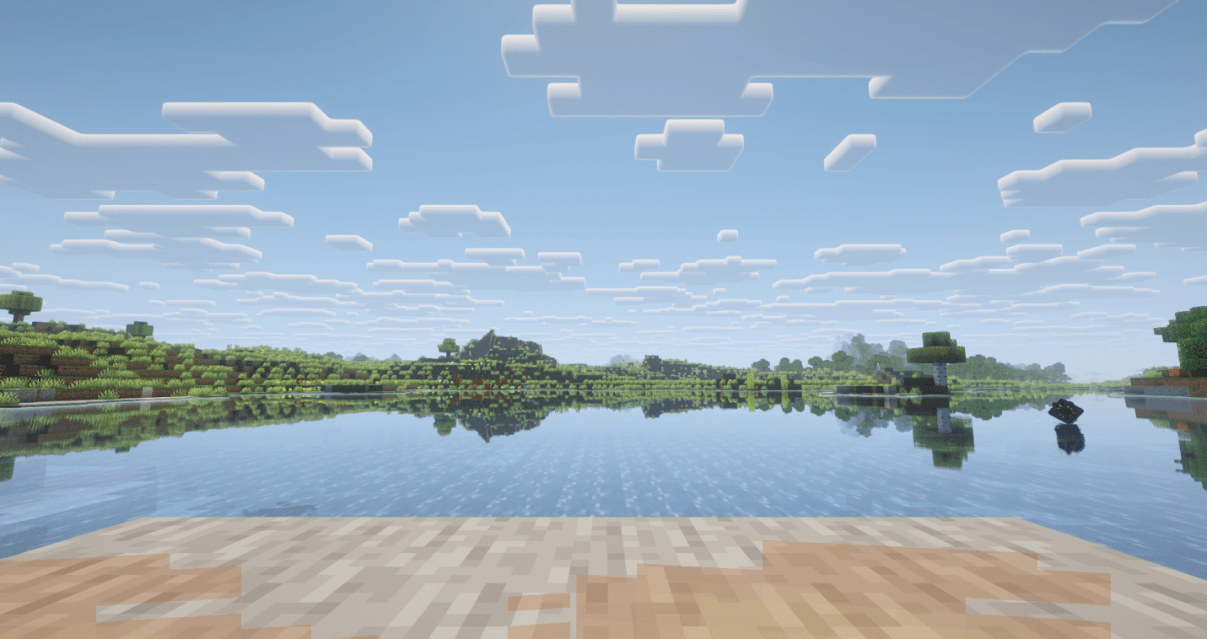
What NoFireOverlay looks like
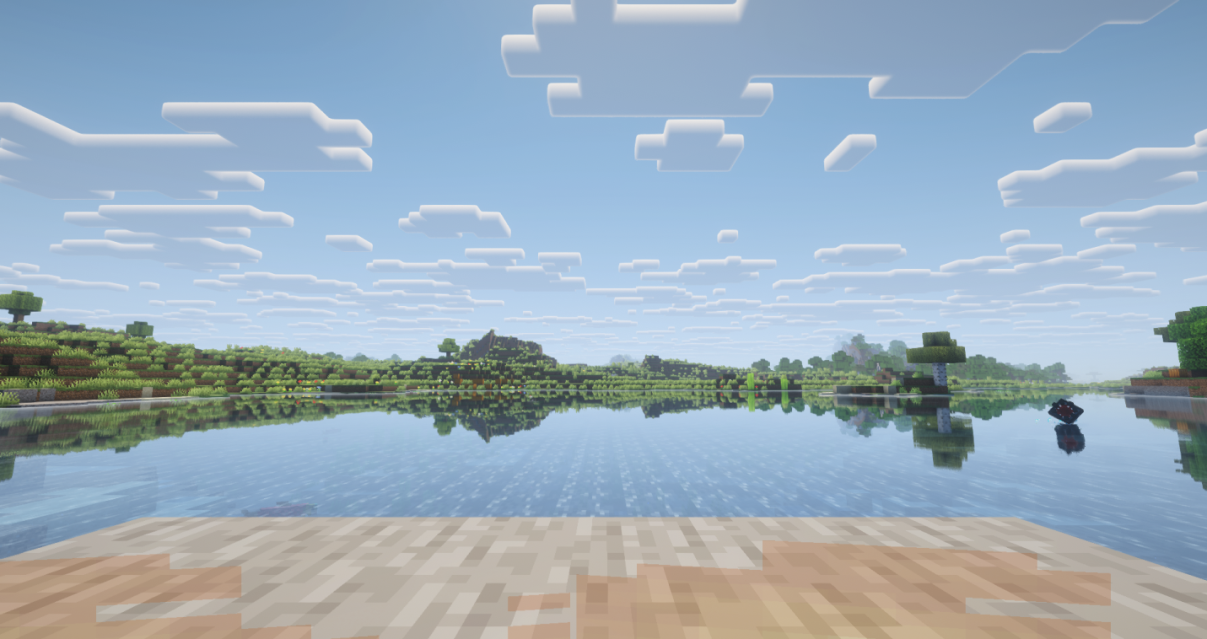
Images: NoFireOverlay on Modrinth, published by the project team.
Setup
Install NoFireOverlay on your client
Client-side mods only run on your computer. More server RAM does not change their performance.
- 01
Install the loader locally
Install Fabric or Forge or NeoForge for your Minecraft version in your launcher.
- 02
Download the file
Download the NoFireOverlay file for your loader and your exact Minecraft version, for example 26.3.
- 03
Add it to the mods folder
Put the .jar file in your local .minecraft/mods folder and remove older duplicates.
- 04
Launch
Launch Minecraft with the loader profile. Nothing needs to change on the server.
- On the server
- Not needed
- On the client
- Required
- Loader
- Fabric, Forge, NeoForge
- Minecraft
- 26.3, 26.2, 26.1.2 +6 more
- License
- LicenseRef-All-Rights-Reserved
Releases
Published releases
Pick the file that matches your server’s loader and Minecraft version. The server and players need the same release.
NoFireOverlay · Modrinth- NoFireOverlay 1.2.1November 5, 2026Minecraft 26.3 · NeoForge
- NoFireOverlay 1.2.1November 5, 2026Minecraft 26.2 · NeoForge
- NoFireOverlay 1.2.1November 5, 2026Minecraft 26.1.2 · NeoForge
- NoFireOverlay 1.2.1November 5, 2026Minecraft 1.21.11 · NeoForge
- NoFireOverlay 1.2.1November 5, 2026Minecraft 1.21.1 · NeoForge
Original description by the project author


Client-side utility mod that replaces Minecraft's default fire overlay with a cleaner and much less obstructive version. You still get a clear visual warning that you are burning, but it no longer covers large parts of the screen or gets in the way of combat, movement, or UI visibility.
Client-side only — no server installation required. Works in singleplayer and on any server.
Dependencies: Fabric needs Fabric API and Architectury API. NeoForge needs Architectury API. Forge needs no additional dependencies.
Free to use in any modpack — public or private, no permission needed.
What it does
- Compact Overlay — replaces the vanilla on-fire overlay with a compact low-profile warning.
- Clear Burning Warning — keeps the effect visible enough to clearly show that the player is burning.
- Less HUD Interference — greatly reduces interference with the HUD, hotbar, crosshair, and general visibility.
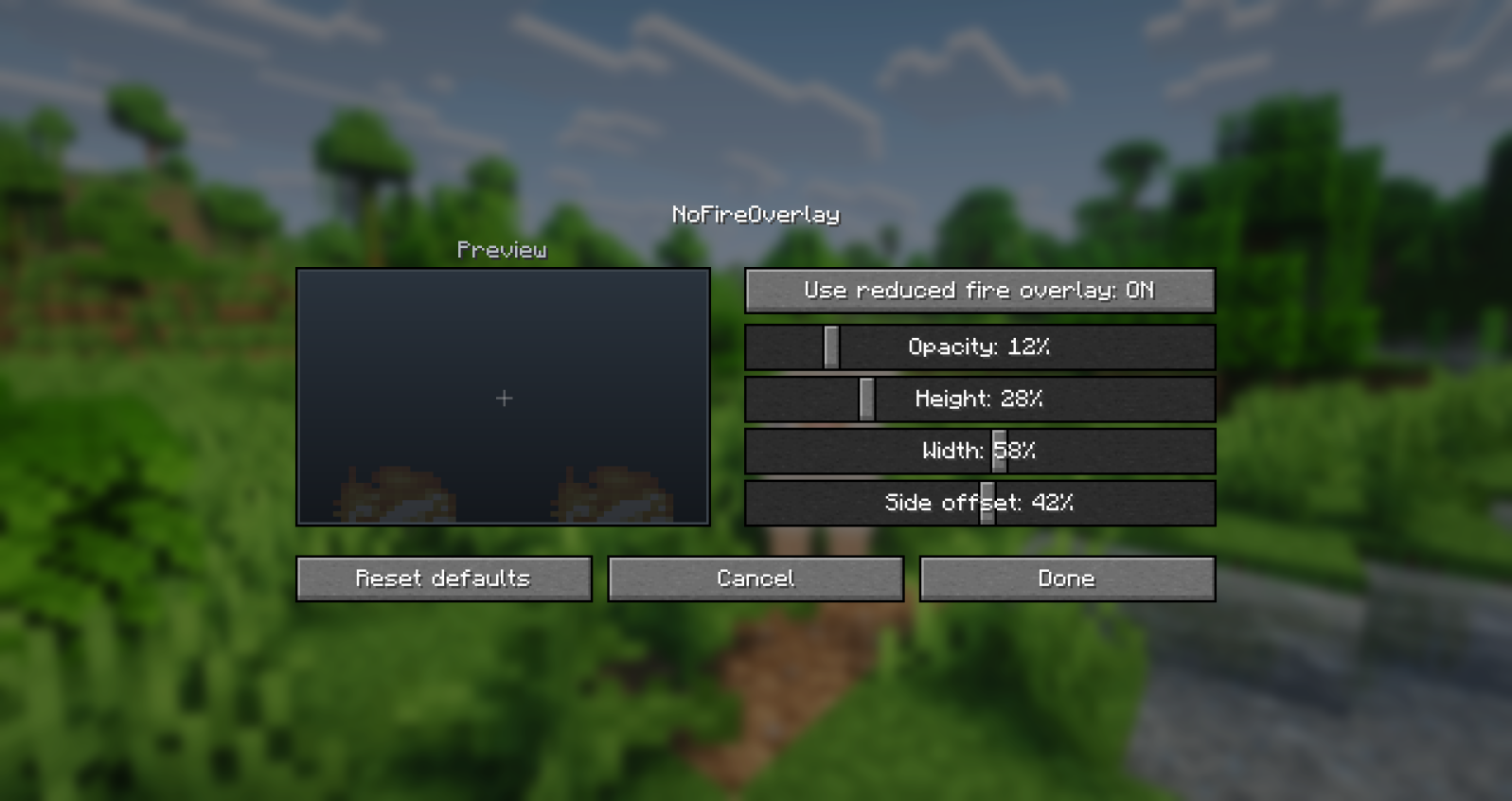
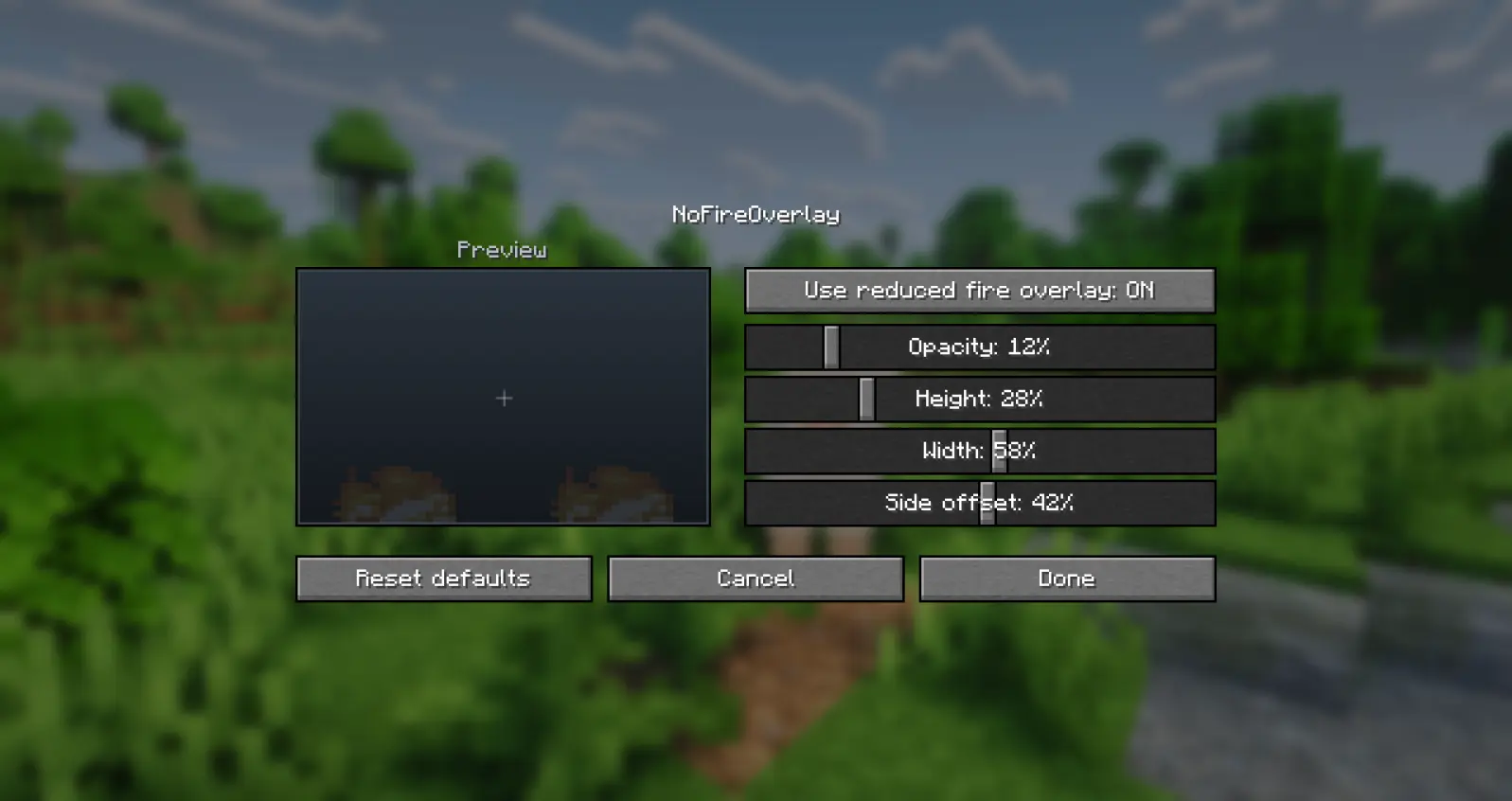
- In-Game Config — adjust the overlay directly from the in-game mod config screen.
Configuration
You can customize the overlay through the mod configuration screen in the mod list menu.
Details
- Client-side only.
- All settings are stored locally in
config/nofireoverlay.json. - A non-numeric value typed by hand into the config file falls back to its default.
- Fully translated into 10 languages: English, Russian, Simplified Chinese, Spanish, French, German, Japanese, Brazilian Portuguese, Korean, and Italian.
Feedback
Please report any bugs, errors, or feature suggestions on Discord: https://discord.gg/HTkn94BXmA
More mods by Nikrecs: Shield Hider · Better Trim Tooltips
My other mods that I recommend.
Does NoFireOverlay need to be installed on the Minecraft server?
No. Modrinth marks NoFireOverlay as unsupported on the server side. Install it only in your local mods folder. Your server can stay unchanged unless the project page lists an additional dependency.
Which version and loader does NoFireOverlay require?
Use a file for Fabric, Forge, NeoForge and your exact Minecraft version. Supported versions include 26.3, 26.2, 26.1.2. Files for different loaders are not interchangeable.
NoFireOverlay is not working – what should I check?
First check the Minecraft version, loader version and required dependencies. Because the mod is client-side, more server RAM will not fix it.
Similar mods
Popular mods in the same category
 Client only

Iris Shaders
by coderbot
A modern shader pack loader for Minecraft intended to be compatible with existing OptiFine shader packs
 Client only

[ETF] Entity Texture Features
by Traben
Emissive, Random & Custom texture support for entities in resourcepacks just like Optifine but for Fabric
 Client only

[EMF] Entity Model Features
by Traben
EMF is an, OptiFine format, Custom Entity Model replacement mod available for Fabric and Forge.
 Client only

Not Enough Animations
by tr7zw
Bringing first-person animations to the third-person
Looking for mods for your own server?
The catalog lists mods that run on Minecraft servers.