Physics Mod
Welcome to a more destructive Minecraft than you've ever seen before!
Screenshots

Über diese Mod
A new immersive experience
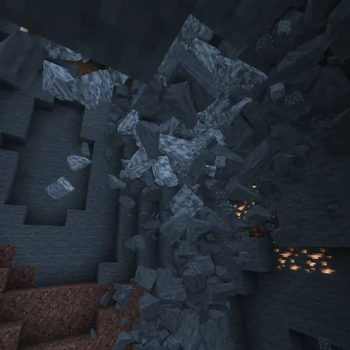
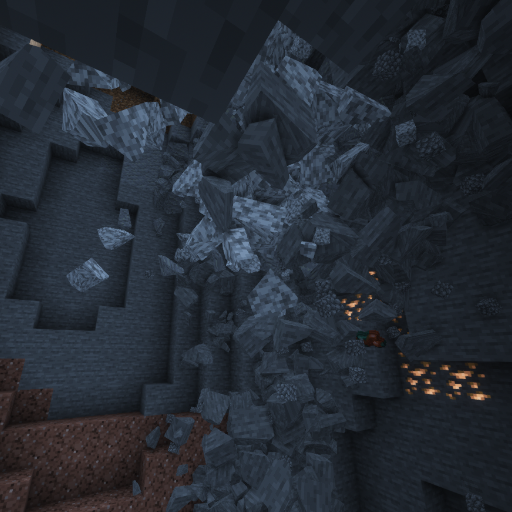
Dive into a new world like never seen before. Collapsing caves, interactive ragdolls, item physics and much more awaits you!
Supported Platforms
Windows, Linux and MacOS (M1/M2 CPUs only work with Minecraft 1.20 and above, the other versions need compatibility mode: Tutorial)!
Mobs
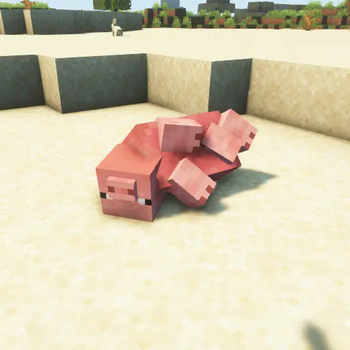
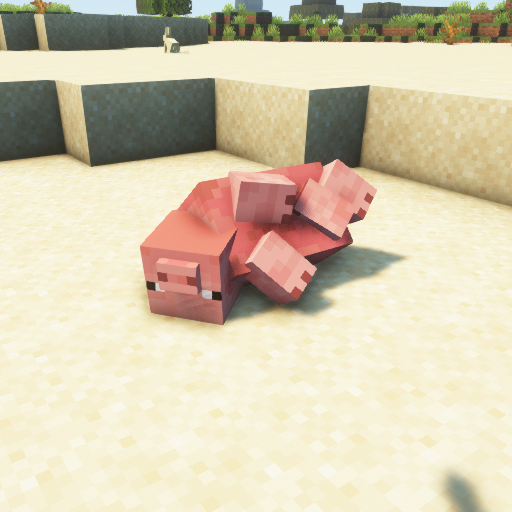
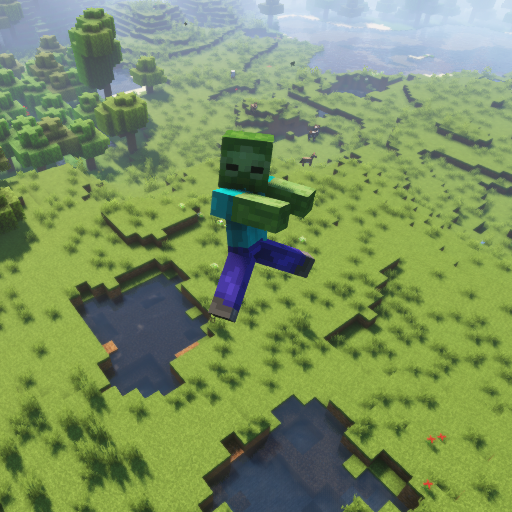
The favourite part of every physics maniac. Each Vanilla Minecraft mob supports ragdolls, fracturing and a blocky version!
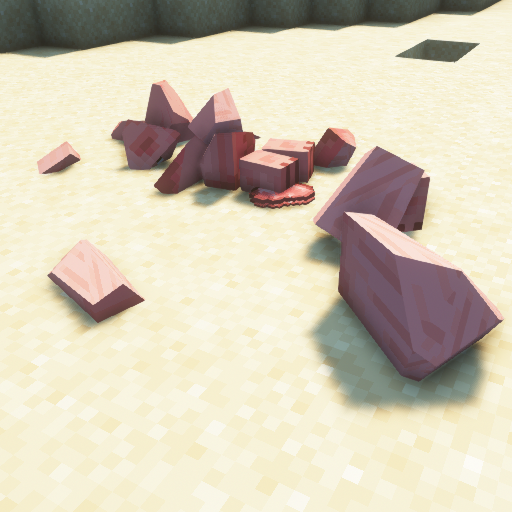
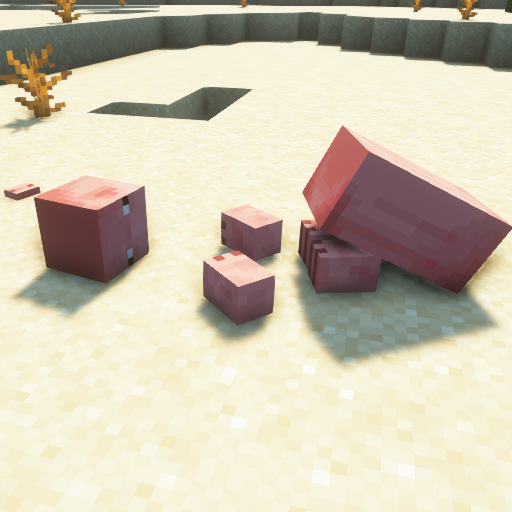
Blocks
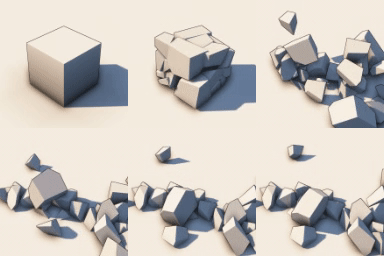
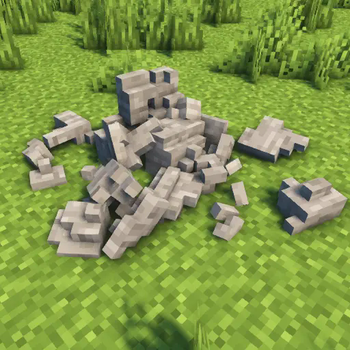
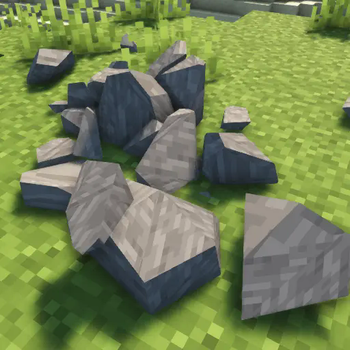
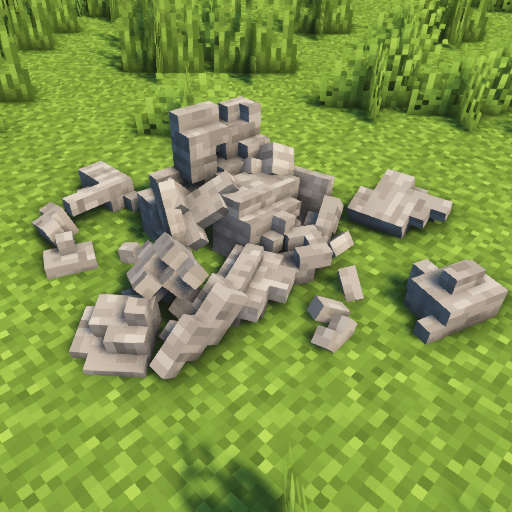
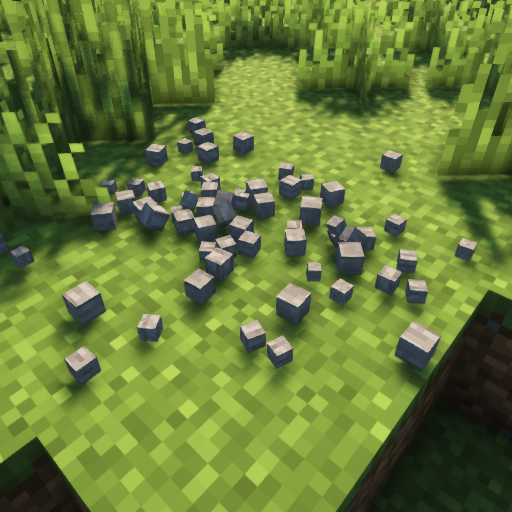
Let the blocks in the Minecraft world crumble into pieces!
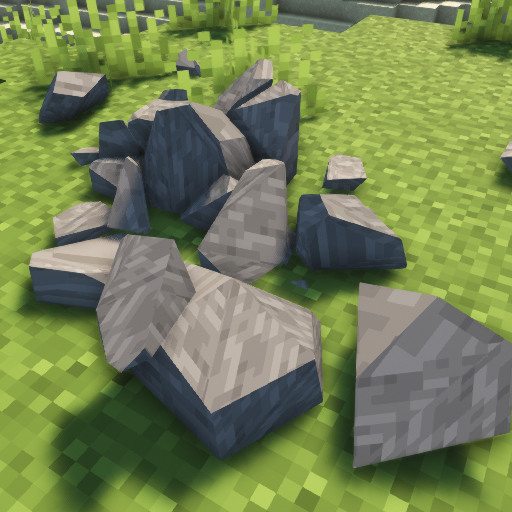
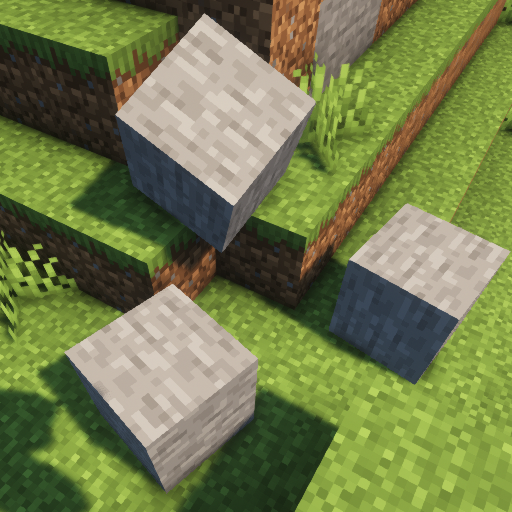
Other features
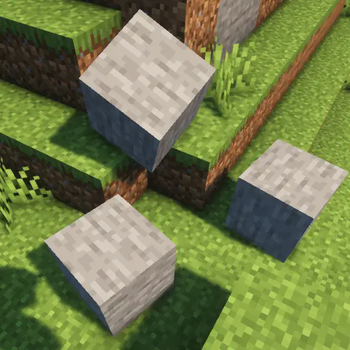
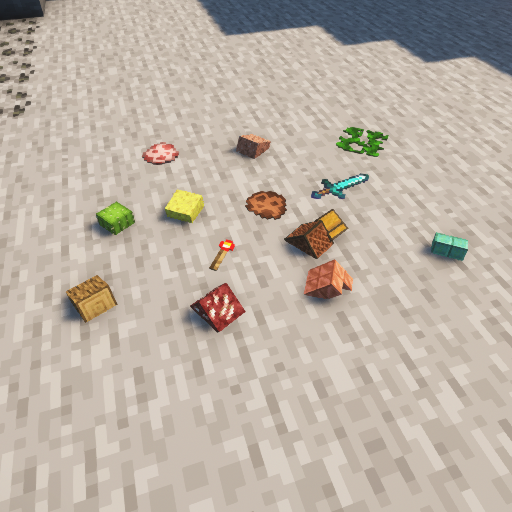
Are you bored of floating items? Try item physics! Gravity? Moon? Mars? Pluto? Earth? Change it to whatever you want! Do you want to bring your PC to its limit? See how long it will last with collapsing structures!
Verfügbare Versionen
Physics Mod auf deinem Client installieren
Mod-Loader lokal installieren
Installiere fabric für deine lokale Minecraft-Version.
Passende Datei herunterladen
Wähle die Physics Mod-Datei für fabric und Minecraft 26.4-snapshot-3.
Mod installieren
Lege die .jar-Datei in deinem lokalen .minecraft/mods-Ordner ab und starte Minecraft neu. Eine Installation auf dem Server ist nicht nötig.
Kompatibilität
Mod-Loader
Minecraft-Versionen
26.4-snapshot-3, 26.3, 26.3-pre-2 (+88 weitere)
Server-seitig
✗ Nicht unterstütztEmpfohlener RAM
4 GB(min. 3 GB)Häufige Fragen
Muss Physics Mod auf dem Minecraft Server installiert werden?
Nein. Modrinth kennzeichnet Physics Mod serverseitig als nicht unterstützt. Installiere die Mod nur im lokalen Minecraft-Mods-Ordner. Dein Server kann unverändert bleiben, sofern die Mod-Seite keine zusätzliche Abhängigkeit nennt.
Welche Version und welchen Loader braucht Physics Mod?
Nutze eine Datei für fabric, forge, neoforge, quilt und exakt deine Minecraft-Version. Unterstützte Versionen sind unter anderem 26.4-snapshot-3, 26.3, 26.3-pre-2. Loader-Dateien sind nicht untereinander austauschbar.
Physics Mod funktioniert nicht – was kann ich prüfen?
Prüfe zuerst Minecraft-Version, Loader-Version und erforderliche Abhängigkeiten. Lege die .jar-Datei im lokalen .minecraft/mods-Ordner ab und entferne ältere Duplikate. Da die Mod clientseitig ist, löst mehr Server-RAM dieses Problem nicht.
Ähnliche Mods

![[ETF] Entity Texture Features](https://cdn.modrinth.com/data/BVzZfTc1/af683d206d50b05258d865b0d6e4aa2f2cee12f2_96.webp)
![[EMF] Entity Model Features](https://cdn.modrinth.com/data/4I1XuqiY/6e5bbd0d06b1741bfdab6c0cfab6de8fdaf0064c_96.webp)



Minecraft Server für deine Gruppe
Physics Mod bleibt auf deinem Client. Hoste dazu eine kompatible Welt für deine Mitspieler.