
Physics Mod
Welcome to a more destructive Minecraft than you've ever seen before!
Screenshots

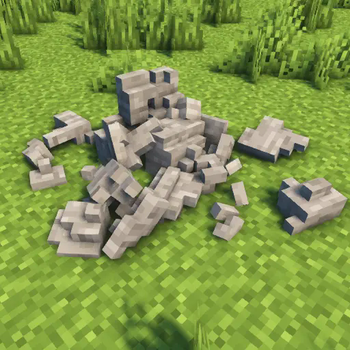
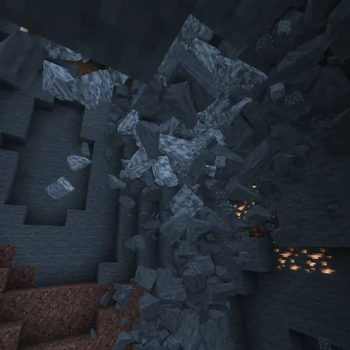
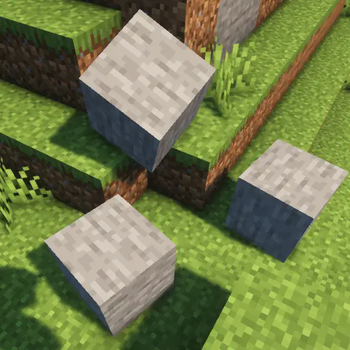
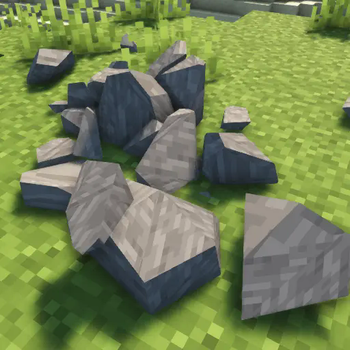
About this Mod

A new immersive experience
Dive into a new world like never seen before. Collapsing caves, interactive ragdolls, item physics and much more awaits you!
Supported Platforms
Windows, Linux and MacOS (M1/M2 CPUs only work with Minecraft 1.20 and above, the other versions need compatibility mode: Tutorial)!
Mobs
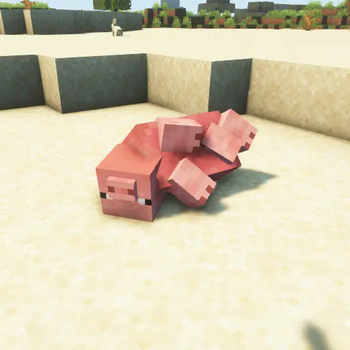
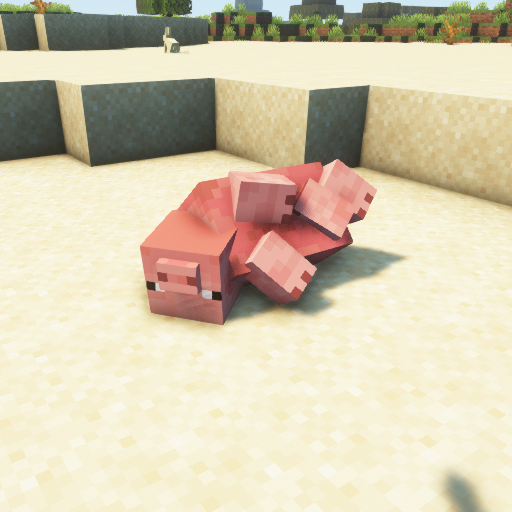
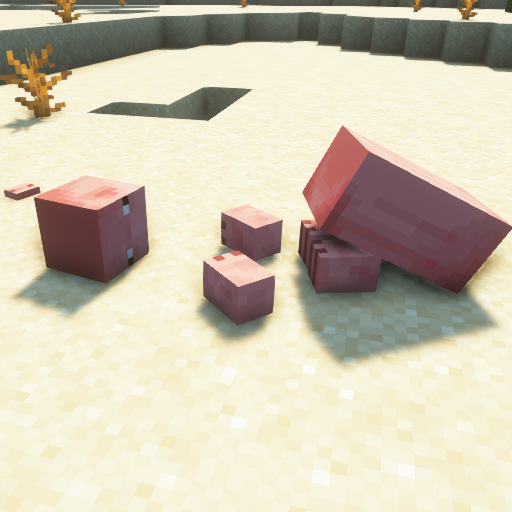
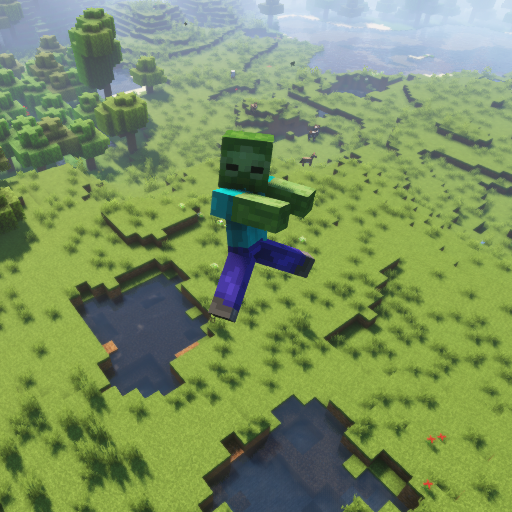
The favourite part of every physics maniac. Each Vanilla Minecraft mob supports ragdolls, fracturing and a blocky version!
Blocks
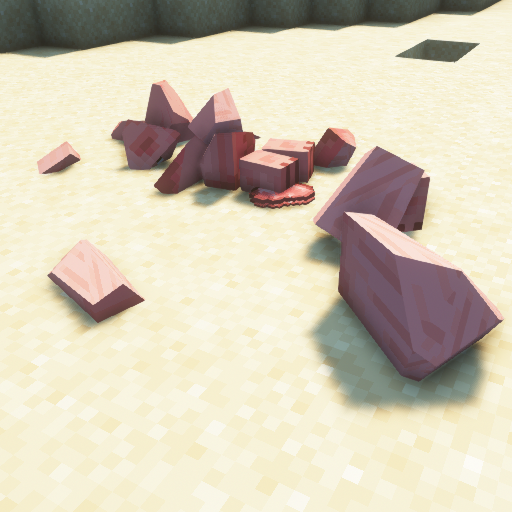
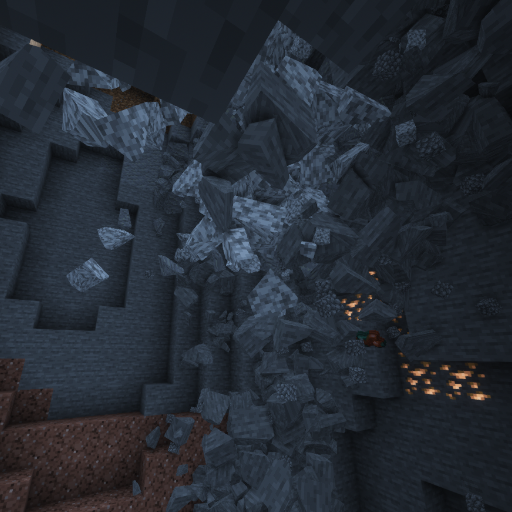
Let the blocks in the Minecraft world crumble into pieces!
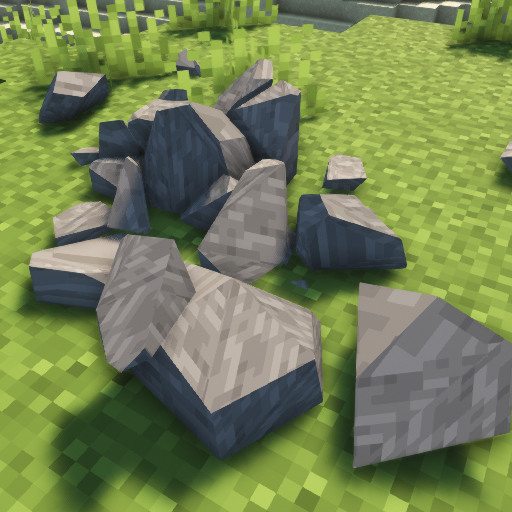
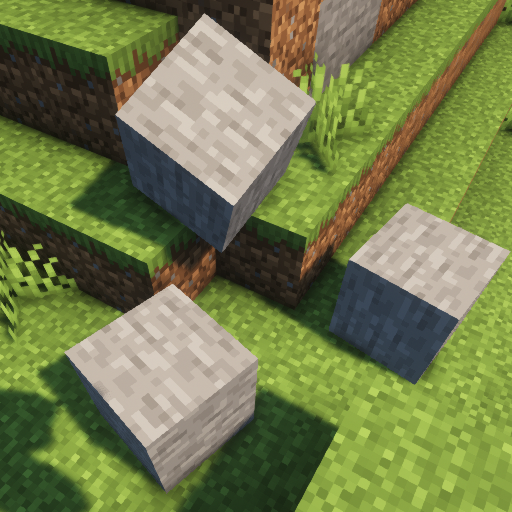
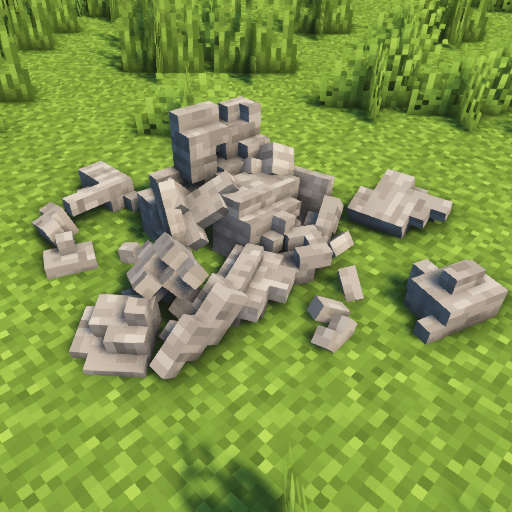
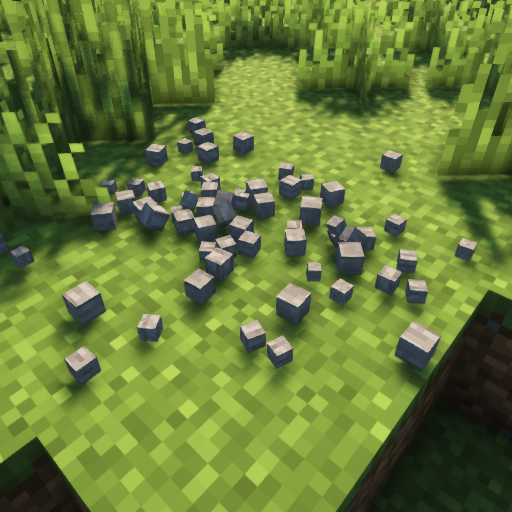
Other features
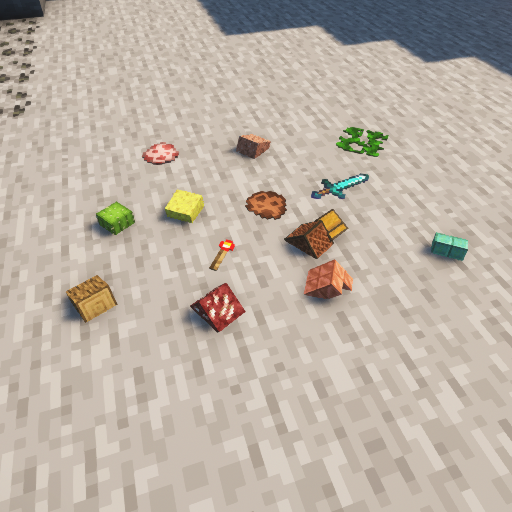
Are you bored of floating items? Try item physics! Gravity? Moon? Mars? Pluto? Earth? Change it to whatever you want! Do you want to bring your PC to its limit? See how long it will last with collapsing structures!
Available Versions
How to Install Physics Mod on Your Client
Install the Mod Loader Locally
Install fabric for your local Minecraft version.
Download the Matching File
Choose the Physics Mod file for fabric and Minecraft 26.4-snapshot-3.
Install Mod
Place the .jar file in your local .minecraft/mods folder and restart Minecraft. No server-side installation is required.
Compatibility
Mod Loaders
Minecraft Versions
26.4-snapshot-3, 26.3, 26.3-pre-2 (+88 more)
Server-side
✗ UnsupportedRecommended RAM
4 GB(min. 3 GB)Frequently Asked Questions
Does Physics Mod need to be installed on the Minecraft server?
No. Modrinth marks Physics Mod as unsupported on the server side. Install it only in your local Minecraft mods folder. Your server can remain unchanged unless the mod page lists an additional dependency.
Which version and loader does Physics Mod require?
Use a file for fabric, forge, neoforge, quilt and your exact Minecraft version. Supported versions include 26.4-snapshot-3, 26.3, 26.3-pre-2. Files for different loaders are not interchangeable.
Physics Mod is not working – what should I check?
First check the Minecraft version, loader version and required dependencies. Put the .jar file in your local .minecraft/mods folder and remove older duplicates. Because this mod is client-side, adding server RAM will not fix it.
Similar Mods

![[ETF] Entity Texture Features](https://cdn.modrinth.com/data/BVzZfTc1/af683d206d50b05258d865b0d6e4aa2f2cee12f2_96.webp)
![[EMF] Entity Model Features](https://cdn.modrinth.com/data/4I1XuqiY/6e5bbd0d06b1741bfdab6c0cfab6de8fdaf0064c_96.webp)



Minecraft Server for Your Group
Physics Mod stays on your client. Host a compatible world for your group.