Potion Particle Pack
Better Potion Particles, showing more information and allowing custom colors.
Screenshots
Über diese Mod
Want to host a server with Potion Particle Pack? |
|---|
 |
| Rent your own Minecraft server here! |
Features
Potion Particle Pack is a small mod that enhances a few aspects of how Minecraft Status Effects are displayed on entities.
Resource Pack Support
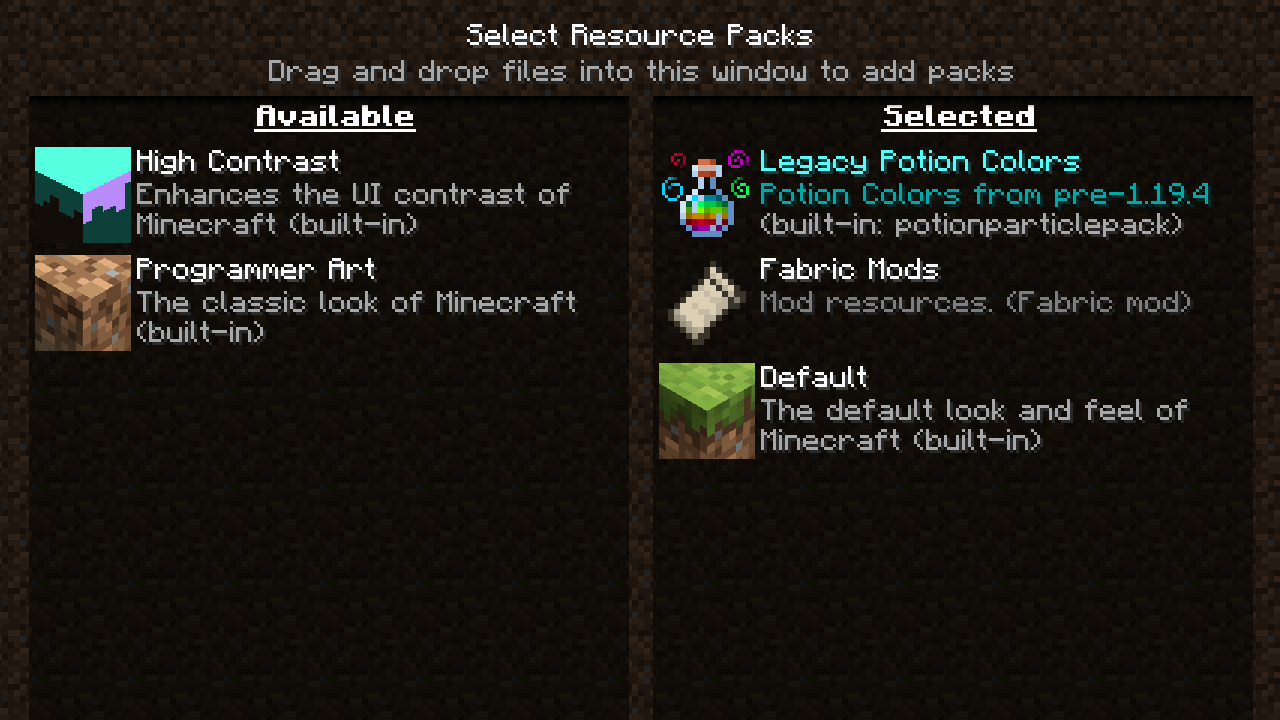
Dislike the new potion colours in 1.19.4? Or maybe want to have them in 1.19.2? Or you'd just really like for Jump Boost to be purple?
All potion colours can now be changed by resource packs, with a default one included to swap to the old/new colours.

Multiple Particle Colours (Requires mod to be installed on server and client)
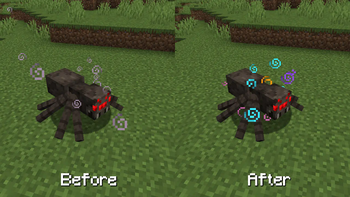
It's really annoying when you have multiple status effects, and they blend into one awful colour.
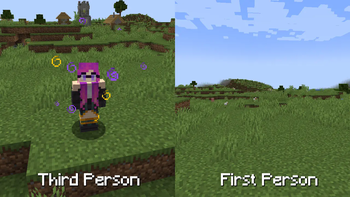
Now each potion you have active will show its own colours separately, with higher levels spawning extra particles.

Effect Icons (1.19.4+)
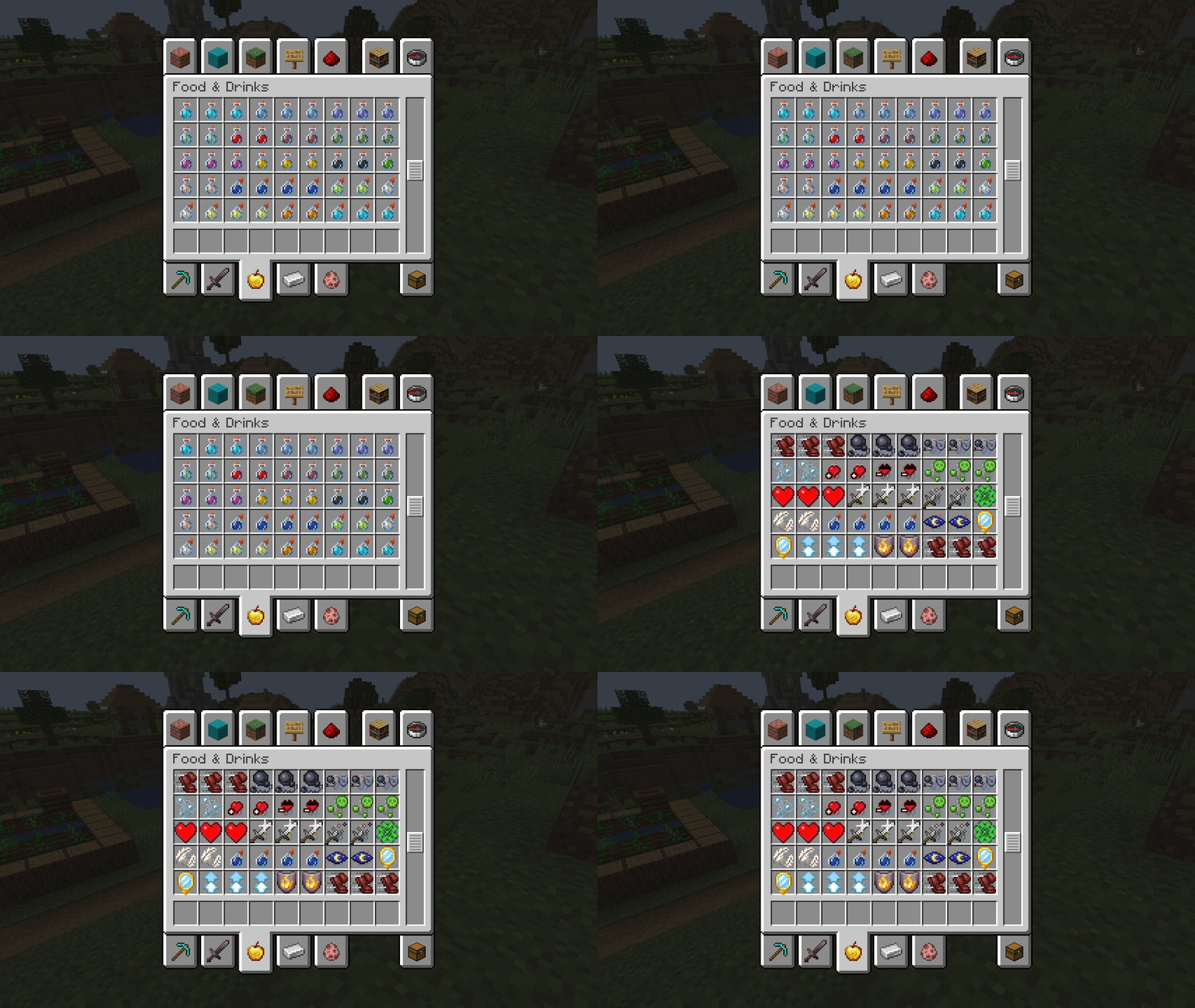
It can be easy to mix up all your potions, especially when you have multiple of the same effect.
Now when you hold shift, all potions and arrows will show you what effect they have with the icon, so you don't need to check them individually.

No First Person Particles
When you have a status effect you won't see all those particles in your face anymore.
Helps keep your vision clear, especially helps with permanent effects like those from a beacon.

Verfügbare Versionen
Potion Particle Pack auf deinem Client installieren
Mod-Loader lokal installieren
Installiere fabric für deine lokale Minecraft-Version.
Passende Datei herunterladen
Wähle die Potion Particle Pack-Datei für fabric und Minecraft 1.20.1.
Mod installieren
Lege die .jar-Datei in deinem lokalen .minecraft/mods-Ordner ab und starte Minecraft neu. Eine Installation auf dem Server ist nicht nötig.
Kompatibilität
Mod-Loader
Minecraft-Versionen
1.20.1, 1.19.4, 1.19.2
Server-seitig
✗ Nicht unterstütztEmpfohlener RAM
4 GB(min. 3 GB)Häufige Fragen
Muss Potion Particle Pack auf dem Minecraft Server installiert werden?
Nein. Modrinth kennzeichnet Potion Particle Pack serverseitig als nicht unterstützt. Installiere die Mod nur im lokalen Minecraft-Mods-Ordner. Dein Server kann unverändert bleiben, sofern die Mod-Seite keine zusätzliche Abhängigkeit nennt.
Welche Version und welchen Loader braucht Potion Particle Pack?
Nutze eine Datei für fabric, quilt und exakt deine Minecraft-Version. Unterstützte Versionen sind unter anderem 1.20.1, 1.19.4, 1.19.2. Loader-Dateien sind nicht untereinander austauschbar.
Potion Particle Pack funktioniert nicht – was kann ich prüfen?
Prüfe zuerst Minecraft-Version, Loader-Version und erforderliche Abhängigkeiten. Lege die .jar-Datei im lokalen .minecraft/mods-Ordner ab und entferne ältere Duplikate. Da die Mod clientseitig ist, löst mehr Server-RAM dieses Problem nicht.
Ähnliche Mods

![[ETF] Entity Texture Features](https://cdn.modrinth.com/data/BVzZfTc1/af683d206d50b05258d865b0d6e4aa2f2cee12f2_96.webp)
![[EMF] Entity Model Features](https://cdn.modrinth.com/data/4I1XuqiY/6e5bbd0d06b1741bfdab6c0cfab6de8fdaf0064c_96.webp)



Minecraft Server für deine Gruppe
Potion Particle Pack bleibt auf deinem Client. Hoste dazu eine kompatible Welt für deine Mitspieler.