Potion Particle Pack
Better Potion Particles, showing more information and allowing custom colors.
Screenshots
About this Mod
Want to host a server with Potion Particle Pack? |
|---|
 |
| Rent your own Minecraft server here! |
Features
Potion Particle Pack is a small mod that enhances a few aspects of how Minecraft Status Effects are displayed on entities.
Resource Pack Support
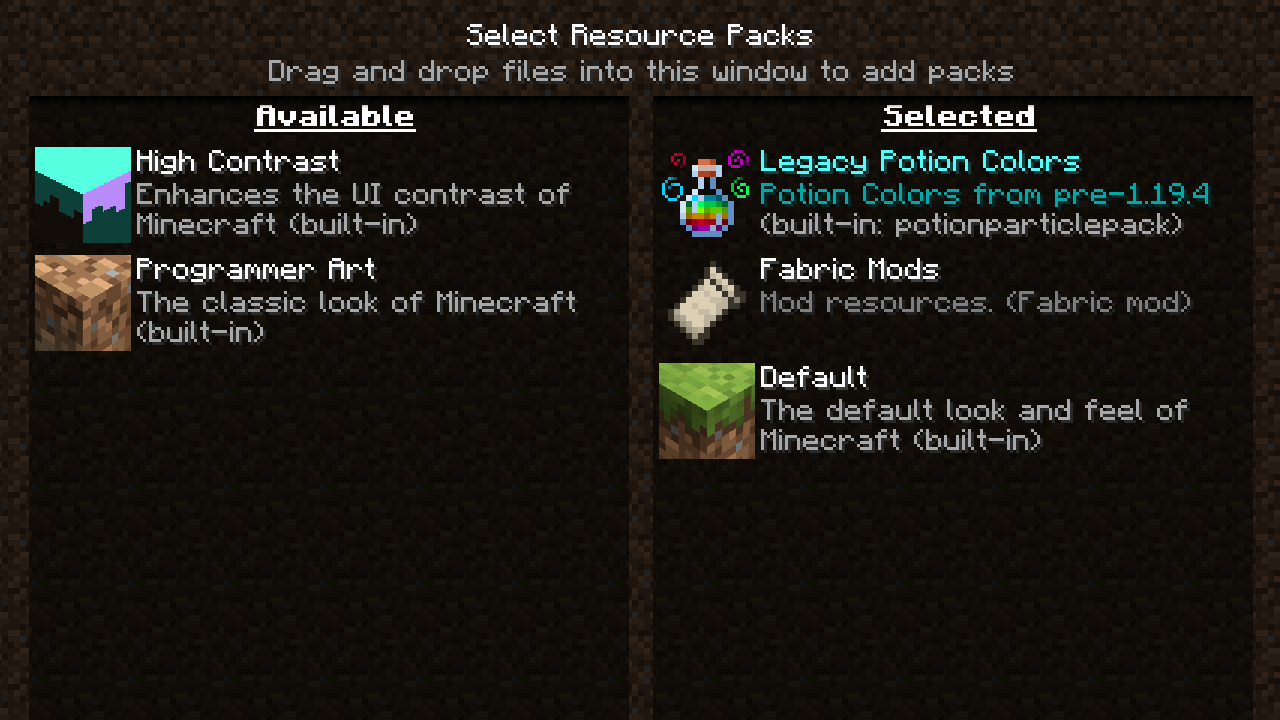
Dislike the new potion colours in 1.19.4? Or maybe want to have them in 1.19.2? Or you'd just really like for Jump Boost to be purple?
All potion colours can now be changed by resource packs, with a default one included to swap to the old/new colours.

Multiple Particle Colours (Requires mod to be installed on server and client)
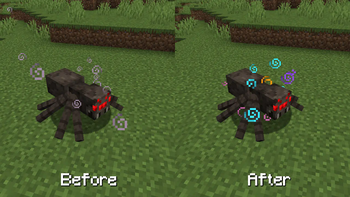
It's really annoying when you have multiple status effects, and they blend into one awful colour.
Now each potion you have active will show its own colours separately, with higher levels spawning extra particles.

Effect Icons (1.19.4+)
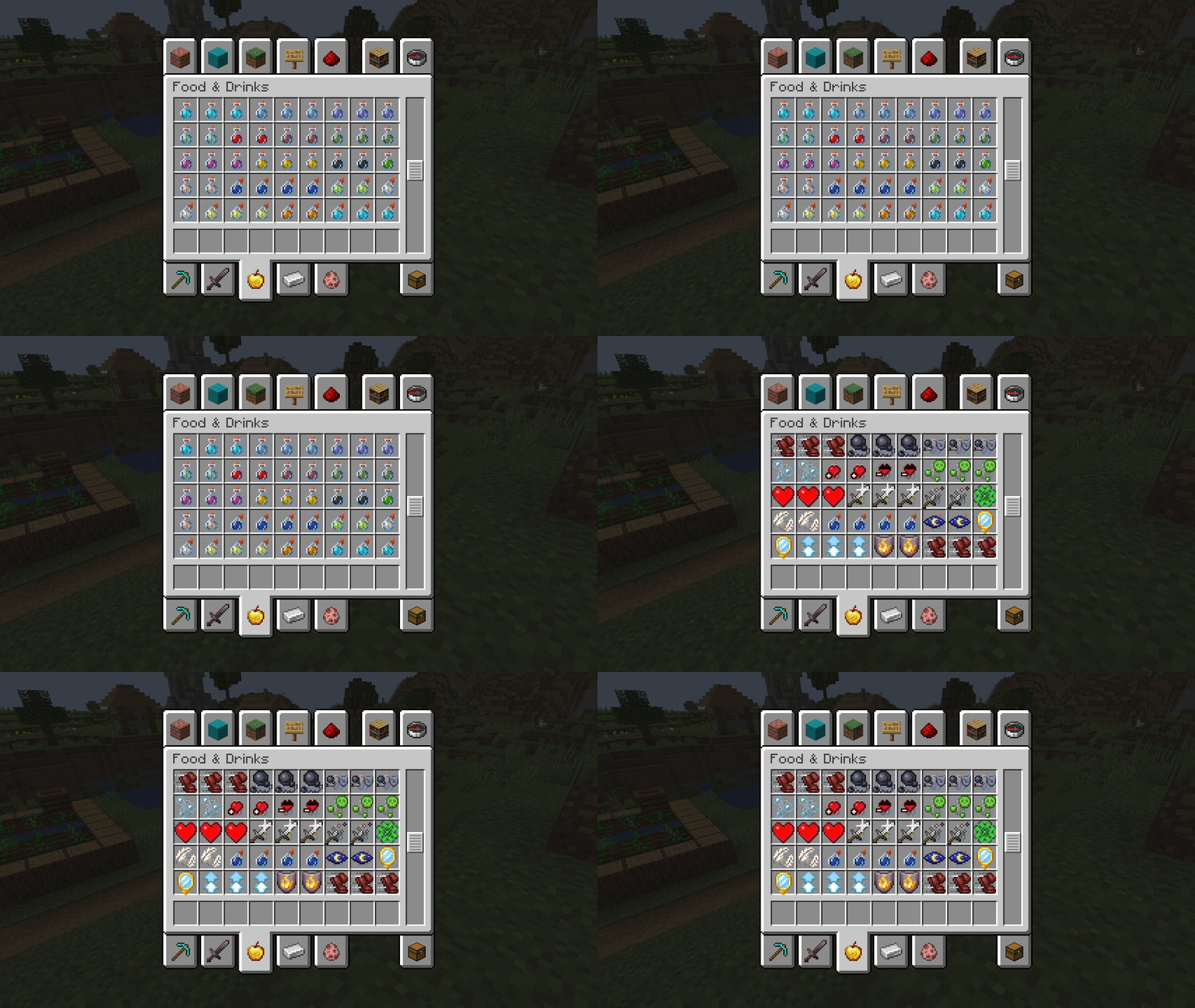
It can be easy to mix up all your potions, especially when you have multiple of the same effect.
Now when you hold shift, all potions and arrows will show you what effect they have with the icon, so you don't need to check them individually.

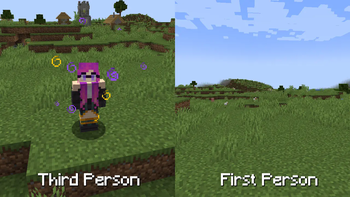
No First Person Particles
When you have a status effect you won't see all those particles in your face anymore.
Helps keep your vision clear, especially helps with permanent effects like those from a beacon.

Available Versions
How to Install Potion Particle Pack on Your Client
Install the Mod Loader Locally
Install fabric for your local Minecraft version.
Download the Matching File
Choose the Potion Particle Pack file for fabric and Minecraft 1.20.1.
Install Mod
Place the .jar file in your local .minecraft/mods folder and restart Minecraft. No server-side installation is required.
Compatibility
Mod Loaders
Minecraft Versions
1.20.1, 1.19.4, 1.19.2
Server-side
✗ UnsupportedRecommended RAM
4 GB(min. 3 GB)Frequently Asked Questions
Does Potion Particle Pack need to be installed on the Minecraft server?
No. Modrinth marks Potion Particle Pack as unsupported on the server side. Install it only in your local Minecraft mods folder. Your server can remain unchanged unless the mod page lists an additional dependency.
Which version and loader does Potion Particle Pack require?
Use a file for fabric, quilt and your exact Minecraft version. Supported versions include 1.20.1, 1.19.4, 1.19.2. Files for different loaders are not interchangeable.
Potion Particle Pack is not working – what should I check?
First check the Minecraft version, loader version and required dependencies. Put the .jar file in your local .minecraft/mods folder and remove older duplicates. Because this mod is client-side, adding server RAM will not fix it.
Similar Mods

![[ETF] Entity Texture Features](https://cdn.modrinth.com/data/BVzZfTc1/af683d206d50b05258d865b0d6e4aa2f2cee12f2_96.webp)
![[EMF] Entity Model Features](https://cdn.modrinth.com/data/4I1XuqiY/6e5bbd0d06b1741bfdab6c0cfab6de8fdaf0064c_96.webp)



Minecraft Server for Your Group
Potion Particle Pack stays on your client. Host a compatible world for your group.