Modrinth · Fabric, Forge, NeoForge · Client-Mod
SmoothPlayerAnimations
SmoothPlayerAnimations ist eine clientseitige Mod. Du installierst sie auf deinem Rechner, auf dem Server ist sie nicht nötig.
Creating smoother animations for players
- Downloads
- 116.9K
- Autor
- HuaXiaosheng
- Loader
- Fabric, Forge, NeoForge
- Minecraft
- 1.20.1 – 26.3
- Aktualisiert
- –
Screenshots
So sieht SmoothPlayerAnimations aus
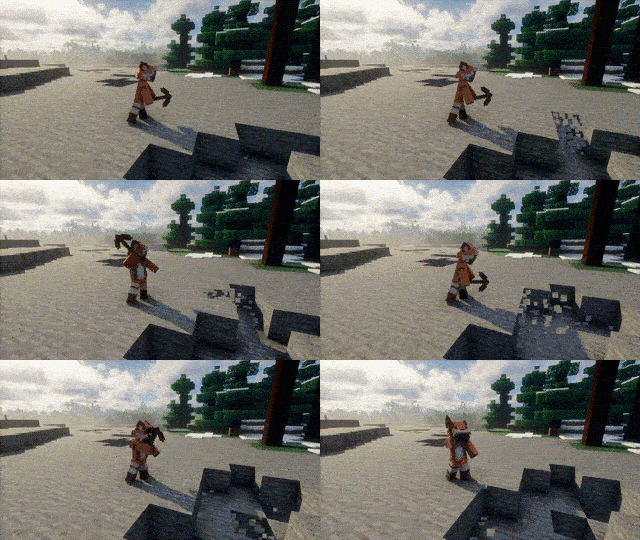
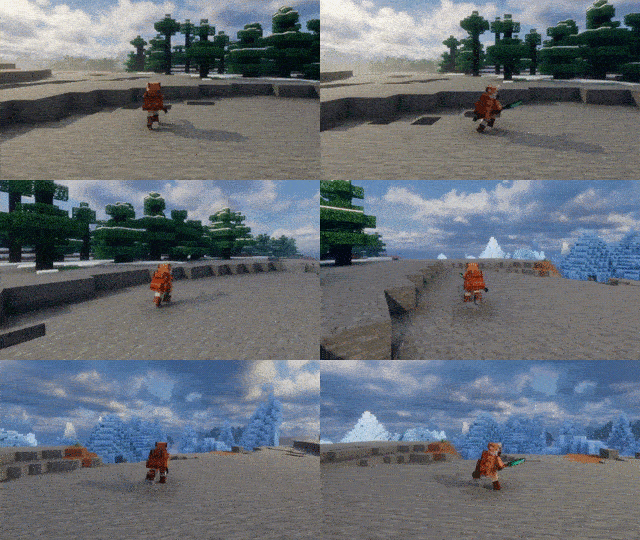
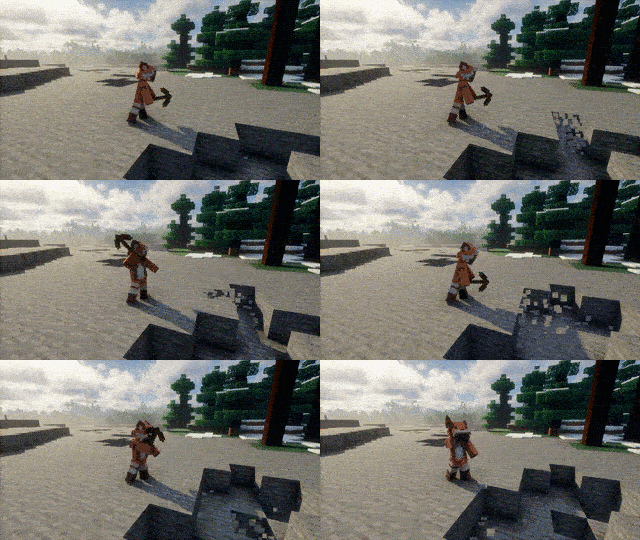
Bilder: SmoothPlayerAnimations auf Modrinth, vom Projektteam veröffentlicht.
Einrichtung
SmoothPlayerAnimations auf deinem Client installieren
Clientseitige Mods laufen nur auf deinem Rechner. Mehr Server-RAM ändert an ihrer Leistung nichts.
- 01
Loader lokal installieren
Installiere Fabric oder Forge oder NeoForge für deine Minecraft-Version in deinem Launcher.
- 02
Datei herunterladen
Lade die SmoothPlayerAnimations-Datei für deinen Loader und exakt deine Minecraft-Version herunter, zum Beispiel 26.3.
- 03
In den Mods-Ordner legen
Lege die .jar-Datei in den lokalen Ordner .minecraft/mods und entferne ältere Duplikate.
- 04
Starten
Starte Minecraft mit dem Loader-Profil. Auf dem Server musst du nichts ändern.
- Auf dem Server
- Nicht nötig
- Auf dem Client
- Erforderlich
- Loader
- Fabric, Forge, NeoForge
- Minecraft
- 26.3, 26.2, 26.1.2 +8 weitere
- Lizenz
- LicenseRef-All-Rights-Reserved
Versionen
Veröffentlichte Versionen
Nimm die Datei, die zu Loader und Minecraft-Version deines Servers passt. Server und Spieler brauchen dieselbe Version.
SmoothPlayerAnimations · Modrinth- SmoothPlayerAnimations 2.1.0+26.310. November 2026Minecraft 26.3 · NeoForge
- SmoothPlayerAnimations 2.1.0+26.210. November 2026Minecraft 26.2 · NeoForge
- SmoothPlayerAnimations 2.1.0+26.110. November 2026Minecraft 26.1, 26.1.1, 26.1.2 · NeoForge
- SmoothPlayerAnimations 2.1.0+1.21.1110. November 2026Minecraft 1.21.11 · NeoForge
- SmoothPlayerAnimations 2.1.0+1.21.1010. November 2026Minecraft 1.21.9, 1.21.10 · NeoForge
Originalbeschreibung des Projektautors
Smooth Player Animations
Smooth, highly compatible player animations for Minecraft, with a player model whose elbows, knees and spine bend.
You can create your own animations. Click here to view.
Features
- Bending arms, legs and body: elbows, knees and the back bend like a real body. Your skin, armor and cape bend along with it, with no gaps at the joints.
- Smooth movement: walking, sprinting, sneaking, jumping, landing, swimming, crawling, climbing, riding and flying all have their own animations, and they flow into each other. Your feet move at your real speed, so they don't slide.
- A living body: your head and upper body follow where you look, and you lean when you start running, stop or turn.
- Combat and items: a two-strike sword combo, drawing weapons from your shoulder and items from your waist, and their own swings for pickaxes, axes, shovels and more.
- Cape and lantern physics: your cape streams behind you when you run and settles when you stop; a held lantern swings on its chain.
- You choose: every animation can be turned off on its own in the settings, and you can pick which animation any item (including items from other mods) uses.
Two Ways to Play
You can switch between two styles in the mod's settings with the CEM engine option.
| CEM engine off (default) | CEM engine on | |
|---|---|---|
| Player model | Bending model: elbows, knees and back bend | Classic Minecraft model with straight limbs |
| Movement animations | This mod's own animations | From the Fresh Animations: Player Extension resource pack |
| Hand actions (sword combo, eating, drinking, holding items, ...) | This mod | This mod adds what Fresh Animations doesn't have |
| Cape and lantern physics | ✓ | ✓ |
| Armor | Bends with the body | Follows Fresh Animations' poses |
| What you need | Nothing else | Fresh Animations and its Player Extension, enabled as resource packs |
- Off is for the full experience of this mod: the bending model and all its animations.
- On is for players who already love Fresh Animations and want to keep its look. Fresh Animations is the base and plays the movement (idle, walking, running, jumping, ...); this mod only adds its extension animations on top: hand actions, item holds, and cape and lantern physics.
- If you turn it on without Fresh Animations, the game tells you where to get it. After switching, press F3 + T to reload.
Showcase
CEM engine off (default): the bending model
Smooth Movement

Cape Physics

Sword Combo

Tools

Lantern

Swimming

CEM engine on: extension animations over Fresh Animations
Since 2.0, the CEM engine only provides extension animations like these, with Fresh Animations as the base.
Sword Combo

Tools

Bow

Eating and Drinking

Lantern

Cape Physics

From earlier versions
These were recorded before 2.0, on the classic model.
Dynamic Idle Animations
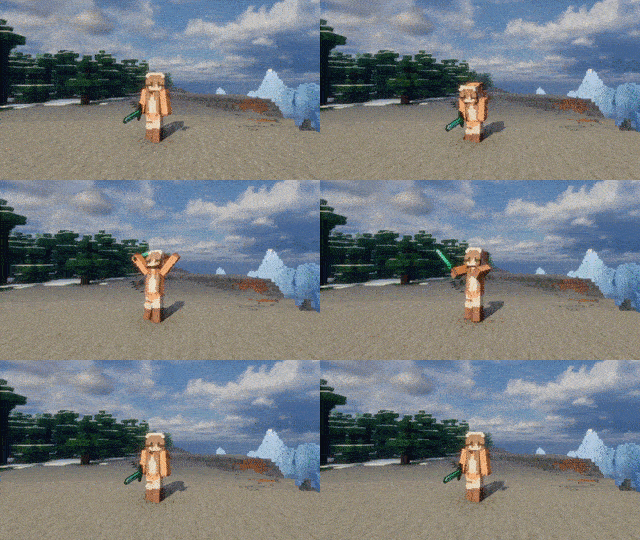
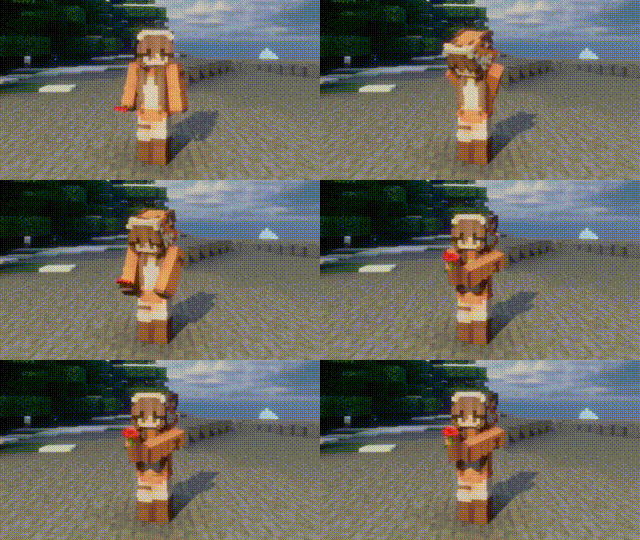
Hold Poppy
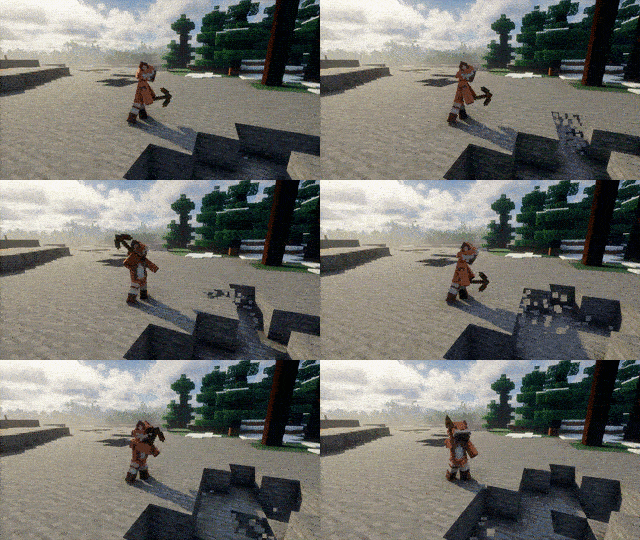
Item Usage
Mod Compatibility
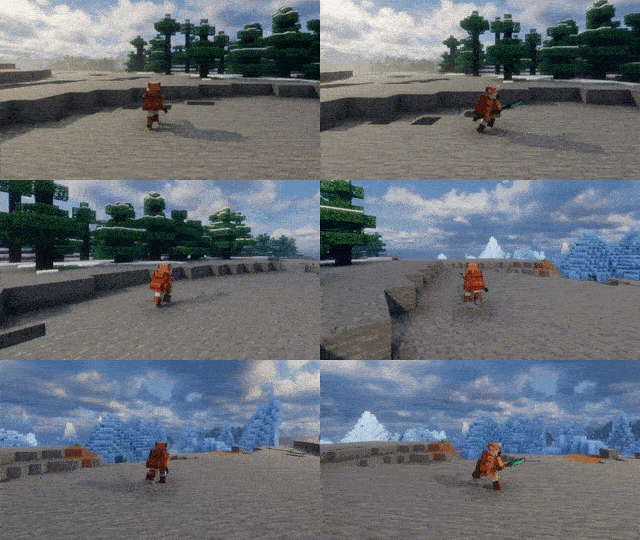
Compatibility
Works alongside many popular mods. Unless noted, this applies both to the bending model and with the CEM engine on.
- Better Combat: the whole body follows its attacks and blends back smoothly when they end. 2.x (1.21.1) and 3.x (1.21.8+) are both supported.
- Fresh Animations: Player Extension: the base of the CEM engine (enable the CEM engine in the settings).
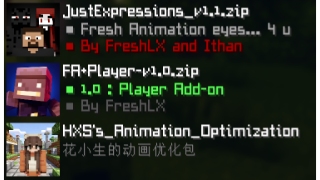
- Punchy! Moves (1.21.1 Fabric): with the CEM engine on, its animations are the base, as Fresh Animations' are; with it off, it leaves this mod's animations and cape alone. Punchy Faces expressions show on the bending model.
- Emotecraft, Sitting+ and other Player Animation Library / playerAnimator mods: the parts they move show their animation, the rest keeps this mod's.
- Not Enough Animations
- What Are They Up To (Watut), Carry On: their arm and head poses show as usual.
- ParCool! (Forge 1.20.1, NeoForge 1.21.1 and 1.21.8): the whole body is handed to its moves and blends back afterwards.
- Touch'n Motion (with the CEM engine): hands on walls and doors, feet on uneven ground and the torso lean go on top of the animations. Not yet on the bending model.
- GeckoLib 4 armor (1.20.1 and 1.21.1; Knight Quest and others): bends with the body, with no gaps at the joints.
- Immersive Armors: its capes bend with the back.
- Elytra in accessory slots (Elytra Slot, Elytra Trinket, Elytra Accessory): the elytra bends with the back.
- Musket Mod / Musket Mod Reloaded: arms and head take its aiming pose, with the muzzle on your line of sight.
- Entity Model Features / Entity Texture Features: EMF leaves the player model, cape and elytra to this mod, so the bending model keeps working with any resource pack; ETF skin variants and emissive textures show on the face.
- Figura, Easy NPC, Punchy!, Sodium
- WaveyCapes: the cape is left to it.
Performance
Lightweight and suitable for:
- Singleplayer
- Multiplayer
- Large Modpacks
Requirements
- Fabric API (Fabric)
- Cloth Config (optional, for the settings screen)
- Mod Menu (optional)
Player Animation Library, playerAnimator and the resource pack are no longer needed.
Note
Updating from a version before 2.0: delete the old jar first. Settings start fresh, and the old animation resource pack is no longer used.
Credits
Versions before 2.0 used animations from KelvinsBetterPlayerAnimations (MIT). All animations since 2.0 are original.
Thanks to everyone who provides feedback, testing, bug reports and suggestions. Without their help, this project would not have been possible.
Introduction
Muss SmoothPlayerAnimations auf dem Minecraft Server installiert werden?
Nein. Modrinth kennzeichnet SmoothPlayerAnimations serverseitig als nicht unterstützt. Installiere die Mod nur im lokalen Mods-Ordner. Dein Server kann unverändert bleiben, sofern die Projektseite keine zusätzliche Abhängigkeit nennt.
Welche Version und welchen Loader braucht SmoothPlayerAnimations?
Nutze eine Datei für Fabric, Forge, NeoForge und exakt deine Minecraft-Version. Unterstützt werden unter anderem 26.3, 26.2, 26.1.2. Dateien für verschiedene Loader sind nicht austauschbar.
SmoothPlayerAnimations funktioniert nicht – was kann ich prüfen?
Prüfe zuerst Minecraft-Version, Loader-Version und erforderliche Abhängigkeiten. Da die Mod clientseitig ist, löst mehr Server-RAM das Problem nicht.
Ähnliche Mods
Beliebte Mods aus derselben Kategorie
 Nur Client

Iris Shaders
von coderbot
A modern shader pack loader for Minecraft intended to be compatible with existing OptiFine shader packs
 Nur Client

[ETF] Entity Texture Features
von Traben
Emissive, Random & Custom texture support for entities in resourcepacks just like Optifine but for Fabric
 Nur Client

[EMF] Entity Model Features
von Traben
EMF is an, OptiFine format, Custom Entity Model replacement mod available for Fabric and Forge.
 Nur Client

Not Enough Animations
von tr7zw
Bringing first-person animations to the third-person
Mods für deinen eigenen Server gesucht?
Im Katalog findest du Mods, die auf Minecraft Servern laufen.