
SmoothPlayerAnimations
Creating smoother animations for players
Screenshots
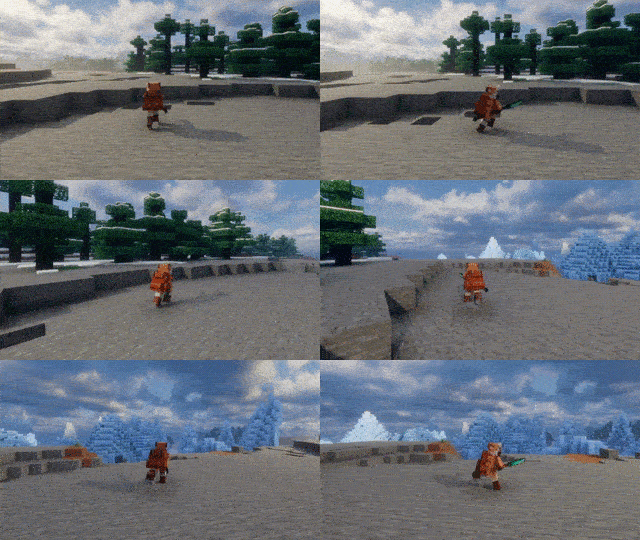
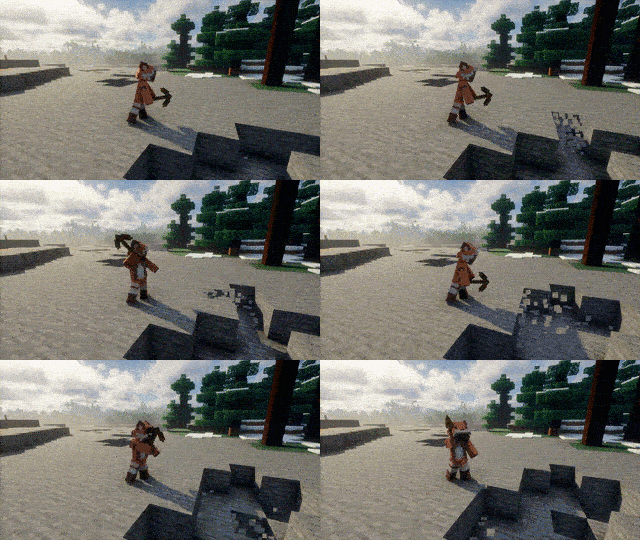
About this Mod
Smooth Player Animations
A lightweight player animation enhancement mod for Minecraft.
Smooth Player Animations improves movement and action animations while staying close to the vanilla experience.
Features
- Smooth walking, running and sprinting animations
- Improved swimming and crawling
- Climbing animations
- Dynamic idle animations
- Layered upper/lower body animation system
- Smooth animation transitions
- Designed for compatibility with other animation mods
Showcase
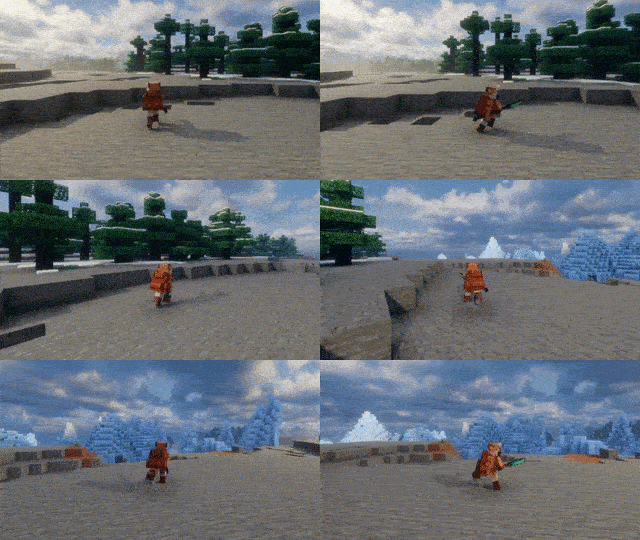
Smooth Movement
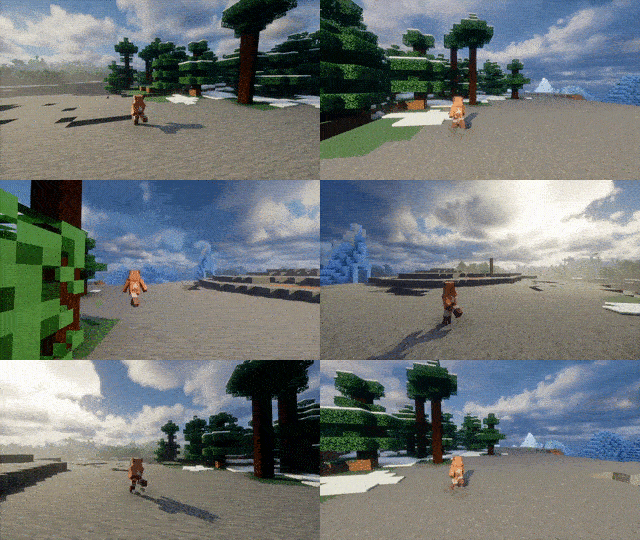
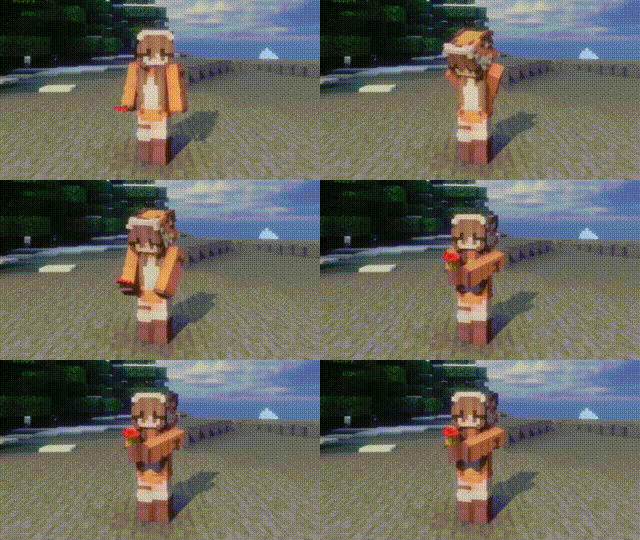
Dynamic Idle Animations
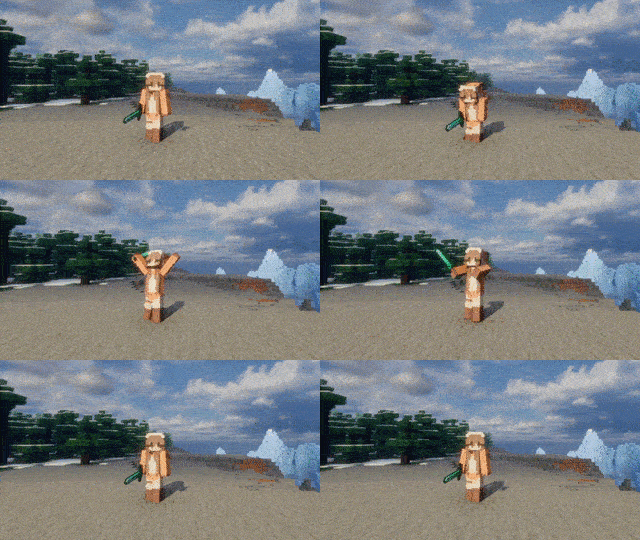
hold poppy
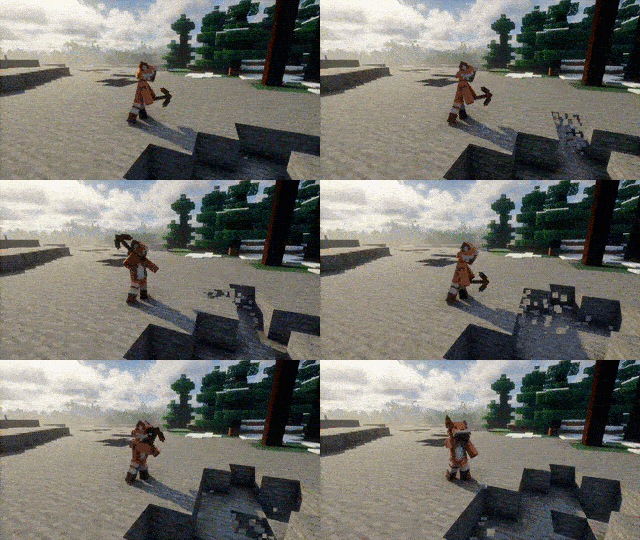
Combat & Item Usage
Mod Compatibility
Compatibility
Built with compatibility in mind.
Works alongside many popular mods, including:
The following mods are supported in version 0.4.0 and above.
- Fresh Animations: Player Extension(Need to enable the CEM engine)
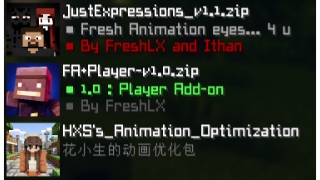
- Sitting+
- What Are They Up To (Watut)
- Carry On
- Easy NPC
Performance
Smooth Player Animations is designed to be lightweight and suitable for:
- Singleplayer
- Multiplayer
- Large Modpacks
Requirements
- Cloth Config
- Fabric API
- Mod Menu(choosable)
- Player Animation Library(Except for 0.1beta and 1.20.1)
- playerAnimator(1.20.1)
Note(!!!!!!!)
⚠️ Some features shown in screenshots and GIFs are demonstrated using my resource pack(Versions 1.0 and above are no longer required.)
You can create your own animation by following the example of my resource package.
Credits
Additional thanks to everyone who provides feedback, testing, bug reports, and suggestions during development.
Without their help, this project would not have been possible.
Planned Features
- Landing animations
- More contextual animations
Introduction
Available Versions
How to Install SmoothPlayerAnimations on Your Client
Install the Mod Loader Locally
Install fabric for your local Minecraft version.
Download the Matching File
Choose the SmoothPlayerAnimations file for fabric and Minecraft 26.3.
Install Mod
Place the .jar file in your local .minecraft/mods folder and restart Minecraft. No server-side installation is required.
Compatibility
Mod Loaders
Minecraft Versions
26.3, 26.2, 26.1.2 (+5 more)
Server-side
✗ UnsupportedRecommended RAM
4 GB(min. 3 GB)Frequently Asked Questions
Does SmoothPlayerAnimations need to be installed on the Minecraft server?
No. Modrinth marks SmoothPlayerAnimations as unsupported on the server side. Install it only in your local Minecraft mods folder. Your server can remain unchanged unless the mod page lists an additional dependency.
Which version and loader does SmoothPlayerAnimations require?
Use a file for fabric, forge, neoforge and your exact Minecraft version. Supported versions include 26.3, 26.2, 26.1.2. Files for different loaders are not interchangeable.
SmoothPlayerAnimations is not working – what should I check?
First check the Minecraft version, loader version and required dependencies. Put the .jar file in your local .minecraft/mods folder and remove older duplicates. Because this mod is client-side, adding server RAM will not fix it.
Similar Mods

![[ETF] Entity Texture Features](https://cdn.modrinth.com/data/BVzZfTc1/af683d206d50b05258d865b0d6e4aa2f2cee12f2_96.webp)
![[EMF] Entity Model Features](https://cdn.modrinth.com/data/4I1XuqiY/6e5bbd0d06b1741bfdab6c0cfab6de8fdaf0064c_96.webp)



Minecraft Server for Your Group
SmoothPlayerAnimations stays on your client. Host a compatible world for your group.