
Furniture & Tech
Enhance your Minecraft builds with interactive, customizable furniture and decor. From modern designs to culturally inspired pieces — beauty and functionality in every room.
Screenshots
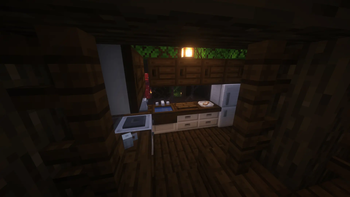
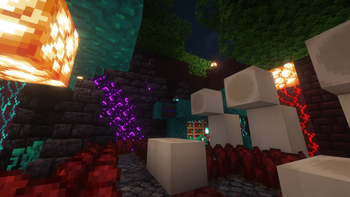
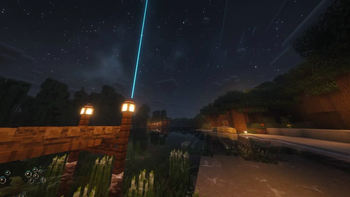
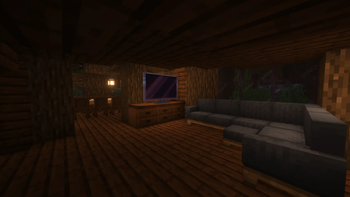
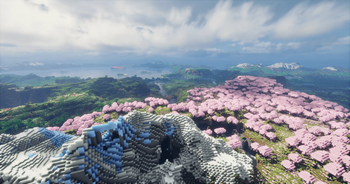
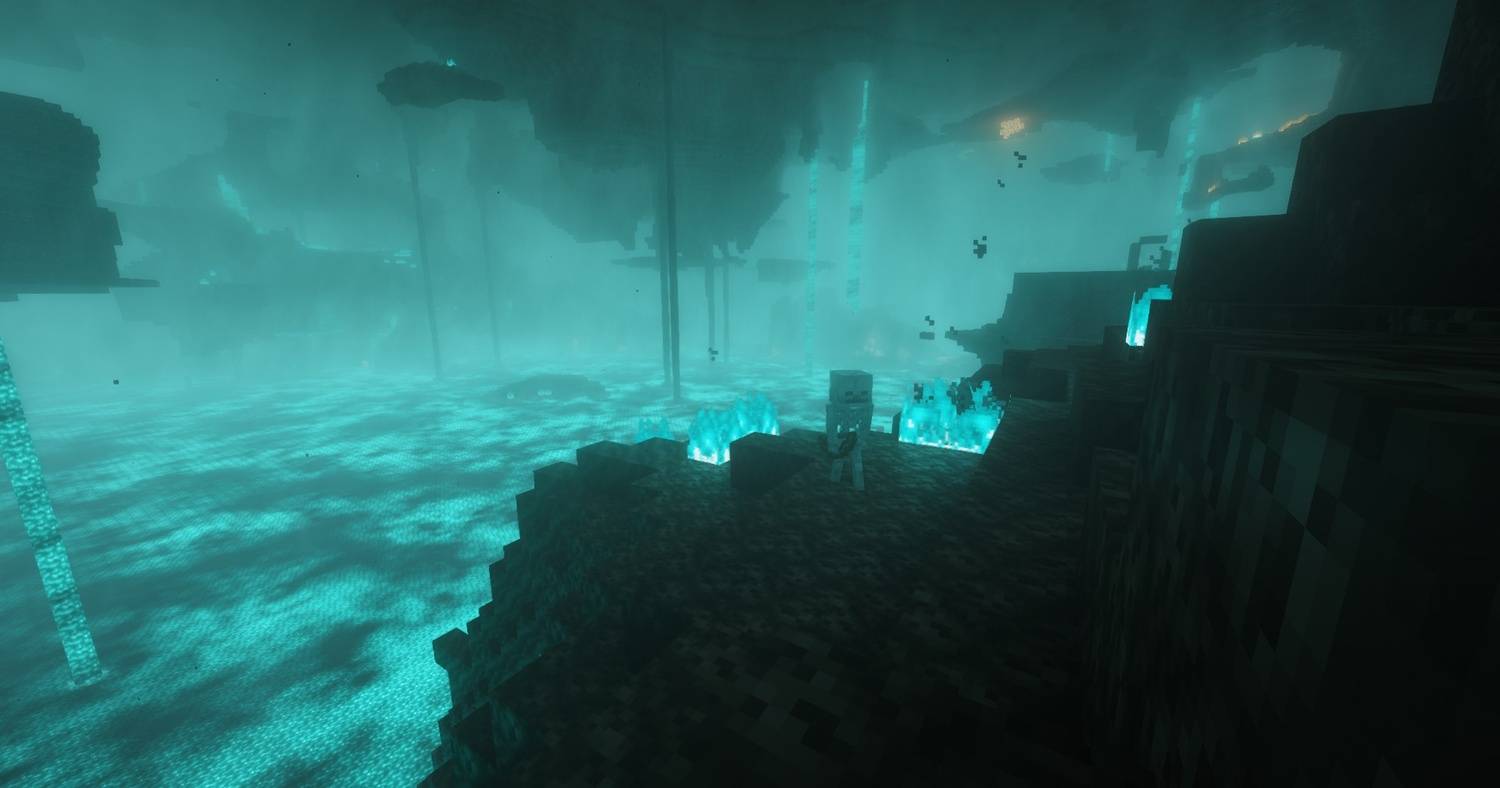
About this Modpack
Unmasked & Kesoh Modpack
This Modpack is selected with immersive furniture mods bundled to revolutionize your Minecraft build experience. Designed for the Fabric modloader, these mods introduce highly detailed, functional, and customizable furniture pieces, blending aesthetics and utility. Whether you're crafting cozy cottages or majestic castles, this modpack elevates your creativity and gameplay.
Customizable & Interactive Furniture
- Functional Furniture: Add life to your builds with chairs, couches, tables, and bookshelves that aren't just decorative but fully interactive. Sit down, store items, and engage with your environment like never before.
- Personalized Designs: Choose from a wide array of materials — wood, stone, metal, and textiles — to craft furniture that fits your unique style.
- Utility-Driven Options: Equip your builds with practical furniture like storage chests, crafting stations, and fully functional kitchen pieces for an efficient and stunning home.
- Optimized for Fabric: Experience smooth performance with mods specifically tailored for the Fabric framework.
Exotic, Culturally Inspired Creations
- Global Designs: Explore furniture and decor inspired by cultures worldwide, including Asian, medieval, and Mediterranean styles. Create anything from a serene tea room to a regal medieval hall.
- Unique Decorations: Beautify your world with rugs, lanterns, tapestries, and other exotic items that add charm and authenticity to your spaces.
- Themed Materials: Utilize specialty blocks and furniture types to craft extraordinary interiors and exteriors with a culturally authentic touch.
Built for Performance
- Fabric Integration: Enjoy a lag-free experience with mods optimized for Fabric. Easily compatible with other mods for an expanded gameplay experience.
- User-Friendly Crafting: Intuitive crafting recipes and straightforward mechanics make furnishing your Minecraft world easy and enjoyable for players of all skill levels.
Create Your Dream Minecraft Home
With the Unmasked & Kesoh modpack, you're not just decorating — you're transforming your Minecraft world into a masterpiece. From functional kitchens to culturally inspired palaces, these mods bring your vision to life.
Community & Support
Need help or have questions? Join our official Discord server for support, updates, and to connect with the community!
Official Discord Server for Unmasked & Kesoh Modpack
Download now and start building your dream world today!
Available Versions
How to Set Up a Furniture & Tech Server
Order Server
Choose at least 6 GB RAM (8 GB recommended for Furniture & Tech). Based on player count: per 5 players.
Install Modpack in Dashboard
Open the modpack browser in the dashboard, search for "Furniture & Tech" and click "Install". The fabric loader and Minecraft 26.2 are configured automatically.
Start Server & Play
Start the server – all mods are loaded automatically. Share the server IP with friends and play together!
Frequently Asked Questions
Furniture & Tech server crashes or won't start – what to do?
Most common causes: insufficient RAM or wrong fabric loader. Check latest.log for "OutOfMemoryError" → increase RAM to at least 8 GB. For "Mixin" or "ClassNotFoundException" errors: modpack version and loader don't match. With Mado Hosting, loader and Minecraft version are auto-configured on modpack install – preventing most startup issues.
How much RAM does a Furniture & Tech server really need?
Minimum 6 GB, recommended 8 GB for stable performance. per 5 players. Important: Minecraft modpacks need more RAM than vanilla – plan extra per additional player. With Mado Hosting, you can scale RAM up live at any time without data loss (from €7.800000000000001/month).
Can I add custom mods to Furniture & Tech without conflicts?
Yes, but check compatibility: only use mods for the same loader (fabric) and same Minecraft version (26.2). Common issues: ID conflicts with recipe mods and incompatible coremod versions. The Mado dashboard mod browser only shows compatible mods and warns about known conflicts.
Furniture & Tech server lagging – performance tips
1) Increase RAM to 8 GB+. 2) Reduce server view-distance to 8 (server.properties). 3) Pre-generate chunks with the "Chunky" plugin. 4) Use /spark profiler to check which mods consume the most tick time. With Mado Hosting, all servers run on NVMe SSDs with dedicated CPU cores – eliminating hardware as a bottleneck.
Similar Modpacks


![Better MC [FABRIC] - BMC2](https://cdn.modrinth.com/data/shFhR8Vx/a19c2bcb51d38f32f138d3607e91cb2b7b8e387f_96.webp)
![Better MC [FORGE] - BMC4](https://cdn.modrinth.com/data/4BV47HRn/7f5ef7cc61b2593609aabef3ed07a866a4f11b73_96.webp)


Rent Furniture & Tech Server
Start your own server with automatic modpack installation.
Supported Versions
Start your Furniture & Tech Server now
From €7.80/month; 8 GB RAM is recommended for best performance.
Configure Server →