

Modrinth · Fabric
Prosperity Remodulated server hosting
Your own Prosperity Remodulated server on AMD Ryzen 9 without a thread limit. The server is ready usually under 60 seconds; then install the pack with one click in the modpack browser.
Let the player be overpowered with technoligy, magic, and more! Optimized for servers.
- Downloads
- 1.4K
- Followers
- 0
- Loader
- Fabric
- Minecraft
- 1.18.2 – 1.19.2
- Updated
- –
Screenshots
What Prosperity Remodulated looks like
 Small Ships' "Brig" floating in a forest river
 Remodulated Banner
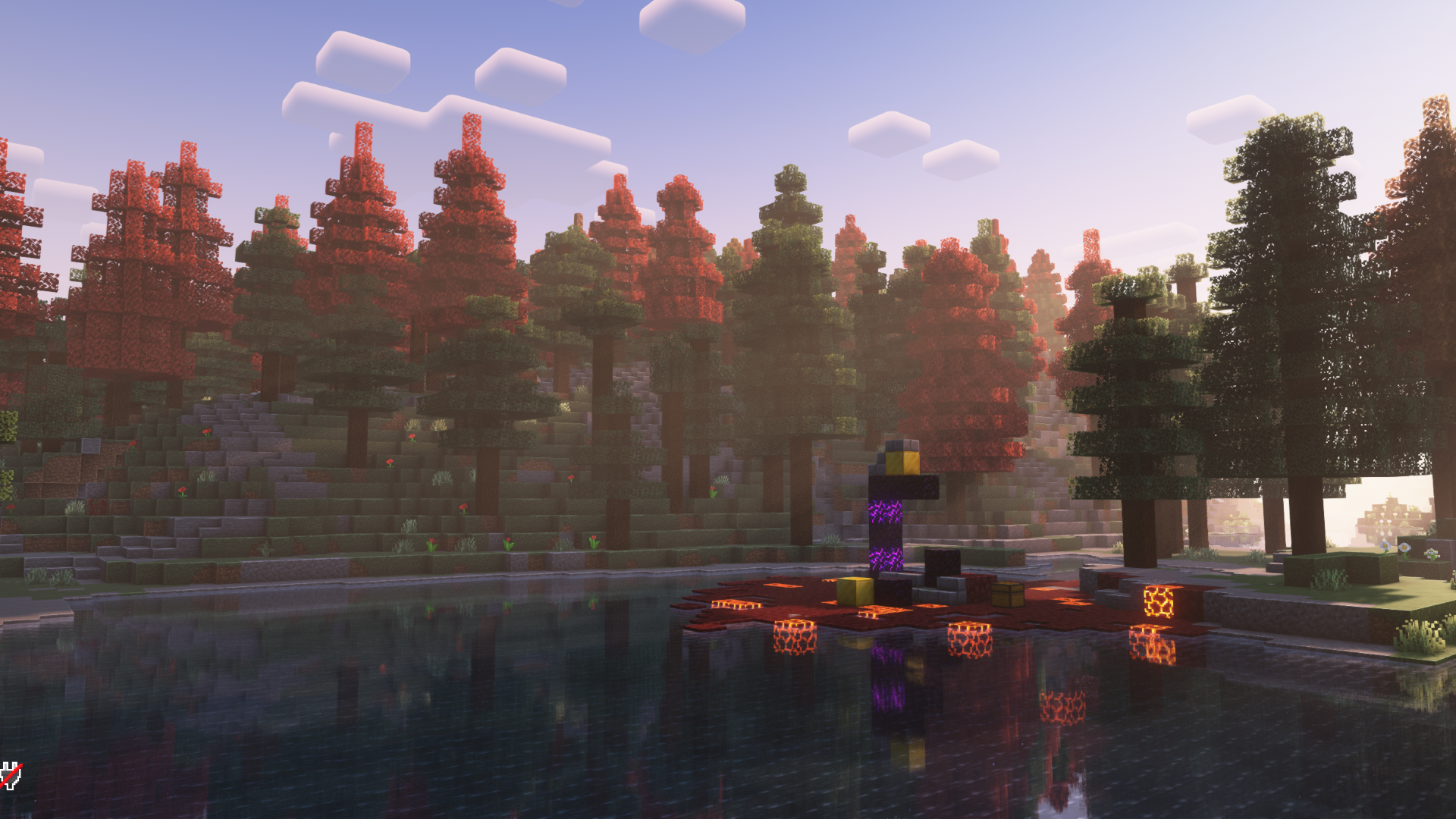 Ruined Nether portal in the forest
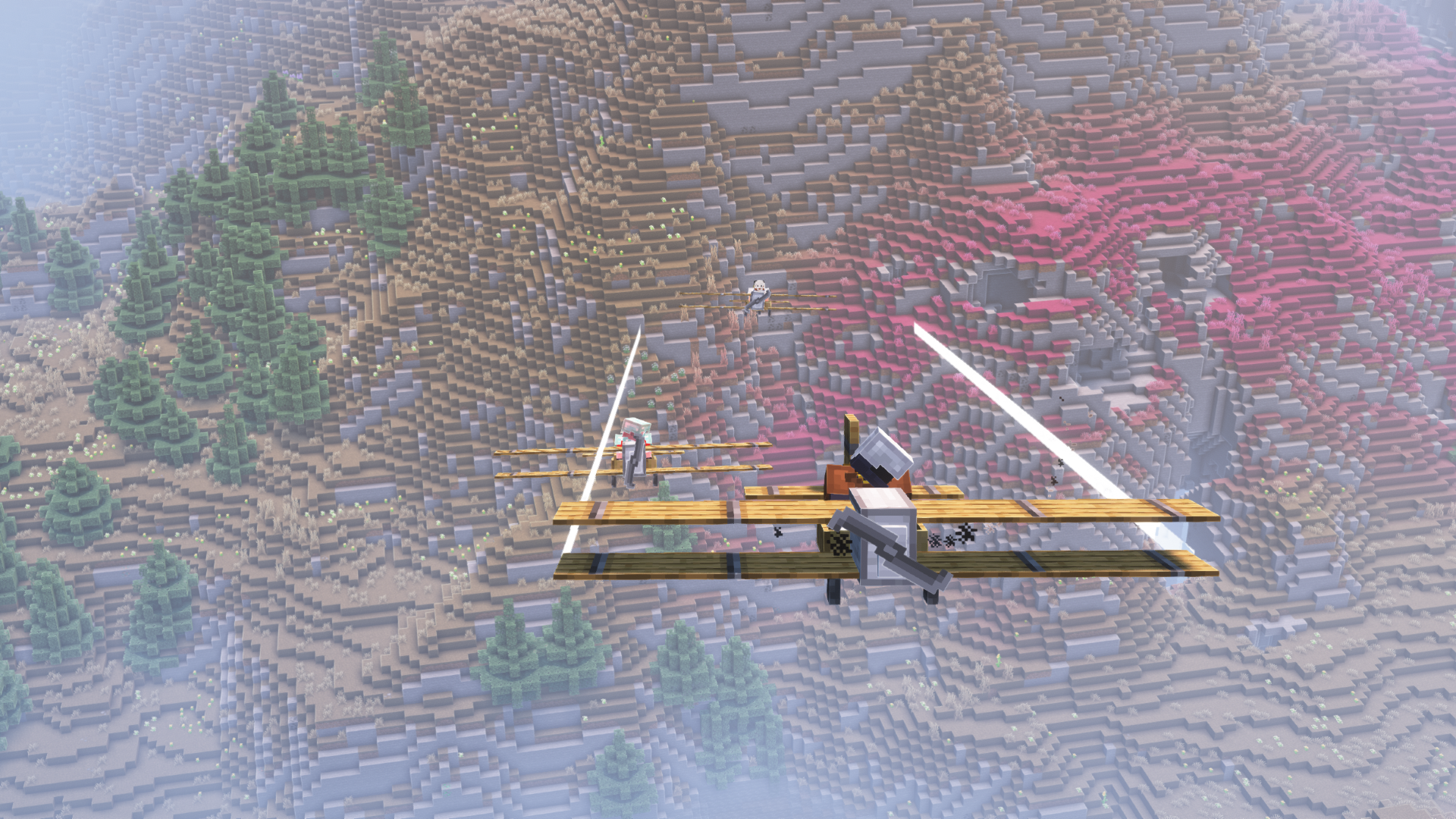 Formation flying with "Immersive Aircraft" biplanes
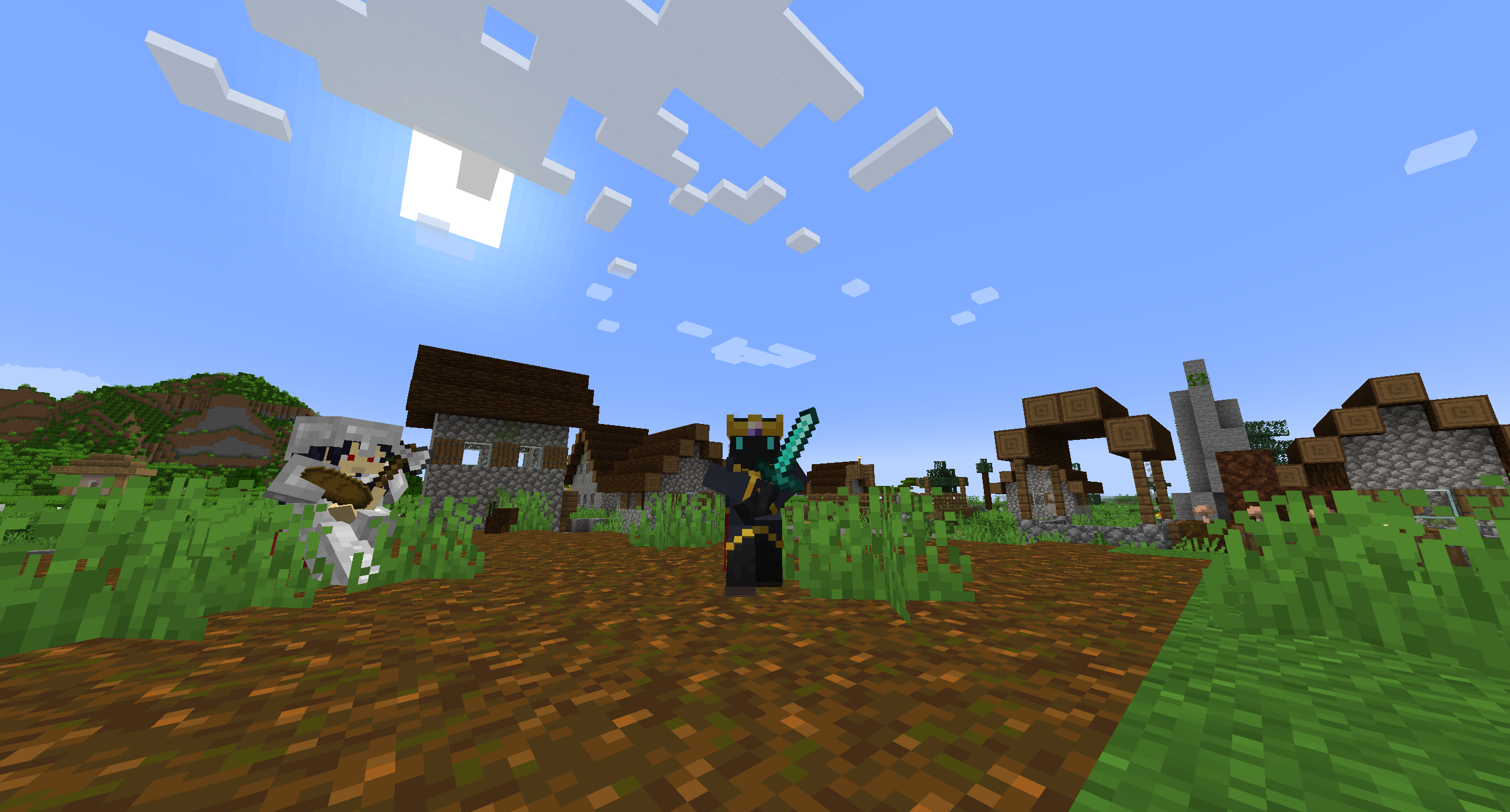 Vibing wit da boys
Images: Prosperity Remodulated on Modrinth, published by the project team.
Setup
Your Prosperity Remodulated server in four steps
For errors, check startup logs, Java version, loader and dependencies first. Increase RAM when there is evidence of memory pressure. Keep a copy of the working installation before updates.
- 01
Configure
8 GB of RAM is preselected and Prosperity Remodulated is noted in the configurator. You choose the term and add-ons.
- 02
Pay
By credit card or PayPal. Your server is ready usually under 60 seconds.
- 03
Install the pack
Open the modpack browser in the panel, choose Modrinth, verify the project ID and install your chosen pack release. Back up an existing world first.
- 04
Connect
Every player installs the same pack release in a compatible launcher and connects using the server address from the panel.
Modrinth project ID: 6gi2l2CW
The panel
Install the pack, find errors.
Real screenshots from the Mado panel. Both come with every Minecraft server.
Modpack browser
Modrinth and CurseForge, right in the panel.
Search the pack, choose a release, install. You do not have to upload the loader or server files by hand.

AI crash analysis
When a mod crashes, the analyzer reads the log.
Large modpacks often fail on a single mod, Java version or missing dependency. The analyzer names a likely cause and suggests a fix.

Releases
Published pack releases
The server and players need the same pack release. Pick it in the modpack browser to match your group’s clients.
Prosperity Remodulated · ModrinthOriginal description by the project author
Prosperity Remodulated is a modpack for the Prosperity SMP server end-of-year event intended to bring the core concept of the vanilla server to the modded world. Let the player be overpowered!
This pack is primarily focused around the Create mod, which strikes a great balance between complexity and features with amazing visuals. In addition there are a number of other tech, magic, and exploration mods, as to give every type of player a good time. You can join the official Remodulated server from December 9th to January 9th, details on our Discord.
Mod List
- Additional Additions
- AdvancementInfo
- AfkDisplay
- Air Hop
- Alternate Current
- Animatica
- Arcanus
- Architectury API
- Architect's Palette [FABRIC]
- bad packets
- Better Ping Display [Fabric]
- Better Resource Pack Sorting
- Better Statistics Screen (Fabric)
- Bobby
- Bosses of Mass Destruction
- Cardinal Components API
- Carpet Discarpet
- Carpet TIS Addition
- Charmonium
- Charm
- ChoiceTheorem's Overhauled Village
- Chunky
- Cloth Config API
- Collective
- Continuity
- Create Fabric
- Create: Crystal Clear Refabricated
- Cull Less Leaves
- Dawn API
- Emotecraft
- Enhanced Searchability
- EntityCulling
- Expanded Delight
- ExtraSounds
- Fabric API
- Fabric Language Kotlin
- Falling Leaves
- FallingTree
- Farmer's Delight [Fabric]
- Fastload
- FerriteCore
- Friends&Foes (Fabric)
- Geckolib
- Halfdoors
- Happiness (is a) Warm Gun
- Iceberg
- Immersive Aircraft
- Immersive Armors
- Immersive Paintings
- Indium
- Infusion Table
- Inv View
- InvMove
- Iris Shaders
- Item Model Fix
- ItemFlexer
- Krypton
- LambdaBetterGrass
- LambDynamicLights
- LazyDFU
- Ledger
- Legendary Tooltips
- Lithium
- LuckPerms
- MainMenuChanger
- MmmMmmMmmMmm
- Mod Menu
- Mod-erate Loading Screen
- More Axolotl Variants API
- More Axolotl Variants Mod
- Mouse Tweaks
- Neat
- Nether Chest
- No Enchant Cap
- No More Purple
- Nullscape
- Numismatic Overhaul
- oωo (owo-lib)
- Packages
- Patchouli
- Pick Up Notifier
- Piercing Paxels
- Pingspam
- Player Events
- Prism
- Puzzles Lib
- Rain Be Gone Ritual
- Raise Sound Limit Simplified
- Reasonable Sorting
- Reese's Sodium Options
- ReplayMod
- Roughly Enough Items (REI)
- Scout
- ServerCore
- Simple Voice Chat
- Smooth Swapping
- Sodium Extra
- Sodium
- spark
- SquakeFabric
- Starlight (Fabric)
- StepUp
- Terralith
- Things
- Time Changer
- TimeOutOut
- Tom's Simple Storage Mod
- ToolTipFix
- Trinkets
- Universal Ores
- Untitled Duck Mod
- VanitySlots
- Very Many Players (Fabric)
- Visuality
- WTHIT
- YetAnotherConfigLib
- Your Options Shall Be Respected (YOSBR)
- YUNG's API
- YUNG's Better Desert Temples
- YUNG's Better Dungeons
- YUNG's Better Mineshafts
- YUNG's Better Ocean Monuments
- YUNG's Better Strongholds
- YUNG's Better Witch Huts
- YUNG's Bridges
- YUNG's Extras
- Zoomify
- 🔨 Frame API
- 🪵 Twigs
External mods:
- CurseForge: Carpet
- CurseForge: Decorative Blocks
- CurseForge: Illuminations 🔥
- CurseForge: Small Ships [Fabric & Forge]
- CurseForge: TerraBlender
- CurseForge: William Wythers' Overhauled Overworld
- CurseForge: WorldEdit
- CurseForge: Xaero's Minimap
- CurseForge: Xaero's World Map
Performance And Optimization
As this modpack is based on Fabric we have a number of performance mods to choose from, and we're running the majority of the stable ones, however none of this is magic and performance is far from optimal.
- For clients playing in singleplayer we recommend 4 GB - 8 GB of RAM.
- For clients playing on a server you can likely get away with less than 4 GB.
- For servers we recommend 6 GB of RAM minimum and 8 GB to 12 GB for the optimal experience in addition to at least 2 dedicated CPU cores.
As a server owner or in singleplayer you have a number of optimization opportunities you can take advantage of. We recommend taking some time to configure ServerCore and Carpet to get the best performance.
Pro-Tips
- Craft a biplane or other aircraft as quick and easy early game transportation. This is especially useful when you get to the end.
- Learn how to bunnyhop! This feature is added by the Squake mod by default and allows for rapid, skill-based, on foot transport.
- Start bunnyhopping by holding space with some forward momentum.
- Continue to hold space while letting go of the forward key and pressing down a left or right movement key.
- Slowly turn your mouse left or right to increase your speed while holding a side movement key and space.
- Crouch while you're in the air to convert your momentum to a jump.
- You can disable this entire feature in the
/config/squake.cfgfile.
For Server Owners
- Make sure to set your gamerules for No Enchant Cap.
- We recommend disabling the vanilla anti-cheat with the command
/carpet setDefault antiCheatDisabled trueto fix players rubberbanding.
Defaults
This pack ships with a number opinionated defaults, which are what is running on the official server. If you don't like them you can delete your /config folder and options.txt, then restart the game which will generate default configuration files for all the mods.
If you only wish to revert the controls then only delete options.txt.
FAQ
Why are there so many errors when starting the game?
With a modpack this time there will doubtless be a number of errors and exceptions thrown. But if your game starts then you're probably good.
Why do I keep getting the message "Trying to authenticate voice connection"
Either the server you are connecting to has Simple Voice Chat configured incorrectly or doesn't have it at all. If you don't intend on using this mod we recommend you simply uninstall Simple Voice Chat.
How do I update the pack?
Many launcher support downloading Modrinth packs, but some don't support updating them. Notably this includes Prism Launcher and MultiMC. Unfortunately updating a modpack is quite the process, you can follow these instructions to see how to do it:
- Check the changelog on the latest release! There may be warnings about world corruption or specific update instructions!
- Create a new instance and download the version of the modpack you desire.
- Copy the
options.txtfile to the new instance, this contains your controls and various in game settings. - Copy your
/savesfolder to the new instance, this contains your worlds. - If you have any custom mod configurations you will need to manually copy the old files to the new instance one by one.
- Copy anything else you want to keep from your old instance to the new one.
- Make a backup of your worlds and servers and test that the pack works.
I have another issue...
Reach out to me (@CarbonGhost#5183) on the Prosperity Discord server.
Similar packs
More server-ready modpacks
 Server-ready

Better MC [FABRIC] - BMC2
by SHXRKIE
Version 1.20 | A Proper Vanilla+ Modpack | Don't play Vanilla play this!
 Server-ready

Better MC [FORGE] - BMC4
by SHXRKIE
Version 1.20.1 | A Proper Vanilla+ Modpack | Don't play Vanilla play this!
 Server-ready

Pokemon Elysium
by Chubblezap
Modpack originally made for the Pokemon Elysium server, a Cobblemon-focused pack with hints of low-tech steampunk.
 Server-ready

Re-Console
by omo50
A continued Legacy Console Edition experience, expanded upon with modern Java Edition content and QoL! (An Official Legacy4J Project)
Ready for your Prosperity Remodulated server?
8 GB of RAM from €16.00 per month. 35% off your first month with MADO35.