
Modrinth · Fabric
Skyblock Challenge + server hosting
Your own Skyblock Challenge + server on AMD Ryzen 9 without a thread limit. The server is ready usually under 60 seconds; then install the pack with one click in the modpack browser.
Spawn on a skyblock, and get as many advancements as you can to expand the worldborder. The game is beatable! Great for playing with friends!
- Downloads
- 7.8K
- Followers
- 0
- Loader
- Fabric
- Minecraft
- 1.21.4
- Updated
- –
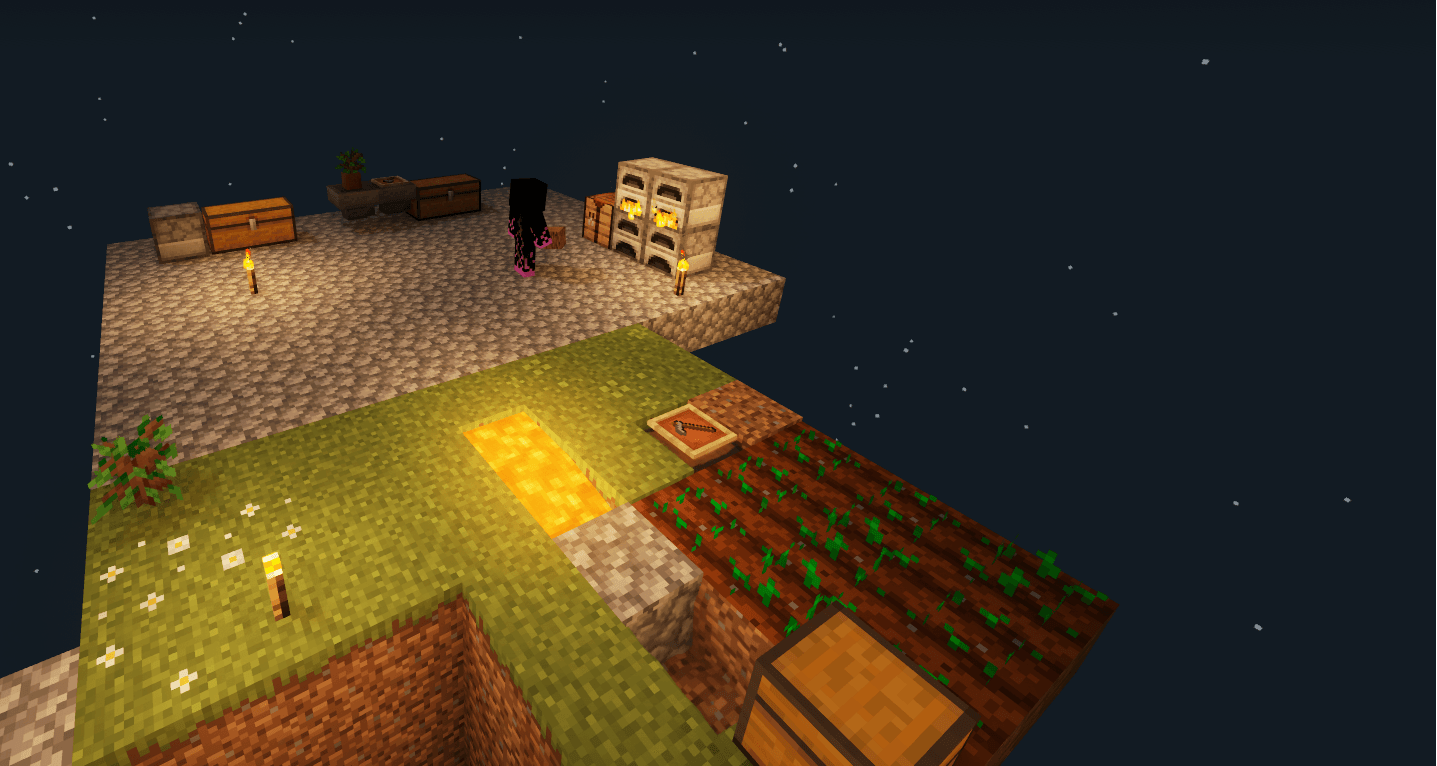
Screenshots
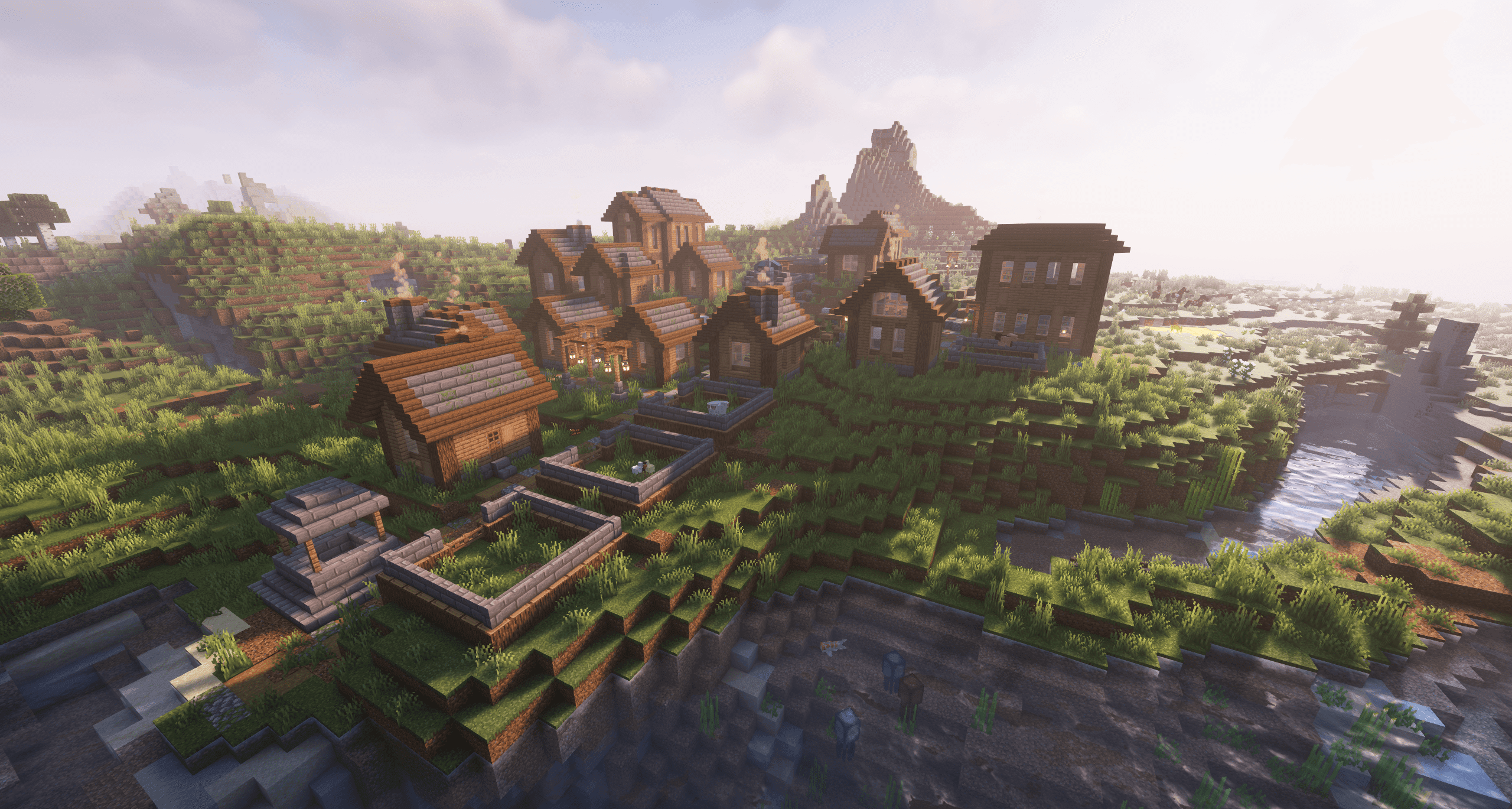
What Skyblock Challenge + looks like


Images: Skyblock Challenge + on Modrinth, published by the project team.
Setup
Your Skyblock Challenge + server in four steps
For errors, check startup logs, Java version, loader and dependencies first. Increase RAM when there is evidence of memory pressure. Keep a copy of the working installation before updates.
- 01
Configure
8 GB of RAM is preselected and Skyblock Challenge + is noted in the configurator. You choose the term and add-ons.
- 02
Pay
By credit card or PayPal. Your server is ready usually under 60 seconds.
- 03
Install the pack
Open the modpack browser in the panel, choose Modrinth, verify the project ID and install your chosen pack release. Back up an existing world first.
- 04
Connect
Every player installs the same pack release in a compatible launcher and connects using the server address from the panel.
Modrinth project ID: IOTBQJph
The panel
Install the pack, find errors.
Real screenshots from the Mado panel. Both come with every Minecraft server.
Modpack browser
Modrinth and CurseForge, right in the panel.
Search the pack, choose a release, install. You do not have to upload the loader or server files by hand.

AI crash analysis
When a mod crashes, the analyzer reads the log.
Large modpacks often fail on a single mod, Java version or missing dependency. The analyzer names a likely cause and suggests a fix.

Releases
Published pack releases
The server and players need the same pack release. Pick it in the modpack browser to match your group’s clients.
Skyblock Challenge + · ModrinthOriginal description by the project author
Skyblock Challenge +
Dive into the world of skyblock, but with a twist!
The worldborder is set to 10, and to expand the border, get as many advancements as you can!
There are over 1000 advancements, so the world can get pretty big.
Some advancements will give you a reward for completing them.
The modpack also adds automated:
💎 Mining
🌳 Foraging
🌽 Farming
So you don't have to waste all your time mining cobblestone.
There are other islands in the sky with other biomes on them and there are structures.
To make sure you can obtain almost every block, extra mechanics have been added.
The Game Is Beatable!
The end portal will spawn alowing you to go to the end and fight the enderdragon.
However, it will be a hard and long journy, so playing this with your friends will be even more exciting!
If you want to play with others e4mc is recommended
Warning
Make sure to use the datapacks in the datapackfolder. (they load automatically)
When Starting go to >menu >mods >advancement border and change the settings.
(Change the Increase from Tasks/Goals/Challenges)
Recommended settings:
Increase from Tasks > 2
Increase from Goals > 5
Increase from Challenges > 10
Increasing it will make the game easier.
List of Mods:
- Advancement Border The worldborder will grow when completing advancements.
- Advancements Search make it easier to find advancements.
- Always Infect Villagers Your villager will get a second chance to be cured when killed.
- Appleskin Monitor your saturation.
- Auto Harvest Make automatic crop farms.
- Better Mob Drop (No Advancements) Improves some mob drops.
- Cooperative Advancements Everyone shares advancements so no one has to do it again.
- Distant Horizons look further and find more islands in the sky.
- Mining Quarries Automatically mines cobblestone and ores for you.
- Potted Farms No need for chopping wood and planting trees anymore.
- No Free Deaths: Better keepinventory Keep your stuff but make it more fair to fall down.
- Skyblock Standard To play skyblock you need a Skyblock (Duh)
- Skyblock Sand Island For more resources.
- Skyblock Biome Islands Find more trees and other blocks in the sky!
DataPacks
- BlazeandCave's Advancements Pack Adds 1000+ advancements
- Void Worldgen Adds structures to the world.
- Border Setup
Other mods with less impact on gameplay:
- Model gap fix
- More Proffesions
- Not Enough Animations
- Wandering Trader Revamp
- Settling Trader
- Sodium
- Unlimited Trading
- Visible Traders
Resourcepacks
Special Thanks
Thank you Specerijen for Making the "Border Setup" datapack
Changelog
(dd-mm-yy)
2-4-2025: Uploaded modpack
15-4-2025: Added "Border setup" datapack and added 7 gallery photo's
Similar packs
More server-ready modpacks
 Server-ready

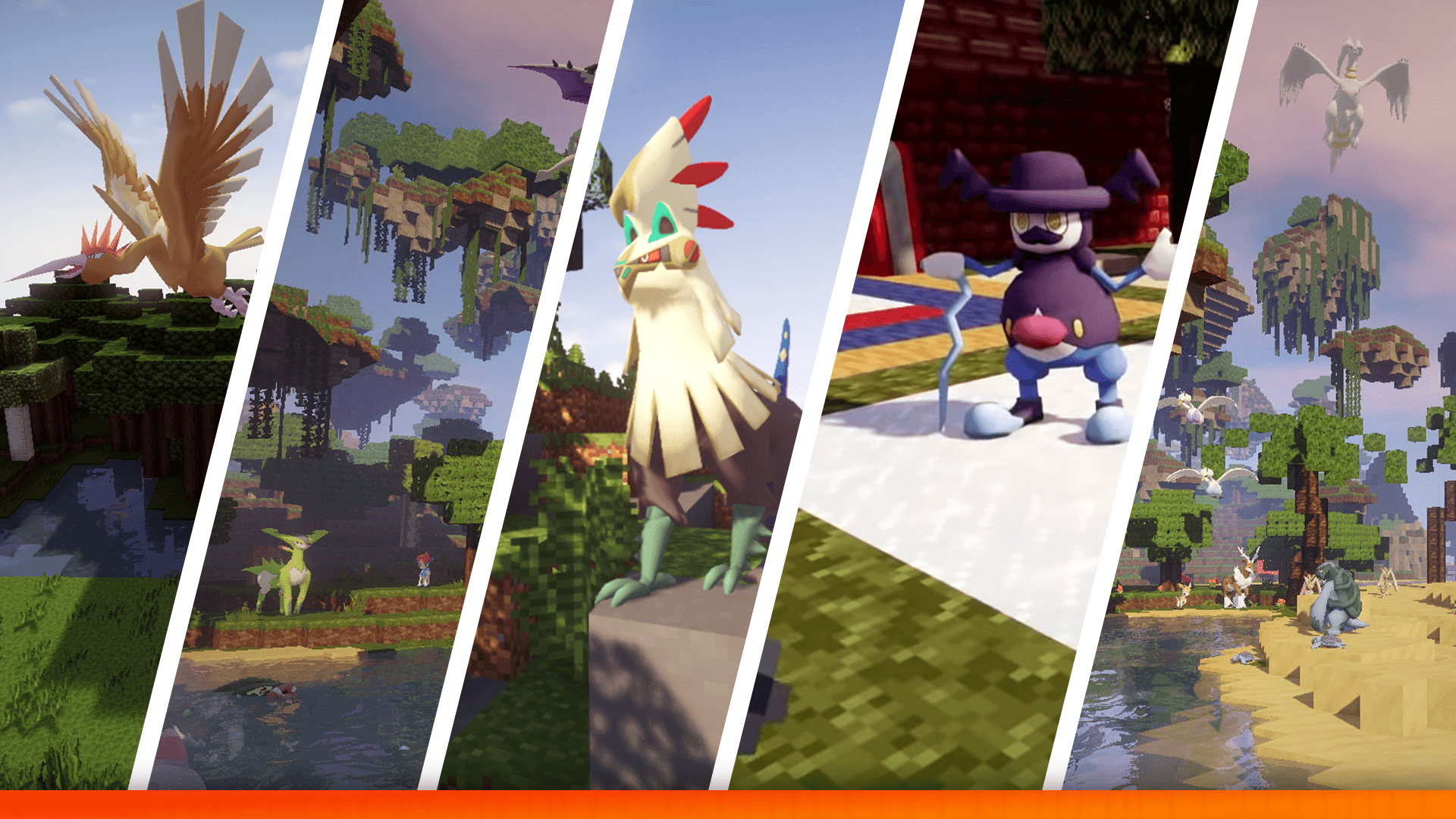
The Pixelmon Modpack
by Pixelmon
This Modpack includes everything you need as a pre-built Pixelmon exerience - The Pixelmon Mod, The Pixelmon OST, Journeymap, BYG, Natures/Explorers Compass.
 Server-ready

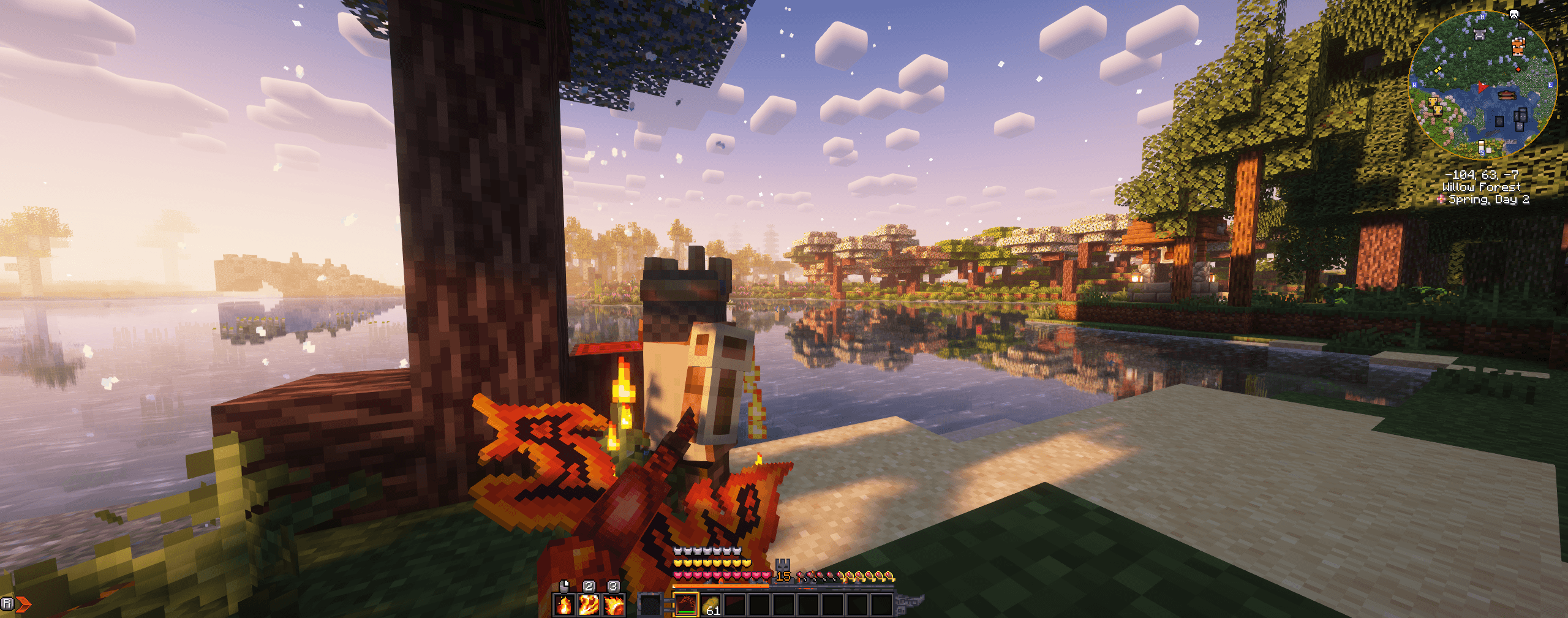
Prominence™ II: Hasturian Era
by ElocinDev
Lore-rich RPG modpack built on custom content. Level up and get stronger with the Talent Tree, forge and upgrade your own artifact weapon, and fight powerful bosses to stop the Void’s invasion.
 Server-ready

Cobblemon Delta
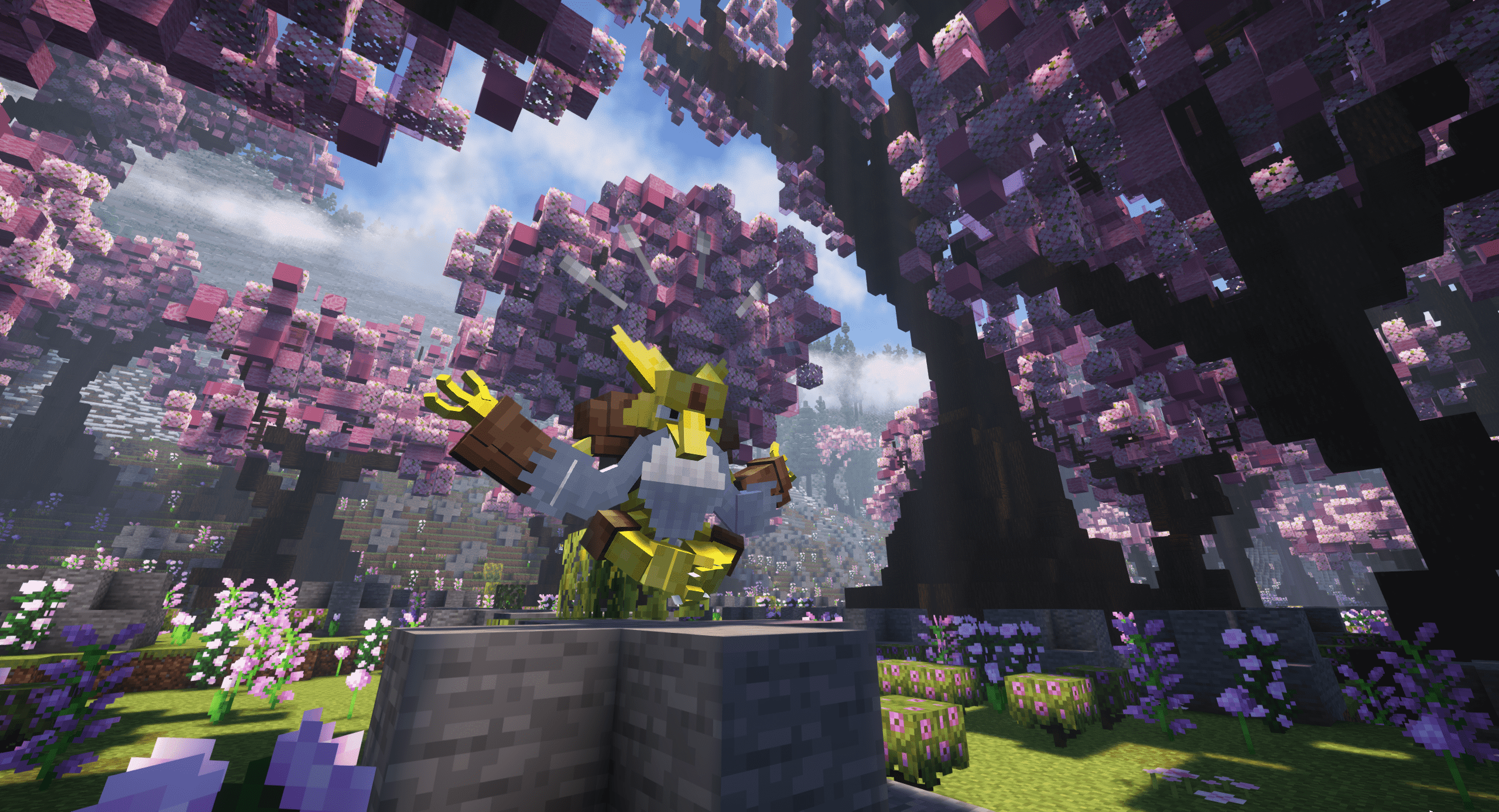
by ItsJustChris
Pokemon Cobblemon Pack - QoL and Performance mods! The server included in the pack has Mega Evolution, Paradox Pokemon, Area Zero, Real Player Gyms, Raids, Dungeons, Pokemon Fishing!
 Server-ready

Landscapes Reimagined Genesis
by M0nkeyPr0grammer
Dive into adventure with our mod pack! Explore Terralith, marvel at YUNG's, MES, and MVS Structures; embrace the iconic Create mod and addons, pristine performance mods, embark on a captivating questline, and more!
Ready for your Skyblock Challenge + server?
8 GB of RAM from €16.00 per month. 35% off your first month with MADO35.