
Modrinth · NeoForge
WonderTech server hosting
Your own WonderTech server on AMD Ryzen 9 without a thread limit. The server is ready usually under 60 seconds; then install the pack with one click in the modpack browser.
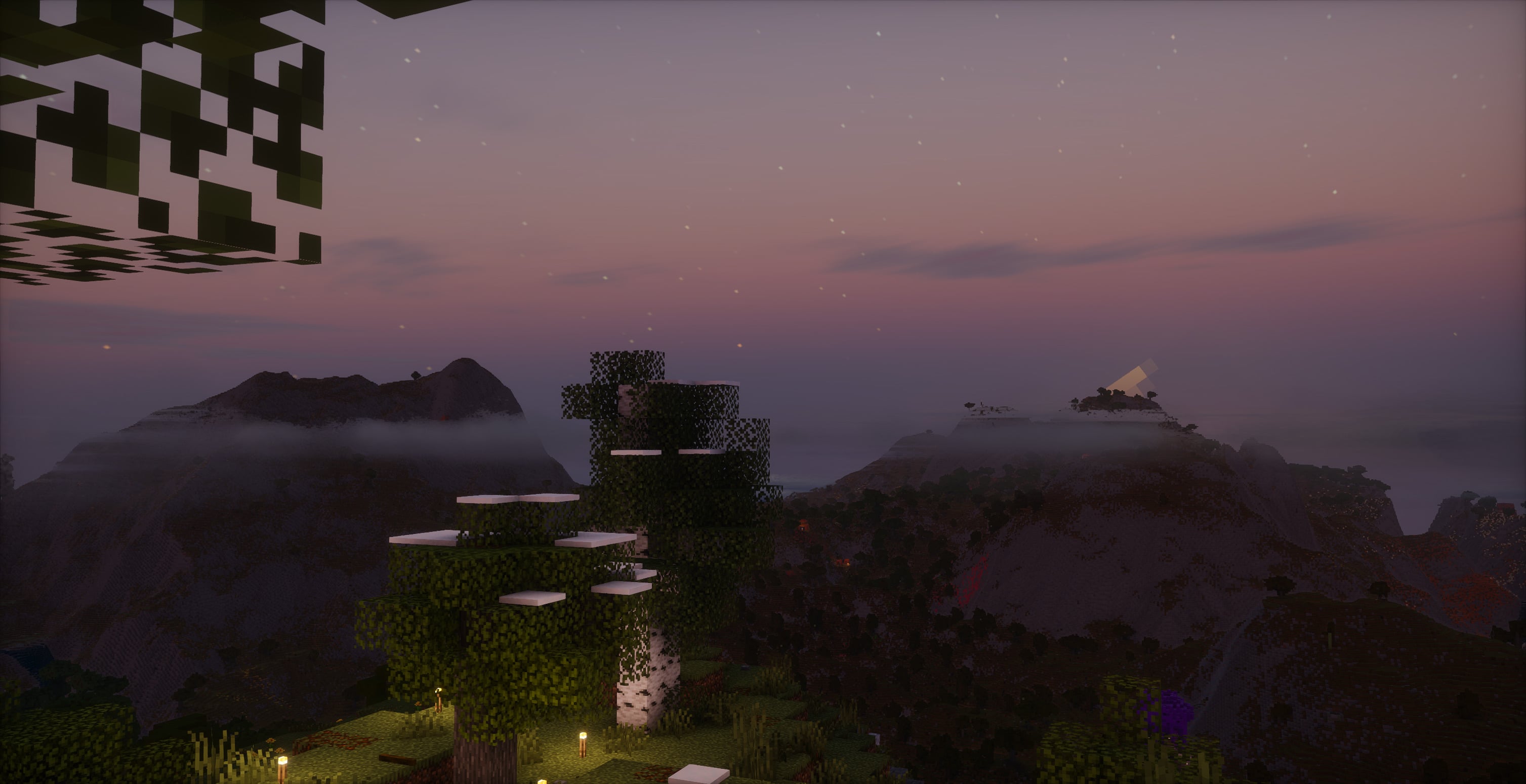
A big modpack that combines Big Globe world generation with a number of dimension, tech and magic mods.
- Downloads
- 1.2K
- Followers
- 0
- Loader
- NeoForge
- Minecraft
- 1.21.1
- Updated
- –


Setup
Your WonderTech server in four steps
For errors, check startup logs, Java version, loader and dependencies first. Increase RAM when there is evidence of memory pressure. Keep a copy of the working installation before updates.
- 01
Configure
8 GB of RAM is preselected and WonderTech is noted in the configurator. You choose the term and add-ons.
- 02
Pay
By credit card or PayPal. Your server is ready usually under 60 seconds.
- 03
Install the pack
Open the modpack browser in the panel, choose Modrinth, verify the project ID and install your chosen pack release. Back up an existing world first.
- 04
Connect
Every player installs the same pack release in a compatible launcher and connects using the server address from the panel.
Modrinth project ID: znjm3q6A
The panel
Install the pack, find errors.
Real screenshots from the Mado panel. Both come with every Minecraft server.
Modpack browser
Modrinth and CurseForge, right in the panel.
Search the pack, choose a release, install. You do not have to upload the loader or server files by hand.

AI crash analysis
When a mod crashes, the analyzer reads the log.
Large modpacks often fail on a single mod, Java version or missing dependency. The analyzer names a likely cause and suggests a fix.

Releases
Published pack releases
The server and players need the same pack release. Pick it in the modpack browser to match your group’s clients.
WonderTech · ModrinthOriginal description by the project author
WonderTech
WonderTech expands on BigGlobe with a variety of tech, magic and exploration mods.
A number of datapacks extending support for these mods to Big Globe have been developed,
adding a whole bunch more content to be found in the world.
Vast cave systems and over 20 new ores from GragTech CEu Modern, Mekanism, Immersive Engineering and more can be found underground, while Ars Nouveau, Iron's Spells 'n Spellbooks, Dungeons and Taverns and YUNG's Structures add structures that can be found throughout the world. 3 new worlds have also been added, with Eternal Starlight, The Undergarden and Deeper and Darker each adding a new dimension to explore, and a whole bunch more mods add items, mobs, blocks, tools and more.
Notes
- GregTech is broken. As of writing this I've put enough time into "forward-porting" features from 1.20(version that GTCEUM targets) to 1.21.1(this modpack) to realise that life has no meaning.
- This pack is quite intensive. I would recomend 16GB of ram and at least 8 strong cores.
- Press R to reload the shader - this might be needed when resizing the window.
Install Server
Using mrpack-install
To install the server, install mrpack-install and run mrpack-install wondertech
mrpack-install update wondertech doesn't currently work. But running mrpack-install wondertech again should work. Make sure you have a backup though.
Similar packs
More server-ready modpacks
 Server-ready

Better MC [FABRIC] - BMC2
by SHXRKIE
Version 1.20 | A Proper Vanilla+ Modpack | Don't play Vanilla play this!
 Server-ready

Better MC [FORGE] - BMC4
by SHXRKIE
Version 1.20.1 | A Proper Vanilla+ Modpack | Don't play Vanilla play this!
 Server-ready

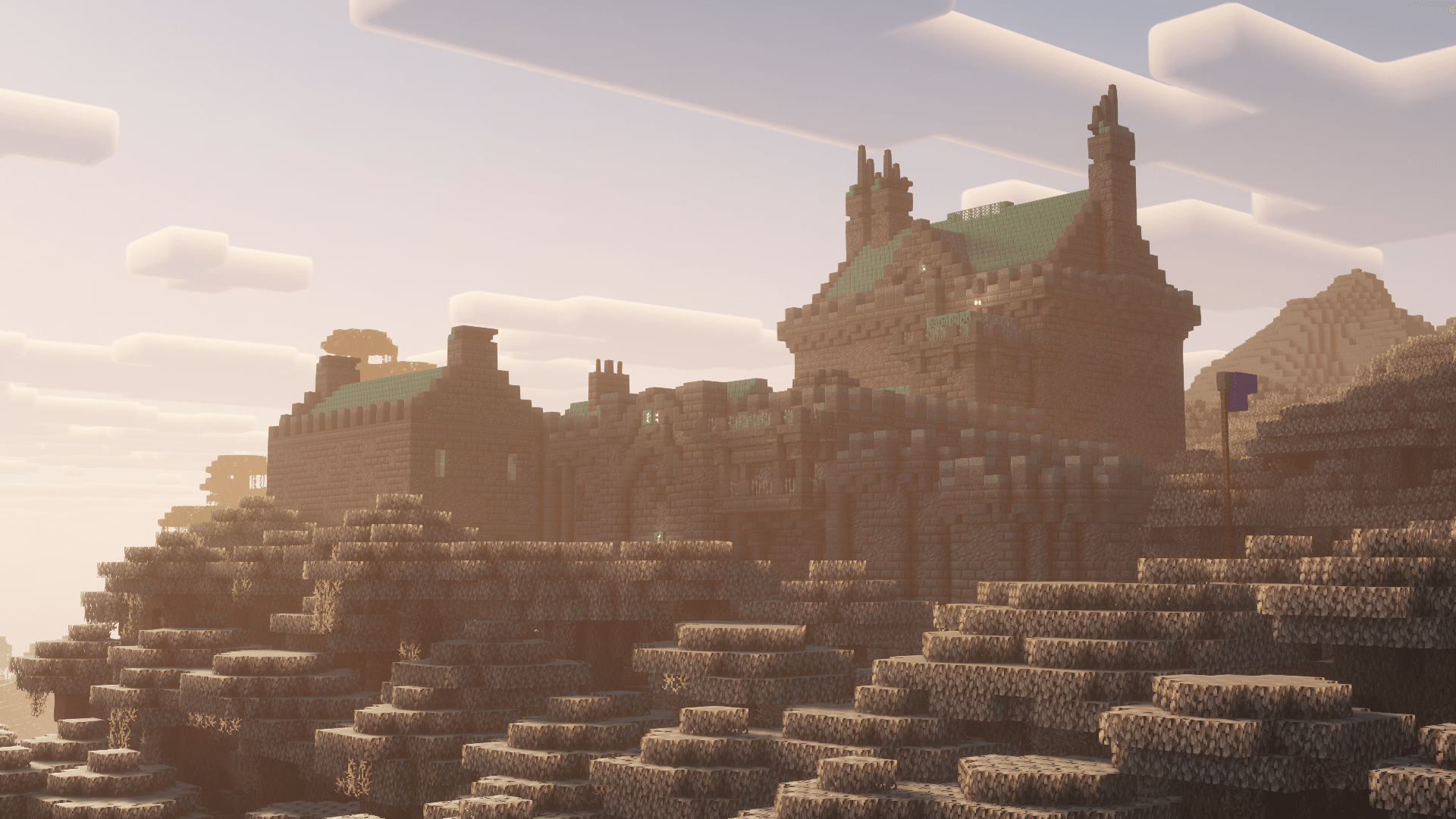
Pokemon Elysium
by Chubblezap
Modpack originally made for the Pokemon Elysium server, a Cobblemon-focused pack with hints of low-tech steampunk.
 Server-ready
Re-Console
by omo50
A continued Legacy Console Edition experience, expanded upon with modern Java Edition content and QoL! (An Official Legacy4J Project)
Ready for your WonderTech server?
8 GB of RAM from €16.00 per month. 35% off your first month with MADO35.