
Crosshair Indicator ➕
Changes the crosshair based on your ability to hit or crit / critical hit an enemy. Compatible with your own custom crosshair from any texturepack! Crosshair is centered by default.
Screenshots
About this Mod
🎯 Crosshair Indicator PLUS
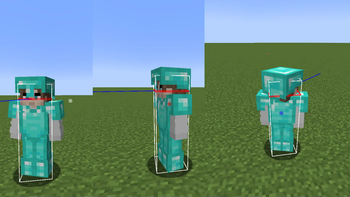
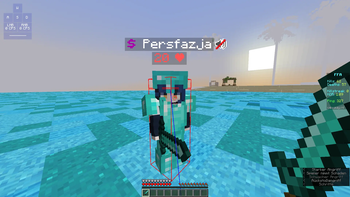
Crosshair Indicator PLUS is a lightweight client-side mod that changes the color of your crosshair based on your ability to hit or critical hit an enemy player:
🔴 Red crosshair when you're in range and can land a regular hit. (Sprint hit, sweep hit)
🔵 Blue crosshair when you're able to land a critical hit (falling, midair, etc).
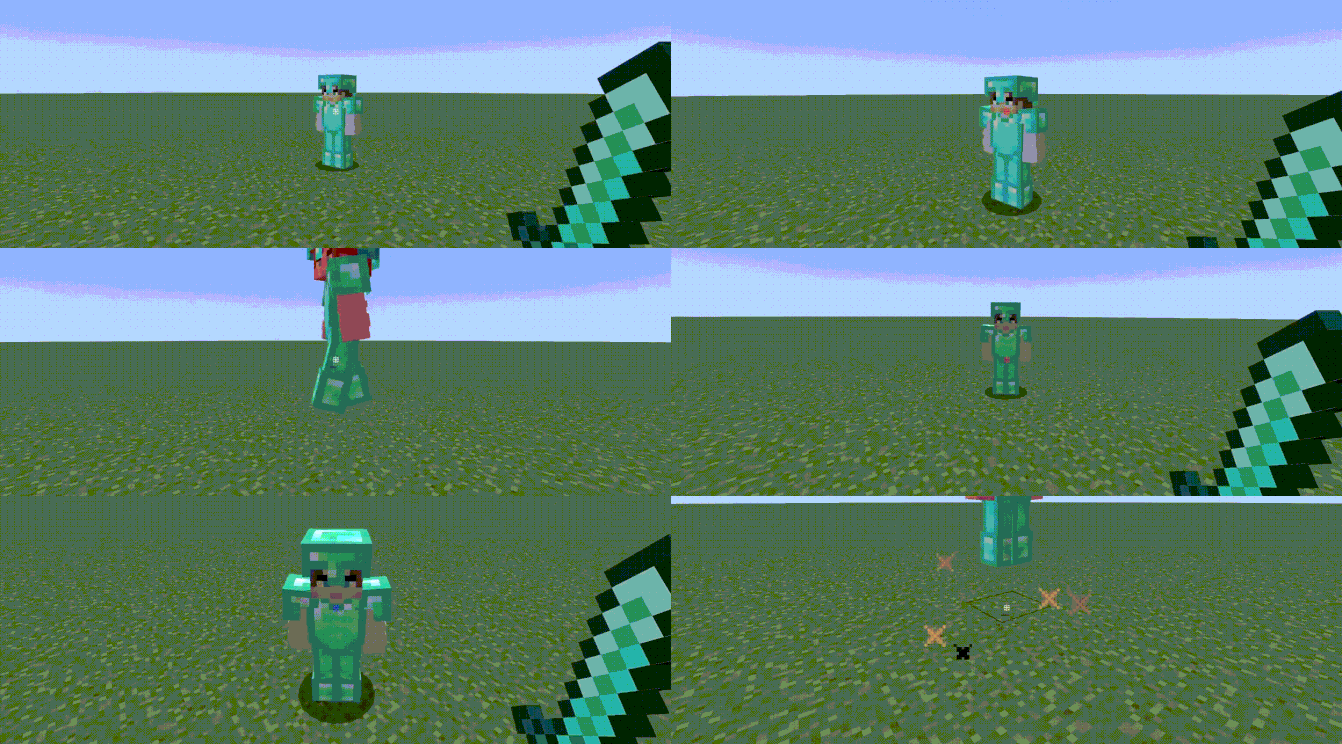
preview 1: credit reddishgreen
🧩 Features
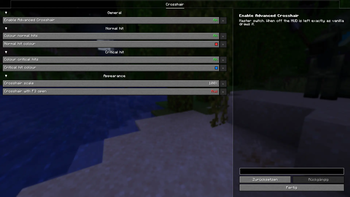
Modify the crosshair's colors in the config, enable/disable functionality
Use your own crosshair texture by changing your texturepack.
Compatible with ANY texturepack. Unlike Crosshair Indicator.
Fully client-side. No configuration. No dependancies.
Configuration
Open the settings from Mod Menu, or edit config/advancedcrosshair.json by hand.
| Setting | Default | Notes |
|---|---|---|
| Advanced Crosshair | ON | Master switch. Off means a completely untouched vanilla HUD. |
| Normal hit color | ON, #FFFF3333 |
Any #AARRGGBB or #RRGGBB hex code, alpha included. |
| Critical hit color | ON, #FF0080FF |
Turning this off falls back to the normal hit color, since a crit-capable moment is still a hit. |
| Crosshair scale | 100% | 50% to 500%. The attack indicator moves down to stay clear of a scaled-up crosshair. |
| Crosshair with F3 open | OFF | On, the normal crosshair is drawn instead of the debug one. |
Mod Menu is optional. Without it the mod still works and the JSON file is still read.
📍 Why is this useful?
Very useful for landing Punish Crits and W-Release Crits effectively.
Can help newer players understand and practice hit timing and mechanics
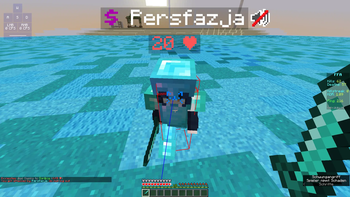
preview 2: my own footage
Crosshair Indicator PLUS helps you hit smarter, not harder!
Available Versions
How to Install Crosshair Indicator ➕ on Your Client
Install the Mod Loader Locally
Install fabric for your local Minecraft version.
Download the Matching File
Choose the Crosshair Indicator ➕ file for fabric and Minecraft 26.2.
Install Mod
Place the .jar file in your local .minecraft/mods folder and restart Minecraft. No server-side installation is required.
Compatibility
Mod Loaders
Minecraft Versions
26.2, 26.1.2, 26.1.1 (+13 more)
Server-side
✗ UnsupportedRecommended RAM
4 GB(min. 3 GB)Frequently Asked Questions
Does Crosshair Indicator ➕ need to be installed on the Minecraft server?
No. Modrinth marks Crosshair Indicator ➕ as unsupported on the server side. Install it only in your local Minecraft mods folder. Your server can remain unchanged unless the mod page lists an additional dependency.
Which version and loader does Crosshair Indicator ➕ require?
Use a file for fabric and your exact Minecraft version. Supported versions include 26.2, 26.1.2, 26.1.1. Files for different loaders are not interchangeable.
Crosshair Indicator ➕ is not working – what should I check?
First check the Minecraft version, loader version and required dependencies. Put the .jar file in your local .minecraft/mods folder and remove older duplicates. Because this mod is client-side, adding server RAM will not fix it.
Similar Mods



![[TaCZ] Timeless and Classics Zero](https://cdn.modrinth.com/data/SzzJttH8/fd27766d2bb8390d284696b1dbd358f87e081439_96.webp)


Minecraft Server for Your Group
Crosshair Indicator ➕ stays on your client. Host a compatible world for your group.