

Modrinth · Fabric, Forge, NeoForge
Curios API on your Minecraft server
Curios API runs on Minecraft servers with Fabric or Forge or NeoForge. Order your server, set the loader in the panel and install the mod with one click in the mod browser.
A flexible and expandable accessory/equipment API for users and developers.
- Downloads
- 34.1M
- Author
- TheIllusiveC4
- Loader
- Fabric, Forge, NeoForge
- Minecraft
- 1.13.2 – 26.3
- Updated
- –
Setup
Install Curios API on your server
The server and players need the same loader and Minecraft version. Back up the world before adding or updating mods.
- 01
Configure
4 GB of RAM is preselected. You choose the term and add-ons and pay by credit card or PayPal.
- 02
Set the loader
In the panel, set the server software to Fabric or Forge or NeoForge and choose the matching Minecraft version, for example 26.3.
- 03
Install the mod
Search the mod browser for “Curios API” and install the release for your loader. Alternatively, upload the .jar to the mods folder via SFTP. Required dependencies are listed on the project page.
- 04
Connect
Every player installs the same Curios API release locally and connects using the server address from the panel.
- On the server
- Required
- On the client
- Required
- Loader
- Fabric, Forge, NeoForge
- Minecraft
- 26.3, 26.2, 26.1.2 +30 more
- License
- GNU Lesser General Public License v3.0 or later
The panel
Install mods, find errors.
Real screenshots from the Mado panel. Both come with every Minecraft server.
Mod browser
Modrinth and CurseForge, right in the panel.
The browser filters by your Minecraft version. Install mods with one click, without uploading .jar files.

AI crash analysis
When a mod crashes, the analyzer reads the log.
Mods often fail on a wrong loader version, Java version or missing dependency. The analyzer names a likely cause and suggests a fix.

Releases
Published releases
Pick the file that matches your server’s loader and Minecraft version. The server and players need the same release.
Curios API · Modrinth- curios-neoforge-9.6.0+1.21.1November 19, 2026Minecraft 1.21.1, 1.21 · NeoForge
- curios-neoforge-17.0.1+26.3November 9, 2026Minecraft 26.3 · NeoForge
- curios-neoforge-16.0.0+26.2July 21, 2026Minecraft 26.2 · NeoForge
- curios-neoforge-15.0.0+26.1.2July 19, 2026Minecraft 26.1, 26.1.1, 26.1.2 · NeoForge
- curios-neoforge-14.0.0+1.21.11February 18, 2026Minecraft 1.21.11 · NeoForge
Original description by the project author
Overview
Curios is a flexible and expandable accessory/equipment API for users and developers. The purpose is to provide functionality for developers to add extra accessory/equipment slots in a convenient and compatible manner, as well as to give users the ability to configure these slots to their preferences. By default, Curios does not add any content except for an inventory GUI. There are no slots and only two items, the latter only being available through the Creative menu and primarily serving as examples for developers to use when coding their own integration.
Features
- Expandable equipment slots through a central library. New equipment slots can be made and managed easily through an identifier registry. Identical identifiers will be merged together to avoid functional redundancies and provide maximum compatibility to potential items, while unique identifiers can still be used to mark special types when appropriate.
- Slots are only made on-demand. There are no slots included by default, all slots are created only as needed. This reduces instances where one or more superfluous slots are present without any suitable items to go into the slot.
- Slots are completely customizable and manipulable. Slots can have custom backgrounds, different sizes, and can even be disabled or hidden by default. But how would a player even access disabled slots? Through the API, developers can access functions to enable/disable a player's slots or add/remove a certain number of slots of a given type.
- Flexible item->curio relations using the vanilla tag system. Potential curios are selected through the vanilla tag system, which means that categorizing items into curio types is as easy as creating a .json file in the data/curios/tags folder. Items can be categorized into as many curio types as you want as long as they're tagged in the appropriate files, and these settings can even be overridden entirely. For more information, see the vanilla tag system.
- Complete integration with other inventory mechanics. Mending and Curses will work with all applicable items equipped in the curio slots. There are also various minor features for developers that make it simpler to integrate their current items or mechanics into the curio system.
- Accessible from a single GUI. Curios comes with its own GUI accessible from the inventory that shows all of the available slots to a player. This allows players to see all of the extended equipment slots in a central location without needing to access different inventory GUIs. However, developers can still provide their own GUIs for their mod-specific slots if they want. The default keybinding for the GUI is 'g'.

Documentation
Curios API server crashes on startup – what to do?
Common causes: the loader or Minecraft version does not match the mod file, a dependency is missing, or RAM is too low. Check the log (latest.log) for “OutOfMemoryError”, “Mixin” or missing mods. At Mado, the AI crash analysis reads the log and suggests a cause. You can change the loader and version in the panel.
Which loader does Curios API run on?
According to Modrinth, Curios API supports Fabric, Forge, NeoForge for Minecraft 26.3, 26.2, 26.1.2. Forge and Fabric files are not interchangeable: pick one loader for the server and clients.
How much RAM does a server with Curios API need?
As guidance, 3–4 GB for a server with this mod. This is an estimate, not a measured minimum. More mods, many players and long view distances need more. The spark profiler shows whether a mod is costing tick time.
Similar mods
Popular mods in the same category
 Server-ready

VeinMiner
by Miraculixx
Mine the whole vein on mining a single ore/block. Make the tedious mining experience to something satisfying and fun! FTB Ultimine alternative
 Client only

VeinMiner Hotkey
by Miraculixx
Veinminer Addon - Use a hotkey to veinmine with a dynamic crosshair & block highlighting
 Server-ready

[TaCZ] Timeless and Classics Zero
by craneblock6666
The most Immersive and Customizable modern FPS experience in Minecraft - A complete Remaster of the TaC gun mod by the original team.
 Server-ready

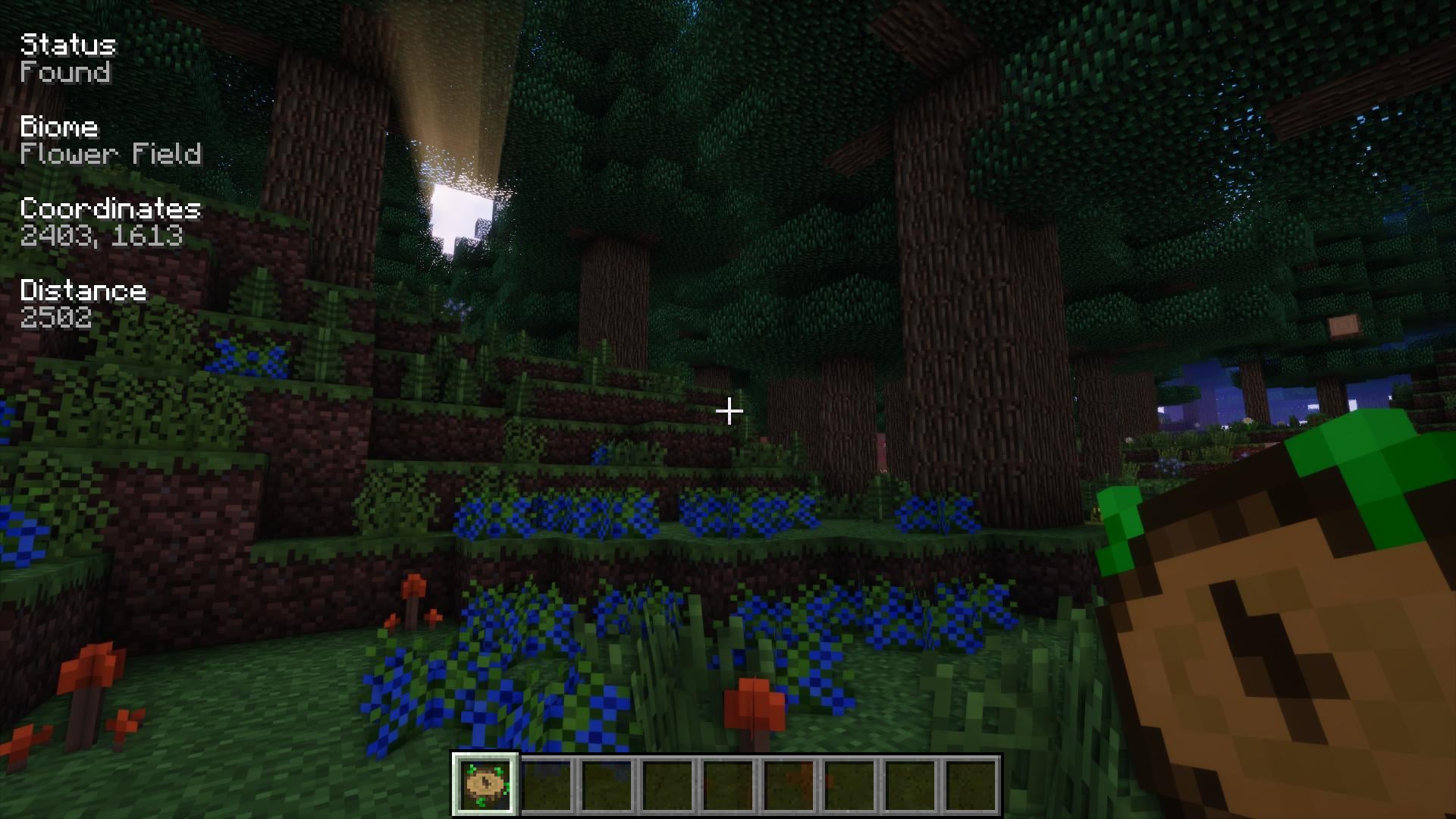
Nature's Compass
by Chaosyr
Allows you to locate biomes anywhere in the world.
Ready for your server with Curios API?
4 GB of RAM from €8.00 per month. 35% off your first month with MADO35.