

Modrinth · Forge
Adventures in Time | TARDIS (Forge) on your Minecraft server
Adventures in Time | TARDIS (Forge) runs on Minecraft servers with Forge. Order your server, set the loader in the panel and install the mod with one click in the mod browser.
Aka AIT. Adds the TARDIS from Doctor Who and more into Minecraft 1.20.1 but on Forge.
- Downloads
- 10.9K
- Author
- drtheodor
- Loader
- Forge
- Minecraft
- 1.20.1
- Updated
- –
Setup
Install Adventures in Time | TARDIS (Forge) on your server
The server and players need the same loader and Minecraft version. Back up the world before adding or updating mods.
- 01
Configure
4 GB of RAM is preselected. You choose the term and add-ons and pay by credit card or PayPal.
- 02
Set the loader
In the panel, set the server software to Forge and choose the matching Minecraft version, for example 1.20.1.
- 03
Install the mod
Search the mod browser for “Adventures in Time | TARDIS (Forge)” and install the release for your loader. Alternatively, upload the .jar to the mods folder via SFTP. Required dependencies are listed on the project page.
- 04
Connect
Every player installs the same Adventures in Time | TARDIS (Forge) release locally and connects using the server address from the panel.
- On the server
- Required
- On the client
- Required
- Loader
- Forge
- Minecraft
- 1.20.1
- License
- LicenseRef-ARR-and-LGPL-3.0
The panel
Install mods, find errors.
Real screenshots from the Mado panel. Both come with every Minecraft server.
Mod browser
Modrinth and CurseForge, right in the panel.
The browser filters by your Minecraft version. Install mods with one click, without uploading .jar files.

AI crash analysis
When a mod crashes, the analyzer reads the log.
Mods often fail on a wrong loader version, Java version or missing dependency. The analyzer names a likely cause and suggests a fix.

Releases
Published releases
Pick the file that matches your server’s loader and Minecraft version. The server and players need the same release.
Adventures in Time | TARDIS (Forge) · ModrinthOriginal description by the project author



 WARNING
IF YOU DO NOT HAVE A NVIDIA GPU USE CHLORIDE FOR THE BOTI EFFECT, IF THAT DOES NOT FIX IT WE CANNOT DO ANYTHING ABOUT IT.
Versions 1.2.5.2812-1.20.1-release and above will require YACL.
Summary
Apparatus Vivi. Living machine. The TARDIS. Whatever you wish to call it, it grows, learns, with you. It will learn things from you, so make sure to behave yourself around it, or else it might learn something you wish it wouldn't have learnt. In addition the mod adds space, mars, moon and more all for you to explore with your TARDIS. But remember, it is alive, and it will make choices of its own, you are not the one in full control.
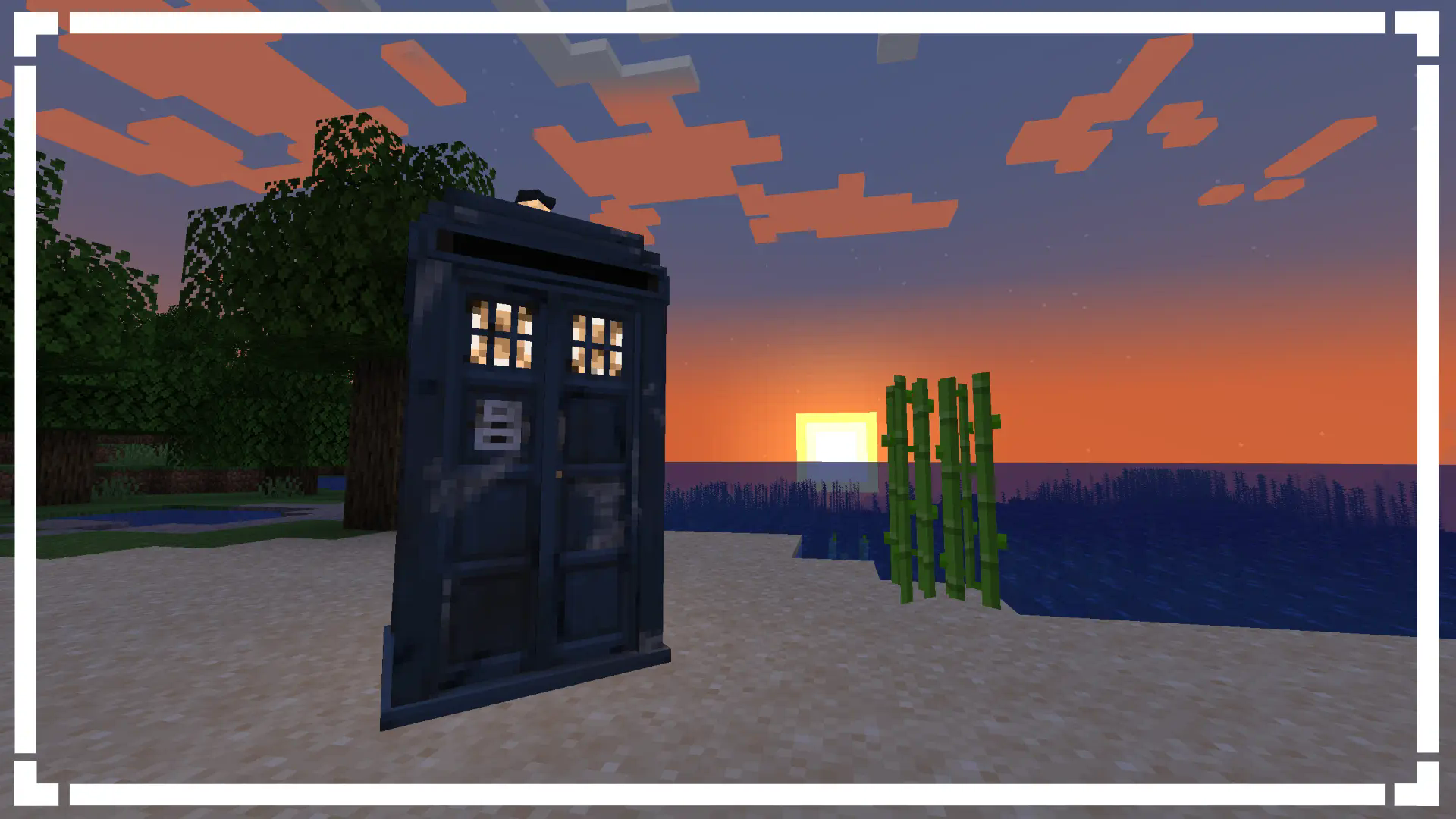
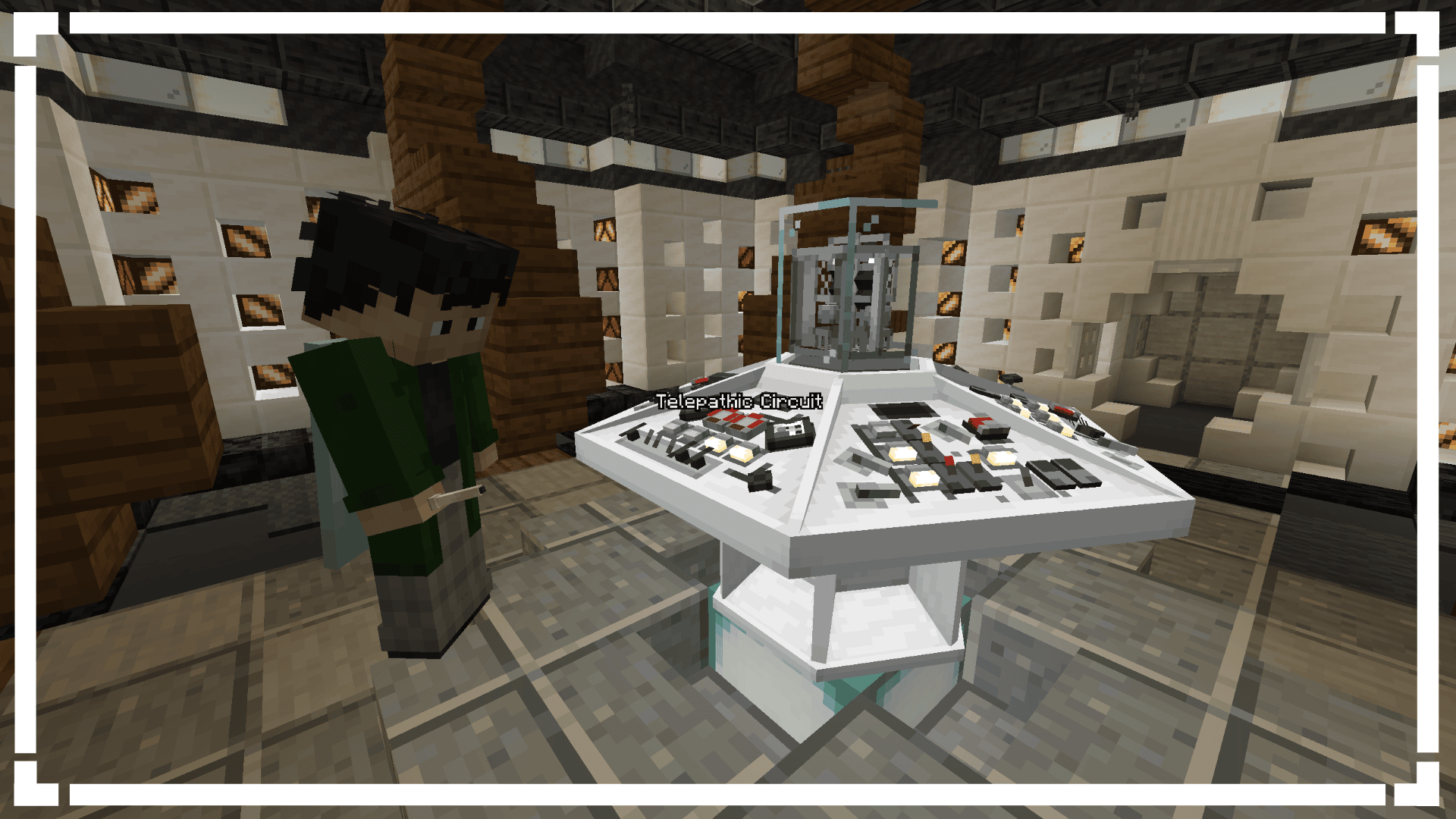
 What does this mod add?
- A functional TARDIS
- 2 Dimensions (Mars/Moon)
- 20+ Functional Controls
- Immersive Sound Design
- Console Specific Controls (Coffee Machine)
- The Time-Vortex (Customisable aswell)
- Rifts
- An Engine System
- Customisable Animations
- Party TARDIS! (Done via putting a disc into the console port/naming your TARDIS "partytardis")
- Sonic Screwdriver
- Astral Map (Locator)
- Handles
- Ghost Monumenting
- Engine Phasing
- Shader Support
- An unhealthy amount of customisation
- And a lot more

Available for Fabric + Forge on 1.20.1
Recommended to play with 8GB of RAM minimum singleplayer.
Recommended to have 8GB of RAM allocated to the multiplayer servers.
 Need Help? Confused? Don't know what a feature does?
If you have confusion about special blocks you are able to check the items tooltip for more info on what conditions you need to be to place the block. We also have a wiki which documents on most things in the mod from blocks and items right to how to add custom datapack exteriors and consoles.
 Compatibility
If you have Gravity Changer (qouteall fork)
- You will be able to control your TARDIS interior gravity from the TARDIS Monitor
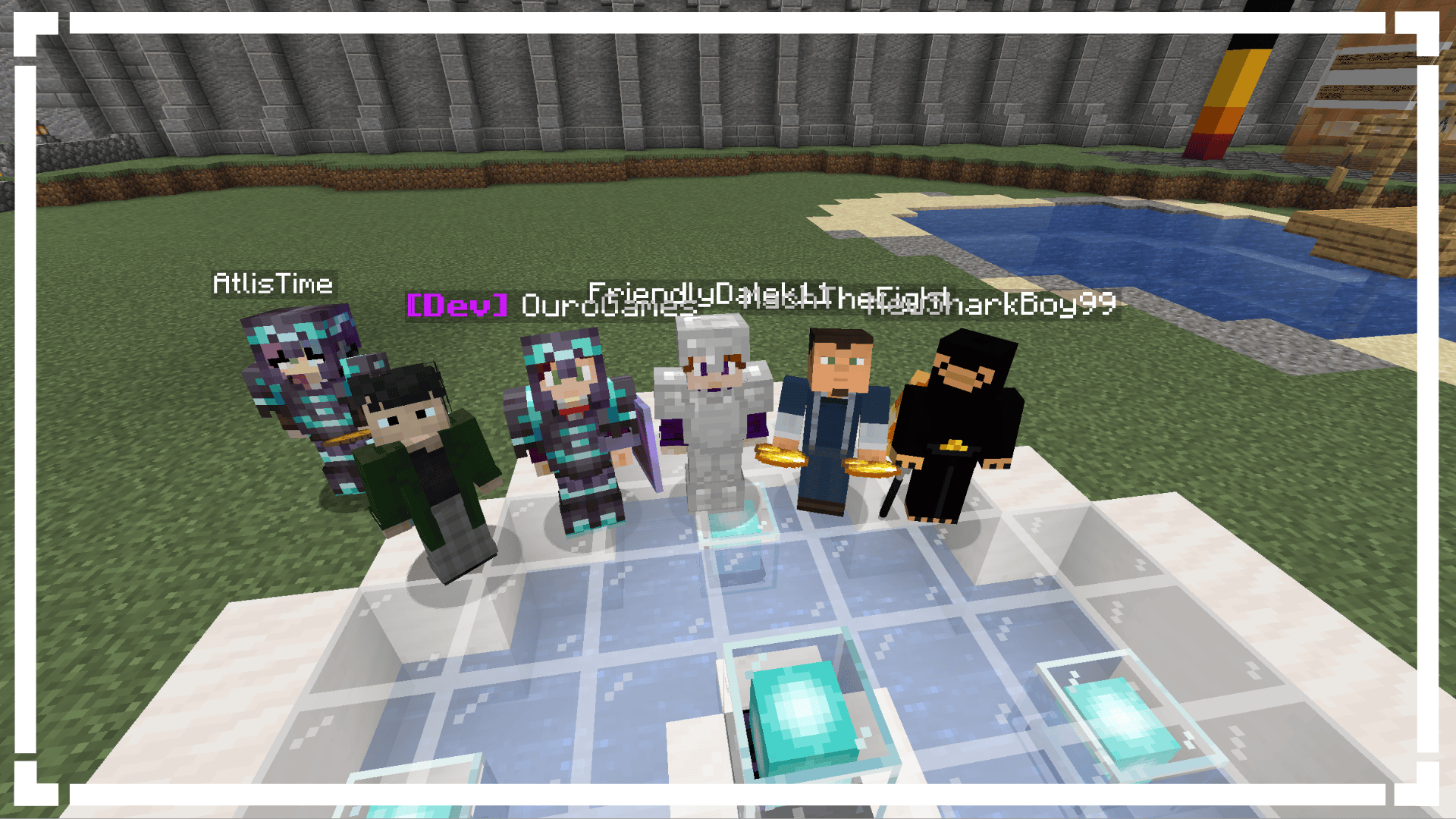
 Credits
Developers:
- Loqor
- Dr. Theo
- Maketendo
- AddieDaBaddie
- Saturn
Artists:
- Westankrang
- Tright
- b2
- Ouro
- Maggie
Sound Design:
- Dian
- Radio
- TARDISSFX (the YouTube channel)
- Uriel_N_Diaz
- Classic
Thank You's:
- duzo
- MagicMan(?) (Help with modeling)
- Bug1312 (Help with code)
- DocArcane (Credit for the Steampunk console design)
- Creativious (Help with code)
- nitrogenez (Ukrainian Translations)
- Codiak (Help with code)
- Theta (Some Vortex's)
 Links & Community
Adventures in Time | TARDIS (Forge) server crashes on startup – what to do?
Common causes: the loader or Minecraft version does not match the mod file, a dependency is missing, or RAM is too low. Check the log (latest.log) for “OutOfMemoryError”, “Mixin” or missing mods. At Mado, the AI crash analysis reads the log and suggests a cause. You can change the loader and version in the panel.
Which loader does Adventures in Time | TARDIS (Forge) run on?
According to Modrinth, Adventures in Time | TARDIS (Forge) supports Forge for Minecraft 1.20.1.
How much RAM does a server with Adventures in Time | TARDIS (Forge) need?
As guidance, 3–4 GB for a server with this mod. This is an estimate, not a measured minimum. More mods, many players and long view distances need more. The spark profiler shows whether a mod is costing tick time.
Similar mods
Popular mods in the same category
 Server-ready

Xaero's Minimap
by thexaero
Displays a map of the nearby world terrain, players, mobs, entities in the corner of your screen. Lets you create waypoints which help you find the locations you've marked.
 Server-ready

Xaero's World Map
by thexaero
Adds a full screen world map which shows you what you have explored in the world. Works great together with Xaero's Minimap.
 Client only

Not Enough Animations
by tr7zw
Bringing first-person animations to the third-person
 Client only

3D Skin Layers
by tr7zw
Render the player skin layer in 3d!
Ready for your server with Adventures in Time | TARDIS (Forge)?
4 GB of RAM from €8.00 per month. 35% off your first month with MADO35.