Better Advancements
Better Advancements tries to improve the UI and UX for the advancements system in minecraft 1.12+ in a modded environment
Screenshots
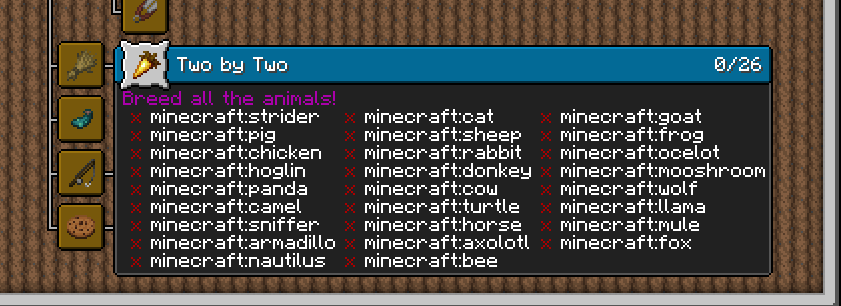
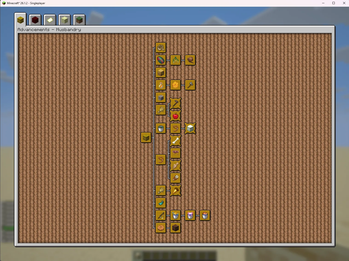
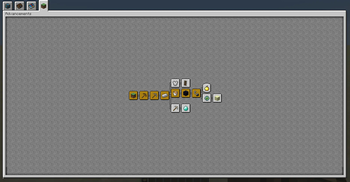
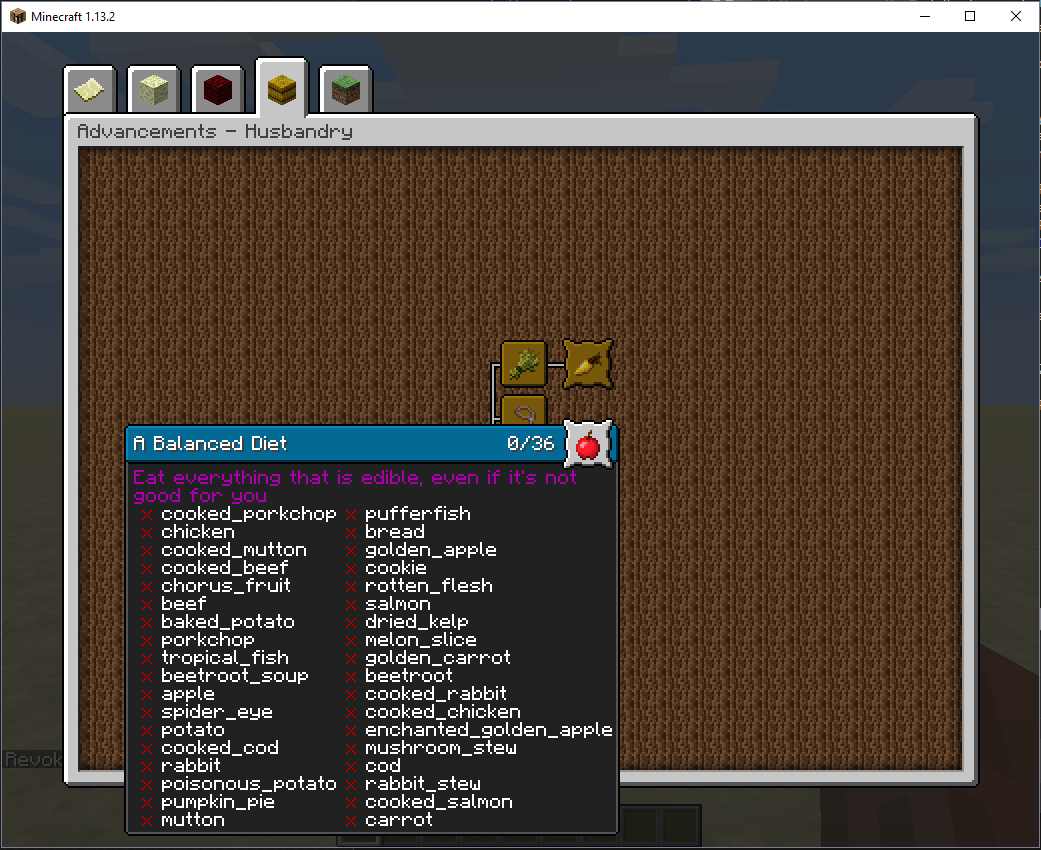
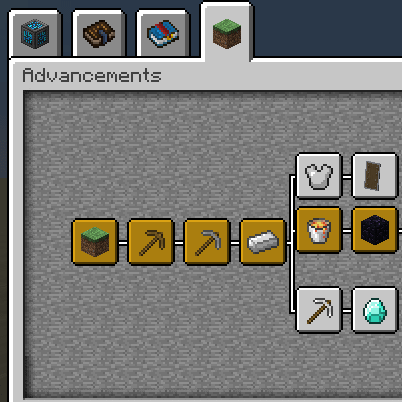
About this Mod
Successor to BetterAchievements for the new advancements system in minecraft 1.12+
Better Advancements tries to improve the UI and UX for the advancements system in minecraft 1.12+ in a modded environment.
This mod's scope is cosmetic and Quality of Life. For modpack creators, I suggest looking into Triumph if you are creating a pack with custom advancements.
In the future it'll also contain extra features for modders to use, if you are a modder and have a request feel free to make an issue on the tracker.
If you aren't a modder, but have a feature request. Whether it is a visual or functional tweak, feel free to make an issue as well.
Features
- Screen filling UI (instead of the tiny one used by ants) (Examples)
- Change the color of the advancement icons (instead of the default gray, blue and orange)
- Adds setting to stop fading of the advancements background on hover
- Description boxes can grow slightly larger, so they are easier to read
- Adds title of tab to title of advancements UI
Also available for Fabric for 1.18.2+
Available Versions
How to Install Better Advancements on Your Client
Install the Mod Loader Locally
Install fabric for your local Minecraft version.
Download the Matching File
Choose the Better Advancements file for fabric and Minecraft 26.3.
Install Mod
Place the .jar file in your local .minecraft/mods folder and restart Minecraft. No server-side installation is required.
Compatibility
Mod Loaders
Minecraft Versions
26.3, 26.2, 26.1.2 (+21 more)
Server-side
✗ UnsupportedRecommended RAM
4 GB(min. 3 GB)Frequently Asked Questions
Does Better Advancements need to be installed on the Minecraft server?
No. Modrinth marks Better Advancements as unsupported on the server side. Install it only in your local Minecraft mods folder. Your server can remain unchanged unless the mod page lists an additional dependency.
Which version and loader does Better Advancements require?
Use a file for fabric, forge, neoforge and your exact Minecraft version. Supported versions include 26.3, 26.2, 26.1.2. Files for different loaders are not interchangeable.
Better Advancements is not working – what should I check?
First check the Minecraft version, loader version and required dependencies. Put the .jar file in your local .minecraft/mods folder and remove older duplicates. Because this mod is client-side, adding server RAM will not fix it.
Similar Mods




![[ETF] Entity Texture Features](https://cdn.modrinth.com/data/BVzZfTc1/af683d206d50b05258d865b0d6e4aa2f2cee12f2_96.webp)

Minecraft Server for Your Group
Better Advancements stays on your client. Host a compatible world for your group.