
Modrinth · Fabric, Forge, NeoForge, Quilt
CliffTree on your Minecraft server
CliffTree runs on Minecraft servers with Fabric or Forge or NeoForge or Quilt. Order your server, set the loader in the panel and install the mod with one click in the mod browser.
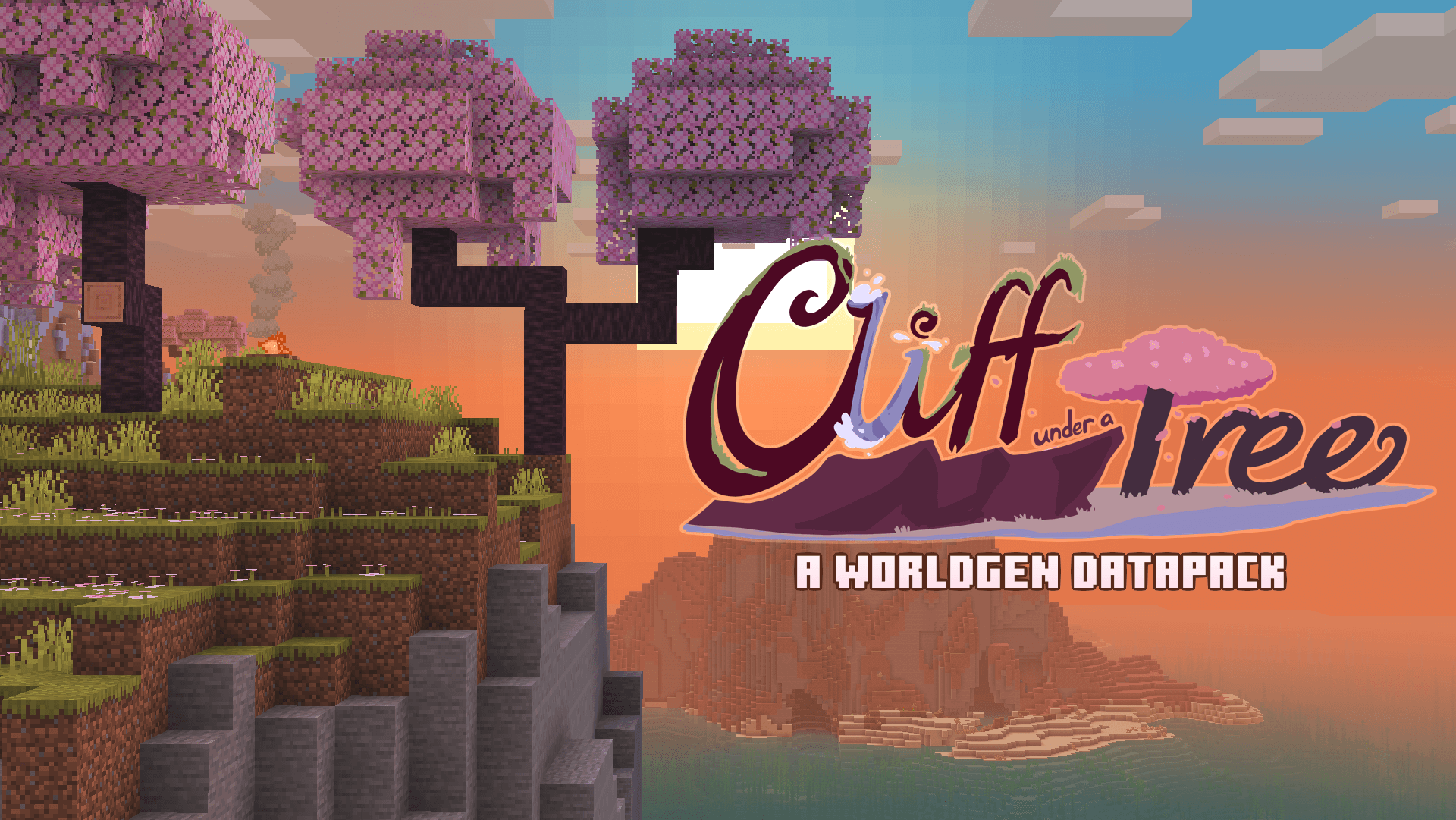
A vanilla-styled worldgen overhaul, with new biomes and touches to existing ones. Short for "Cliff under a Tree"
- Downloads
- 378.4K
- Author
- MiziraGamez
- Loader
- Fabric, Forge, NeoForge, Quilt
- Minecraft
- 1.20 – 26.3
- Updated
- –
Screenshots
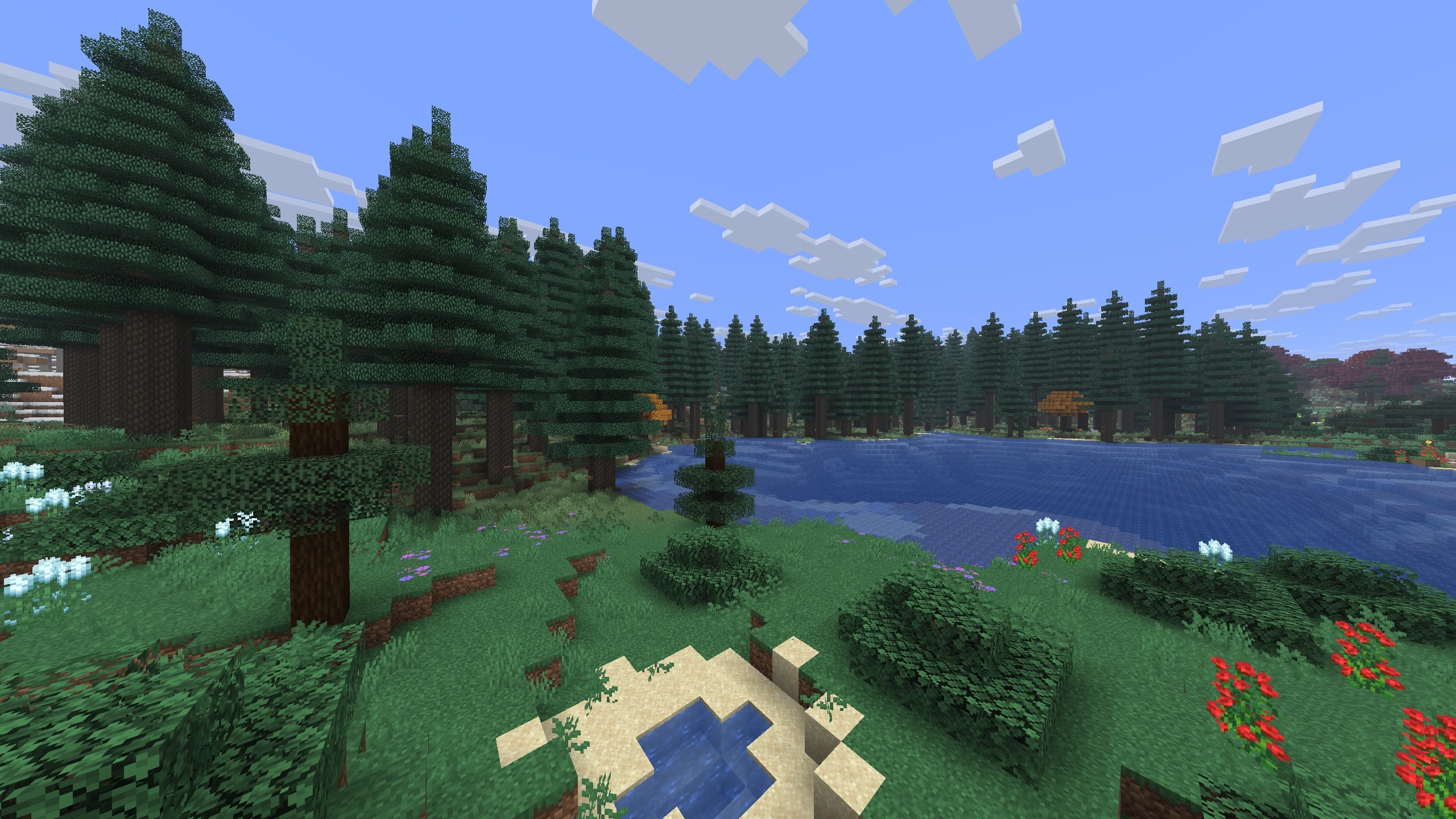
What CliffTree looks like


Images: CliffTree on Modrinth, published by the project team.
Setup
Install CliffTree on your server
The server and players need the same loader and Minecraft version. Back up the world before adding or updating mods.
- 01
Configure
6 GB of RAM is preselected. You choose the term and add-ons and pay by credit card or PayPal.
- 02
Set the loader
In the panel, set the server software to Fabric or Forge or NeoForge or Quilt and choose the matching Minecraft version, for example 26w14a.
- 03
Install the mod
Search the mod browser for “CliffTree” and install the release for your loader. Alternatively, upload the .jar to the mods folder via SFTP. Required dependencies are listed on the project page.
- 04
Connect
CliffTree is optional on the client. Players connect using the server address from the panel.
- On the server
- Required
- On the client
- Optional
- Loader
- Fabric, Forge, NeoForge, Quilt
- Minecraft
- 26w14a, 26.3, 26.2 +22 more
- License
- Creative Commons Attribution Non Commercial Share Alike 4.0 International
The panel
Install mods, find errors.
Real screenshots from the Mado panel. Both come with every Minecraft server.
Mod browser
Modrinth and CurseForge, right in the panel.
The browser filters by your Minecraft version. Install mods with one click, without uploading .jar files.

AI crash analysis
When a mod crashes, the analyzer reads the log.
Mods often fail on a wrong loader version, Java version or missing dependency. The analyzer names a likely cause and suggests a fix.

Releases
Published releases
Pick the file that matches your server’s loader and Minecraft version. The server and players need the same release.
CliffTree · Modrinth- CliffTree 2.0December 9, 2024Minecraft 1.21.4 · Fabric, Forge, NeoForge, Quilt
- CliffTree 2.0December 9, 2024Minecraft 1.21.4 · datapack
- 1.8October 25, 2024Minecraft 1.21.2, 1.21.3 · Fabric, Forge, NeoForge, Quilt
- 1.8October 25, 2024Minecraft 1.21.2, 1.21.3 · datapack
- Clifftree 1.7.2 (Fabric/Quilt) [Backport]August 21, 2024Minecraft 1.20.1, 1.20.2, 1.20.3, 1.20.4 · Fabric, Quilt
Original description by the project author
🌸 CliffTree now supports Minecraft 26.3 🌸
🩷
In active development, features subject to change. Please report any issues.
🩷
🧡
Join the Penumbra Discord server for development updates!
🧡
🌸 About CliffTree 🌸
Cliff under a Tree, or CliffTree for short, is a world generation datapack that freshens up the Overworld with brand new biomes and improvements to existing biomes, all while maintaining the spirit of vanilla!
From searing Shrublands to frigid Glacier Vallies, explore a plethora of biomes, including all-new sights such as the Oasis, the Tundra, or variations of familiar places, like the Snowy Old Growth Taiga!
Vanilla Biome Improvements
Many biomes from vanilla have been improved! Alongside overall better distribution, CliffTree makes visual changes such as terracotta on the sides of Savanna Plateaus, fallen logs on various forest biomes, more stone on the sides of cliffs, and wide Beaches reminiscent of Minecraft beta.
Improved Atmosphere
CliffTree is carefully designed with visual appeal in mind, so you'll find various tweaks to the environment such as fog distance, light tinting during sunrises and sunsets, variations in cloud colors, and much more!
⚠️ Sky Biomes (read disclaimer) ⚠️
Above the clouds, you'll find dedicated biomes where rain does not fall and stars light up even during daytime.
⚠️ Important Disclaimer: these biomes can cause issues with terrain mods, so they can be disabled via config in the mod version, or by deleting or renaming theoverlay.sky_biomes
directory in the datapack version. With Lithostitched, sky biomes will work with certain terrain mods like Tectonic without issue, but issues might arise if the settings are not default, especially ones related to terrain height, cloud height, and build height.
Improved Rivers and Oceans
Nearly every biome in CliffTree has new colors for water, seen across the Overworld's rivers and oceans! Dive into even deeper oceans, and swim through new underwater rock and spire formations! River floors have also been altered, improving the distribution of sand, clay, and gravel underwater to provide a nice and cohesive gradient, rather than random disks.
New and Improved Cave Biomes
Instead of surface biomes extending all the way down to the underground, CliffTree adds distinct cave biomes! You'll still find ordinary-looking caves, but you'll also find the ancient Dirt Caves, terracotta-filled Warm Caves, and deep down, the scorching magma of the Inferno!
New Tree Shapes and Foliage Rules
Foliage like grasses and flowers can now be planted on sand snow blocks! Some trees have also received a makeover, such as Birch and small Jungle trees. Saplings also have custom growth rules, with only some saplings growing up on sand and snow, and certain blocks allowing the growth of rare tree types, like Jungle bushes and Swamp Oaks!
🌸 Add-ons and Compatibility 🌸

ButterBee
ButterBee spices up CliffTree's ecosystems by adding new biome-dependant variants for chickens, cows, pigs, wolves, and even one new frog! This add-on will hopefully make exploration feel fresh, as you might discover new faces along your journey!

Tectonic
Tectonic is a world generation project that aims to transform how terrain is shaped. Terrain forms to continent-like landmasses, tailored to fit massive mountain ranges and new terrain types. Oceans feature smaller "islands", up to around a thousand blocks across!
Since Tectonic 3.0, the mod versions of CliffTree and Tectonic are natively compatible together! If you're using the datapack version, a compatibility datapack is required.
Since CliffTree 4.0, the datapack version is now natively compatible with Tectonic out of the box, but the Sky Biomes overlay directory needs to be disabled to function correctly, unless Lithostitched is installed.
🌸 Why is it called CliffTree? 🌸
This is probably obvious, but CliffTree's name originates from Island Song. I just really like Adventure Time.

CliffTree server crashes on startup – what to do?
Common causes: the loader or Minecraft version does not match the mod file, a dependency is missing, or RAM is too low. Check the log (latest.log) for “OutOfMemoryError”, “Mixin” or missing mods. At Mado, the AI crash analysis reads the log and suggests a cause. You can change the loader and version in the panel.
Which loader does CliffTree run on?
According to Modrinth, CliffTree supports Fabric, Forge, NeoForge, Quilt for Minecraft 26w14a, 26.3, 26.2. Forge and Fabric files are not interchangeable: pick one loader for the server and clients.
How much RAM does a server with CliffTree need?
As guidance, 4–6 GB for a server with this mod. This is an estimate, not a measured minimum. More mods, many players and long view distances need more. The spark profiler shows whether a mod is costing tick time.
Similar mods
Popular mods in the same category
 Server-ready

TerraBlender
by Adubbz
A library mod for adding biomes in a simple and compatible manner!
 Server-ready

Biomes O' Plenty
by Forstride
Adds 50+ unique biomes to enhance your world, with new trees, flowers, and more!
 Server-ready

Cobblemon
by CobbledStudios
A Pokémon mod for Fabric and NeoForge
 Server-ready

YUNG's API
by YUNGNICKYOUNG
Library mod for YUNG's mods.
Ready for your server with CliffTree?
6 GB of RAM from €12.00 per month. 35% off your first month with MADO35.