Modrinth · Fabric · Client mod
Cobblemon UI Tweaks
Cobblemon UI Tweaks is a client-side mod. Install it on your computer; the server does not need it.
Adds small QOL improvements to Cobblemon's user interfaces
- Downloads
- 4.2M
- Author
- landonjw
- Loader
- Fabric
- Minecraft
- 1.20.1 – 1.21.1
- Updated
- –
Screenshots
What Cobblemon UI Tweaks looks like
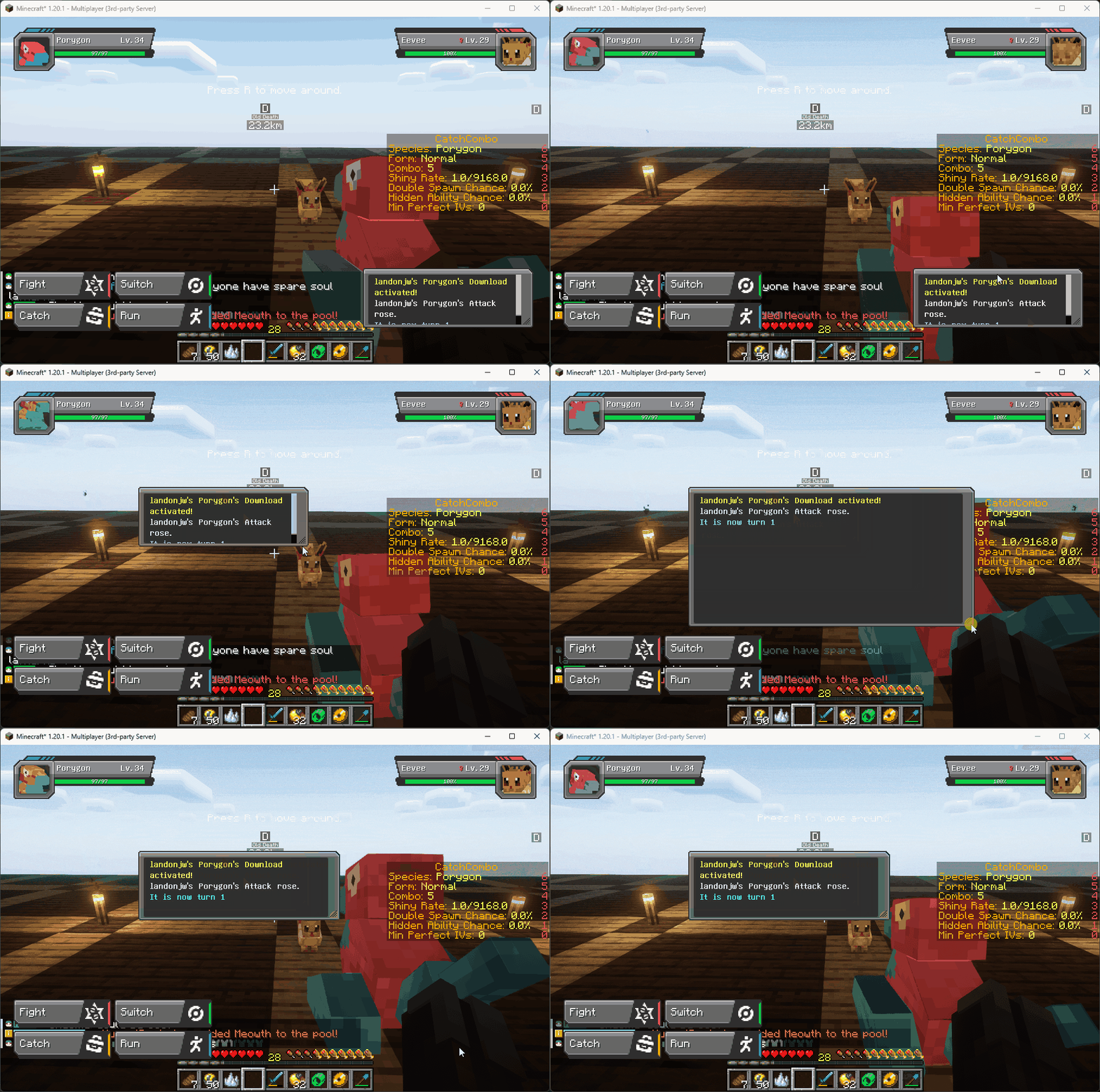
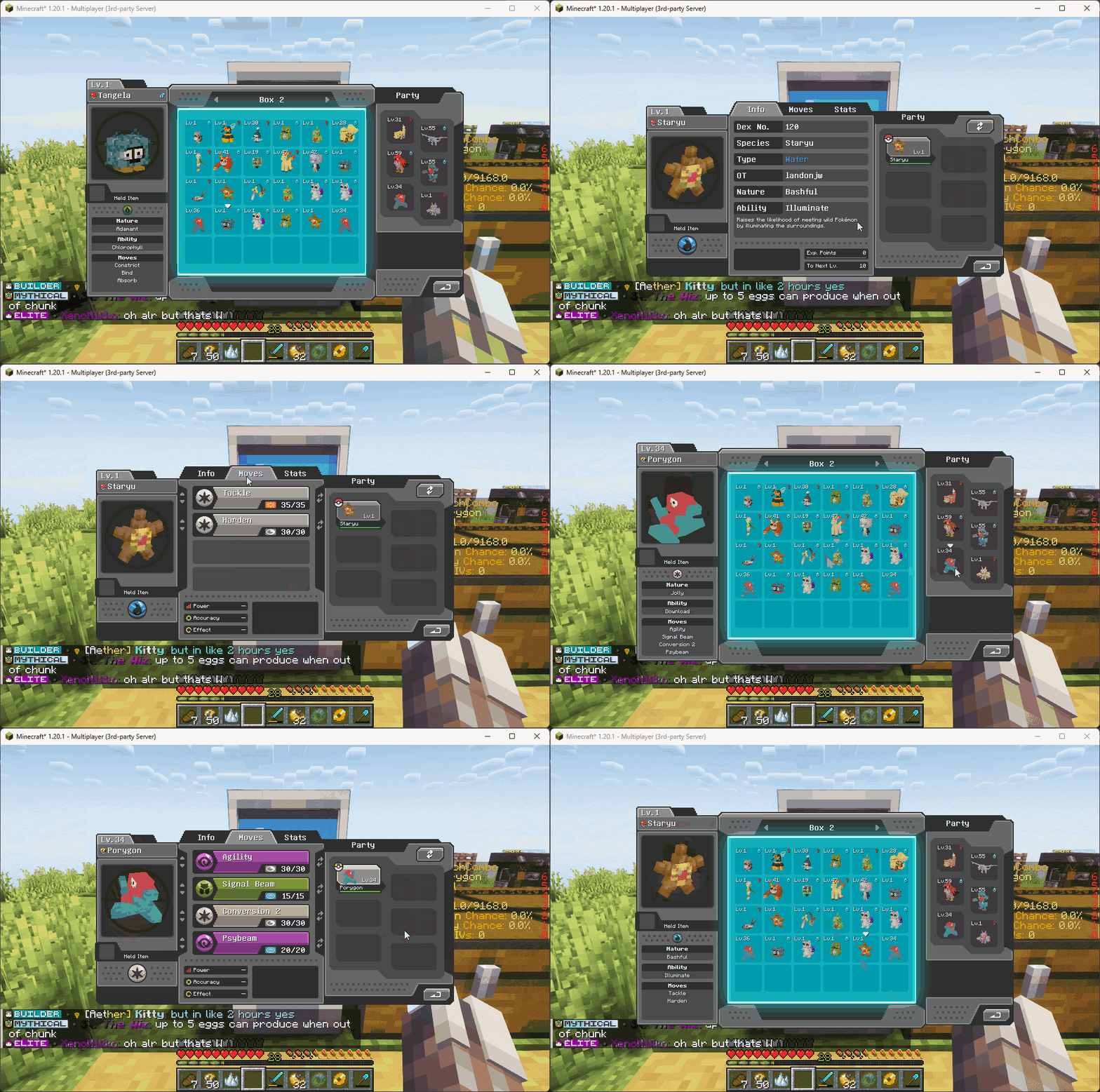

Images: Cobblemon UI Tweaks on Modrinth, published by the project team.
Setup
Install Cobblemon UI Tweaks on your client
Client-side mods only run on your computer. More server RAM does not change their performance.
- 01
Install the loader locally
Install Fabric for your Minecraft version in your launcher.
- 02
Download the file
Download the Cobblemon UI Tweaks file for your loader and your exact Minecraft version, for example 1.21.1.
- 03
Add it to the mods folder
Put the .jar file in your local .minecraft/mods folder and remove older duplicates.
- 04
Launch
Launch Minecraft with the loader profile. Nothing needs to change on the server.
- On the server
- Not needed
- On the client
- Required
- Loader
- Fabric
- Minecraft
- 1.21.1, 1.20.6, 1.20.5 +4 more
- License
- MIT License
Releases
Published releases
Pick the file that matches your server’s loader and Minecraft version. The server and players need the same release.
Cobblemon UI Tweaks · Modrinth- Cobblemon UI Tweaks 1.0.7December 10, 2024Minecraft 1.21.1 · Fabric
- Cobblemon UI Tweaks 1.0.6July 17, 2024Minecraft 1.20.1 · Fabric
- Cobblemon UI Tweaks 1.0.4July 14, 2024Minecraft 1.20.1, 1.20.2, 1.20.3, 1.20.4, 1.20.5, 1.20.6 · Fabric
Original description by the project author
This is a little client-side QOL mod that aims to make Cobblemon UI's a little nicer to use.
Current features:
- Using the summary keybind when hovering a Pokemon in a PC or pasture will open it's summary screen
- PCs and pastures will open the last viewed box when re-opened
- Scrolling in a PC or pasture will move to the next box
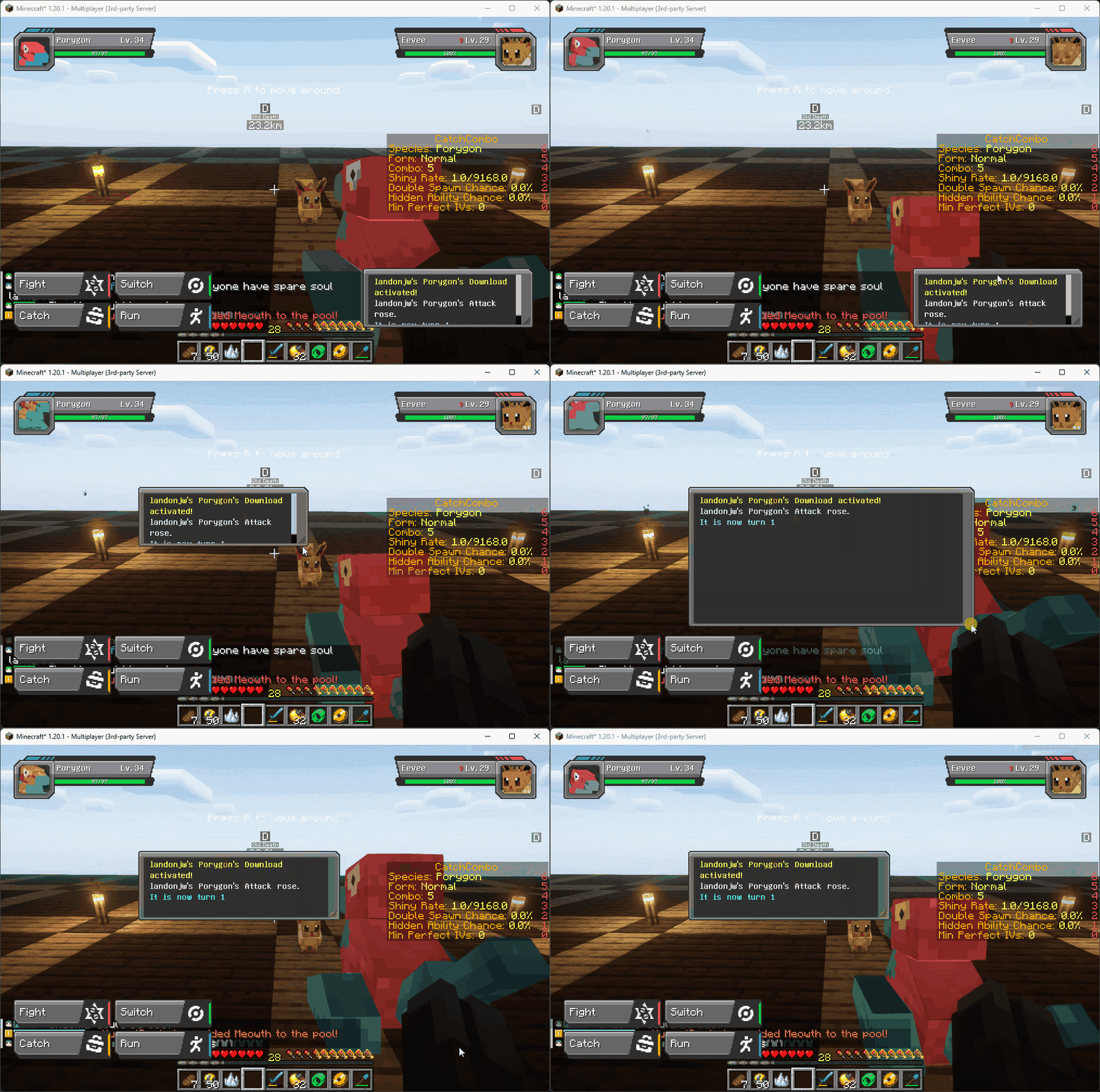
- Dragging top of battle message window allows it to be moved
- Dragging bottom right corner of battle message window allows it's width and height to be adjusted
More features are planned (and we are open to suggestions!)
Does Cobblemon UI Tweaks need to be installed on the Minecraft server?
No. Modrinth marks Cobblemon UI Tweaks as unsupported on the server side. Install it only in your local mods folder. Your server can stay unchanged unless the project page lists an additional dependency.
Which version and loader does Cobblemon UI Tweaks require?
Use a file for Fabric and your exact Minecraft version. Supported versions include 1.21.1, 1.20.6, 1.20.5. Files for different loaders are not interchangeable.
Cobblemon UI Tweaks is not working – what should I check?
First check the Minecraft version, loader version and required dependencies. Because the mod is client-side, more server RAM will not fix it.
Similar mods
Popular mods in the same category
 Server-ready

FerriteCore
by malte0811
Memory usage optimizations
 Client only

Mod Menu
by Prospector
Adds a mod menu to view the list of mods you have installed.
 Server-ready

YetAnotherConfigLib (YACL)
by isxander
A builder-based configuration library for Minecraft!
 Server-ready

Xaero's Minimap
by thexaero
Displays a map of the nearby world terrain, players, mobs, entities in the corner of your screen. Lets you create waypoints which help you find the locations you've marked.
Looking for mods for your own server?
The catalog lists mods that run on Minecraft servers.