
Controlled Construction
Building is difficult. Let's make it easier!
Screenshots


About this Mod
Make building easier through this 1.21.4 mod utilized as a building tool!
[||⋘⋘⋘⋘⋘⋘⋘⋘⋘⋘⋘⋘⋘⋘⋘⋘ Controlled Construction™ ⋙⋙⋙⋙⋙⋙⋙⋙⋙⋙⋙⋙⋙⋙⋙⋙||]
Current Additions to the Mod!:
Forced Block Rotation:
Spoiler
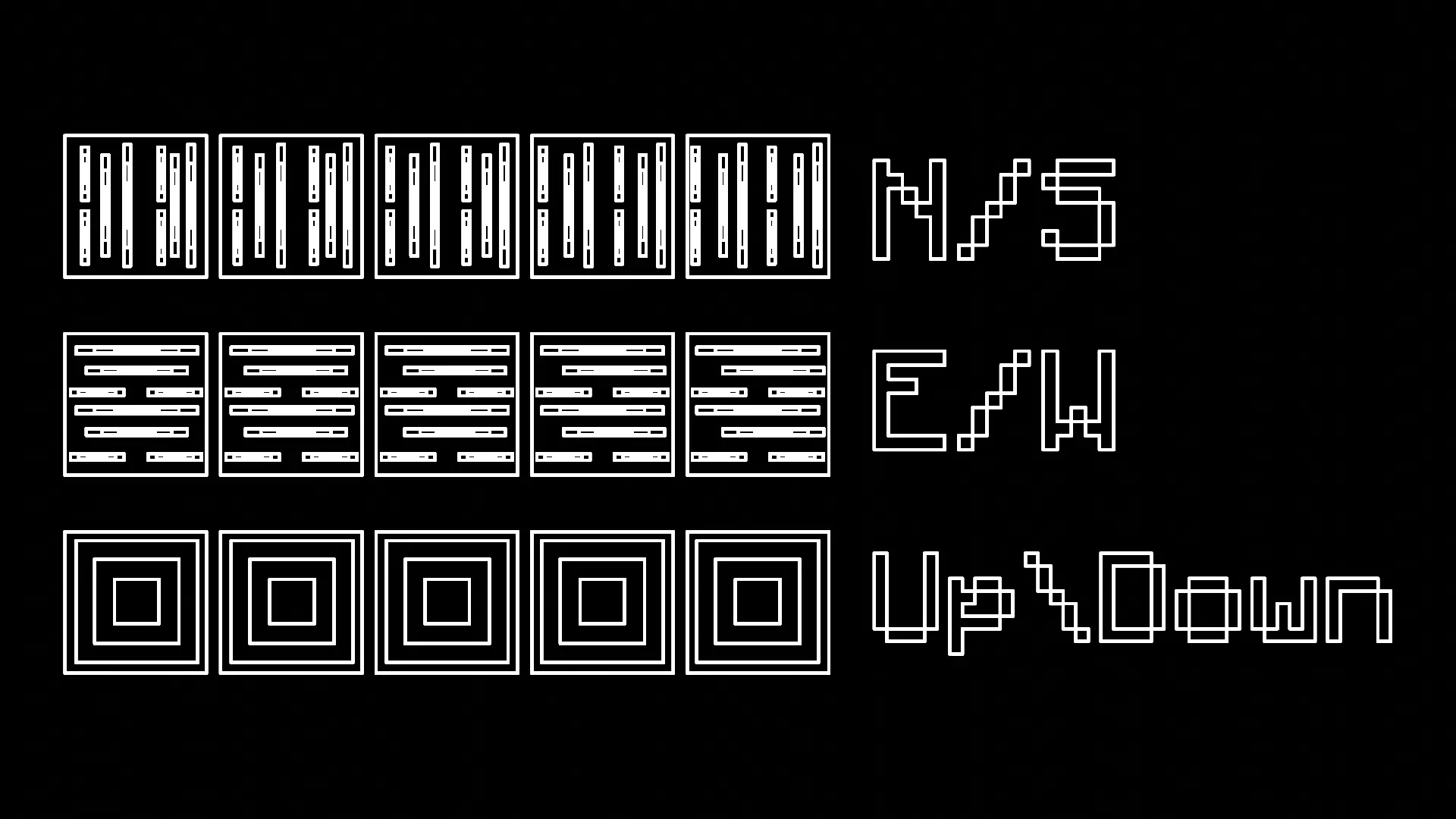
You have the ability to press R to forcibly rotate every block you place, making it much easier to work with directional blocks like logs.
- There are four modes: Force Direction Off, Up/Down, North/South, and East/West
Measuring Tool:
Spoiler
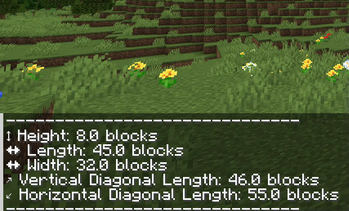
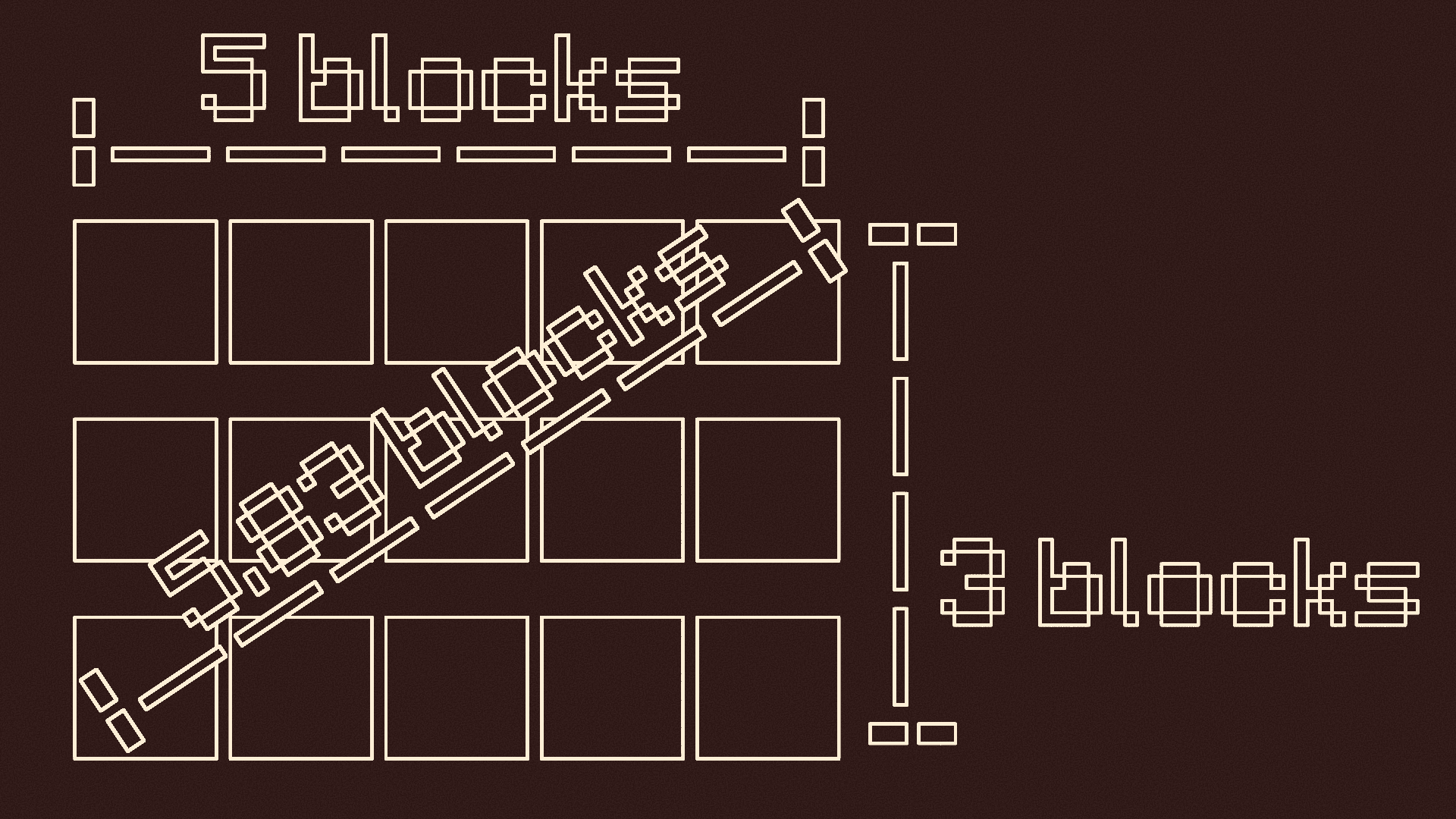
You can press and hold V to measure distances
- When you first press it, it records the location you are looking at
-- It tells you the location, gives you a visual particle cue, and makes a cow bell sound
- Look at where you want to stop measuring and let go of V
-- There should be another visual particle cue and cow bell sound
- It will tell you the height, length, width, vertical diagonal length, and horizontal diagonal length of the measurement
Pointer:
Spoiler
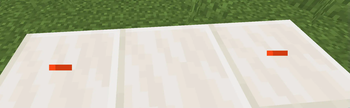
Press G to use the pointer
- Press G to turn it on if it is off
- This will put colored particles at any block you look at
- Press G again if it is on to turn it off

Y-Lock:
Spoiler
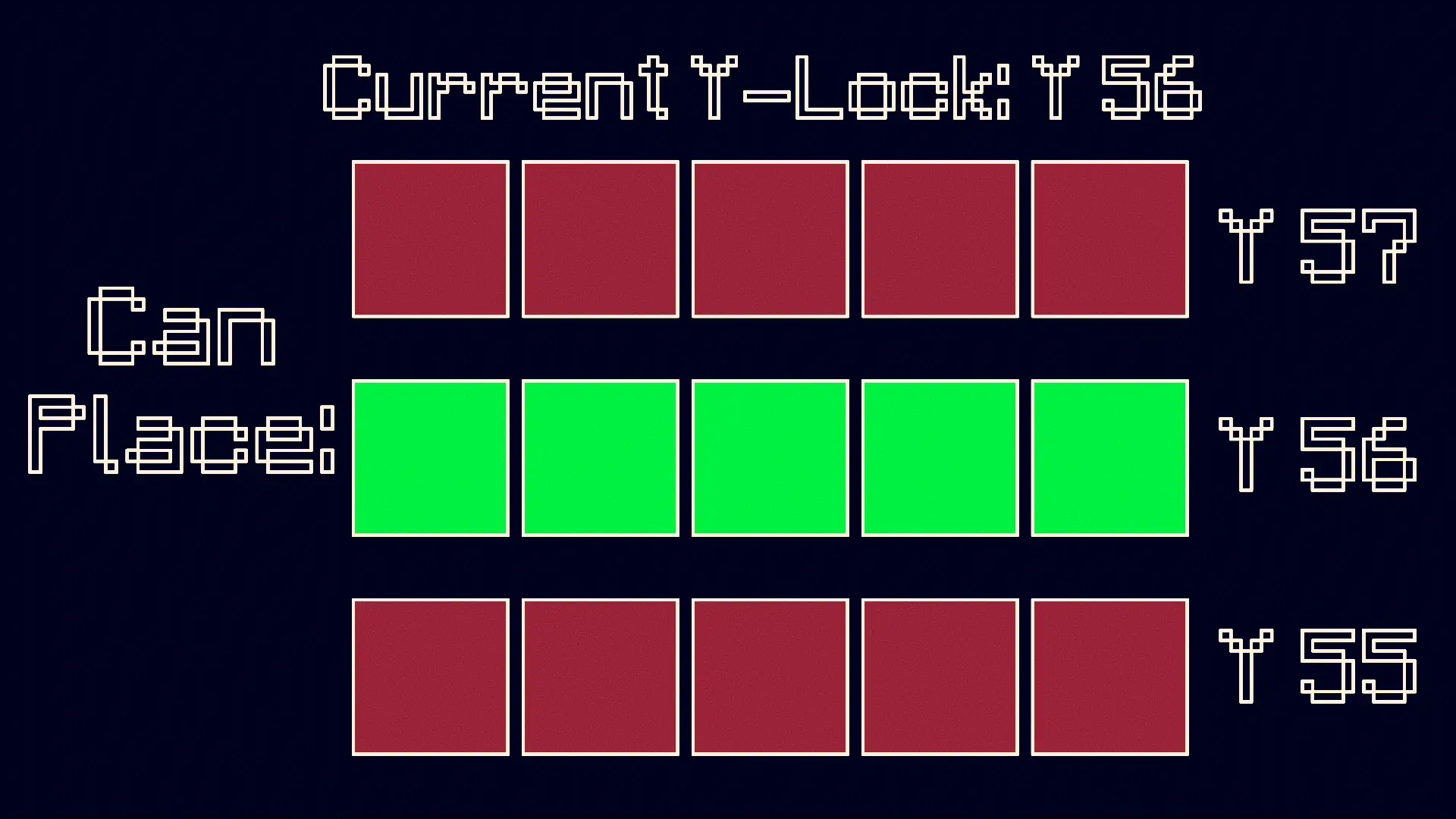
Press Y to turn on the Y-Lock. At the time of pressing it, the y location of the block below you is recorded. While the Y-Lock is on, you can only place blocks on that y level. Press Y again to turn it off.
KEEP IN MIND: This mod is made for BUILDERS, although it can be used for others purposes if need be.
Available Versions
How to Install Controlled Construction on Your Client
Install the Mod Loader Locally
Install forge for your local Minecraft version.
Download the Matching File
Choose the Controlled Construction file for forge and Minecraft 1.21.5.
Install Mod
Place the .jar file in your local .minecraft/mods folder and restart Minecraft. No server-side installation is required.
Compatibility
Mod Loaders
Minecraft Versions
1.21.5, 1.21.4, 1.21.1 (+1 more)
Server-side
✗ UnsupportedRecommended RAM
4 GB(min. 3 GB)Frequently Asked Questions
Does Controlled Construction need to be installed on the Minecraft server?
No. Modrinth marks Controlled Construction as unsupported on the server side. Install it only in your local Minecraft mods folder. Your server can remain unchanged unless the mod page lists an additional dependency.
Which version and loader does Controlled Construction require?
Use a file for forge, neoforge and your exact Minecraft version. Supported versions include 1.21.5, 1.21.4, 1.21.1. Files for different loaders are not interchangeable.
Controlled Construction is not working – what should I check?
First check the Minecraft version, loader version and required dependencies. Put the .jar file in your local .minecraft/mods folder and remove older duplicates. Because this mod is client-side, adding server RAM will not fix it.
Similar Mods






Minecraft Server for Your Group
Controlled Construction stays on your client. Host a compatible world for your group.