
Create Aeronautics: Survival Physics Staff
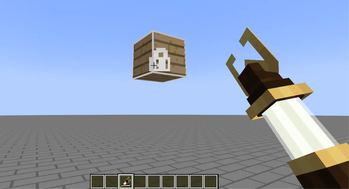
This mod adds a new survival physics staff similar to the creative one, it utilizes backtank sir pressure for usage.
Screenshots

About this Mod
Survival Physics Staff
Physics Staff
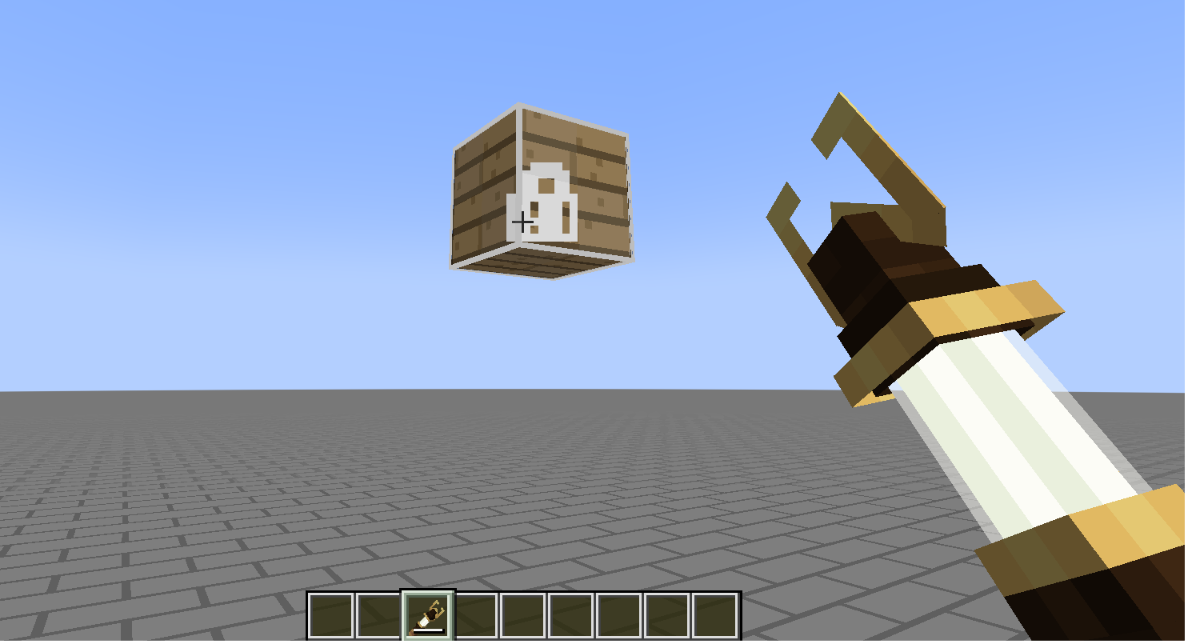
Physics Staff adds a survival-friendly version of Create Aeronautics’ Creative Physics Staff.
The staff can freeze and control physics sublevels just like the original creative item, but it is balanced around Create’s backtank system. You must wear a backtank containing air for the staff to work, and air is continuously consumed for every object you keep frozen.
The durability bar on the staff displays the remaining air in your equipped backtank. When the backtank becomes empty, is removed, or the player disconnects, any objects frozen by that player are automatically released.
The staff has its own creative tab, custom texture, and a large Mechanical Crafter recipe designed to fit naturally into Create’s progression.
Features:-
- Freeze and move Create Aeronautics physics sublevels
- Requires air from a worn Create backtank
- Staff durability bar shows remaining backtank air
- Air drains continuously for each frozen object
- Frozen objects are released when air runs out or the backtank is removed
- Uses a Mechanical Crafter recipe designed for survival progression
Available Versions
How to Install Create Aeronautics: Survival Physics Staff on Your Server
Order Server
Order a Minecraft Java server with at least 4 GB RAM (6 GB recommended).
Set neoforge Loader
In the panel under "Egg", select the neoforge loader and matching Minecraft version (1.21.1).
Install Mod
Open the mod browser in the dashboard and search for "Create Aeronautics: Survival Physics Staff". Click "Install" – done! Alternatively, upload the .jar via SFTP to the /mods folder.
Compatibility
Mod Loaders
Minecraft Versions
1.21.1
Server-side
✓ RequiredRecommended RAM
6 GB(min. 4 GB)Frequently Asked Questions
Create Aeronautics: Survival Physics Staff server crashes on startup – what to do?
Most common cause: wrong neoforge version or insufficient RAM. Check the server log (latest.log) for "OutOfMemoryError" or "Mixin" errors. With Mado Hosting: ensure at least 4 GB RAM is allocated and the loader matches the mod version (1.21.1). You can switch loaders with one click in the panel.
Is Create Aeronautics: Survival Physics Staff compatible with neoforge?
Create Aeronautics: Survival Physics Staff officially supports neoforge for Minecraft 1.21.1. The Mado dashboard automatically detects incompatible loader combinations.
Server lagging with Create Aeronautics: Survival Physics Staff – how to optimize performance?
Recommended RAM: 6 GB (per 5 players). Use /spark profiler to check if Create Aeronautics: Survival Physics Staff consumes the most tick time. Common fixes: reduce server view-distance to 8-10, install "performant" or "starlight" as supplementary mods on Forge. With Mado Hosting, your server runs on NVMe SSDs with dedicated CPU cores for minimal latency.
Similar Mods



![[TaCZ] Timeless and Classics Zero](https://cdn.modrinth.com/data/SzzJttH8/fd27766d2bb8390d284696b1dbd358f87e081439_96.webp)


Rent Modded Server
Install Create Aeronautics: Survival Physics Staff with just one click on your server.