
Create Balloon
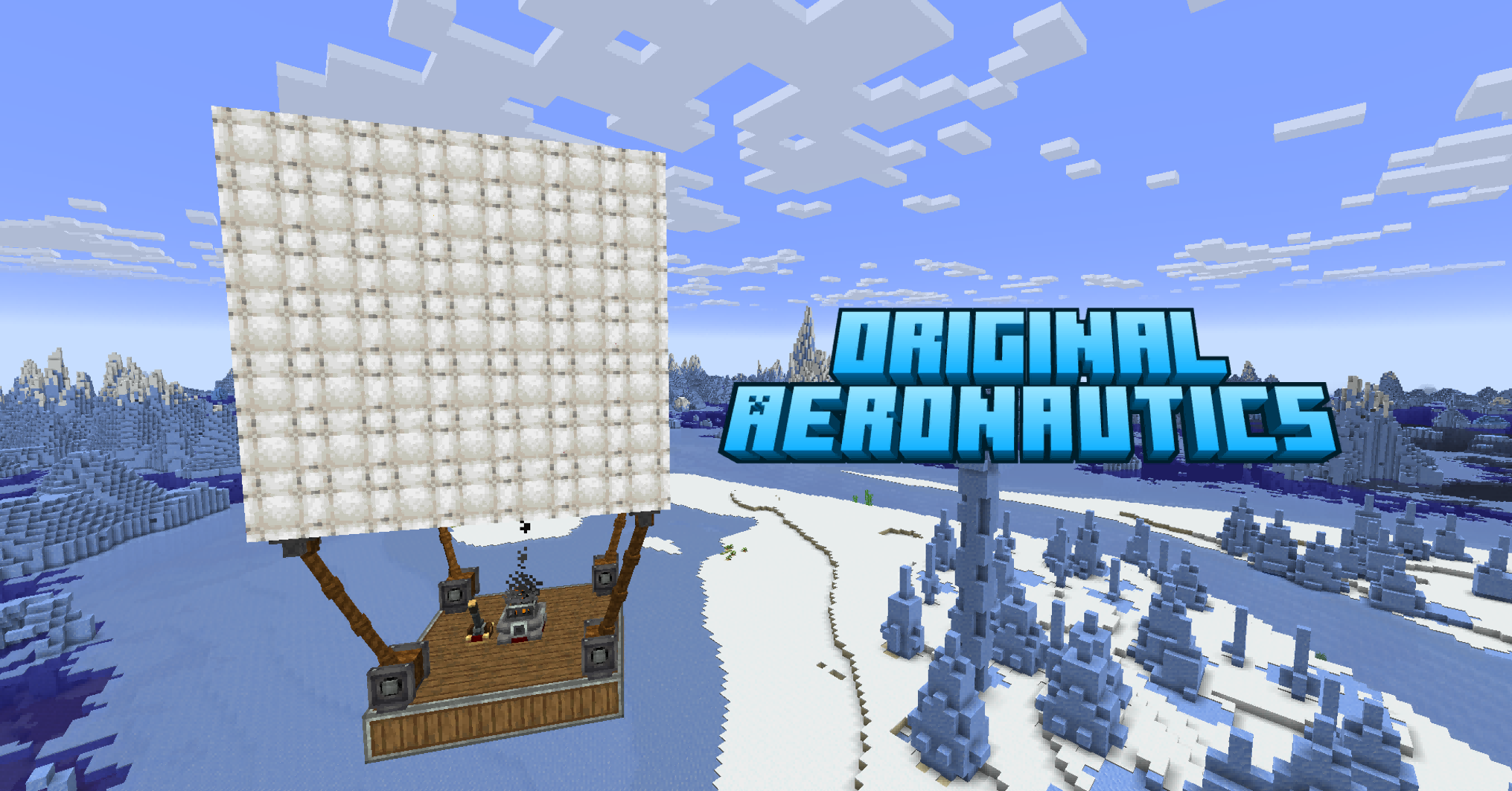
Adds inflatable hot air balloons to Create: Aeronautics.
About this Mod
Create Balloon
This mod is completely completed by AI.

Hot air balloons for Create × Create: Aeronautics.
Add craftable, flyable balloon blocks that provide lift, stabilization, and movement to your Sable physics structures. Pilot them with WASD controls, automate them with CC:Tweaked, or integrate them into redstone & Drive-By-Wire automation.
Features
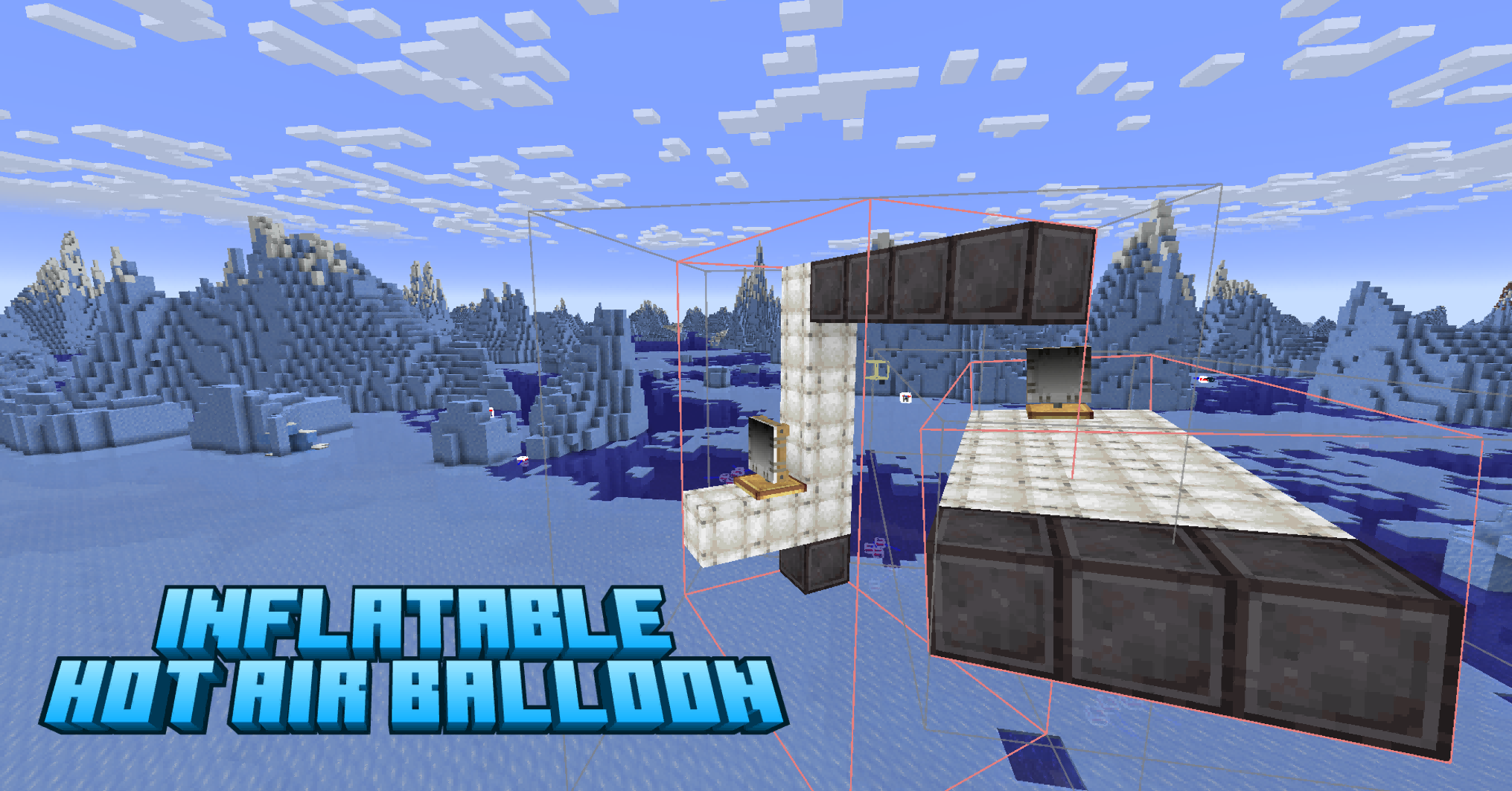
Hot Air Balloon Block
- 16 dyeable colors — right-click with dye to recolor. Triple-click dyes a 17×17×17 radius.
- Produces physics-based lift via Sable — scales with altitude (exponential decay above Y=62).
- PD-controller gyroscope keeps structures upright during flight (adapted from Aeroworks).
- Multi-balloon support — place many balloons on one structure, they share the load. First balloon acts as primary for physics calculations.
- 97 crafting recipes: envelope conversion, dye crafting, Create pressing/washing/deploying.
- Supports hot air balloons as the original aeronautics.
Balloon Controller
- Right-click to take control. Space = ascend, V = descend, WASD = move and turn, Shift = exit.
- Auto-land detection — stops control when all balloons settle on the ground for 1 second.
- Redstone input support via block left/right sides.
- Optional Drive-By-Wire signal integration.
CC:Tweaked Integration (optional)
- Both peripheral and native API approaches supported.(Check the changelog for 1.0.7p2 and p3 for specific example code)
- Native:
balloon.ascend()works from any computer on the structure — no wrapping needed. - 11 Lua functions:
ascend,descend,hover,forward,back,turnLeft,turnRight,stop,count,isActive,getHeight.
Getting Started
- Craft a Balloon Controller (White Sail + Shaft + Brass Sheet on a Crafting Table).
- Obtain balloons — craft Aeronautics envelopes into balloon blocks, then dye them with any dye.
- Build a structure — place balloons on a Sable physics structure (use Create: Aeronautics to assemble).
- Place the Controller anywhere on the same structure.
- Right-click the Controller to take control.
- Fly — Space to ascend, V to descend, WASD to move, Shift to exit.
- Optional — place a CC:Tweaked computer on the structure and run a Lua script for automation.
CC:Tweaked API
Native global API (recommended):
balloon.ascend()
balloon.descend()
balloon.hover()
balloon.forward()
balloon.back()
balloon.turnLeft()
balloon.turnRight()
balloon.stop()
balloon.count()
balloon.isActive()
balloon.getHeight()
Legacy peripheral API (backward compatible):
local b = peripheral.find("balloon")
b.ascend()
b.descend()
b.hover()
b.forward()
b.back()
b.turnLeft()
b.turnRight()
b.stop()
b.count()
b.isActive()
Dependencies
| Mod | Version | Required |
|---|---|---|
| NeoForge | 21.1.226+ | Yes |
| Minecraft | 1.21.1 | Yes |
| Create | 6.0.10+ | Yes |
| Create: Aeronautics Bundled | 1.1.3+ | Yes |
| Sable | 1.1.3+ | Yes |
License
MIT
Available Versions
How to Install Create Balloon on Your Server
Order Server
Order a Minecraft Java server with at least 4 GB RAM (6 GB recommended).
Set neoforge Loader
In the panel under "Egg", select the neoforge loader and matching Minecraft version (1.21.1).
Install Mod
Open the mod browser in the dashboard and search for "Create Balloon". Click "Install" – done! Alternatively, upload the .jar via SFTP to the /mods folder.
Compatibility
Mod Loaders
Minecraft Versions
1.21.1
Server-side
✓ RequiredRecommended RAM
6 GB(min. 4 GB)Frequently Asked Questions
Create Balloon server crashes on startup – what to do?
Most common cause: wrong neoforge version or insufficient RAM. Check the server log (latest.log) for "OutOfMemoryError" or "Mixin" errors. With Mado Hosting: ensure at least 4 GB RAM is allocated and the loader matches the mod version (1.21.1). You can switch loaders with one click in the panel.
Is Create Balloon compatible with neoforge?
Create Balloon officially supports neoforge for Minecraft 1.21.1. The Mado dashboard automatically detects incompatible loader combinations.
Server lagging with Create Balloon – how to optimize performance?
Recommended RAM: 6 GB (per 5 players). Use /spark profiler to check if Create Balloon consumes the most tick time. Common fixes: reduce server view-distance to 8-10, install "performant" or "starlight" as supplementary mods on Forge. With Mado Hosting, your server runs on NVMe SSDs with dedicated CPU cores for minimal latency.
Similar Mods




Rent Modded Server
Install Create Balloon with just one click on your server.