

Modrinth · Forge, NeoForge
Quark on your Minecraft server
Quark runs on Minecraft servers with Forge or NeoForge. Order your server, set the loader in the panel and install the mod with one click in the mod browser.
A Quark is a very small thing. This mod is a collection of small things...
- Downloads
- 26.6M
- Author
- Vazkii
- Loader
- Forge, NeoForge
- Minecraft
- 1.10.2 – 1.9.4
- Updated
- –
Setup
Install Quark on your server
The server and players need the same loader and Minecraft version. Back up the world before adding or updating mods.
- 01
Configure
4 GB of RAM is preselected. You choose the term and add-ons and pay by credit card or PayPal.
- 02
Set the loader
In the panel, set the server software to Forge or NeoForge and choose the matching Minecraft version, for example 1.9.4.
- 03
Install the mod
Search the mod browser for “Quark” and install the release for your loader. Alternatively, upload the .jar to the mods folder via SFTP. Required dependencies are listed on the project page.
- 04
Connect
Every player installs the same Quark release locally and connects using the server address from the panel.
- On the server
- Required
- On the client
- Required
- Loader
- Forge, NeoForge
- Minecraft
- 1.9.4, 1.21.1, 1.21 +9 more
- License
- Creative Commons Attribution Non Commercial Share Alike 3.0 Unported
The panel
Install mods, find errors.
Real screenshots from the Mado panel. Both come with every Minecraft server.
Mod browser
Modrinth and CurseForge, right in the panel.
The browser filters by your Minecraft version. Install mods with one click, without uploading .jar files.

AI crash analysis
When a mod crashes, the analyzer reads the log.
Mods often fail on a wrong loader version, Java version or missing dependency. The analyzer names a likely cause and suggests a fix.

Releases
Published releases
Pick the file that matches your server’s loader and Minecraft version. The server and players need the same release.
Quark · Modrinth- 4.1-488October 26, 2026Minecraft 1.21.1 · NeoForge
- Quark 4.1-473February 14, 2026Minecraft 1.21, 1.21.1 · NeoForge
- 1.20.1-4.0-462April 16, 2025Minecraft 1.20.1 · Forge
- 1.19.2-3.4-418October 22, 2023Minecraft 1.19.2 · Forge
- 3.2-358November 13, 2022Minecraft 1.18.2 · Forge
Original description by the project author




About
Warning: Quark Requires Zeta for 1.20.1 onwards, or AutoRegLib for 1.19.2 and prior.
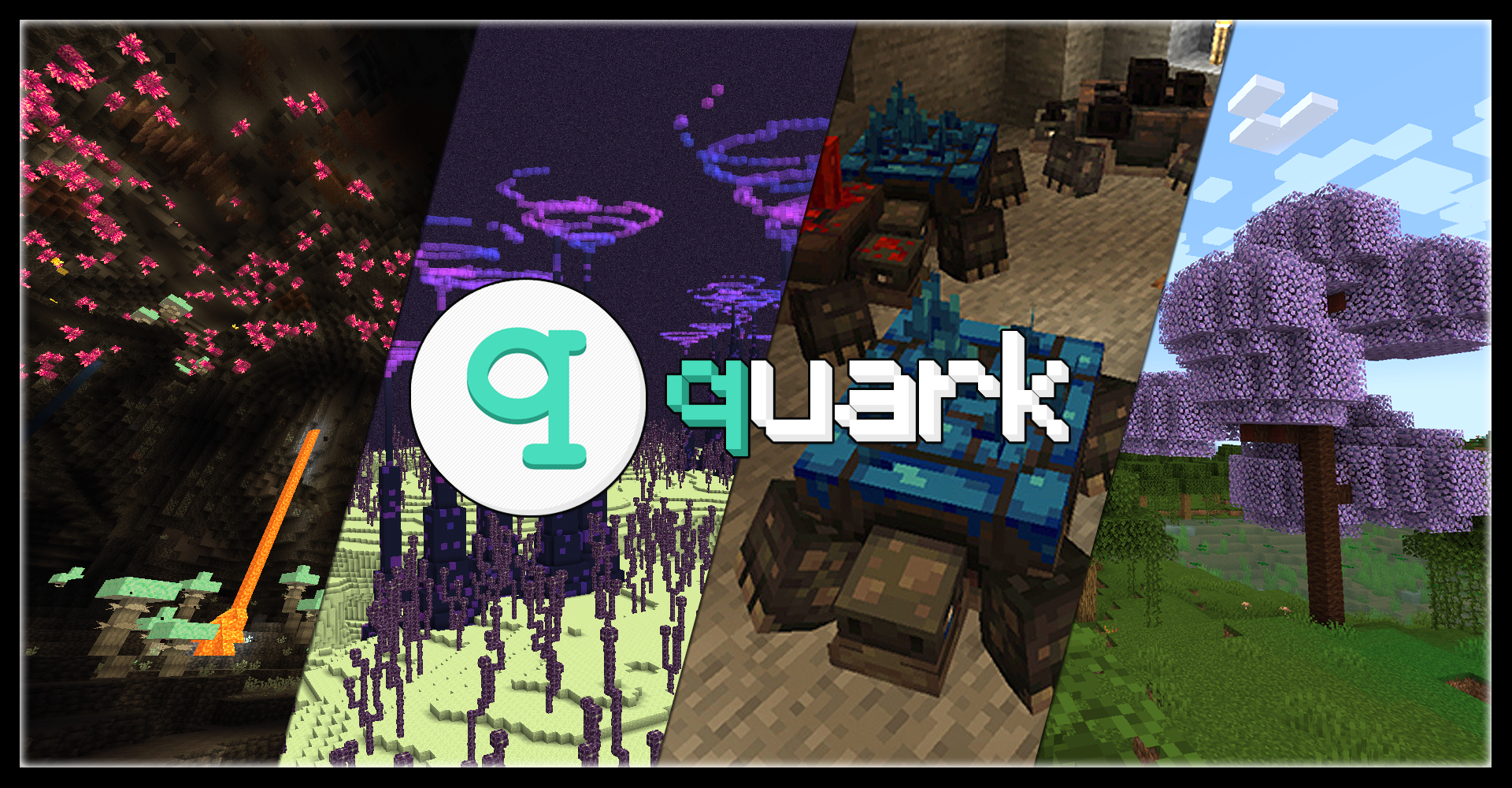
Quark is a fully modular minecraft mod, named after the subatomic particle. In simpler terms, it's a large mod with lots of small features, aimed at improving the vanilla game.
Every feature can be turned on and off individually at your will, and most features contain further options to tweak the game just how you like it.
With quark installed, the title screen will get a new "q" button added to it. This button allows you to configure quark from inside the game, so you can easily turn off any features you don't vibe with.
Features
Quark has over a hundred different modules to play with, but here's a small highlight reel of our favorites:
- Feeding Trough, for automatic animal breeding
- Pistons Push Tile Entities, just like in Bedrock Edition
- Japanese and Industrial style building blocks
- Variant versions for Bookshelves, Chests, and Ladders for all wood types
- Vertical Slabs, for all slabs already in the base game and Quark
- Advanced Camera Mode for fancy screenshots
- Toretoises, typo intended - new underground animals that grow ore on their back
- Pickarang, a pickaxe that can be thrown as a boomerang
- Trowel, a new tool to place random blocks from your hotbar, for paths or ruins
- Emote system, allowing your character to do all sorts of motions from the chat menu
- Reacharound Placing, which lets you place blocks under other blocks without being able to see the bottom face
- Azalea Wood, replacing the Oak wood in Azalea trees with a pleasant green
- Glimmering Weald, a new rare deep underground biome with glowing mushrooms and a cute new stone fae mob
And many, many more!
Learn more about Quark today
Visit the Official Website
- Visit the Old Website (for Minecraft versions 1.12 and prior)
- Check out what changed between Quark for 1.16 and Quark for 1.18
- Download Quark Oddities, an addon focusing on more complex and technical features
Compatibility
Quark has built-in compatibility for a few mods, including JEI and TerraBlender.
Quark may be incompatible with Optifine. If you are having issues using the two together, please uninstall Optifine and use a Sodium fork instead.
Additionally, if you are experiencing load crashes on 1.20.1, make sure your other mods are up to date, as any mods with integration from older versions will not function until updated.




Quark server crashes on startup – what to do?
Common causes: the loader or Minecraft version does not match the mod file, a dependency is missing, or RAM is too low. Check the log (latest.log) for “OutOfMemoryError”, “Mixin” or missing mods. At Mado, the AI crash analysis reads the log and suggests a cause. You can change the loader and version in the panel.
Which loader does Quark run on?
According to Modrinth, Quark supports Forge, NeoForge for Minecraft 1.9.4, 1.21.1, 1.21.
How much RAM does a server with Quark need?
As guidance, 3–4 GB for a server with this mod. This is an estimate, not a measured minimum. More mods, many players and long view distances need more. The spark profiler shows whether a mod is costing tick time.
Similar mods
Popular mods in the same category
 Server-ready

VeinMiner
by Miraculixx
Mine the whole vein on mining a single ore/block. Make the tedious mining experience to something satisfying and fun! FTB Ultimine alternative
 Server-ready

Geckolib
by Gecko
A 3D animation library for entities, blocks, items, armor, and more!
 Client only

VeinMiner Hotkey
by Miraculixx
Veinminer Addon - Use a hotkey to veinmine with a dynamic crosshair & block highlighting
 Server-ready

Fzzy Config
by fzzyhmstrs
Config API with automatic GUIs, powerful validation options, server-client sync, and more!
Ready for your server with Quark?
4 GB of RAM from €8.00 per month. 35% off your first month with MADO35.