
Create: Flight Control
A Minecraft Create addon for physics-based flight control
About this Mod

About
Tired of manually trimming and balancing your aircraft? Want stable, controllable cruising? Looking for a scientifically grounded, physics-based flight control system?
Try Create: Flight Control!
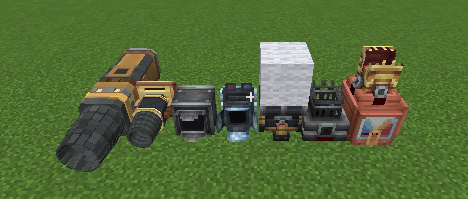
This mod provides a modular framework for building advanced flight-control systems. Simply place your engines and control components. The flight computer automatically distributes thrust based on the position and orientation of each engine, producing the forces and torques required to control your craft.
Features
- Keep your craft level automatically
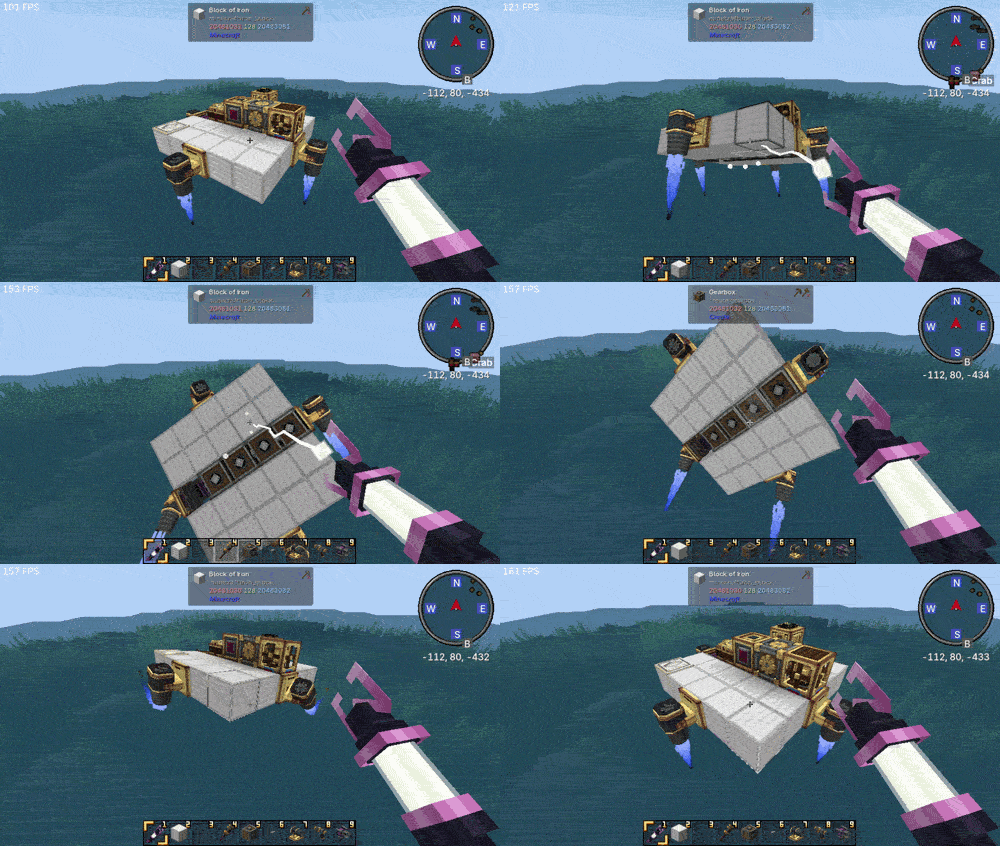
- Maintain a fixed pitch, roll, and yaw
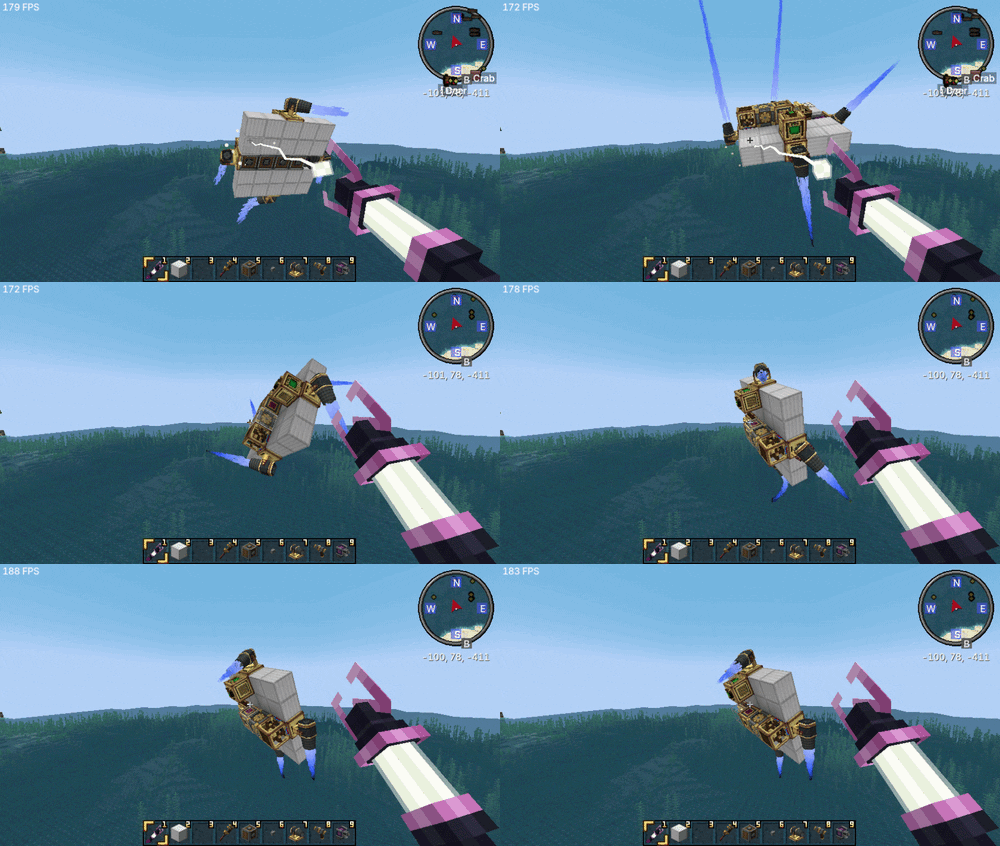
- Hold a constant flight altitude
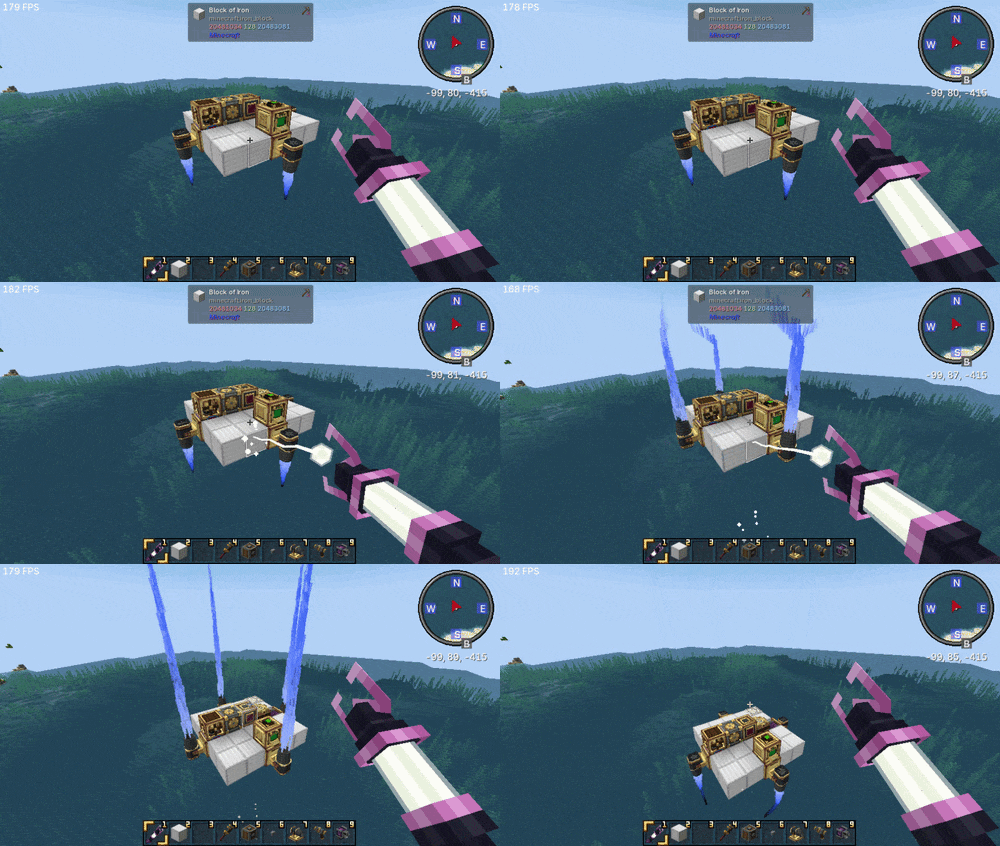
- Stabilize your craft against external disturbances
- Display real-time flight information through an integrated HUD
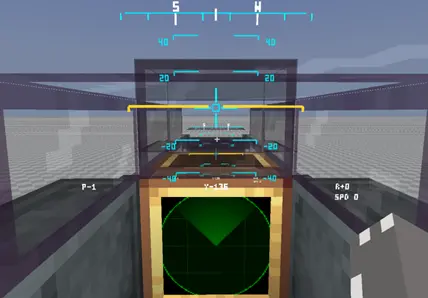
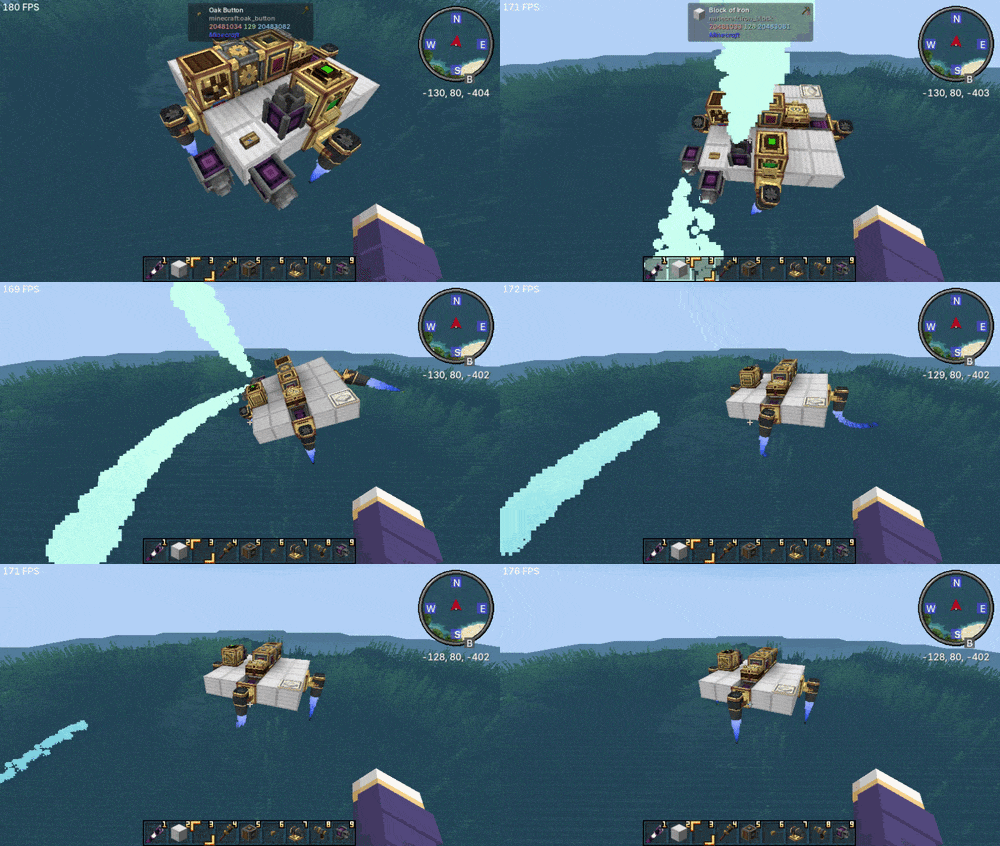
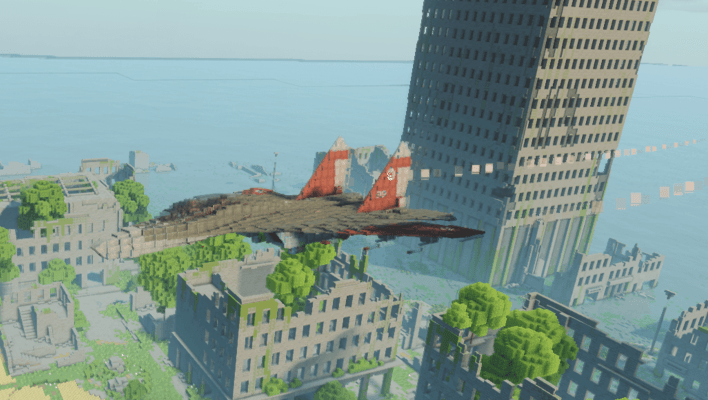
- Create highly customizable motion trails and visual/sound effects (aircraft by pipidog)
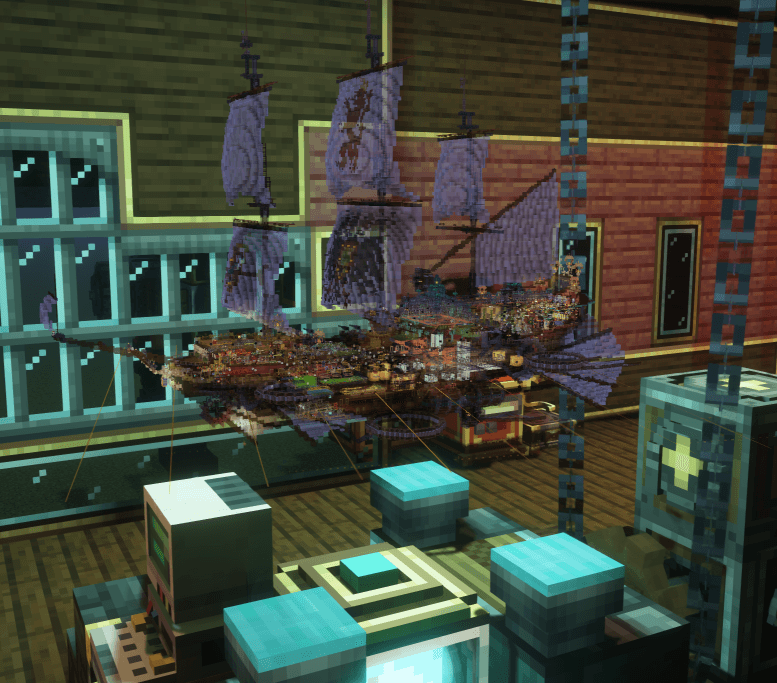
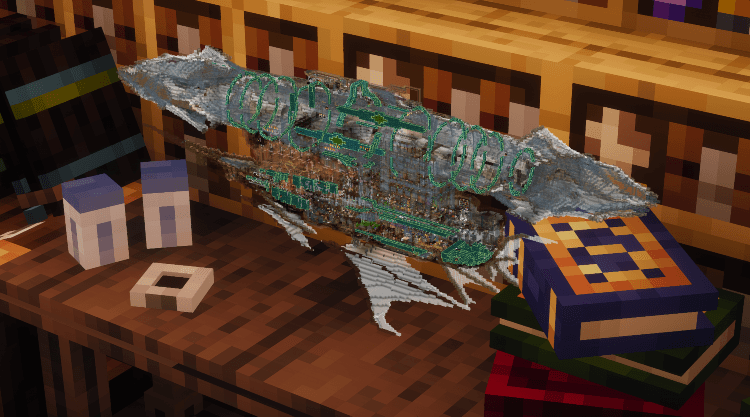
- Project a holographic model of your craft for inspection (craft by LuoMiao and Lendu)
Supported Engines
- Create: Flight Control - all thrusters
- Create Propulsion: Simulated - all thrusters
- Create Aeronautics - Gyroscopic Propeller Bearing, Hot Air Burner, Steam Vent
Dependencies
- Create 6.0.x
- Sable Physics
- Create Aeronautics
- Optional: CC: Tweaked
Available Versions
How to Install Create: Flight Control on Your Server
Order Server
Order a Minecraft Java server with at least 4 GB RAM (6 GB recommended).
Set neoforge Loader
In the panel under "Egg", select the neoforge loader and matching Minecraft version (1.21.1).
Install Mod
Open the mod browser in the dashboard and search for "Create: Flight Control". Click "Install" – done! Alternatively, upload the .jar via SFTP to the /mods folder.
Compatibility
Mod Loaders
Minecraft Versions
1.21.1
Server-side
✓ RequiredRecommended RAM
6 GB(min. 4 GB)Frequently Asked Questions
Create: Flight Control server crashes on startup – what to do?
Most common cause: wrong neoforge version or insufficient RAM. Check the server log (latest.log) for "OutOfMemoryError" or "Mixin" errors. With Mado Hosting: ensure at least 4 GB RAM is allocated and the loader matches the mod version (1.21.1). You can switch loaders with one click in the panel.
Is Create: Flight Control compatible with neoforge?
Create: Flight Control officially supports neoforge for Minecraft 1.21.1. The Mado dashboard automatically detects incompatible loader combinations.
Server lagging with Create: Flight Control – how to optimize performance?
Recommended RAM: 6 GB (per 5 players). Use /spark profiler to check if Create: Flight Control consumes the most tick time. Common fixes: reduce server view-distance to 8-10, install "performant" or "starlight" as supplementary mods on Forge. With Mado Hosting, your server runs on NVMe SSDs with dedicated CPU cores for minimal latency.
Similar Mods




Rent Modded Server
Install Create: Flight Control with just one click on your server.