
Modrinth · Forge, NeoForge · Client mod
Eating Animations
Eating Animations is a client-side mod. Install it on your computer; the server does not need it.
A Forge port of the Eating Animation mod
- Downloads
- 1.2M
- Author
- Matyrobbrt
- Loader
- Forge, NeoForge
- Minecraft
- 1.18.1 – 1.21
- Updated
- –
Screenshots
What Eating Animations looks like
Images: Eating Animations on Modrinth, published by the project team.
Setup
Install Eating Animations on your client
Client-side mods only run on your computer. More server RAM does not change their performance.
- 01
Install the loader locally
Install Forge or NeoForge for your Minecraft version in your launcher.
- 02
Download the file
Download the Eating Animations file for your loader and your exact Minecraft version, for example 1.21.
- 03
Add it to the mods folder
Put the .jar file in your local .minecraft/mods folder and remove older duplicates.
- 04
Launch
Launch Minecraft with the loader profile. Nothing needs to change on the server.
- On the server
- Not needed
- On the client
- Required
- Loader
- Forge, NeoForge
- Minecraft
- 1.21, 1.20.1, 1.20 +3 more
- License
- MIT License
Releases
Published releases
Pick the file that matches your server’s loader and Minecraft version. The server and players need the same release.
Eating Animations · ModrinthOriginal description by the project author
This is a Forge port of the Eating Animations mod, providing all of its features along with the option of rendering the eating animation in the inventory as well! (the option in configurable, in the eatinganimation-client.toml config)
The model overrides for the eating progress are global, and such, you can add eating animations to any; item from any mod. Take a look at the models we provide for reference.
All of the assets included in this mod are the original Fabric ones, which are licensed under the MIT License.
Does Eating Animations need to be installed on the Minecraft server?
No. Modrinth marks Eating Animations as unsupported on the server side. Install it only in your local mods folder. Your server can stay unchanged unless the project page lists an additional dependency.
Which version and loader does Eating Animations require?
Use a file for Forge, NeoForge and your exact Minecraft version. Supported versions include 1.21, 1.20.1, 1.20. Files for different loaders are not interchangeable.
Eating Animations is not working – what should I check?
First check the Minecraft version, loader version and required dependencies. Because the mod is client-side, more server RAM will not fix it.
Similar mods
Popular mods in the same category
 Server-ready

AppleSkin
by squeek502
Food/hunger-related HUD improvements
 Server-ready

Farmer's Delight
by vectorwing
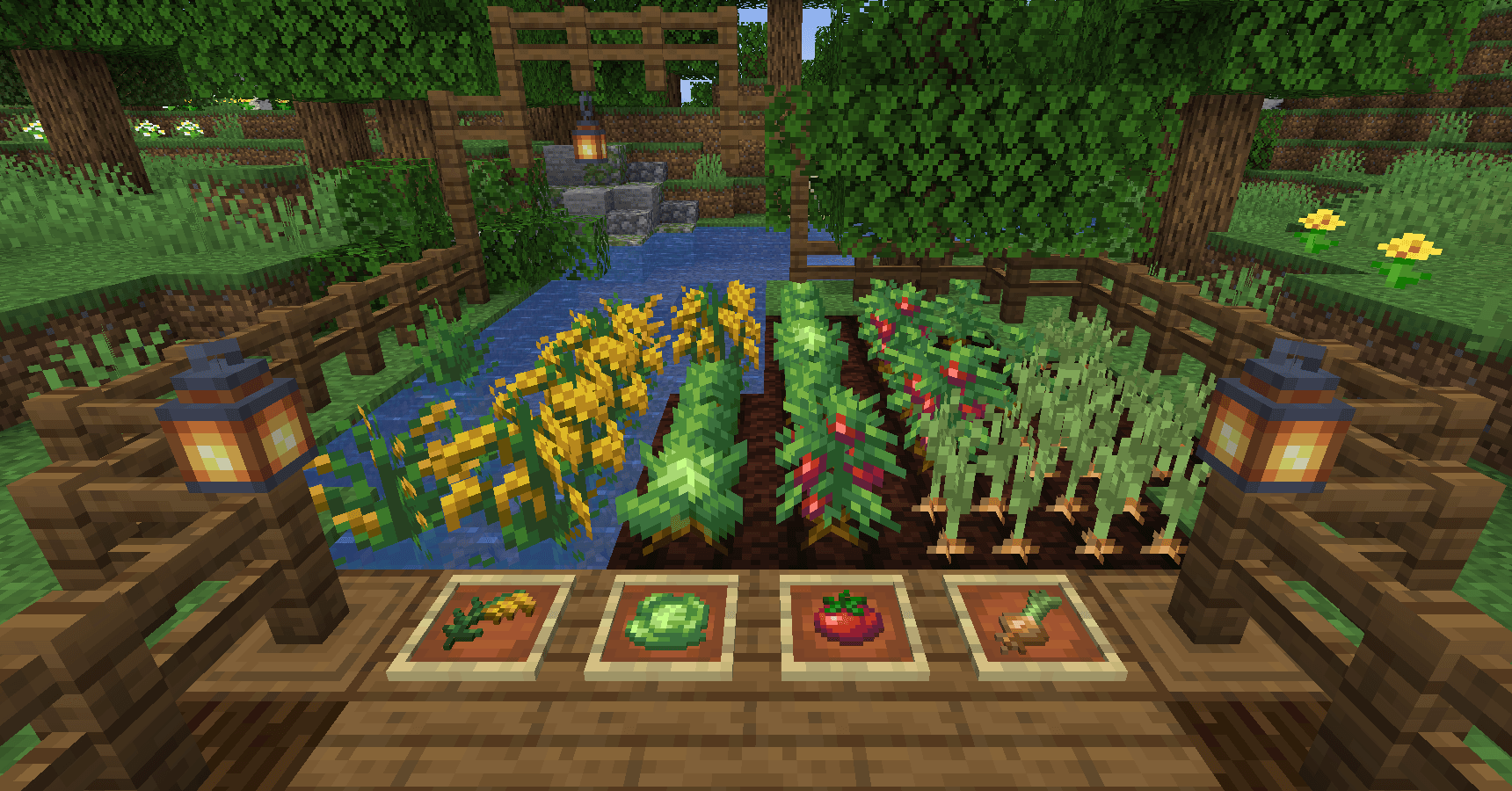
A cozy expansion to farming and cooking!
 Server-ready

Farmer's Delight Refabricated
by Cassian
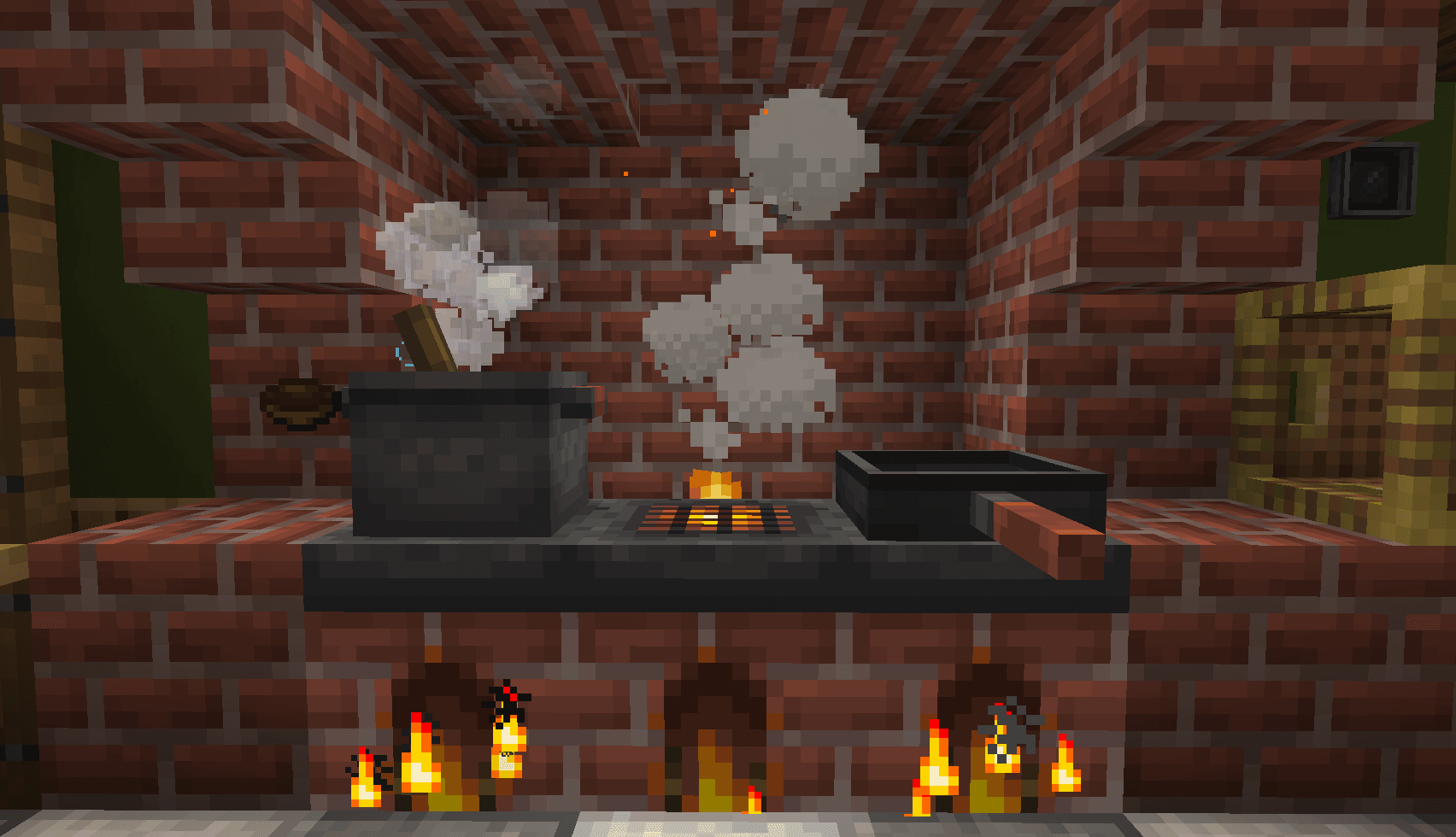
Modern Fabric port of the cooking and farming mod, "Farmer's Delight"
 Server-ready

BetterEnd
by quiqueck
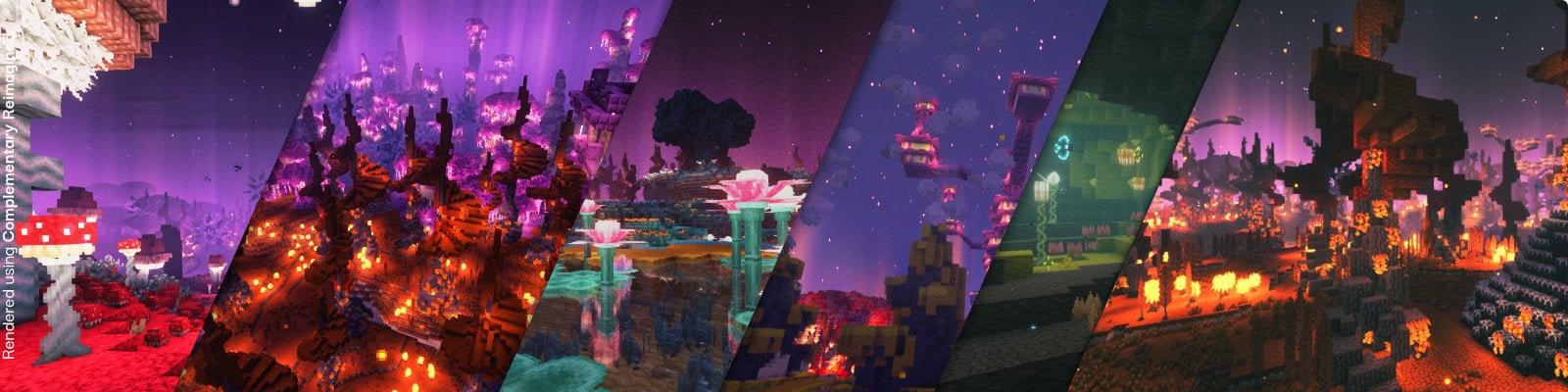
New Biomes, mysterious rituals and Mobs for your End
Looking for mods for your own server?
The catalog lists mods that run on Minecraft servers.