EMI Enchants
EMI addon to view enchanting information & enchantment description
Screenshots
About this Mod

EMI addon to view enchantment information.
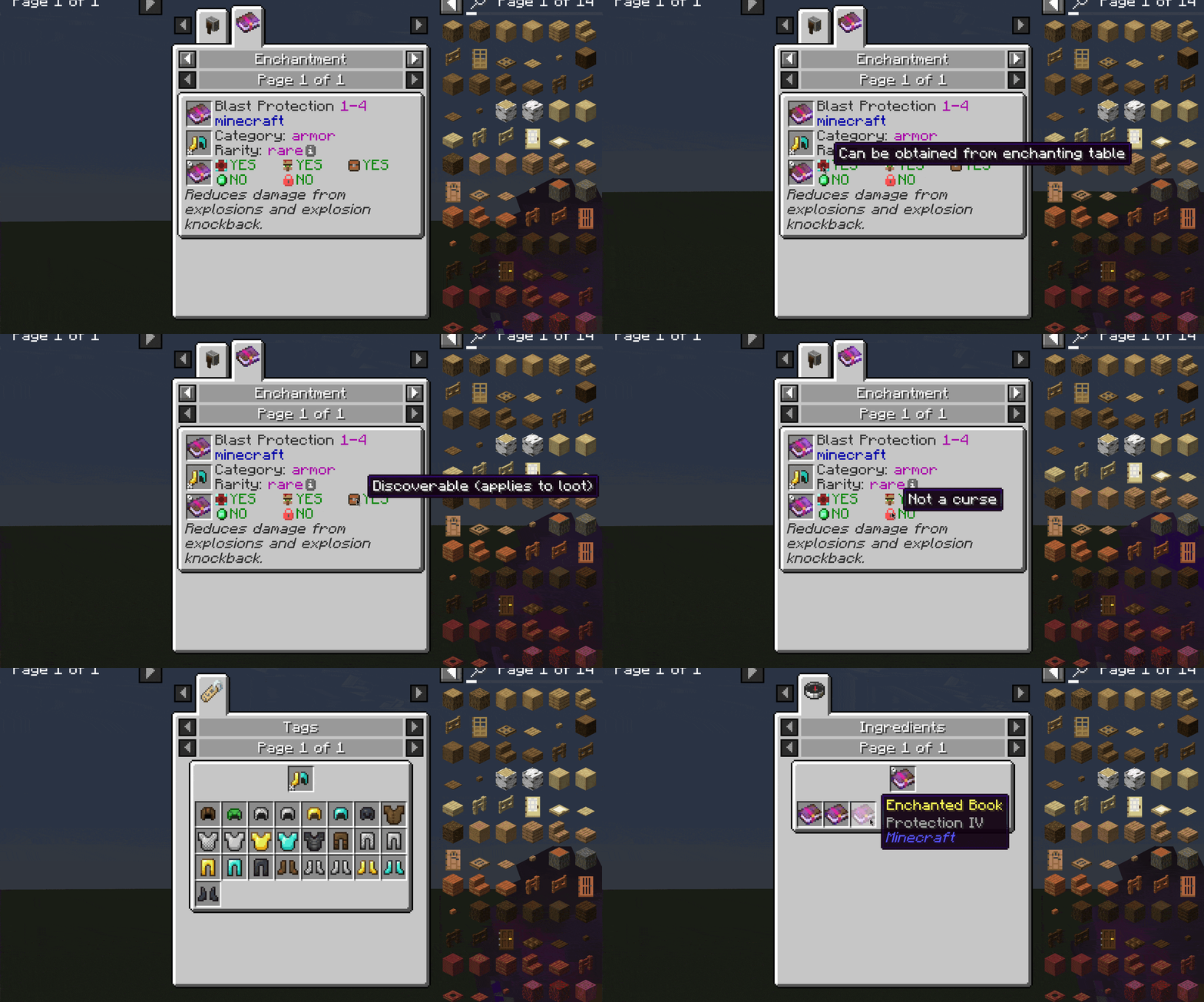
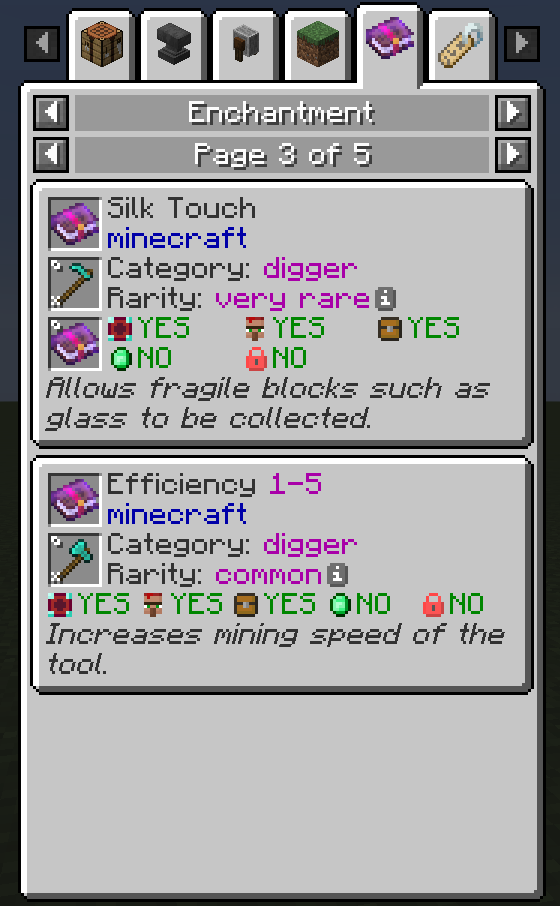
- Displays:
- Enchantment name, mod, max level
- Category and list of items it can be applied to
- Rarity, weight, cost per level (see wiki)
- List of conflicting enchantments
- Whether the enchantment can be obtained from enchanting table
- Whether it can be bought from villager
- Whether it can be obtained from various loot sources (chests, fishing, mob equipment drops)
- Whether it considered a treasure (villagers sell it at x2 price)
- Wheter it's a curse
- Description, if provided by mod or resource pack. Check out Enchantment Descriptions
- Check uses of an item to see applicable enchants
- Check recipes or uses of enchanted book to see its enchantment stats. Currently works only with books with a single enchantment, due to EMI limitations.
Forge version works with NeoForge 1.20.1. Support for other versions will be added later.
Available Versions
How to Install EMI Enchants on Your Client
Install the Mod Loader Locally
Install fabric for your local Minecraft version.
Download the Matching File
Choose the EMI Enchants file for fabric and Minecraft 1.20.4.
Install Mod
Place the .jar file in your local .minecraft/mods folder and restart Minecraft. No server-side installation is required.
Compatibility
Mod Loaders
Minecraft Versions
1.20.4, 1.20.3, 1.20.2 (+5 more)
Server-side
✗ UnsupportedRecommended RAM
4 GB(min. 3 GB)Frequently Asked Questions
Does EMI Enchants need to be installed on the Minecraft server?
No. Modrinth marks EMI Enchants as unsupported on the server side. Install it only in your local Minecraft mods folder. Your server can remain unchanged unless the mod page lists an additional dependency.
Which version and loader does EMI Enchants require?
Use a file for fabric, forge, quilt and your exact Minecraft version. Supported versions include 1.20.4, 1.20.3, 1.20.2. Files for different loaders are not interchangeable.
EMI Enchants is not working – what should I check?
First check the Minecraft version, loader version and required dependencies. Put the .jar file in your local .minecraft/mods folder and remove older duplicates. Because this mod is client-side, adding server RAM will not fix it.
Similar Mods





Minecraft Server for Your Group
EMI Enchants stays on your client. Host a compatible world for your group.