
Eternal Starlight
A dimension mod that adds the magical and mysterious starlight dimension.
Screenshots
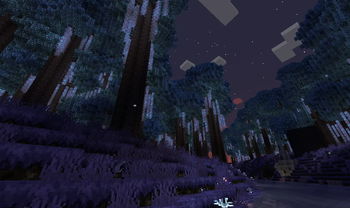
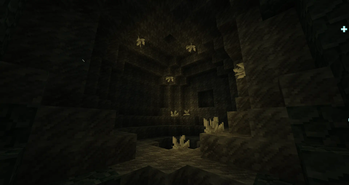
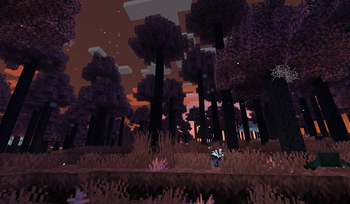
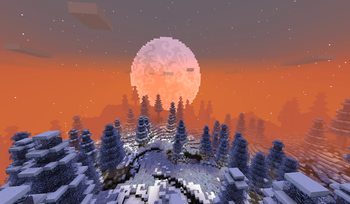
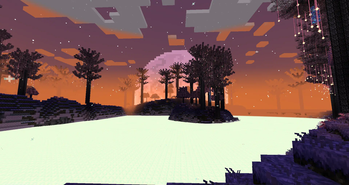
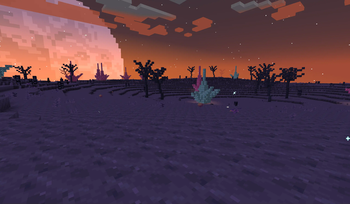
About this Mod
Embark on a Magical Journey to the Starlight Dimension
This Minecraft mod introduces a mystical realm bathed in starlight, a dimension full of wonder, danger, and discovery.
🚀 Getting Started
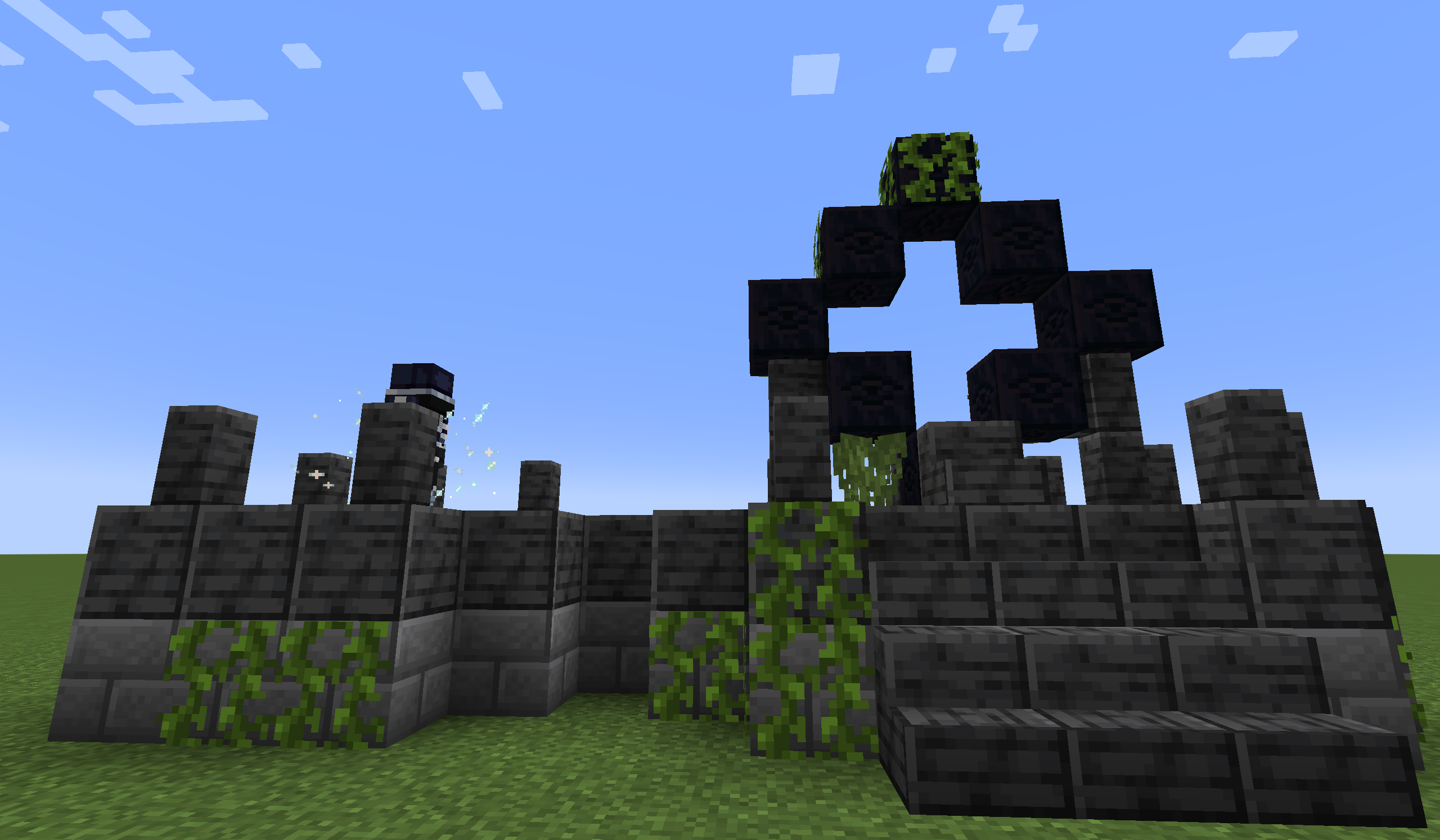
Seek out the Starlight Portal Ruins in the Overworld, and face The Gatekeeper to unlock the gateway to the stars.
⚔️ Boss Encounters
Use the Seeking Eye to locate each boss, then follow the clues provided on the Glimmering Tablet to track them down.
🌿 Exploration & Content
The mod is packed with diverse biomes, rare ingredients, unique mobs, and an array of tools and weapons waiting to be discovered.
For a closer look at some of these features, check out the official wiki.
❓ Frequently Asked Questions
Q: What should I do if I find a bug?
A: Please open a new issue on our GitHub Issues page. Do not ask AI to analyze the log before sending it to us. Please upload the original latest.log (latest.log preferred) or the crash report .txt file to mclo.gs or any pastebin site, and paste the link in your issue. If possible, include steps to reproduce the issue—it helps us a lot!
Q: Will you port the mod to other Minecraft versions?
A: We will port to new versions when the time is right, but we will never backport to older versions. Unofficial ports are welcome.
Q: Can I include this mod in my modpack?
A: Absolutely! Just make sure you provide accurate information about the mod (e.g., don't claim you created it).
Q: Can I repost the mod on other websites?
A: Yes, you may repost it, but you must direct all downloads to our official channels (e.g., Modrinth or CurseForge). You are not allowed to host the mod files yourself or provide direct download links. Please also review the license for other terms.
Q: Can I reuse the mod's code in my own projects?
A: Yes, under the terms of the license.
Q: Can I use the mod's assets (textures, models, sounds) elsewhere?
A: No, unless you have explicit written permission from us.
Q: Can I contribute to the mod?
A: Definitely! Feel free to submit a pull request on GitHub. Please note that your contributions will be licensed under the same terms as the mod.
💻 Special Thanks
- LeDok: Providing part of the code support.
🎵 Music Credits
🖼️ Sneak Peek
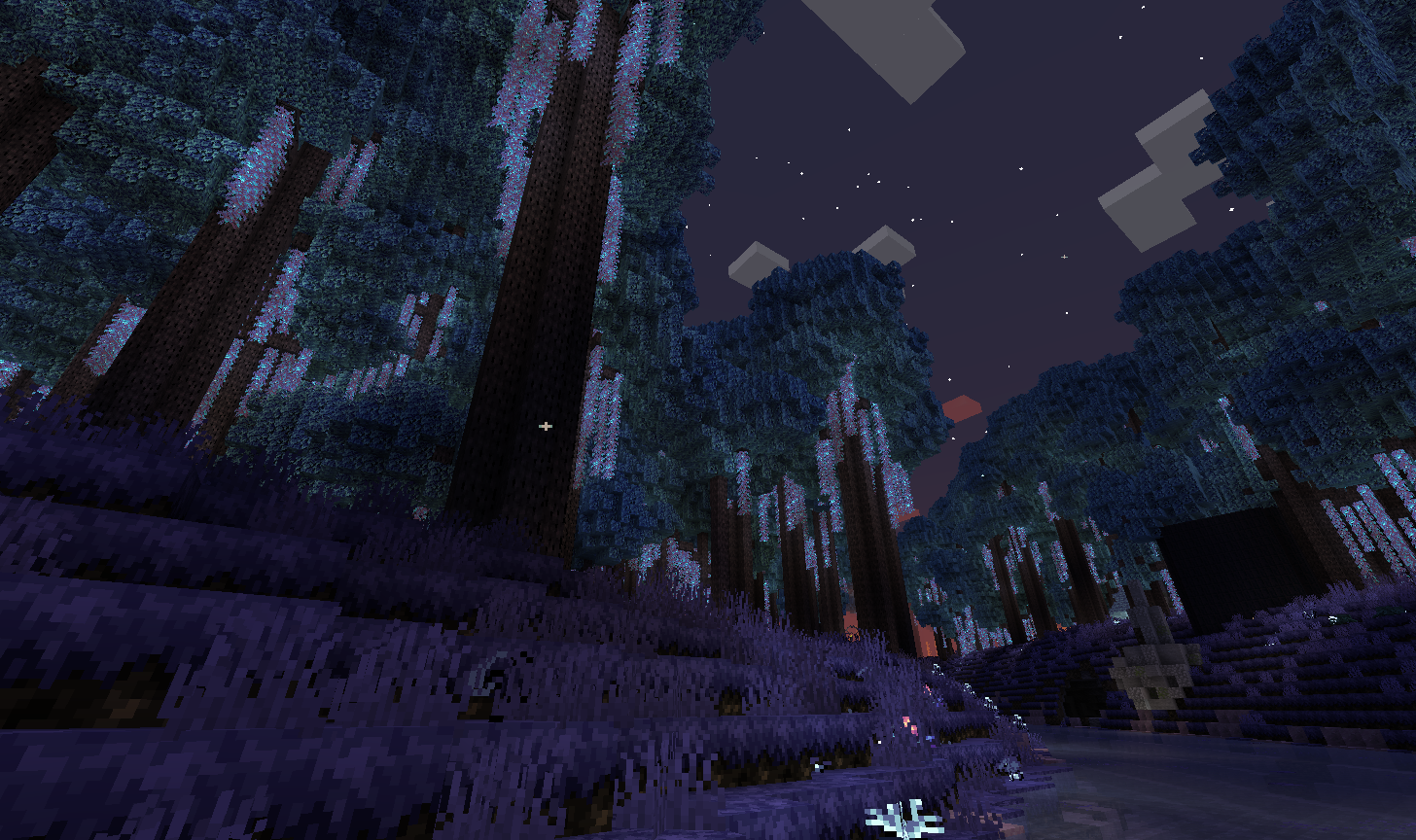
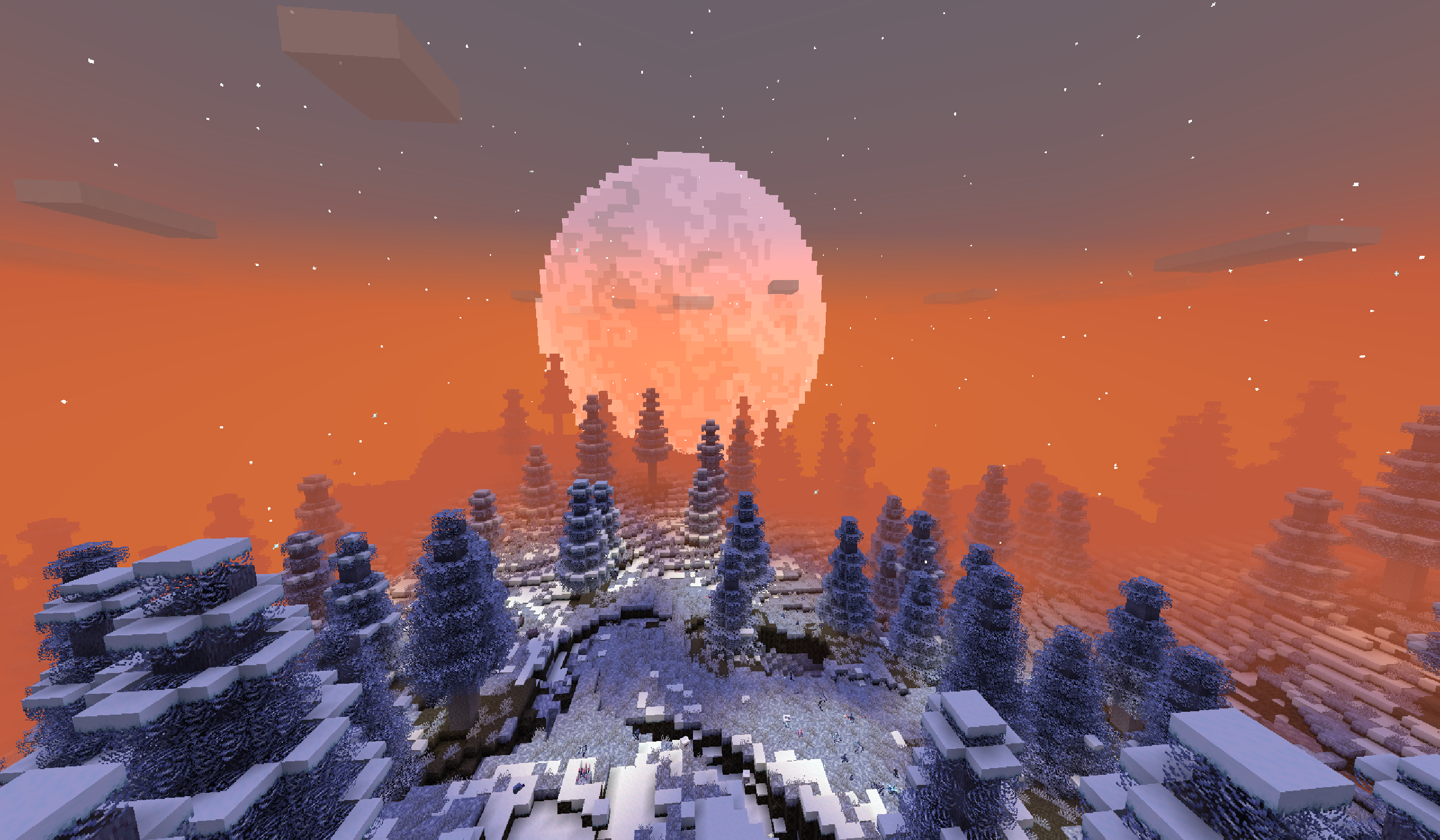
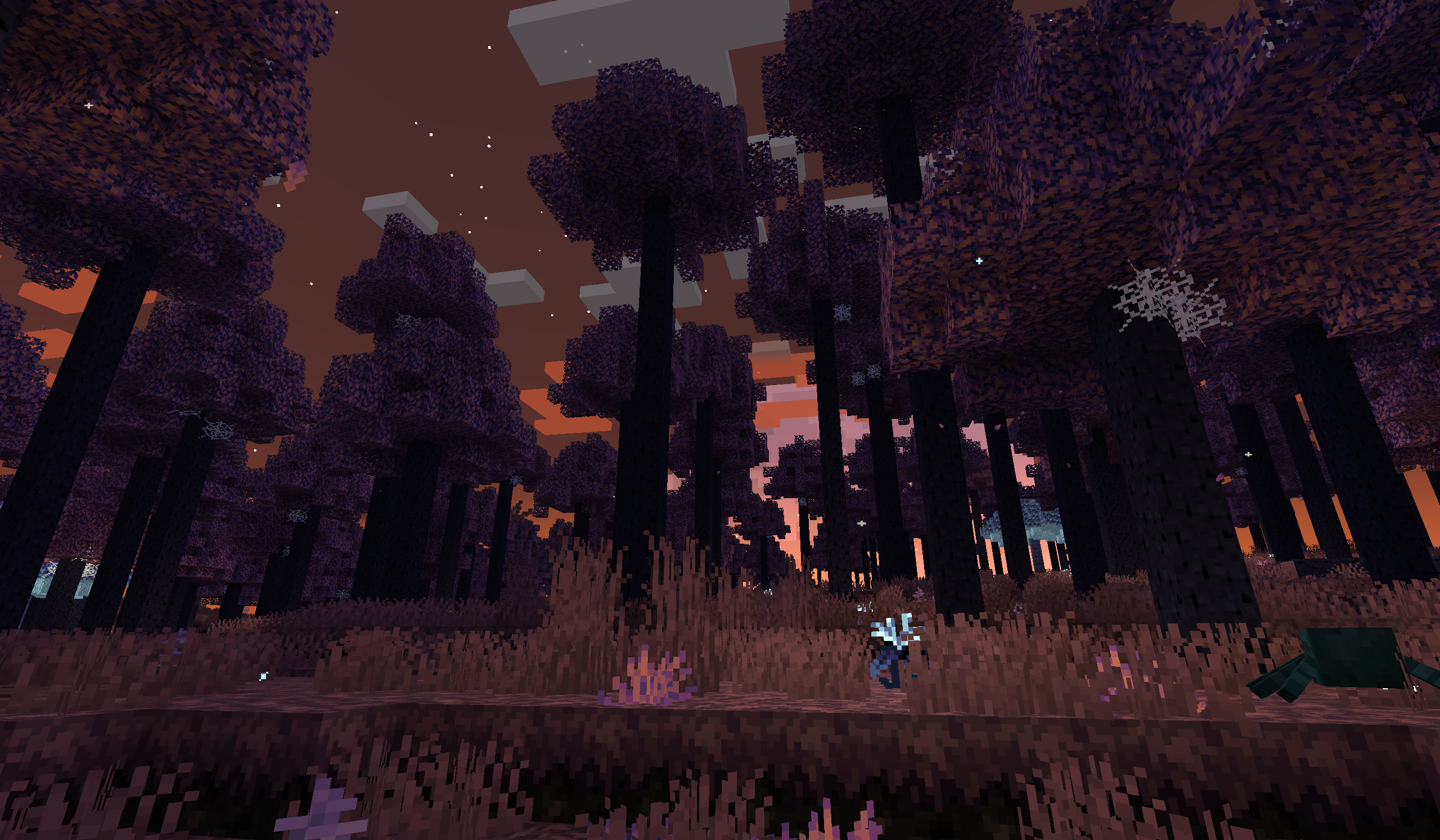
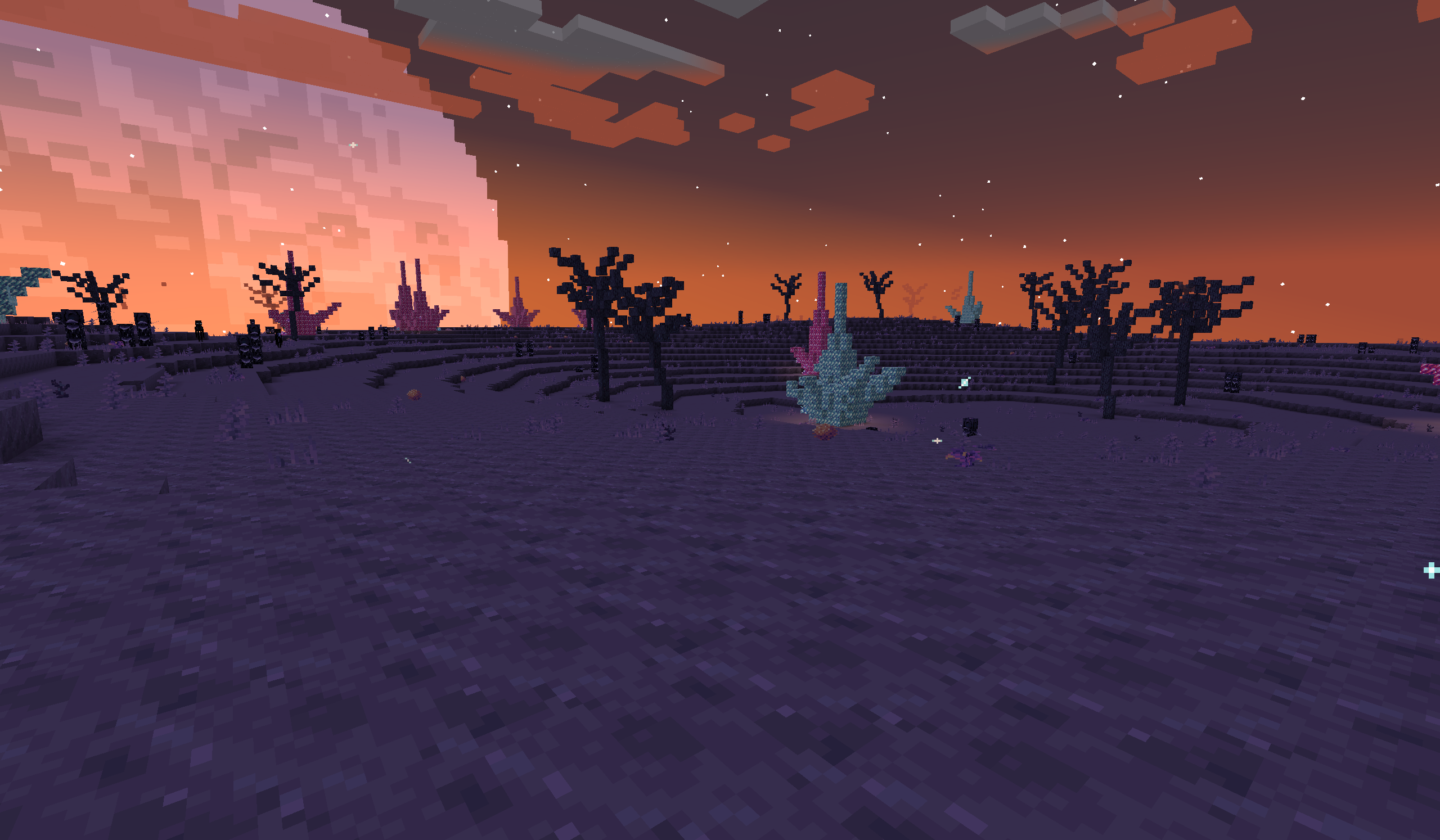
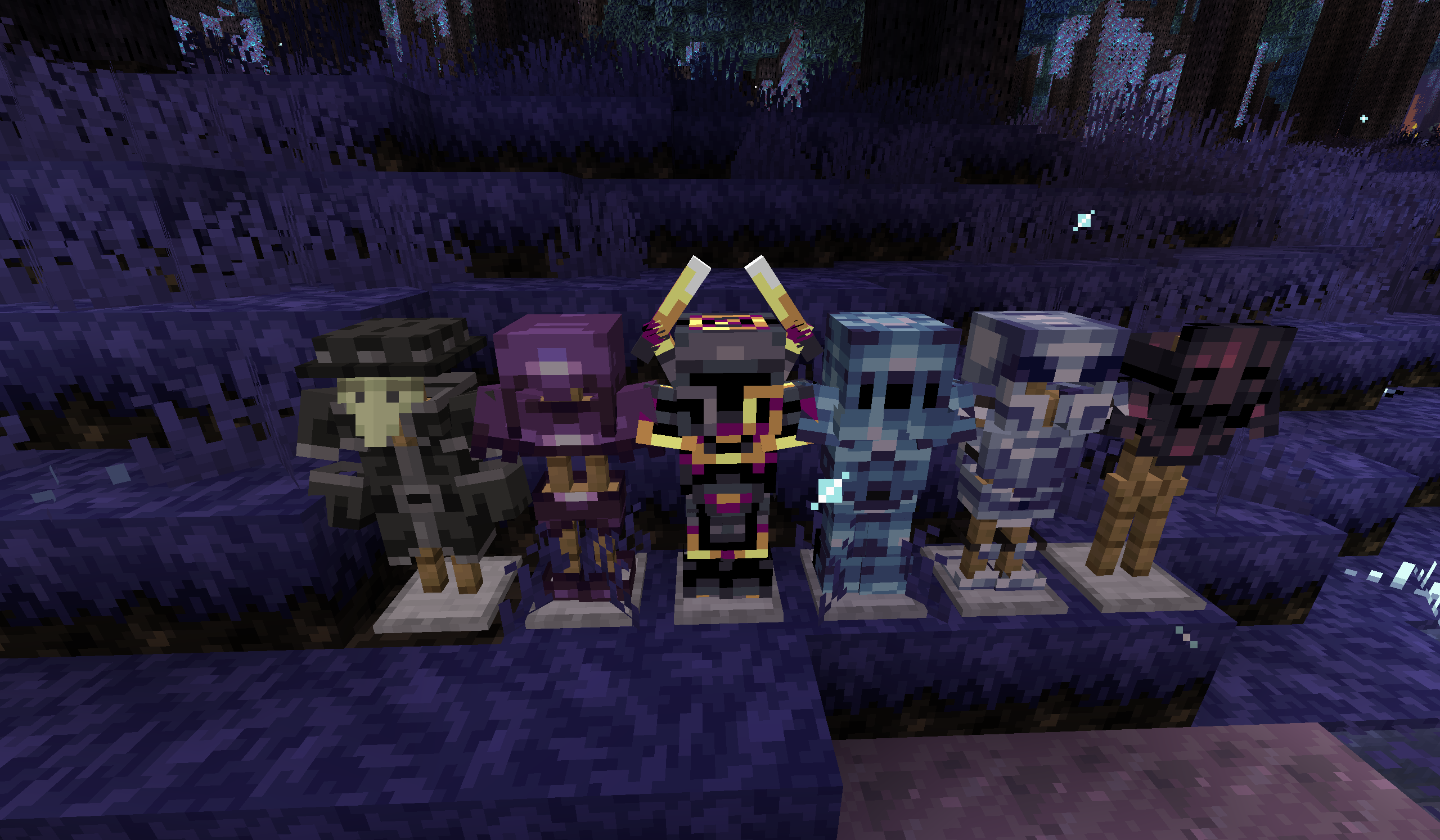
Explore more in the full gallery!
Available Versions
How to Install Eternal Starlight on Your Server
Order Server
Order a Minecraft Java server with at least 4 GB RAM (6 GB recommended).
Set fabric Loader
In the panel under "Egg", select the fabric loader and matching Minecraft version (1.21.1).
Install Mod
Open the mod browser in the dashboard and search for "Eternal Starlight". Click "Install" – done! Alternatively, upload the .jar via SFTP to the /mods folder.
Compatibility
Mod Loaders
Minecraft Versions
1.21.1, 1.21
Server-side
✓ RequiredRecommended RAM
6 GB(min. 4 GB)Frequently Asked Questions
Eternal Starlight server crashes on startup – what to do?
Most common cause: wrong fabric version or insufficient RAM. Check the server log (latest.log) for "OutOfMemoryError" or "Mixin" errors. With Mado Hosting: ensure at least 4 GB RAM is allocated and the loader matches the mod version (1.21.1). You can switch loaders with one click in the panel.
Is Eternal Starlight compatible with fabric and neoforge?
Eternal Starlight officially supports fabric, neoforge for Minecraft 1.21.1, 1.21. The Mado dashboard automatically detects incompatible loader combinations.
Server lagging with Eternal Starlight – how to optimize performance?
Recommended RAM: 6 GB (per 5 players). Use /spark profiler to check if Eternal Starlight consumes the most tick time. Common fixes: reduce server view-distance to 8-10, install "performant" or "starlight" as supplementary mods on Forge. With Mado Hosting, your server runs on NVMe SSDs with dedicated CPU cores for minimal latency.
Similar Mods




Rent Modded Server
Install Eternal Starlight with just one click on your server.