
Input Optimizer
Near-zero client input latency.
Screenshots

About this Mod
Kemmlow's Input Optimizer

Kemmlow's Input Optimizer is a client-side Fabric mod that reduces the delay between your physical mouse and keyboard inputs and the game registering them.
What It Does
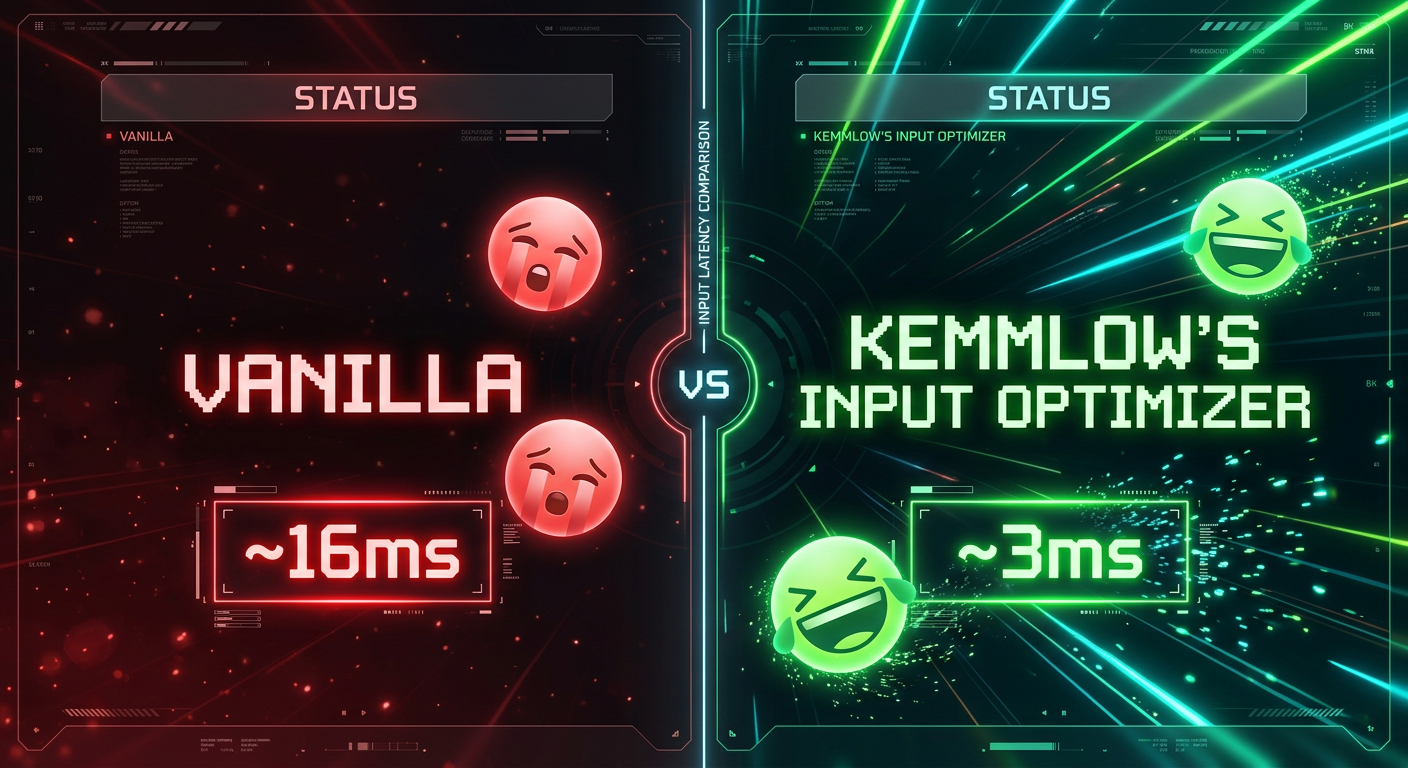
Minecraft processes mouse and keyboard input later in the frame cycle than it needs to. This mod corrects that by reading input earlier, feeding fresher data into the vanilla input pipeline, and aligning input consumption to the correct point in the render cycle.
On Windows, Linux, and macOS the mod bypasses the standard GLFW input layer and reads directly from OS level input APIs. This is the lowest level a mod can access without writing a device driver. The result is that input from your physical device reaches the game faster and through fewer intermediate layers.
Keyboard input timing is also improved on all platforms. This is not something comparable mods currently address.
The vanilla mouse smoothing algorithm is left completely intact. The mod changes nothing about how input feels.
What It Does Not Do
This mod does not affect rendering performance or framerate. It does not change mouse sensitivity, combat mechanics, or any data visible to servers. It does not remove or alter vanilla mouse smoothing. No configuration is needed or available. The mod works automatically on launch.
Why Download It
If input responsiveness matters to you in any context, whether that is PvP, building, speedrunning, or general play, this mod reduces the gap between your physical input and the game acting on it. It does this without changing any gameplay behavior and without requiring any setup.
Platform Support
Out of the box support is provided for Windows, Linux, and macOS, including the full set of lower level OS input API improvements. Partial support is provided for Android based Minecraft launchers, where limited input timing improvements apply. On any other platform the mod loads and falls back gracefully without causing issues.
Critical Information Before Downloading
This mod is client side only. Servers do not need to install it and will not detect any change. The mod does not affect any server visible behavior. Vanilla mouse smoothing is fully preserved.
Known Incompatibilities
FAQ
Is this client side only?
Yes. Servers do not need to install anything.
Does this increase FPS?
No. This mod does not touch rendering performance.
Does this change how the mouse feels?
No. Vanilla smoothing is completely preserved.
Does this affect servers or other players?
No. All changes are local to the client input path only.
Will it work on my system?
Out of the box support is provided for Windows, Linux, and macOS. Partial support is provided for Android based launchers. The mod falls back gracefully on any other platform.
License
LGPL-3.0-only
Copyright (c) Kemmlow
Available Versions
How to Install Input Optimizer on Your Client
Install the Mod Loader Locally
Install fabric for your local Minecraft version.
Download the Matching File
Choose the Input Optimizer file for fabric and Minecraft 26.2.
Install Mod
Place the .jar file in your local .minecraft/mods folder and restart Minecraft. No server-side installation is required.
Compatibility
Mod Loaders
Minecraft Versions
26.2, 26.1.2, 26.1.1 (+2 more)
Server-side
✗ UnsupportedRecommended RAM
4 GB(min. 3 GB)Frequently Asked Questions
Does Input Optimizer need to be installed on the Minecraft server?
No. Modrinth marks Input Optimizer as unsupported on the server side. Install it only in your local Minecraft mods folder. Your server can remain unchanged unless the mod page lists an additional dependency.
Which version and loader does Input Optimizer require?
Use a file for fabric and your exact Minecraft version. Supported versions include 26.2, 26.1.2, 26.1.1. Files for different loaders are not interchangeable.
Input Optimizer is not working – what should I check?
First check the Minecraft version, loader version and required dependencies. Put the .jar file in your local .minecraft/mods folder and remove older duplicates. Because this mod is client-side, adding server RAM will not fix it.
Similar Mods






Minecraft Server for Your Group
Input Optimizer stays on your client. Host a compatible world for your group.