
Modrinth · Fabric, Forge, NeoForge
Jobs+ on your Minecraft server
Jobs+ runs on Minecraft servers with Fabric or Forge or NeoForge. Order your server, set the loader in the panel and install the mod with one click in the mod browser.
Adds 10 jobs to Minecraft. You can now add your own jobs!
- Downloads
- 224.8K
- Author
- –
- Loader
- Fabric, Forge, NeoForge
- Minecraft
- 1.20.1 – 26.2
- Updated
- –
Screenshots
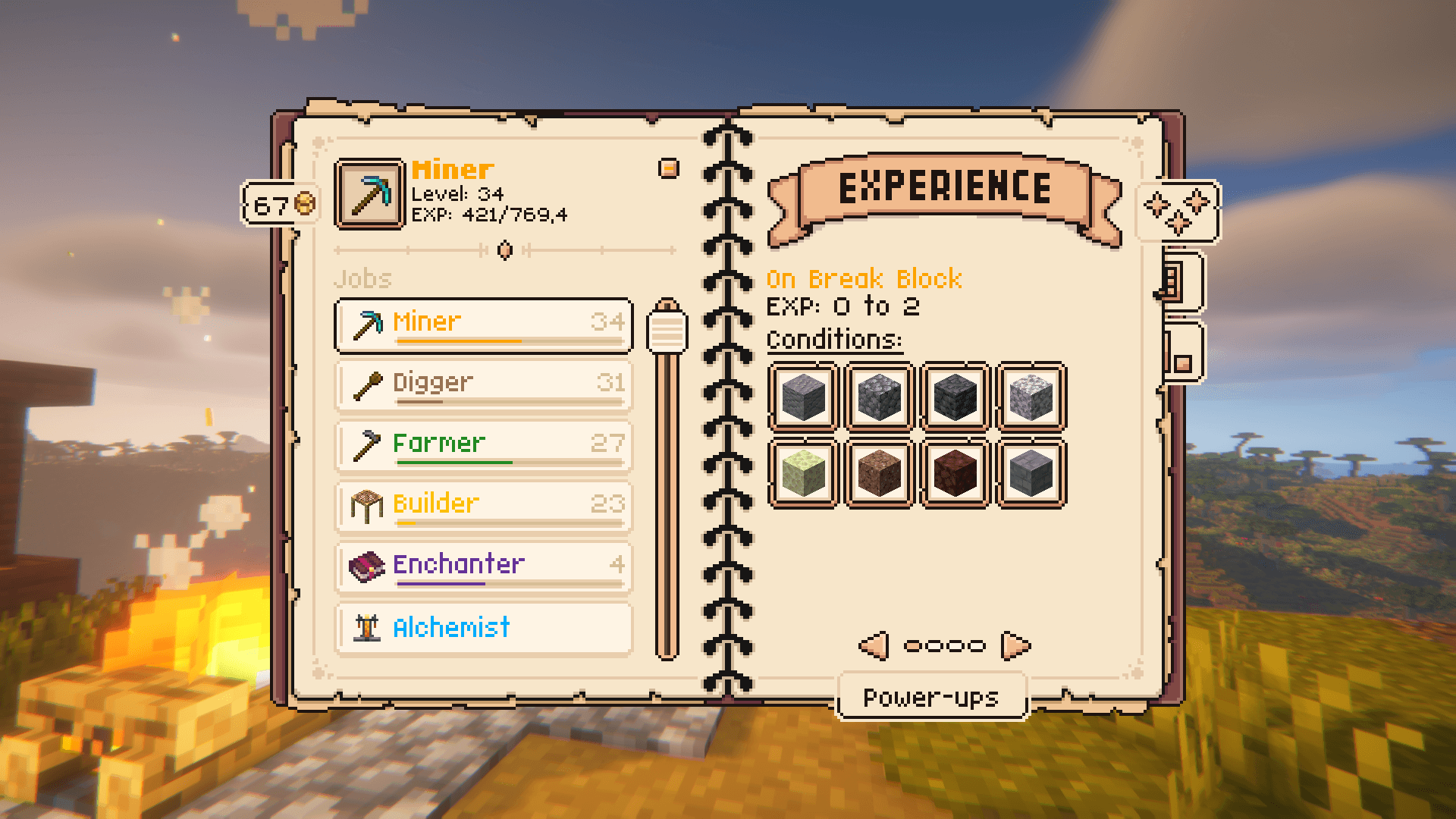
What Jobs+ looks like
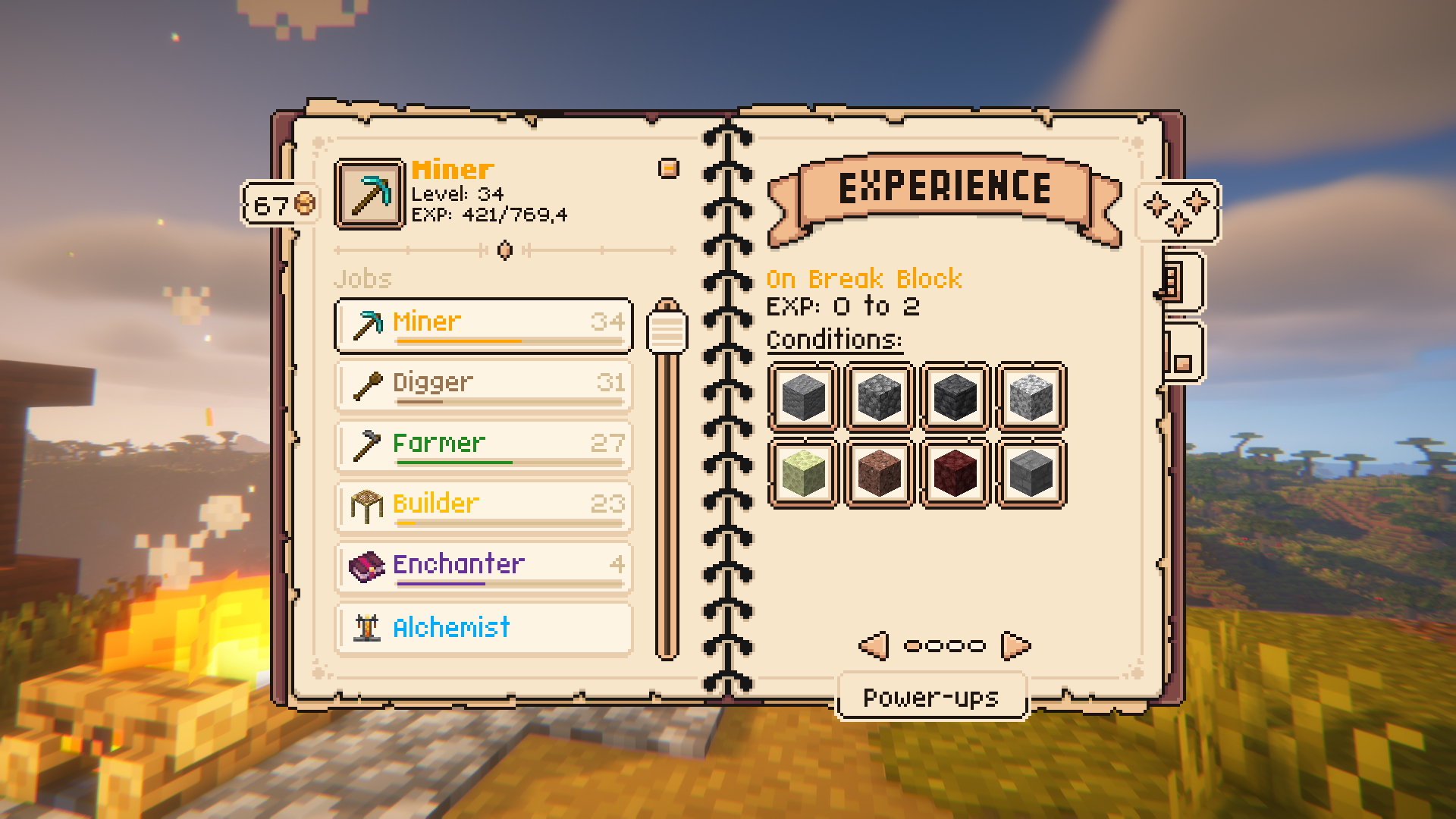
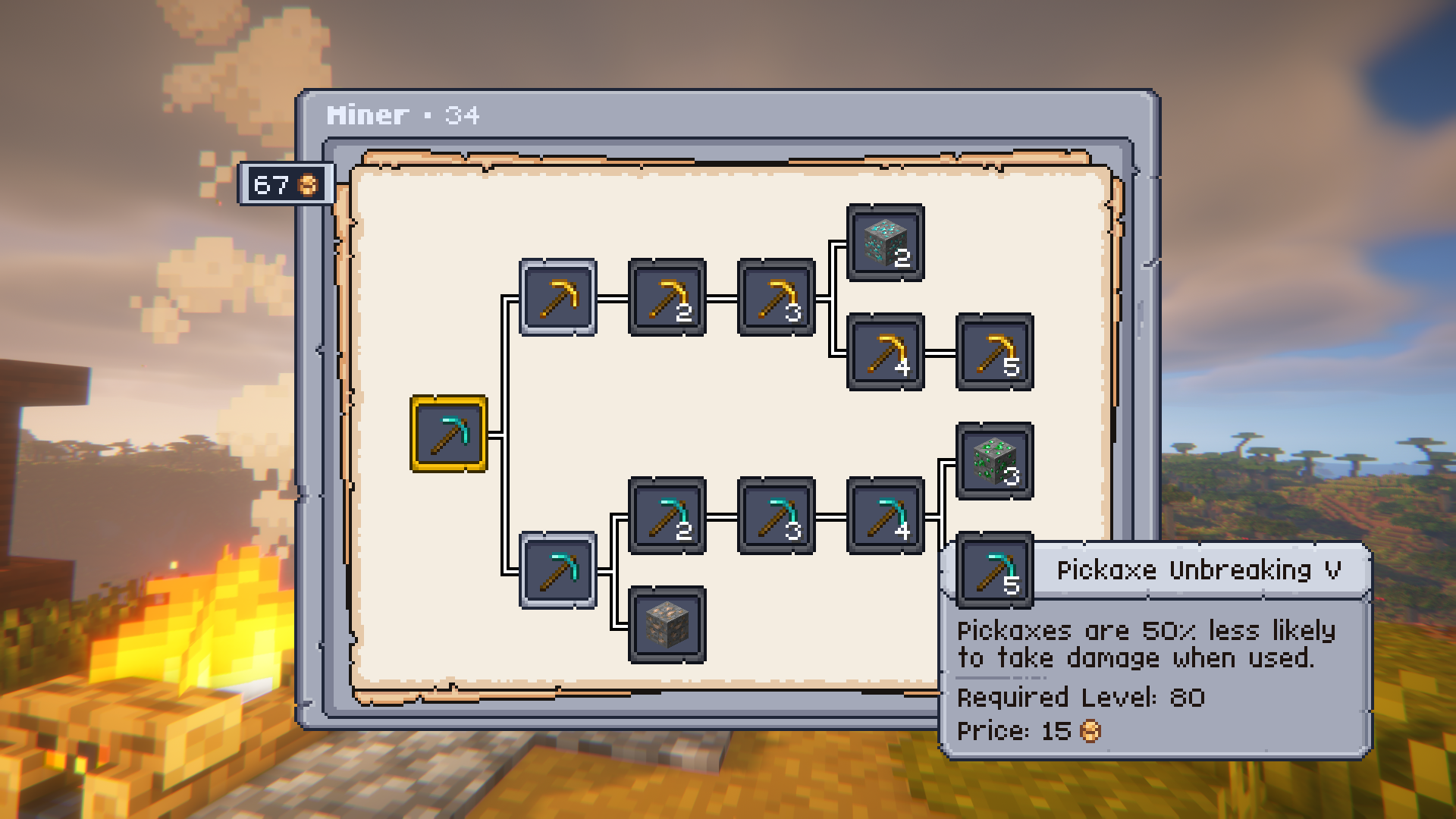
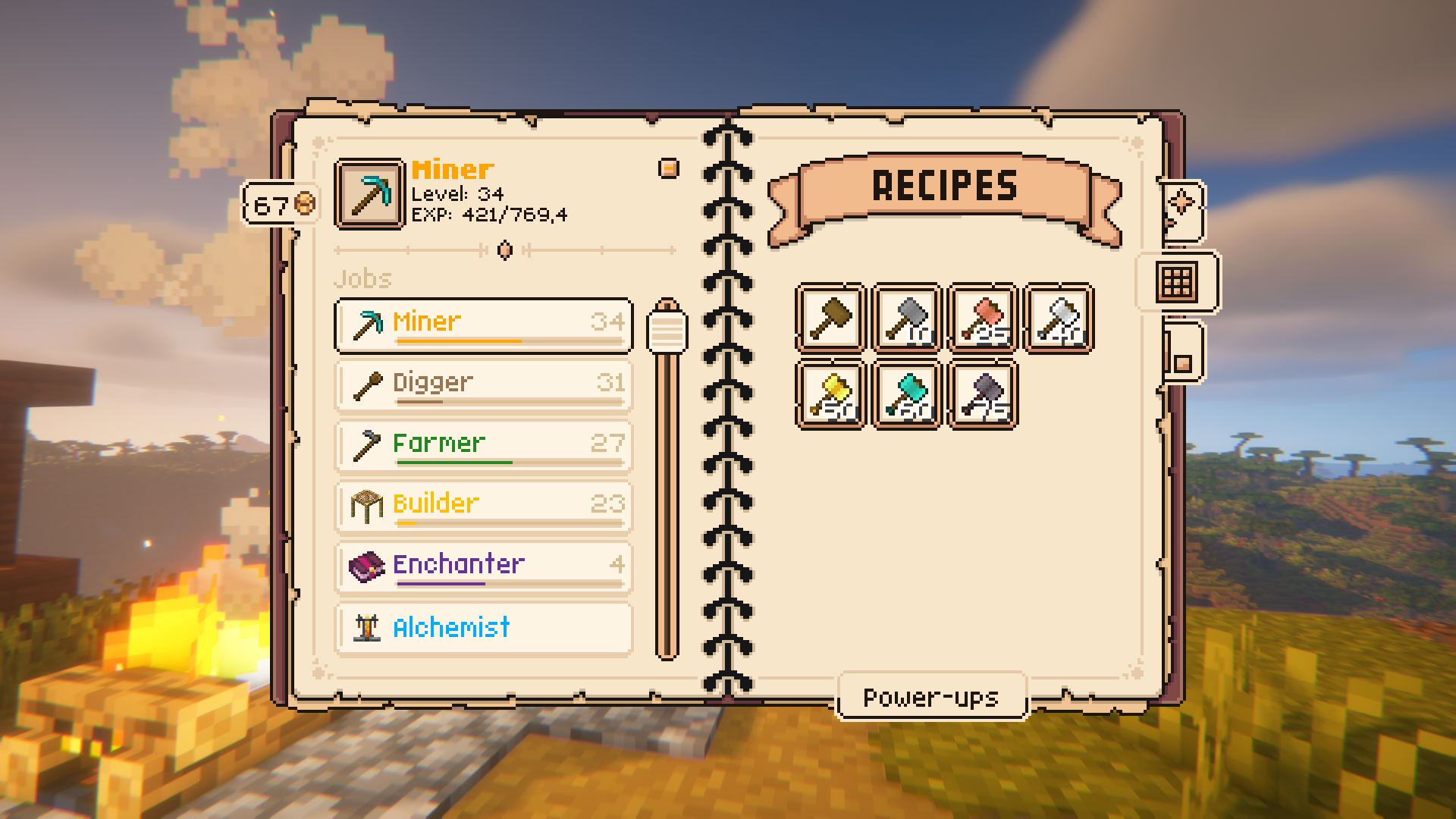
Images: Jobs+ on Modrinth, published by the project team.
Setup
Install Jobs+ on your server
The server and players need the same loader and Minecraft version. Back up the world before adding or updating mods.
- 01
Configure
4 GB of RAM is preselected. You choose the term and add-ons and pay by credit card or PayPal.
- 02
Set the loader
In the panel, set the server software to Fabric or Forge or NeoForge and choose the matching Minecraft version, for example 26.2.
- 03
Install the mod
Search the mod browser for “Jobs+” and install the release for your loader. Alternatively, upload the .jar to the mods folder via SFTP. Required dependencies are listed on the project page.
- 04
Connect
Every player installs the same Jobs+ release locally and connects using the server address from the panel.
- On the server
- Required
- On the client
- Required
- Loader
- Fabric, Forge, NeoForge
- Minecraft
- 26.2, 26.1.2, 26.1.1 +10 more
- License
- Apache License 2.0
The panel
Install mods, find errors.
Real screenshots from the Mado panel. Both come with every Minecraft server.
Mod browser
Modrinth and CurseForge, right in the panel.
The browser filters by your Minecraft version. Install mods with one click, without uploading .jar files.

AI crash analysis
When a mod crashes, the analyzer reads the log.
Mods often fail on a wrong loader version, Java version or missing dependency. The analyzer names a likely cause and suggests a fix.

Releases
Published releases
Pick the file that matches your server’s loader and Minecraft version. The server and players need the same release.
Jobs+ · Modrinth- Jobs+ Fabric 26.2 - 21.2.5October 12, 2026Minecraft 26.2 · Fabric
- Jobs+ NeoForge 26.2 - 21.2.5October 12, 2026Minecraft 26.2 · NeoForge
- Jobs+ NeoForge - 9.0.2September 2, 2026Minecraft 1.21, 1.21.1 · NeoForge
- Jobs+ Fabric - 9.0.2September 2, 2026Minecraft 1.21, 1.21.1 · Fabric
- Jobs+ Fabric 1.21.11 - 19.1.2September 2, 2026Minecraft 1.21.11 · Fabric
Original description by the project author

Take your Minecraft experience to the next level with Jobs+! Choose from 10 unique jobs, level up, earn rewards, and unlock powerful power-ups — all while customizing the mod to suit your gameplay style.
Key Features
⚒️ 10 Unique Jobs: Alchemist, Builder, Digger, Enchanter, Farmer, Fisherman, Hunter, Lumberjack, Miner, Smith.
⬆️ Level Up to 100: Gain experience by completing job-specific tasks and unlock recipes and rewards.
🪙 Job Coins & Power-Ups: Spend coins to unlock jobs and purchase unique power-ups for each role.
📋 Full Customization: Create custom jobs, recipes, and power-ups using datapacks.
Getting Started
- Open the Jobs+ Menu: Press 'J' in-game to open the Jobs+ interface.
- Pick Your Job: Choose your first two jobs and start completing tasks to earn job XP.
- Spend Job Coins: Use coins to unlock new jobs and their power-ups.
Showcase
Customization
Jobs+ is fully customizable! Use datapacks to create your own jobs, adjust rewards, and add unique features to your gameplay.
Expansions
 |
|---|
| Jobs+ Tools |
FAQ
Q: Does Jobs+ have any dependencies?
A: Yes, Jobs+ depends on the following mods: Knot, UI Lib, YAML Config, Arc Lib and Item Restrictions.
Q: How do I level up in a job?
A: Perform tasks related to your job, such as mining for a Miner or harvesting crops for a Farmer. Each task earns experience points.
Q: Can I create custom jobs?
A: Yes! Jobs+ supports datapacks, allowing you to design your own jobs, recipes, and power-ups. For examples no how the base jobs are made, take a look here.
Q: Is Jobs+ multiplayer compatible?
A: Absolutely! Players can work together to level up their levels even faster. Players will also get notified whenever you level up!
Q: How do I get started?
A: Simply press 'J' in-game to open the Jobs+ menu, pick a job, and begin your journey!
Q: The 'J' key doesn't work, what do I do?
A: There might be another mod that uses the 'J' key. Check your keykind settings and look for the 'Jobs+ Menu'. Make sure it is set to your preffered key and try again.
Credits
Jobs+ server crashes on startup – what to do?
Common causes: the loader or Minecraft version does not match the mod file, a dependency is missing, or RAM is too low. Check the log (latest.log) for “OutOfMemoryError”, “Mixin” or missing mods. At Mado, the AI crash analysis reads the log and suggests a cause. You can change the loader and version in the panel.
Which loader does Jobs+ run on?
According to Modrinth, Jobs+ supports Fabric, Forge, NeoForge for Minecraft 26.2, 26.1.2, 26.1.1. Forge and Fabric files are not interchangeable: pick one loader for the server and clients.
How much RAM does a server with Jobs+ need?
As guidance, 3–4 GB for a server with this mod. This is an estimate, not a measured minimum. More mods, many players and long view distances need more. The spark profiler shows whether a mod is costing tick time.
Similar mods
Popular mods in the same category
 Server-ready

Xaero's Minimap
by thexaero
Displays a map of the nearby world terrain, players, mobs, entities in the corner of your screen. Lets you create waypoints which help you find the locations you've marked.
 Server-ready

Xaero's World Map
by thexaero
Adds a full screen world map which shows you what you have explored in the world. Works great together with Xaero's Minimap.
 Client only

Not Enough Animations
by tr7zw
Bringing first-person animations to the third-person
 Client only

3D Skin Layers
by tr7zw
Render the player skin layer in 3d!
Ready for your server with Jobs+?
4 GB of RAM from €8.00 per month. 35% off your first month with MADO35.