
Modrinth · Fabric, Forge, NeoForge · Client mod
Keybind Atlas
Keybind Atlas is a client-side mod. Install it on your computer; the server does not need it.
Keybind overlay for modpacks that shows what every key does at a glance.
- Downloads
- 319.9K
- Author
- UmbraLykos
- Loader
- Fabric, Forge, NeoForge
- Minecraft
- 1.20.1 – 26.3
- Updated
- –
Screenshots
What Keybind Atlas looks like
Images: Keybind Atlas on Modrinth, published by the project team.
Setup
Install Keybind Atlas on your client
Client-side mods only run on your computer. More server RAM does not change their performance.
- 01
Install the loader locally
Install Fabric or Forge or NeoForge for your Minecraft version in your launcher.
- 02
Download the file
Download the Keybind Atlas file for your loader and your exact Minecraft version, for example 26.3.
- 03
Add it to the mods folder
Put the .jar file in your local .minecraft/mods folder and remove older duplicates.
- 04
Launch
Launch Minecraft with the loader profile. Nothing needs to change on the server.
- On the server
- Not needed
- On the client
- Required
- Loader
- Fabric, Forge, NeoForge
- Minecraft
- 26.3, 26.2, 26.1.2 +3 more
- License
- LicenseRef-All-Rights-Reserved
Releases
Published releases
Pick the file that matches your server’s loader and Minecraft version. The server and players need the same release.
Keybind Atlas · Modrinth- 3.0.0November 11, 2026Minecraft 26.3 · NeoForge
- 3.0.0November 11, 2026Minecraft 26.3 · Fabric
- 3.0.0November 11, 2026Minecraft 26.2 · NeoForge
- 3.0.0November 11, 2026Minecraft 26.2 · Fabric
- 3.0.0November 11, 2026Minecraft 26.1.2 · NeoForge
Original description by the project author
Keybind Atlas
A client-side visual map of keyboard, mouse, and controller bindings, with editing,
search, filters, categories, and keybind sets.
Open the atlas with K or through Options > Controls.
Why? Modpack controls get crowded fast. Instead of digging through long controls menus, players can open a readable map and understand where bindings come from at a glance, and easily edit them.
Features
Visual Overlay
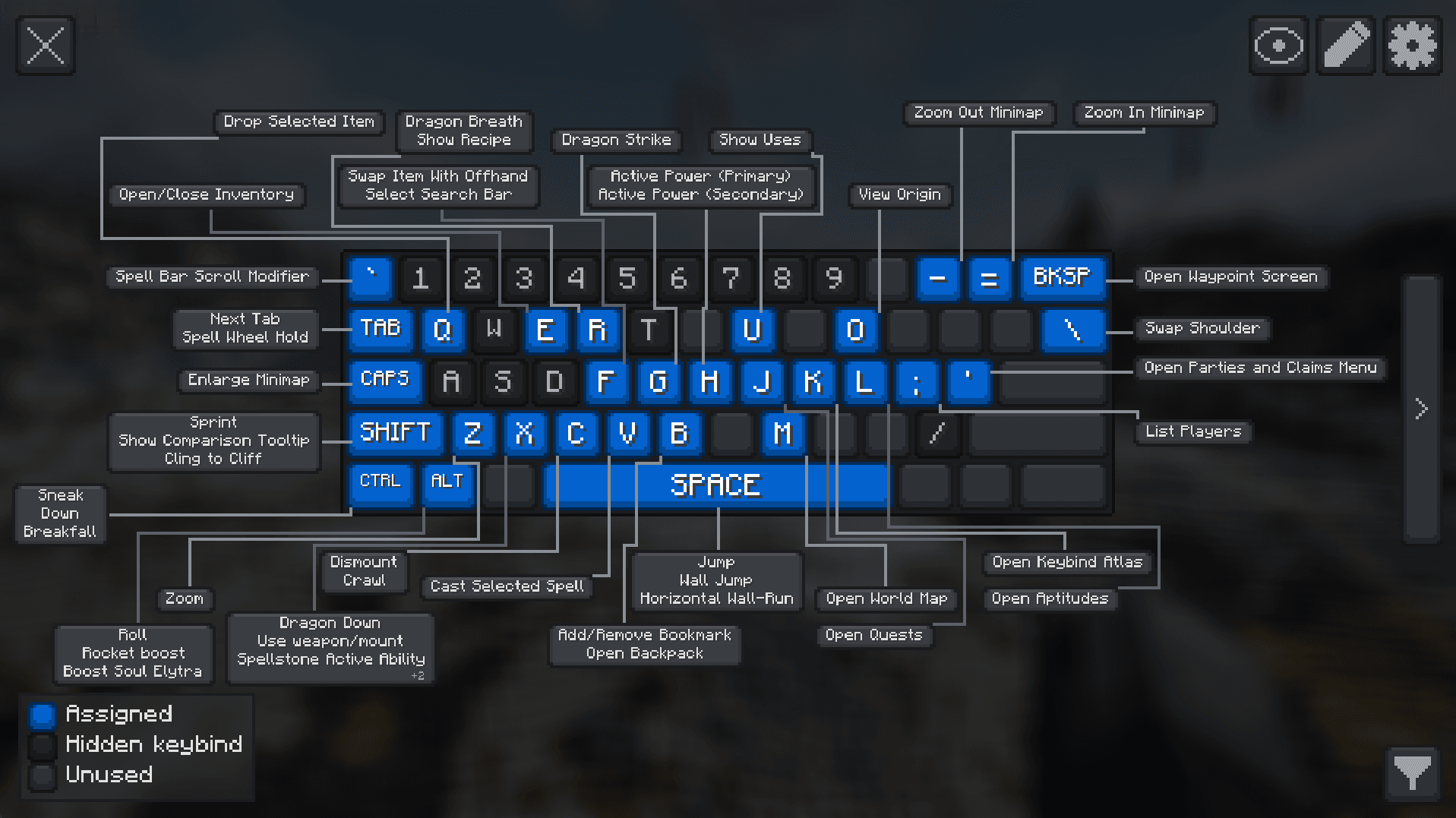
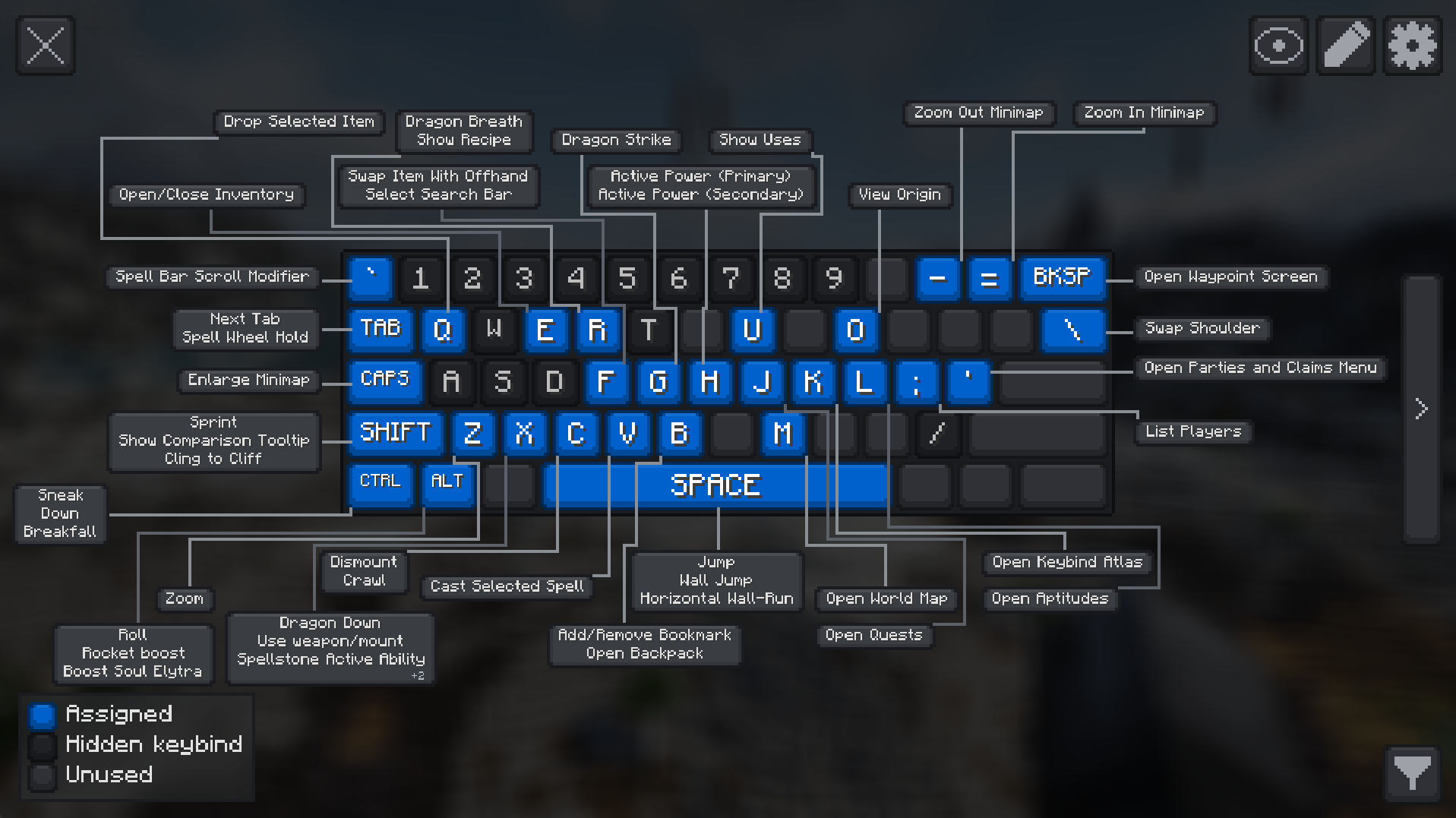
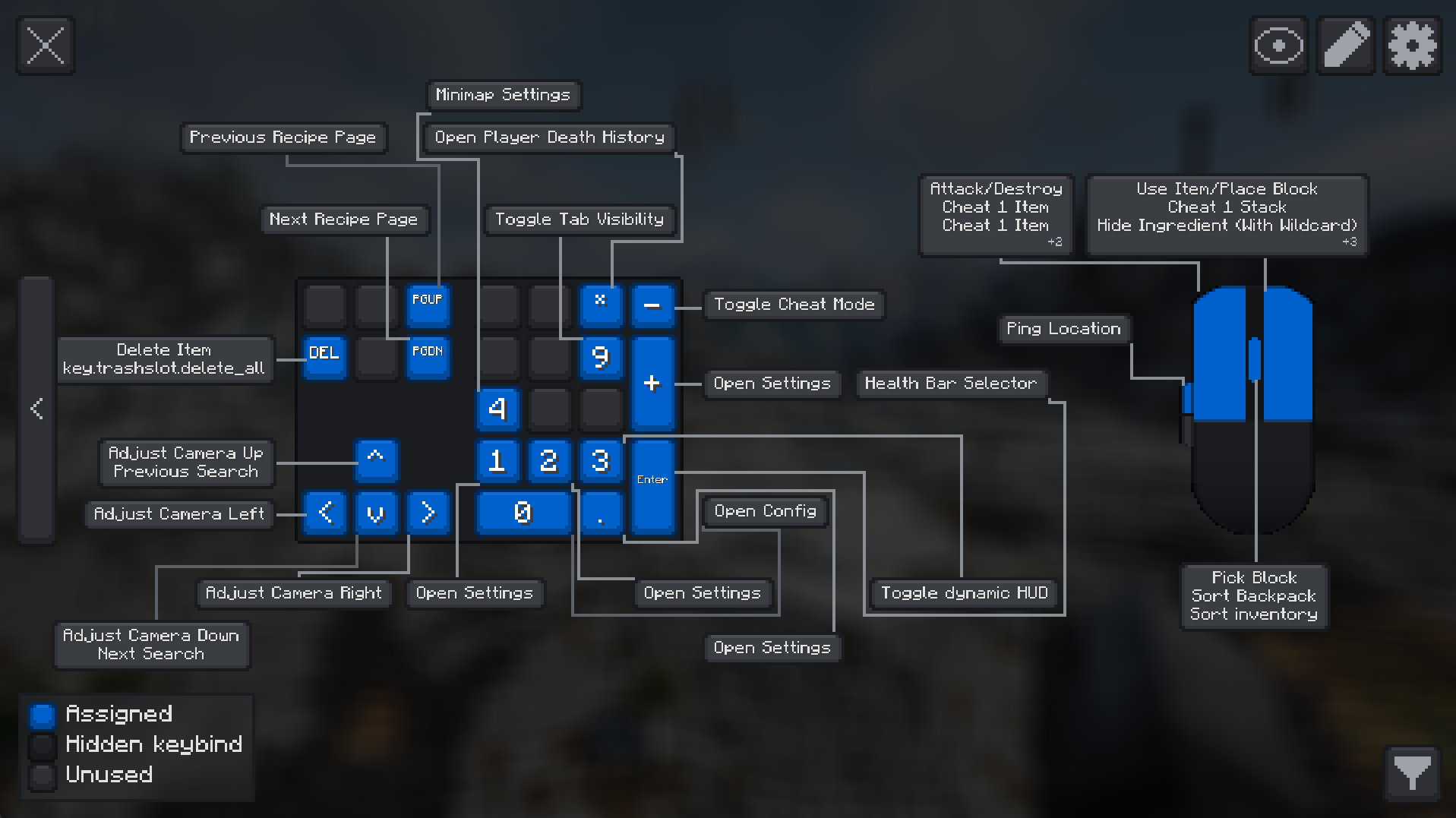
Keybind Atlas renders a live visual map of the player's keyboard and mouse, showing all assigned, unassigned, and hidden keybindings. It dynamically updates as players change bindings or add mods.
Keys are visually separated by state:
- Assigned for keys with active bindings
- Unused for free keys
- Hidden for bindings the player chooses to keep out of the overview
Hovering a key shows the action name and source mod.
You can also search for a specific action or mod in the top search bar, highlighting the assigned keys.
Edit mode
Players can manage bindings directly from the overlay:
- Remove or rebind an assigned key, including modifiers (ctrl, shift, alt) and mouse buttons
- Browse unassigned bindings grouped by mod
- Assign actions to new keys
- Undo changes, discard them, or apply them when ready
- List all changes before applying
Keybind Sets
You can create and manage multiple keybind sets, and switch between them easily(default alt + K). Each set is saved as a JSON file in the config folder, and you can rename or delete sets as needed. The selected set is remembered and automatically tracks edits. Includes a keybind to cycle between sets (default Alt+K).
Each snapshot is its own JSON file under config/keybindatlas/sets/, containing a display name and bindings mapped to key and modifier values. Names must be unique (case-insensitive).
Filtering and Customization
Players can filter visible bindings by mod or by specific actions to reduce noise.
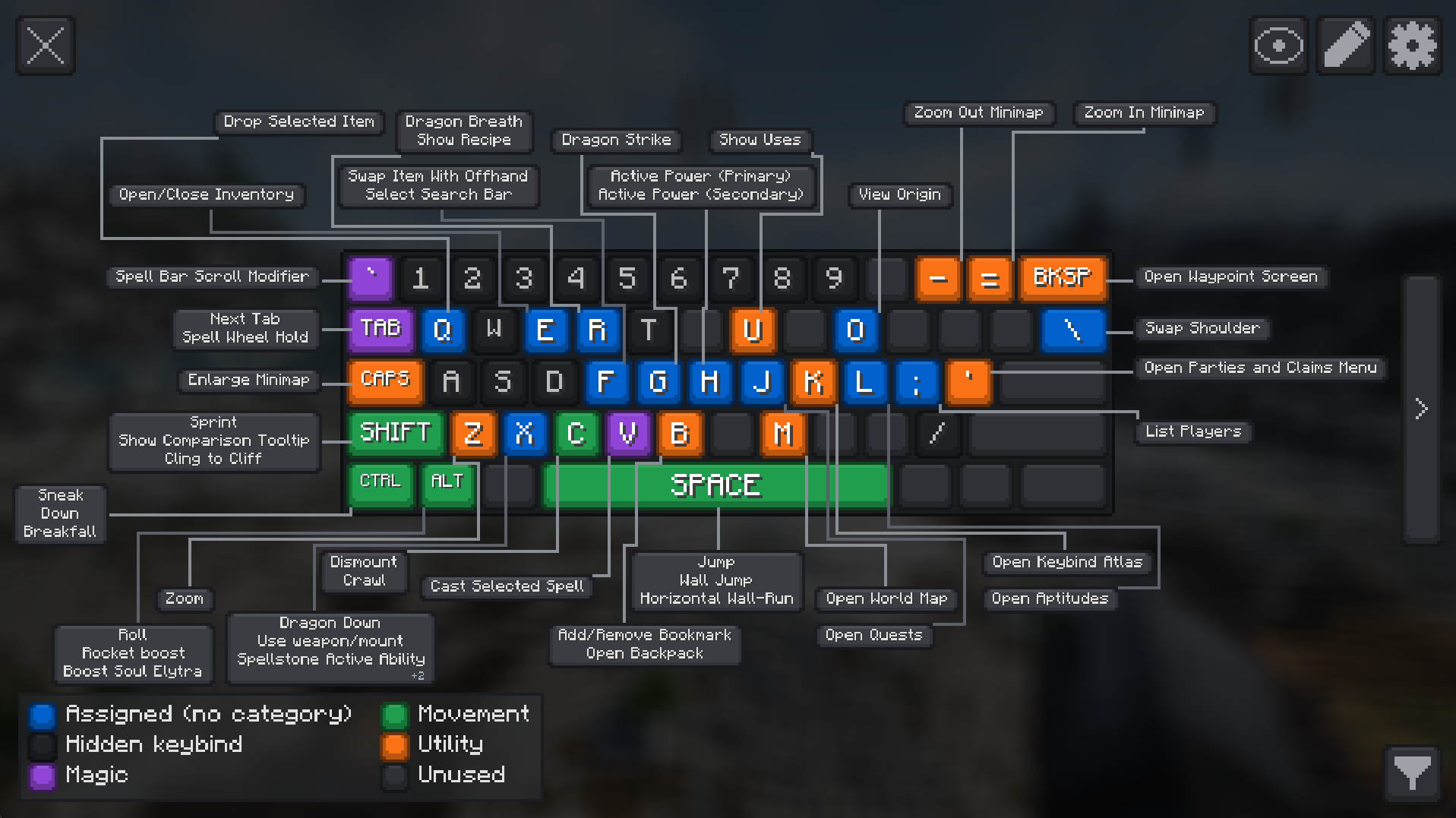
The atlas also supports custom color-coded categories for organizing assigned bindings, including creating, editing, and deleting categories directly in the overlay.
Other customization settings include:
- Keyboard layout selection
- Function keys / numpad toggles
- Animation controls
- Hidden-binding controls
- 16px and 32px pixel-art resolution
- Panel styling options
The Box Layout & Routing editor under Settings allows changes to box sizing, spacing, and connector preferences.
KeyBind Bundles Compat
Keybind Atlas has support for KeyBind Bundles mod, and shows a visual radial for viewing and editing bundles. Hover an assigned bundle to see its actions.
Controller Compatibility
Keybind Atlas has support for Controllable mod, including full controller support (Playstation and Xbox layouts), assignment editing, and radial menu editing.
Why should I add this to my modpack?
If your pack depends on many key-driven features, vehicles, abilities, gadgets, magic systems, or utility menus, this mod gives players a much better first impression of the control setup and helps new players learn the controls faster. Players can reassign controls as they see fit in the same screen.
I recommend using this mod along with Default Options mod to ship a custom keybinding setup with your modpack.
Other Info
- Client-side only, no server installation is required.
- How to Open overlay:
- Keybind:
K - Command:
/keybindatlas - Settings > Controls > Keybind Atlas
- Keybind:
Supported keyboard layouts
- US QWERTY
- UK QWERTY
- Brazilian ABNT2
- French AZERTY
- Belgian AZERTY
- German QWERTZ
- Swiss QWERTZ
- Spanish QWERTY
- Italian QWERTY
- PT-PT QUERTY
- Nordic QWERTY
Supported localizations
- English (US)
- English (UK)
- Portuguese (Brazil)
- French
- German
- Spanish
- Italian
- Dutch (Belgium)
- Danish
- Swedish
- Norwegian Bokmal
- Finnish
- Russian
- Simplified Chinese
Showcase Videos
Thank you to all the content creators who have showcased the mod! If you have a video featuring Keybind Atlas that you'd like to share, please let me know.
Kreksu
EnderVerse
Does Keybind Atlas need to be installed on the Minecraft server?
No. Modrinth marks Keybind Atlas as unsupported on the server side. Install it only in your local mods folder. Your server can stay unchanged unless the project page lists an additional dependency.
Which version and loader does Keybind Atlas require?
Use a file for Fabric, Forge, NeoForge and your exact Minecraft version. Supported versions include 26.3, 26.2, 26.1.2. Files for different loaders are not interchangeable.
Keybind Atlas is not working – what should I check?
First check the Minecraft version, loader version and required dependencies. Because the mod is client-side, more server RAM will not fix it.
Similar mods
Popular mods in the same category
 Server-ready

FerriteCore
by malte0811
Memory usage optimizations
 Client only

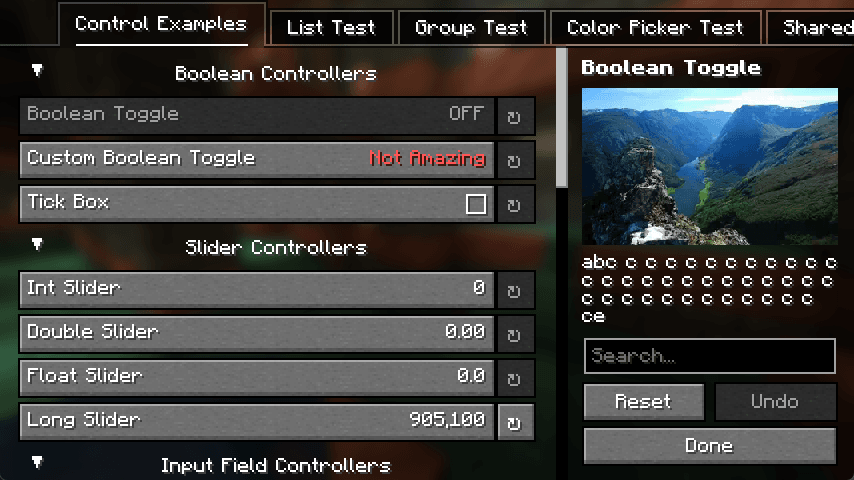
Mod Menu
by Prospector
Adds a mod menu to view the list of mods you have installed.
 Server-ready

YetAnotherConfigLib (YACL)
by isxander
A builder-based configuration library for Minecraft!
 Server-ready

Xaero's Minimap
by thexaero
Displays a map of the nearby world terrain, players, mobs, entities in the corner of your screen. Lets you create waypoints which help you find the locations you've marked.
Looking for mods for your own server?
The catalog lists mods that run on Minecraft servers.